Fabric API Needed by RetroScreens Retro-Screens-1.0.0.jar
requiredMatching file found Matched file: [26.3] Fabric API 0.166.2+26.3
CurseForge · Minecraft mod
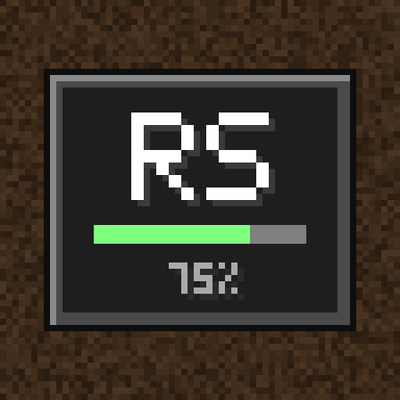
Brings back the classic Alpha/Beta look: a simple loading bar with percentage, a retro "Building terrain" screen and dirt backgrounds in the menus.
Quick answer
RetroScreens Retro-Screens-1.0.0.jar targets 26.3 with Fabric. The project page does not say whether this file belongs on the client, dedicated server, or both. All 1 required mods have matching files.
Where it goes
The project page does not say whether this file belongs on the client, dedicated server, or both.
The source does not explicitly classify this release as client-only or server-only.
Retro-Screens-1.0.0.jar on 26.3. Every mod below is checked against that same setup.
Install Fabric API first. We found matching files for this game-version and loader setup.
We only count dependency files that match this setup. A file for another loader does not fill the gap.
Before you install it
Built for RetroScreens Retro-Screens-1.0.0.jar on 26.3. Pick another file and the loader, install side or required mods may change.
Use Retro-Screens-1.0.0.jar. It targets 26.3 with Fabric; another release may have different loader, side or dependency requirements.
Install Fabric API first. We found matching files for this game-version and loader setup.
The project page does not say whether this file belongs on the client, dedicated server, or both.
Use the “Get this file” button beside Retro-Screens-1.0.0.jar. It opens that exact file at the source.
About this project
Retro Screens brings back the simple, classic look of Minecraft Alpha and Beta to the latest version of the game.
No logos, no spinning panorama, just the screens you remember.
Other mods that also change the main menu, the panorama or the loading screen may conflict with Retro Screens. If you find a conflict or a bug, please report it in the comments.
Retro Screens is All Rights Reserved. You may use it in modpacks, but please do not reupload it to other websites or reuse its code without permission.
Made by LostCraft.
Project description from CurseForge.
Pick your setup
Choose the version and loader you play, then open the matching release.
Check the dependencies, then try the file in a copied instance before changing a world you care about.
Recent files
retro-screens-1.0.0.jar
8 Nov 2026
Looking for an older file? The official CurseForge project page is in Resources.
 mod
World backups that keep themselves: the world is zipped every hour and the oldest zips are deleted. /backup now, /backup list.
 mod
A server economy: coins, a server price list to sell to, and a player auction house in a chest menu. /bal, /pay, /sell, /ah.
 mod
A mega torch: no hostile mob spawns naturally within 64 blocks of a Ward Torch, even while you are away.