Just Enough Items (JEI) Needed by simulacrum-1.1.0.jar
requiredMatching file found Matched file: 15.74.0.234 for Forge 1.20.1

CurseForge · Minecraft mod
Black and white interface in place of every single menu, modded or vanilla.
Quick answer
simulacrum-1.1.0.jar targets 1.20.1 with Forge. The project page does not say whether this file belongs on the client, dedicated server, or both. All 2 required mods have matching files.
Where it goes
The project page does not say whether this file belongs on the client, dedicated server, or both.
The source does not explicitly classify this release as client-only or server-only.
simulacrum-1.1.0.jar. Change the file and its required mods may change too.
Install Just Enough Items (JEI), MezzConfig first. We found matching files for this game-version and loader setup. 2 come through another mod in the chain.
2 extra mods were pulled in by other dependencies. Indented rows show who needs each one. We only count dependency files that match this setup. A file for another loader does not fill the gap.
Before you install it
Built for simulacrum-1.1.0.jar. Pick another file and the loader, install side or required mods may change.
Use simulacrum-1.1.0.jar. It targets 1.20.1 with Forge; another release may have different loader, side or dependency requirements.
Install Just Enough Items (JEI), MezzConfig first. We found matching files for this game-version and loader setup. 2 come through another mod in the chain.
The project page does not say whether this file belongs on the client, dedicated server, or both.
Use the “Get this file” button beside simulacrum-1.1.0.jar. It opens that exact file at the source.
About this project
 Simulacrum is a client-side overhaul of every menu in the game, the mods' menus included. It replaces them with one black and white interface. Loading screens, title, pause, options, mod list and config screens all become the same dark room. No other mod can paint over it.
Some of its features: World Names ***(***a die rolls a world name from 6000 names. The name fades in on arrival, away from biome titles from Traveler's Titles), paged creative tabs, no experimental settings warning and no recipe toasts (since JEI takes over the entire recipe book UI).


REQUIRES: JEI (JUST ENOUGH ITEMS)
COOL WITH: Nothing in particular.
SHOULDN'T BE PLAYED WITH: Drippy Loading Screen, Better World Loading, Smooth Loading Screen, Seamless Loading Screen, Linger, FancyMenu, Glazed Menu, ModernMenu. Catalogue, Configured, Searchables, Controlling, World Souls, Minecraft Cursor, Fabric Tabs, Experimental Settings Disabler, Not Enough Recipe Book and Fancy Toasts.

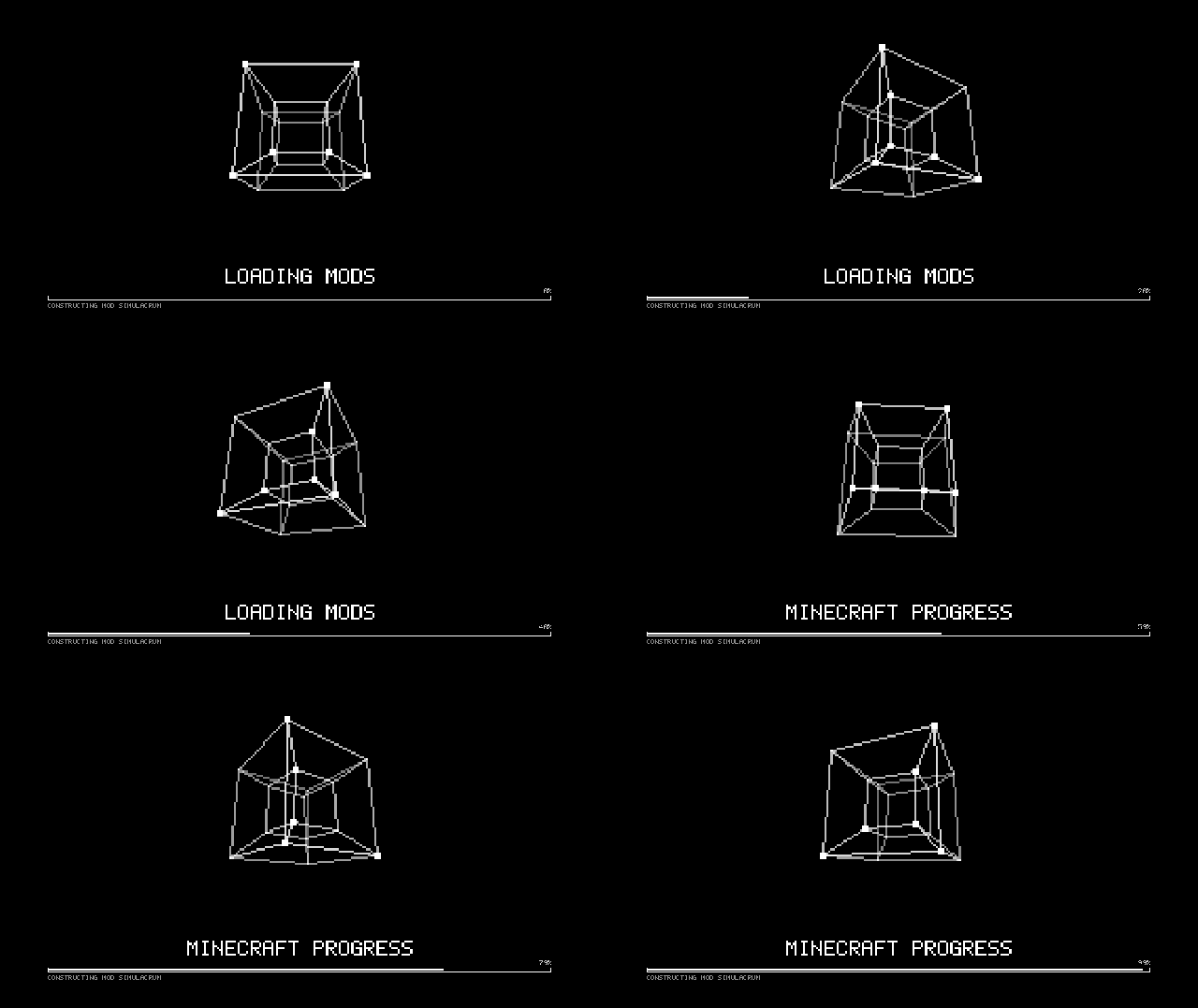
Forge loading screen
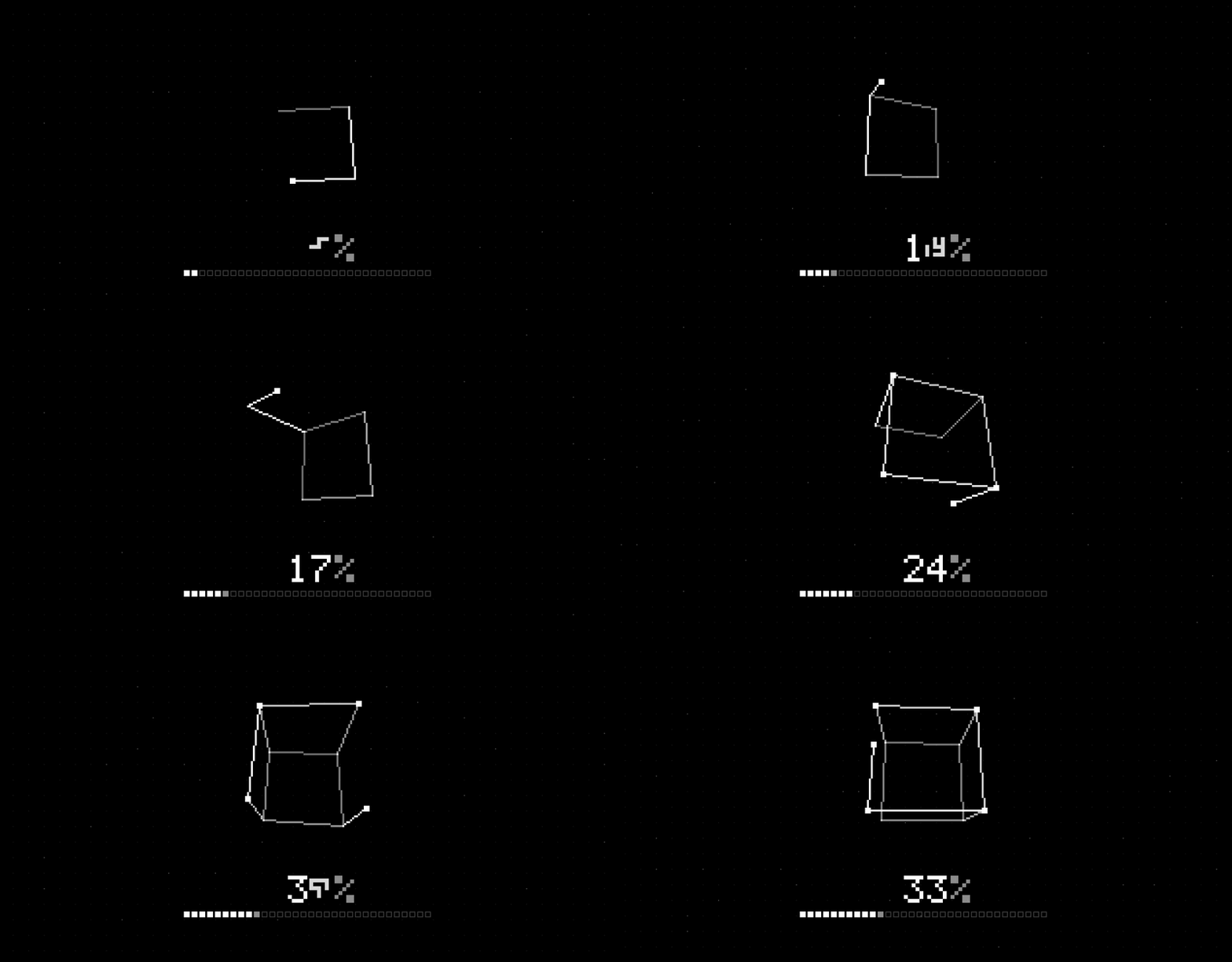
World loading screen
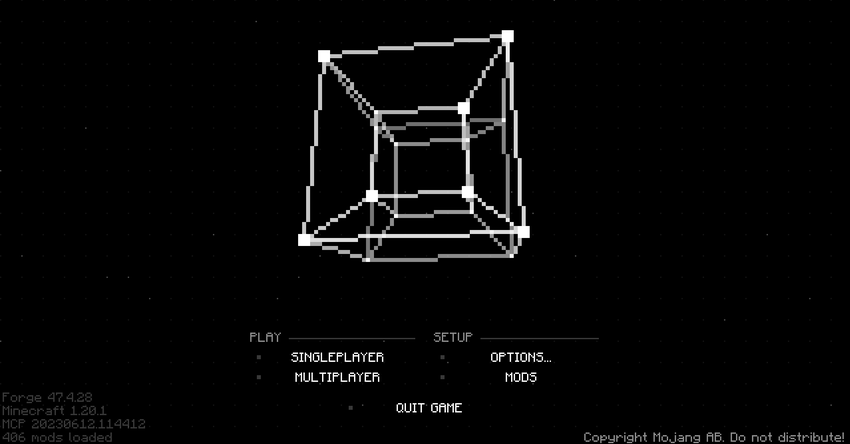
Main menu
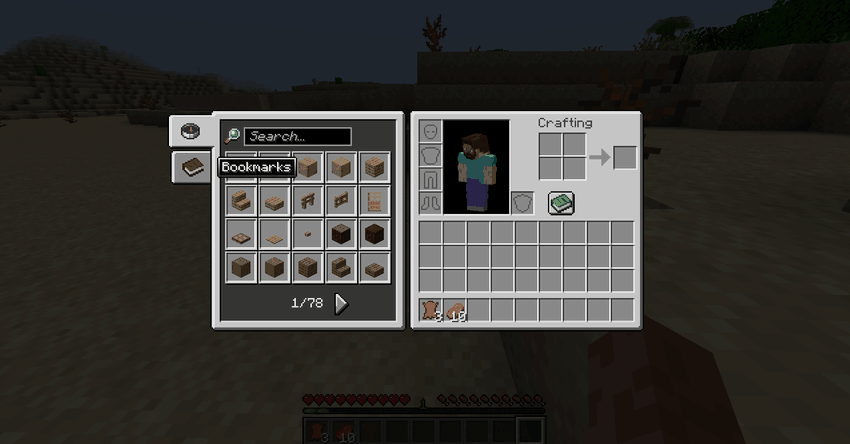
JEI overwriting the recipe book

Cursors
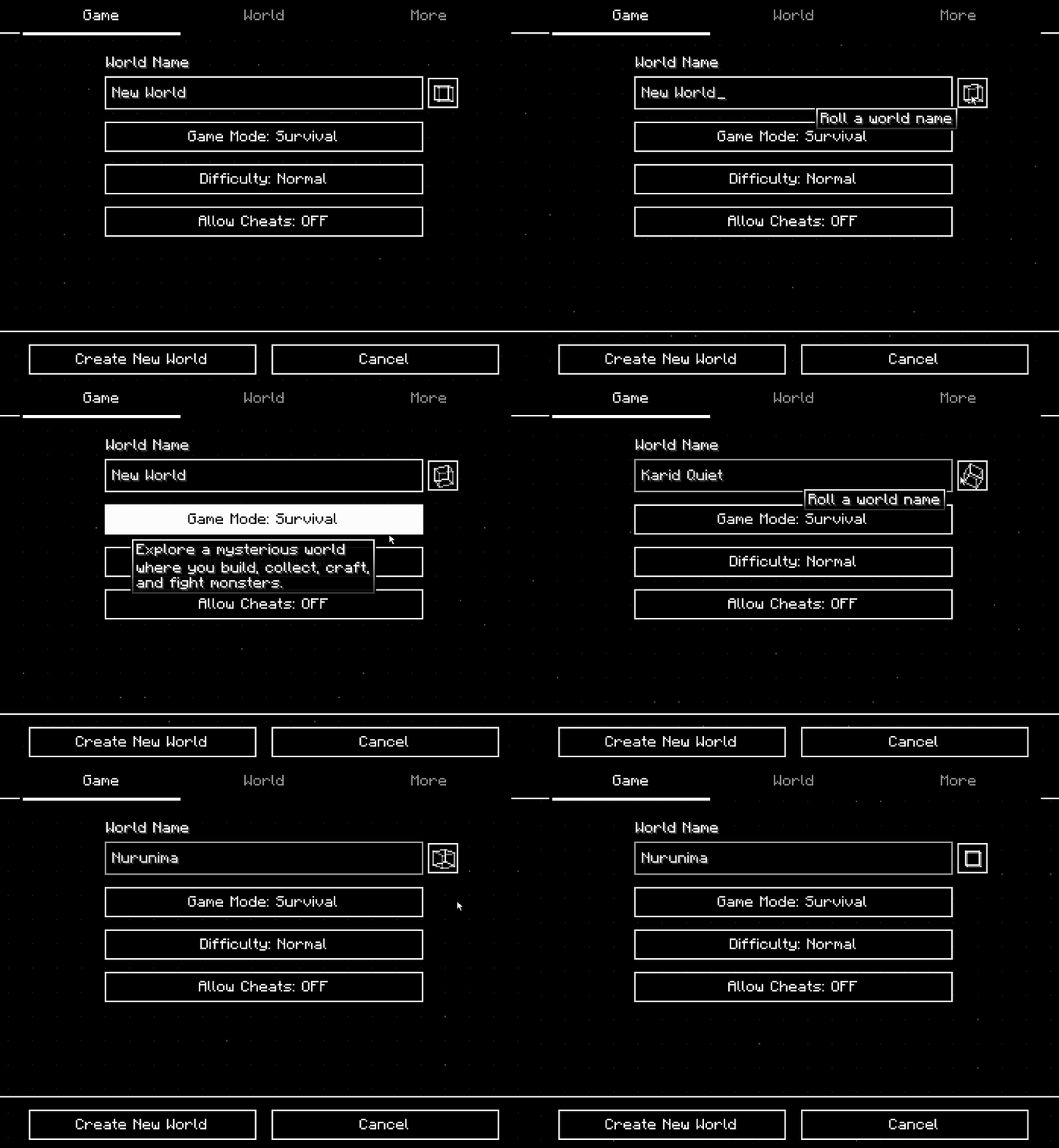
Create New World screen

;)
Project description from CurseForge.
Pick your setup
Choose the version and loader you play, then open the matching release.
Check the dependencies, then try the file in a copied instance before changing a world you care about.
Recent files
12 Nov 2026
9 Nov 2026
Looking for an older file? The official CurseForge project page is in Resources.
 mod
Explore a whole new musical world. Melomancy, animal orchestras, story, music, NPCs — and much more!
 mod
Airo’s Commands+ adds essential server utility commands for homes, teleport requests, spawn travel, random teleporting, player coordinates, and admin-controlled command settings.
 mod
All Nations' Armies, whether if it is superpowers or major powers