Fabric API Needed by Pick’n’Pack Pick ’n’ Pack 1.0.0 (Fabric 26.1–26.1.2)
requiredMatching file found Matched file: [26.1.2] Fabric API 0.155.3+26.1.2

CurseForge · Minecraft mod
Mix resource packs by area or single file into your own pack, with a live in-game preview.
Quick answer
Pick’n’Pack Pick ’n’ Pack 1.0.0 (Fabric 26.1–26.1.2) targets 26.1, 26.1.1, 26.1.2 with Fabric. The project page does not say whether this file belongs on the client, dedicated server, or both. All 1 required mods have matching files.
Where it goes
The project page does not say whether this file belongs on the client, dedicated server, or both.
The source does not explicitly classify this release as client-only or server-only.
Pick ’n’ Pack 1.0.0 (Fabric 26.1–26.1.2) on 26.1. Every mod below is checked against that same setup.
Install Fabric API first. We found matching files for this game-version and loader setup.
We only count dependency files that match this setup. A file for another loader does not fill the gap.
Before you install it
Built for Pick’n’Pack Pick ’n’ Pack 1.0.0 (Fabric 26.1–26.1.2) on 26.1. Pick another file and the loader, install side or required mods may change.
Use Pick ’n’ Pack 1.0.0 (Fabric 26.1–26.1.2). It targets 26.1, 26.1.1, 26.1.2 with Fabric; another release may have different loader, side or dependency requirements.
Install Fabric API first. We found matching files for this game-version and loader setup.
The project page does not say whether this file belongs on the client, dedicated server, or both.
Use the “Get this file” button beside Pick ’n’ Pack 1.0.0 (Fabric 26.1–26.1.2). It opens that exact file at the source.
About this project
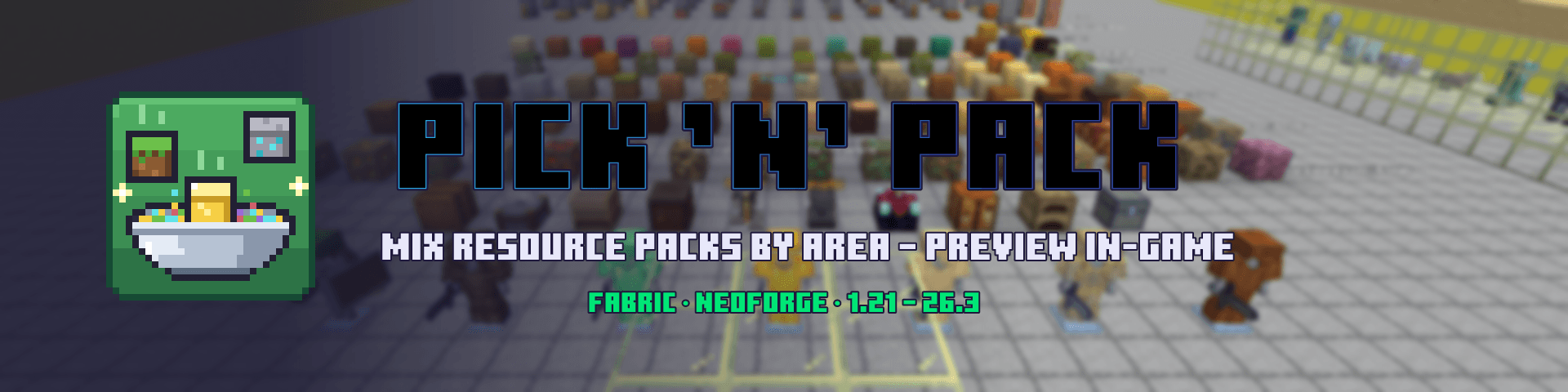
Love the blocks from one resource pack, the items from another, and the GUI from a third? Pick ’n’ Pack combines them into a single pack of your own – right inside Minecraft. Choose for every area (blocks, items, mobs, GUI, sky, sounds …) or even for every single file which pack it comes from, try the result in-game, and save it as a normal resource pack.
_e, _n, _s) stay with their texture; before creating, a check warns when something points to a missing file.mods folder.Pick ’n’ Pack is client-side only. It is not needed on servers.
| Loader | Required |
|---|---|
| Fabric | Fabric API |
| NeoForge | nothing else |
Optional: the mods the mix screen suggests for special content (e.g. Continuity, Entity Texture Features, Entity Model Features, CIT Resewn, OptiGUI, Polytone).
| Minecraft | Fabric | NeoForge |
|---|---|---|
| 1.21 – 1.21.1 | ✅ | ✅ |
| 1.21.2 – 1.21.4 | ✅ | – |
| 1.21.5 | ✅ | – |
| 1.21.6 – 1.21.8 | ✅ | – |
| 1.21.9 – 1.21.10 | ✅ | – |
| 1.21.11 | ✅ | – |
| 26.1.x | ✅ | – |
| 26.2 | ✅ | – |
| 26.3 | ✅ | – |
Each version has its own file – pick the one that matches your game.
Can I upload or sell a pack I mixed? Only with permission from the authors of every original pack. That is why each mixed pack is marked “Private use only – not for sale”.
Does it change my original packs? No. Pick ’n’ Pack only reads them and writes a new pack.
Do I need it on a server? No, it is client-side only.
Where are my recipes stored? In config/picknpack/rezepte/. You can also copy a recipe as a code and paste it on another computer.
A translation sounds odd. The non-English/German languages are machine-translated (DeepL). Corrections are very welcome.
Licensed under the MIT License. Not an official Minecraft product. Not approved by or associated with Mojang or Microsoft.
Project description from CurseForge.
Pick your setup
Choose the version and loader you play, then open the matching release.
Showing the newest 12 of 17 game versions. Older files are in the list below.
Check the dependencies, then try the file in a copied instance before changing a world you care about.
Recent files
picknpack_1.0.0_26.1.2.jar
9 Nov 2026
Looking for an older file? The official CurseForge project page is in Resources.
 mod
A growing collection of quality-of-life tweaks, bug fixes, and cross-mod integrations for modpack creators!
 mod
🤑 Influence trades - 🧱sand/dirt/glass Slabs - 🎁linked chest inventory- 🛠️place random block
 mod
Broadcast audio to everyone