Minecraft version
Back to mods 
CurseForge · Minecraft mod
Barely Gravestone
Keep your stuff save after you perish. Follow the particles back to your grave.
Choose a version Pick your version below, then grab the matching file.
Quick answer
Which Barely Gravestone release matches Forge?
beta file Barely Gravestone 2026.11.3 (Minecraft 26.3 Forge)
Game version 26.3
Loader Forge
Barely Gravestone 2026.11.3 (Minecraft 26.3 Forge) targets 26.3 with Forge. The project page does not say whether this file belongs on the client, dedicated server, or both. No extra mods listed for this file.
Where it goes
Is Barely Gravestone required on the client, server, or both?
The project page does not say whether this file belongs on the client, dedicated server, or both.
Client Source doesn’t say
Dedicated server Source doesn’t say
Loader for this release Forge
Required install it here Optional supported, not mandatory Not supported do not install here Source doesn’t say do not assume
The source does not explicitly classify this release as client-only or server-only.
What else does Barely Gravestone 2026.11.3 (Minecraft 26.3 Forge) need?
Barely Gravestone 2026.11.3 (Minecraft 26.3 Forge) on Forge. Every mod below is checked against that same setup.
This file does not list any required mods. Do not add a library just because a different file uses it.
This file does not list any required or optional mods.
Before you install it
Add Barely Gravestone without breaking your instance.
Built for Barely Gravestone 2026.11.3 (Minecraft 26.3 Forge) on Forge. Pick another file and the loader, install side or required mods may change.
- 01
Stick to this file
Use Barely Gravestone 2026.11.3 (Minecraft 26.3 Forge). It targets 26.3 with Forge; another release may have different loader, side or dependency requirements.
- 02
Bring the mods it needs
This file does not list any required mods. Do not add a library just because a different file uses it.
- 03
Put it on the correct side
The project page does not say whether this file belongs on the client, dedicated server, or both.
- 04
Pick the file you checked
Use the “Get this file” button beside Barely Gravestone 2026.11.3 (Minecraft 26.3 Forge). It opens that exact file at the source.
About this project
What does Barely Gravestone add?

Graves for Forge and NeoForge: your items wait under a pike with your own skinned head on top, and an Obituary shows the way back.
When you die, everything you carry (inventory, armor, off-hand and Curios slots) goes into a gravestone where you fell. The grave is a thin pike with your real skin on its head. You get an Obituary: a book that tells you how, when and where you died and lists what is still in the grave. Hold it and dim particles drift toward the grave. Right-click the grave with an empty hand to collect.
Docs and the full config: itmecasey.com/wiki/barelygravestone

- One grave per death: graves never expire unless you set a timer (default off).
- Smart placement: the nearest valid spot. Die in water or lava and a cobblestone block is set at the surface with the grave on top; with no ground below, a cobblestone goes under the grave. If nothing fits, the items drop as usual.
- Your head on a pike: drawn from the stored game profile, so it shows the dead player's actual skin (offline names get the default skin).
- Obituary: given on respawn (kept for you when your inventory is full). The page shows the death message, the real date and time with the in-game day, the dimension and coordinates (hideable), the XP price, and the stacks still in the grave, updating as items are taken.
- Server side: works on dedicated servers and in single player. Everything is saved in the grave, so it survives restarts.

- You die. Your items go into a grave; the XP price (if you set one) is taken.
- You respawn with an Obituary. Hold it: particles lead you to the grave, in the same dimension only.
- Right-click the Obituary to read it, right-click the grave with an empty hand to collect.
- Whatever does not fit in your inventory stays in the grave; the grave removes itself when it is empty.

collectBy:OWNER_ONLY(default) orANYONE. A player who may not collect gets a chat message and no items.teamMembersCanOpen(default off): members of the dead player's team can collect too (vanilla scoreboard teams, plus FTB Teams and Open Parties and Claims where they exist).- Operators and creative players can always collect. Survival players cannot break a grave.
xpCostPercent(0 to 100, default 0): that share of your XP levels is the price of keeping your items.keepLostXp(default off) stores that XP in the grave and hands it to whoever collects.graveExpiryMinutes(default 0, never),showCoordinates,deathMarker,obituaryParticles.- Operator commands:
/gravestone list [player],tp <id>,remove <id>,restore <id> [player],obituary <id> [player].

- Curios: items in Curios slots go into the grave with the rest.
- JourneyMap: a gold "Grave of ..." waypoint shows at the grave while you carry the Obituary and disappears when the grave is emptied (all ten builds). - Antique Atlas (1.21.1 and Forge 1.20.1): a skull marker on the atlases you carry. Xaero's, VoxelMap and FTB Chunks have no public waypoint API; the wiki lists the state of every map mod.
- Teams: Open Parties and Claims parties and FTB Teams parties count for
teamMembersCanOpenwhere those mods have a build. - Everything is optional: nothing breaks when these mods are missing.

Does it work with keepInventory? The game rule still wins: with keepInventory on you keep your items and no grave is made.
What if there is no room for a grave? The items drop normally.
Source and issues: github.com/ItMeCasey/BarelyGravestone
Project description from CurseForge.
Pick your setup
Barely Gravestone by Minecraft version and loader
Choose the version and loader you play, then open the matching release.
Minecraft version
26.2
2 loader buildsMinecraft version
26.1.2
2 loader buildsMinecraft version
1.21.1
2 loader buildsMinecraft version
1.20.1
2 loader buildsCheck the dependencies, then try the file in a copied instance before changing a world you care about.
Recent files
Barely Gravestone versions and loaders
Barely Gravestone 2026.11.3 (Minecraft 26.3 Forge)
barelygravestone-forge-mc26.3-2026.11.3.jar
14 Nov 2026
Client Source doesn’t say Server Source doesn’t say Dependencies No extras listed Listed on Release listing
Check the 26.3 · Forge setup Forge26.3 beta
Barely Gravestone 2026.11.3 (Minecraft 26.2 Forge)
barelygravestone-forge-mc26.2-2026.11.3.jar
14 Nov 2026
Client Source doesn’t say Server Source doesn’t say Dependencies No extras listed Listed on Release listing
Check the 26.2 · Forge setup Forge26.2 beta
Barely Gravestone 2026.11.3 (Minecraft 26.1.2 Forge)
barelygravestone-forge-mc26.1.2-2026.11.3.jar
14 Nov 2026
Client Source doesn’t say Server Source doesn’t say Dependencies No extras listed Listed on Release listing
Check the 26.1.2 · Forge setup Forge26.1.2 beta
Barely Gravestone 2026.11.3 (Minecraft 1.21.1 Forge)
barelygravestone-forge-mc1.21.1-2026.11.3.jar
14 Nov 2026
Client Source doesn’t say Server Source doesn’t say Dependencies No extras listed Listed on Release listing
Check the 1.21.1 · Forge setup Forge1.21.1 beta
Barely Gravestone 2026.11.3 (Minecraft 1.20.1 Forge)
barelygravestone-forge-mc1.20.1-2026.11.3.jar
14 Nov 2026
Client Source doesn’t say Server Source doesn’t say Dependencies No extras listed Listed on Release listing
Check the 1.20.1 · Forge setup 1.20.1Forge beta
Barely Gravestone 2026.11.2 (Minecraft 26.3 Forge)
barelygravestone-forge-mc26.3-2026.11.2.jar
13 Nov 2026
Client Source doesn’t say Server Source doesn’t say Dependencies No extras listed Listed on Release listing
Check the 26.3 · Forge setup Forge26.3 beta
Barely Gravestone 2026.11.2 (Minecraft 26.2 Forge)
barelygravestone-forge-mc26.2-2026.11.2.jar
13 Nov 2026
Client Source doesn’t say Server Source doesn’t say Dependencies No extras listed Listed on Release listing
Check the 26.2 · Forge setup Forge26.2 beta
Barely Gravestone 2026.11.2 (Minecraft 26.1.2 Forge)
barelygravestone-forge-mc26.1.2-2026.11.2.jar
13 Nov 2026
Client Source doesn’t say Server Source doesn’t say Dependencies No extras listed Listed on Release listing
Check the 26.1.2 · Forge setup Forge26.1.2 beta
Barely Gravestone 2026.11.2 (Minecraft 1.21.1 Forge)
barelygravestone-forge-mc1.21.1-2026.11.2.jar
13 Nov 2026
Client Source doesn’t say Server Source doesn’t say Dependencies No extras listed Listed on Release listing
Check the 1.21.1 · Forge setup Forge1.21.1 beta
Barely Gravestone 2026.11.2 (Minecraft 1.20.1 Forge)
barelygravestone-forge-mc1.20.1-2026.11.2.jar
13 Nov 2026
Client Source doesn’t say Server Source doesn’t say Dependencies No extras listed Listed on Release listing
Check the 1.20.1 · Forge setup 1.20.1Forge beta
Barely Gravestone 2026.11.1 (Minecraft 26.3 Forge)
barelygravestone-forge-mc26.3-2026.11.1.jar
10 Nov 2026
Client Source doesn’t say Server Source doesn’t say Dependencies No extras listed Listed on Release listing
Check the 26.3 · Forge setup Forge26.3 beta
Barely Gravestone 2026.11.1 (Minecraft 26.2 Forge)
barelygravestone-forge-mc26.2-2026.11.1.jar
10 Nov 2026
Client Source doesn’t say Server Source doesn’t say Dependencies No extras listed Listed on Release listing
Check the 26.2 · Forge setup Forge26.2 beta
Looking for an older file? The official CurseForge project page is in Resources.
 mod
CurseForge + Modrinth · Minecraft
Asgard Shield: Reloaded
A Minecraft mod that adds giant swords and shields to the game. A re-make of the original Asgard Shield, made popular by the 1.5 modpack Hexxit.
 mod
CurseForge + Modrinth · Minecraft
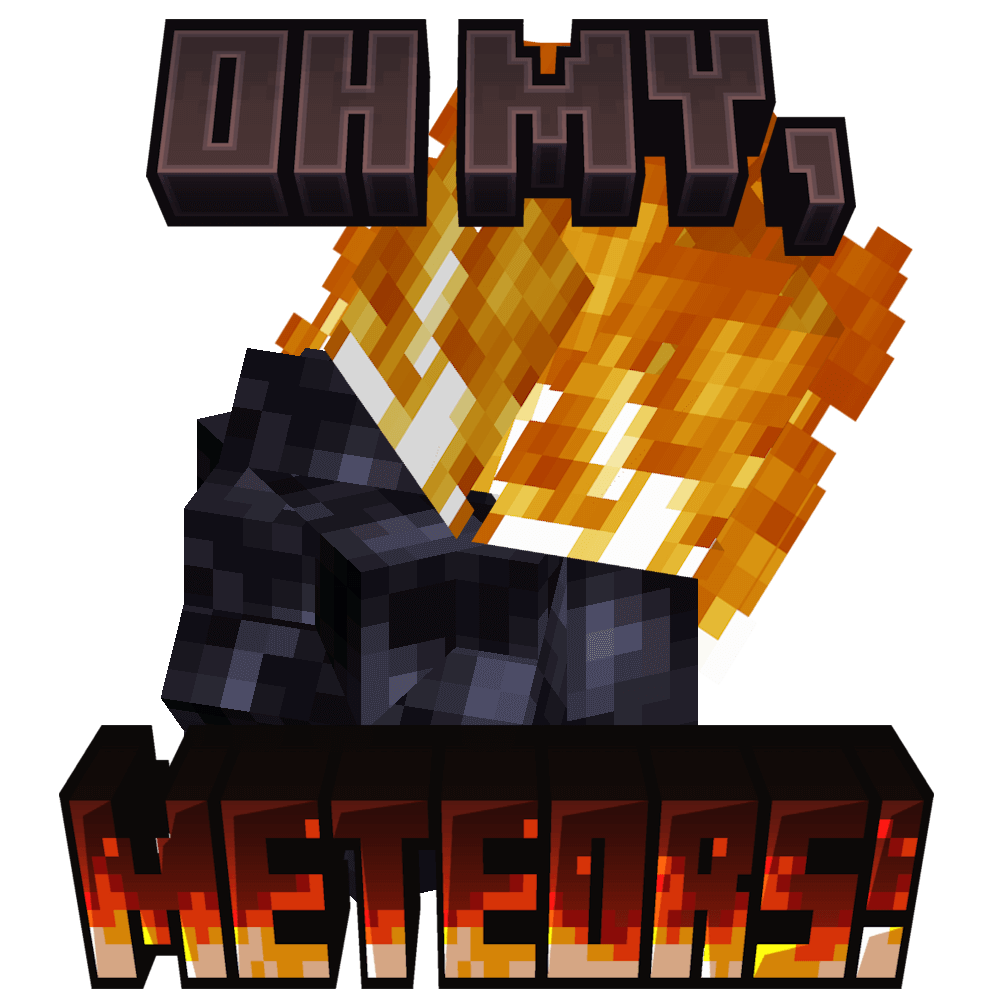
Oh My, Meteors! - A meteorite mod
A Modern falling Meteor mod, highly configurable, pretty and with spirt of the old ones!