Fabric API Needed by Quiet Please 1.1.0 (Fabric 1.18.2)
requiredNo matching file
CurseForge · Minecraft mod
Mute or turn down any single music track in your modpack. Per-track volume, per-mod toggle, preview.
Quick answer
Quiet Please 1.1.0 (Fabric 1.18.2) targets 1.18.2 with Fabric, Quilt. The project page does not say whether this file belongs on the client, dedicated server, or both. 1 required mod needs a matching file.
Where it goes
The project page does not say whether this file belongs on the client, dedicated server, or both.
The source does not explicitly classify this release as client-only or server-only.
Quiet Please 1.1.0 (Fabric 1.18.2) on Quilt. Every mod below is checked against that same setup.
Install Fabric API first, but 1 required mod has no matching file for this setup. Do not mix loader builds to force a match.
We only count dependency files that match this setup. A file for another loader does not fill the gap.
Before you install it
Built for Quiet Please 1.1.0 (Fabric 1.18.2) on Quilt. Pick another file and the loader, install side or required mods may change.
Use Quiet Please 1.1.0 (Fabric 1.18.2). It targets 1.18.2 with Fabric, Quilt; another release may have different loader, side or dependency requirements.
Install Fabric API first, but 1 required mod has no matching file for this setup. Do not mix loader builds to force a match.
The project page does not say whether this file belongs on the client, dedicated server, or both.
Use the “Get this file” button beside Quiet Please 1.1.0 (Fabric 1.18.2). It opens that exact file at the source.
About this project
Big modpacks bring a lot of music – and not all of it fits together. Quiet Please lets you decide, track by track, what you actually want to hear.
/quietplease skip or a key you choose)/quietplease export <name> / import <name> to share a setupEsc → ♪ Quiet Please (top-right corner), Options → ♪ Quiet Please, or Options → Music & Sounds → ♪ Quiet Please, or Mods → Quiet Please → Config. Power users can also use /quietplease in chat.
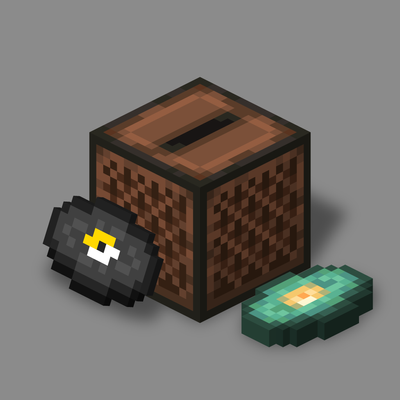
config/quietplease.json, so modpack makers can ship a pre-tuned file.The code of this mod was written with the help of an AI assistant (Claude), and the project icon is rendered from Minecraft's own jukebox and music disc textures. The gallery screenshots are real in-game screenshots.
Project description from CurseForge.
Pick your setup
Choose the version and loader you play, then open the matching release.
Check the dependencies, then try the file in a copied instance before changing a world you care about.
Recent files
quietplease-fabric-1.1.0-1.18.2.jar
13 Nov 2026
quietplease-fabric-1.1.0-1.19.2.jar
13 Nov 2026
quietplease-fabric-1.1.0-26.1.2.jar
13 Nov 2026
quietplease-fabric-1.1.0-26.2.jar
13 Nov 2026
quietplease-fabric-1.1.0-26.3.jar
12 Nov 2026
quietplease-fabric-1.1.0-1.20.1.jar
12 Nov 2026
quietplease-fabric-1.1.0-1.21.1.jar
12 Nov 2026
Looking for an older file? The official CurseForge project page is in Resources.
 mod
JuxtOpposed's Redesign of the Minecraft UI
 mod
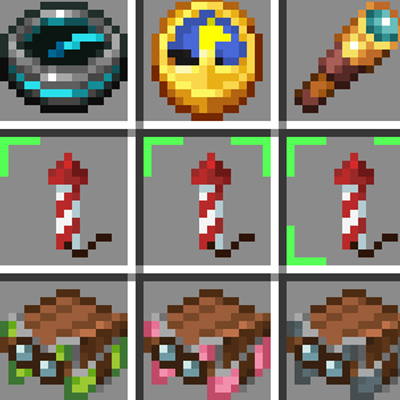
Firework Label shows firework details directly on your item icons. No need to hover your mouse!
 mod
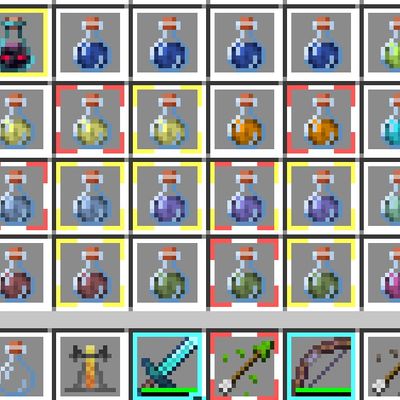
"Inspired by Item Borders by Grend_G This project expands upon the original concept by introducing functional borders—such as potion effect status and instant visual indicators—helping players read their inventory faster.."