Minecraft version
Back to mods 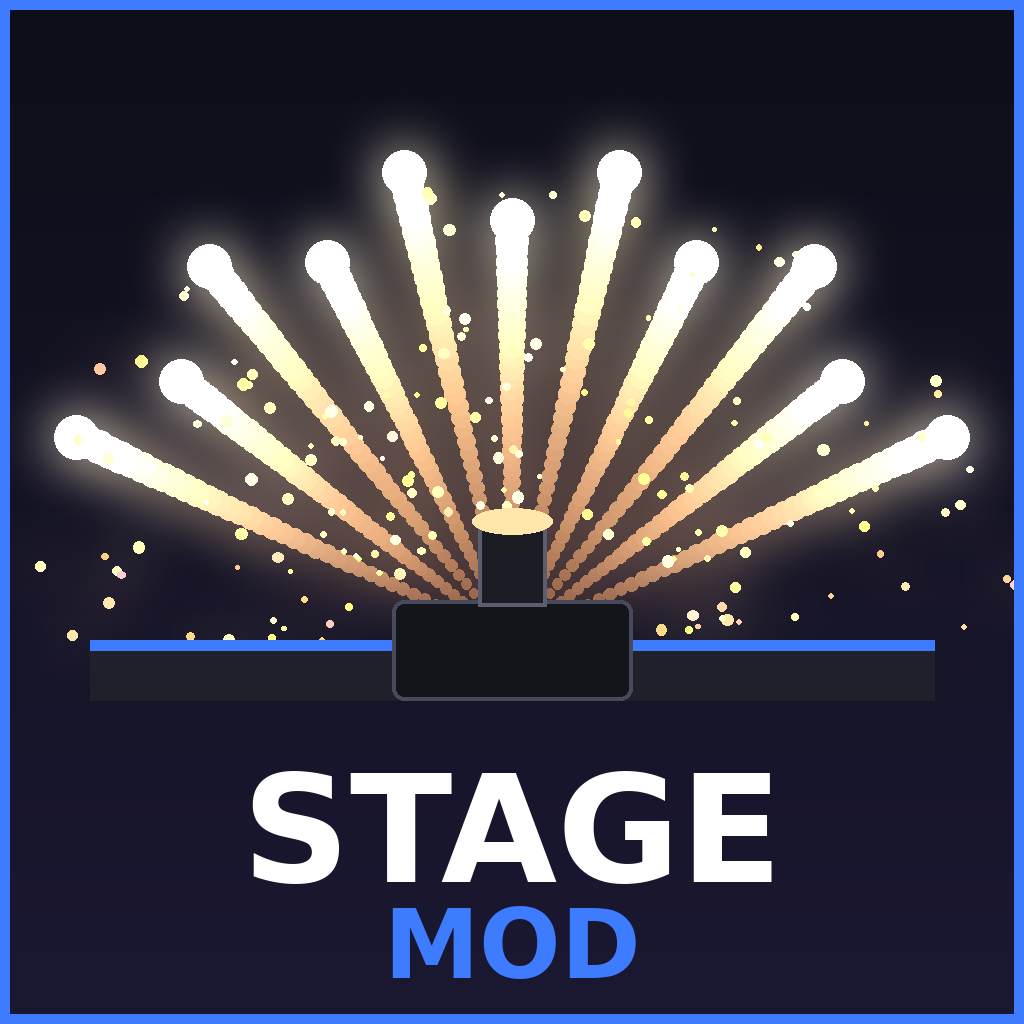
CurseForge · Minecraft mod
Stage Experience
🎆 **Stage Exp** brings professional stage equipment and spectacular special effects to Minecraft! Create your own concerts and shows with smoke machines, CO₂ cannons, confetti, flames, and a complete DMX system. Build your stage, customize your effects, a
Choose a version Pick your version below, then grab the matching file.
Quick answer
Which Stage Experience release should I use?
Latest stable file stage experience
Game version 1.20.1
Loader Forge
stage experience targets 1.20.1 with Forge. The project page does not say whether this file belongs on the client, dedicated server, or both. No extra mods listed for this file.
Where it goes
Is Stage Experience required on the client, server, or both?
The project page does not say whether this file belongs on the client, dedicated server, or both.
Client Source doesn’t say
Dedicated server Source doesn’t say
Loader for this release Forge
Required install it here Optional supported, not mandatory Not supported do not install here Source doesn’t say do not assume
The source does not explicitly classify this release as client-only or server-only.
What else does stage experience need?
stage experience . Change the file and its required mods may change too.
This file does not list any required mods. Do not add a library just because a different file uses it.
This file does not list any required or optional mods.
Before you install it
Add Stage Experience without breaking your instance.
Built for stage experience. Pick another file and the loader, install side or required mods may change.
- 01
Stick to this file
Use stage experience . It targets 1.20.1 with Forge; another release may have different loader, side or dependency requirements.
- 02
Bring the mods it needs
This file does not list any required mods. Do not add a library just because a different file uses it.
- 03
Put it on the correct side
The project page does not say whether this file belongs on the client, dedicated server, or both.
- 04
Pick the file you checked
Use the “Get this file” button beside stage experience . It opens that exact file at the source.
About this project
What does Stage Experience add?
🎆 stage experience – Create Your Own Spectacular Shows in Minecraft!
Want to transform your Minecraft world into a real live show? With Stage Mod, bring your events to life with a wide variety of professional stage equipment and spectacular special effects!
This mod introduces a collection of machines inspired by real-world concert, festival, and event equipment: CO₂ cannons, confetti cannons, streamer cannons, water jets, smoke machines, flame effects, and much more!
🎛️ A Complete DMX System
Take full control of your stage equipment with the integrated DMX console. Select your machines, organize your effects, and synchronize everything to create amazing live performances.
🔥 Customizable Special Effects
Different flame colors and effect styles.
Various pyrotechnic effects.
Smoke and fog machines.
Confetti and streamer cannons.
Water jets and CO₂ cannons.
Adjustable direction, height, intensity, and duration.
🎚️ A Complete Show Creation Studio
Stage Mod also includes advanced tools to take your creations even further:
DMX Studio: Create and edit shows using a timeline.
2D Preview: Visualize and organize your machines on a stage plan.
3D View: Explore your stage setup from different angles.
Transform Editor: Precisely adjust the position and rotation of your machines.
Show Saving: Save and reload your creations.
Loop Mode: Automatically repeat your shows.
🎪 Let Your Creativity Take the Stage!
Whether you want to organize a concert, festival, ceremony, fireworks display, or simply build an impressive stage, Stage Mod gives you the tools to create your own spectacular shows directly in Minecraft.
Build your stage. Program your effects. Make the show happen! 🎆
Information
Mod Version: 1.0.0
Minecraft Version: 1.20.1
Mod Loader: Minecraft Forge 47+
Project description from CurseForge.
Pick your setup
Stage Experience by Minecraft version and loader
Choose the version and loader you play, then open the matching release.
Check the dependencies, then try the file in a copied instance before changing a world you care about.
Recent files
Stage Experience versions and loaders
stage experience
Stage-EXPERIENCE-1.1.jar
16 Nov 2026
Client Source doesn’t say Server Source doesn’t say Dependencies No extras listed Listed on Release listing
Check the 1.20.1 · Forge setup 1.20.1Forge release
stage experience
stagemod-1.0.0.jar
12 Nov 2026
Client Source doesn’t say Server Source doesn’t say Dependencies No extras listed Listed on Release listing
Check the 1.20.1 · Forge setup 1.20.1Forge release
Looking for an older file? The official CurseForge project page is in Resources.
 mod
CurseForge · Minecraft
My Base
This mod adds the option for colonies, overhauls and modifies the entire Minecraft world, and introduces features such as recruiting soldiers, having colonists, and more.
 mod
CurseForge + Modrinth · Minecraft
Create Station Essentials
Mod that adds building blocks for stations. e.g. Station Name Signs, Platform Sign Blocks and Noise Isolation Walls.
 mod
CurseForge · Minecraft
Overdrived
Overdrived is an advanced technology mod for Minecraft 1.21.1 and NeoForge. Build powerful industrial systems, process exotic fluids, and master antimatter-based energy production.