Create Needed by Create: Microcreate create_microcreate-0.1.1-beta+mc1.20.1.jar
requiredMatching file found Matched file: Create 6.0.8 for mc1.20.1
CurseForge · Minecraft mod
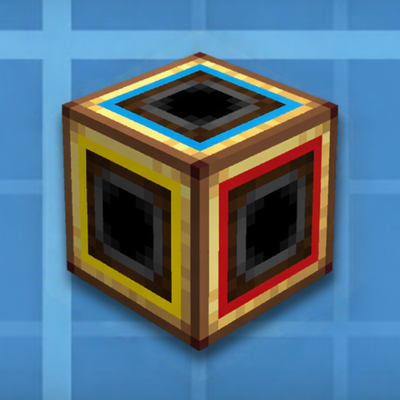
Compress a real, working Create machine into a single block.
Quick answer
Create: Microcreate create_microcreate-0.1.1-beta+mc1.20.1.jar targets 1.20.1 with Forge. The project page does not say whether this file belongs on the client, dedicated server, or both. All 1 required mods have matching files.
Where it goes
The project page does not say whether this file belongs on the client, dedicated server, or both.
The source does not explicitly classify this release as client-only or server-only.
create_microcreate-0.1.1-beta+mc1.20.1.jar on 1.20.1 Forge. Every mod below is checked against that same setup.
Install Create first. We found matching files for this game-version and loader setup.
We only count dependency files that match this setup. A file for another loader does not fill the gap.
Before you install it
Built for Create: Microcreate create_microcreate-0.1.1-beta+mc1.20.1.jar on 1.20.1 Forge. Pick another file and the loader, install side or required mods may change.
Use create_microcreate-0.1.1-beta+mc1.20.1.jar. It targets 1.20.1 with Forge; another release may have different loader, side or dependency requirements.
Install Create first. We found matching files for this game-version and loader setup.
The project page does not say whether this file belongs on the client, dedicated server, or both.
Use the “Get this file” button beside create_microcreate-0.1.1-beta+mc1.20.1.jar. It opens that exact file at the source.
About this project
Compress a real, working Create machine into a single block.
Microcreate puts an actual buildable room behind one block face, and connects that room to your factory with Create's own kinetic network. Nothing is simulated or faked: the shafts in the room are real Create shafts, and their stress, rotation and overload are settled by Create itself.
Place a Compressed Machine, right-click it with a Create wrench, and step inside. Build whatever you want in the room — shafts, gearboxes, machines, an assembly line. Each of the block's six faces has one kinetic port in the centre of the wall, which appears on the outside of the block as a normal shaft connection on that face.
Two sizes:
| Machine | Interior room |
|---|---|
| Compressed Machine (Medium) | 5 × 5 × 5 |
| Compressed Machine (Large) | 15 × 15 × 15 |
The room's contents stay with the block: break it and the dropped machine still holds everything inside, place it back and your build is there. Blueprints and structure blocks carry the interior too.
| Action | How |
|---|---|
| Enter the room | Right-click the block with a Create wrench |
| Leave the room | Right-click any wall with a wrench, or sneak + right-click it with an empty hand |
| Leave the room | /microcreate exit |
| List machines | /microcreate list (operator) |
| Rebuild a room | /microcreate rebuild (operator) |
Each face is colour-coded, both on the block and on the walls inside, so you can tell which way is up from inside the room: up = blue, down = orange, north = white, south = red, west = yellow, east = green.
Client and server both need the mod. This is a beta release (0.1.0-beta); feedback and bug reports are welcome, please include the version and the log.
XID
Project description from CurseForge.
Pick your setup
Choose the version and loader you play, then open the matching release.
Check the dependencies, then try the file in a copied instance before changing a world you care about.
Recent files
microcreate-0.1.1-beta-mc1.20.1.jar
14 Nov 2026
Looking for an older file? The official CurseForge project page is in Resources.
 mod
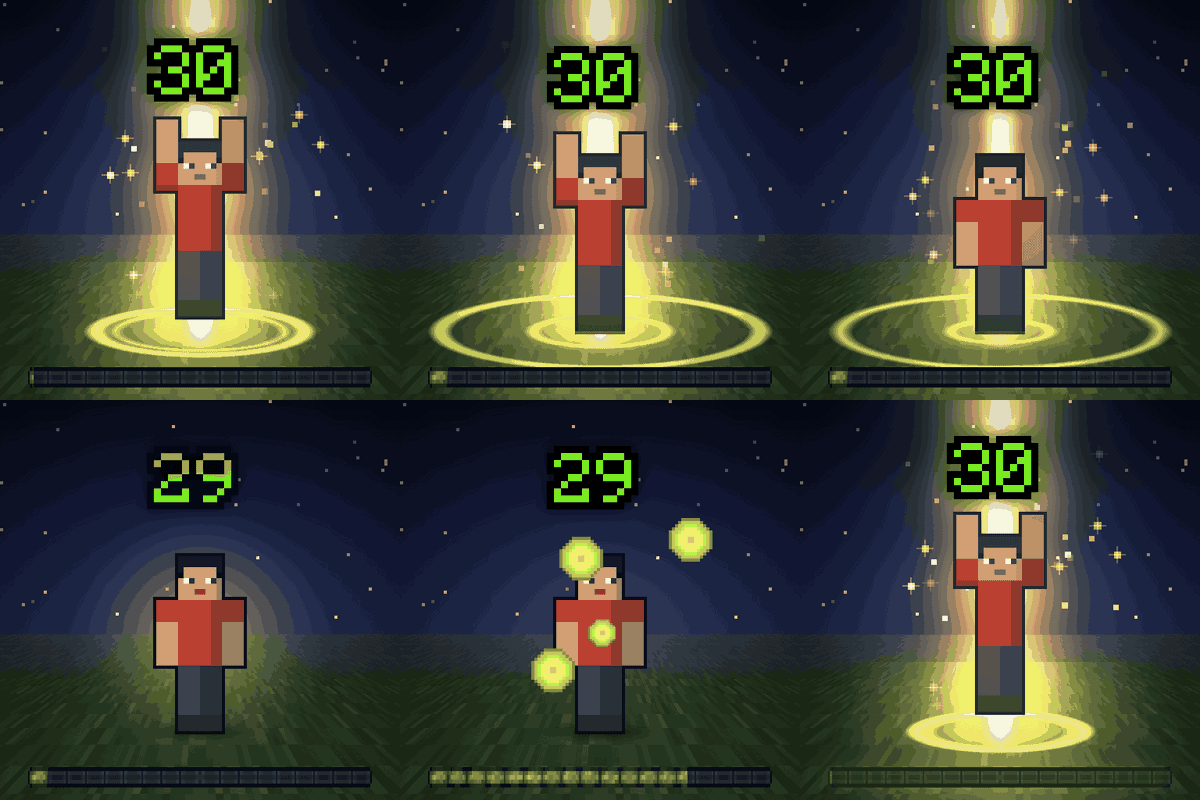
Level up effects in the world around you: a pillar of light and a ring on the ground for level ups, advancements, first diamonds and FTB Quests. Small for everyday moments, epic for milestones. Client-side.
 mod
Adds a series of Esoteric school-related content, with spells for offense, defense, spellblade & more! Also adds default-friendly warlocks & trials, powerful endgame accessories, and a completely friendly dimension!
 mod
Add a burst of sugar to your world with the 18 new food items in More Sweet Treats! Packed with candies, cakes, and delicious desserts, this addon brings fun, flavorful food to Minecraft. Perfect for decorating builds or anyone with a sweet tooth