YetAnotherConfigLib Optional for htzdistance-0.2.0+26.3.jar
optionalMatching file found Matched file: 3.9.7 for fabric 26.3
CurseForge · Minecraft mod
Don't let go your armor stands, paintings and item frames! Keep them loaded with this client-side mod on servers.
Quick answer
htzdistance-0.2.0+26.3.jar targets 26.3 with Fabric. The project page does not say whether this file belongs on the client, dedicated server, or both. All 1 required mods have matching files.
Where it goes
The project page does not say whether this file belongs on the client, dedicated server, or both.
The source does not explicitly classify this release as client-only or server-only.
htzdistance-0.2.0+26.3.jar. Change the file and its required mods may change too.
Install Fabric API first. We found matching files for this game-version and loader setup.
We only count dependency files that match this setup. A file for another loader does not fill the gap.
Before you install it
Built for htzdistance-0.2.0+26.3.jar. Pick another file and the loader, install side or required mods may change.
Use htzdistance-0.2.0+26.3.jar. It targets 26.3 with Fabric; another release may have different loader, side or dependency requirements.
Install Fabric API first. We found matching files for this game-version and loader setup.
The project page does not say whether this file belongs on the client, dedicated server, or both.
Use the “Get this file” button beside htzdistance-0.2.0+26.3.jar. It opens that exact file at the source.
About this project
Keep seeing your armor stands, item frames and paintings from far away.
Servers stop sending armor stands, item frames and paintings once you are a few blocks away. On Spigot and Paper that is usually 16 blocks for armor stands and only 8 blocks for item frames and paintings. That means a decorated base, a wall of maps or a shop full of displays looks empty as soon as you step back to look at it.
HtzDistance fixes this on your side. Just before the game removes one of these entities because you walked too far, the mod takes a snapshot of it and keeps drawing it as a hologram in the same spot. When you walk back and the server sends the real entity again, the hologram disappears and the real one takes its place. You won't notice the switch.
Each clip switches between OFF (vanilla, what the server sends) and ON (with HtzDistance), seen from the same distance.
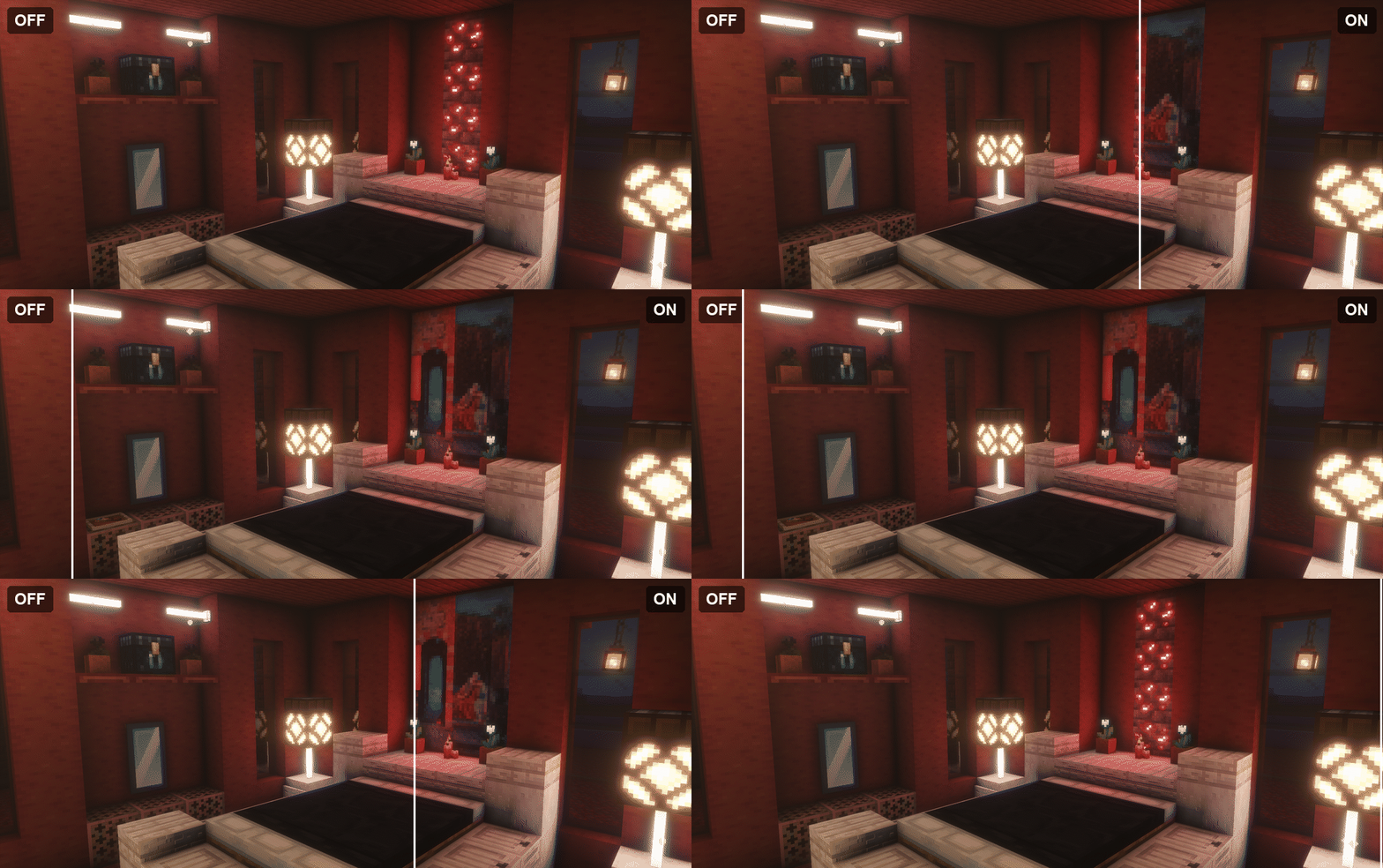
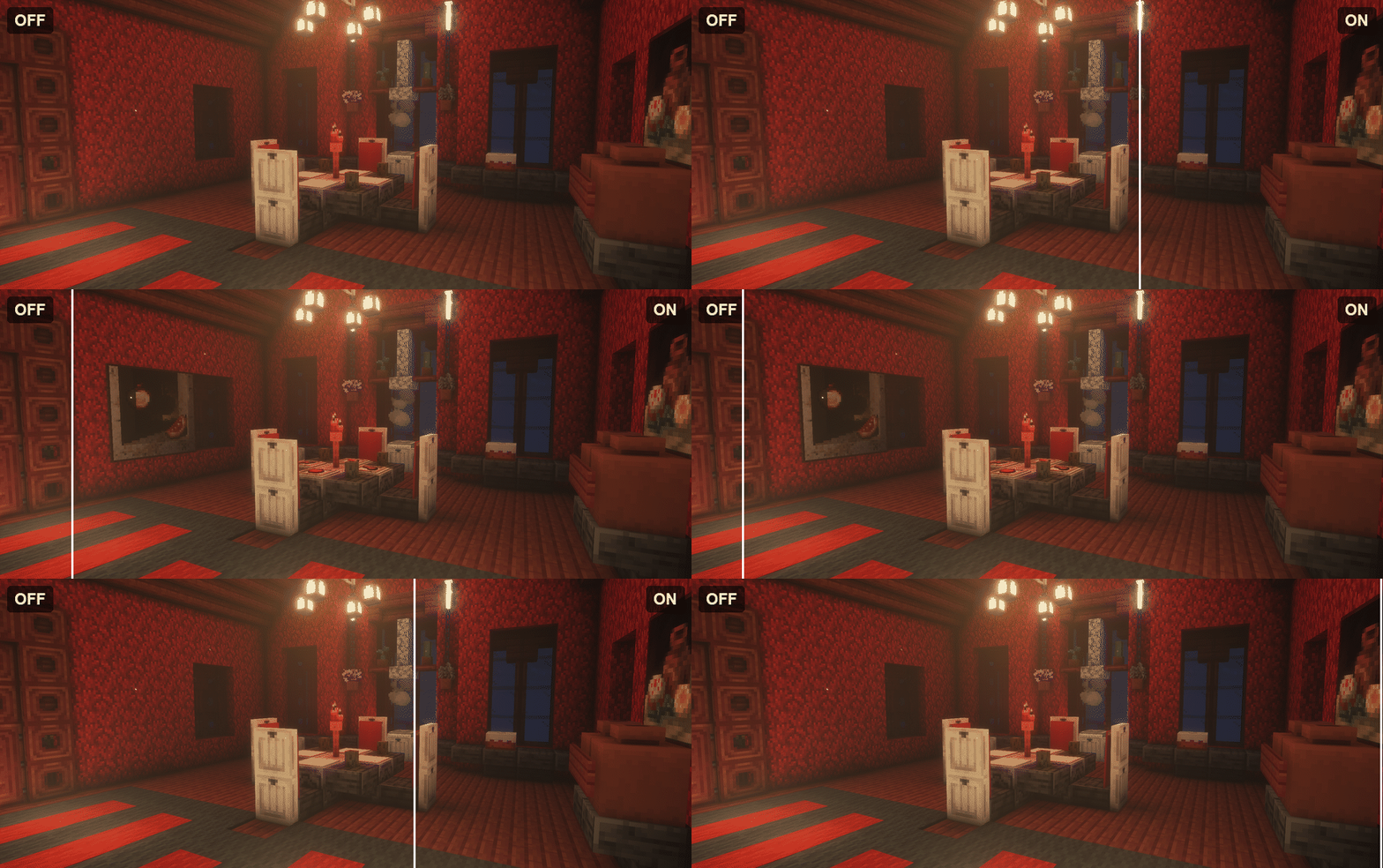
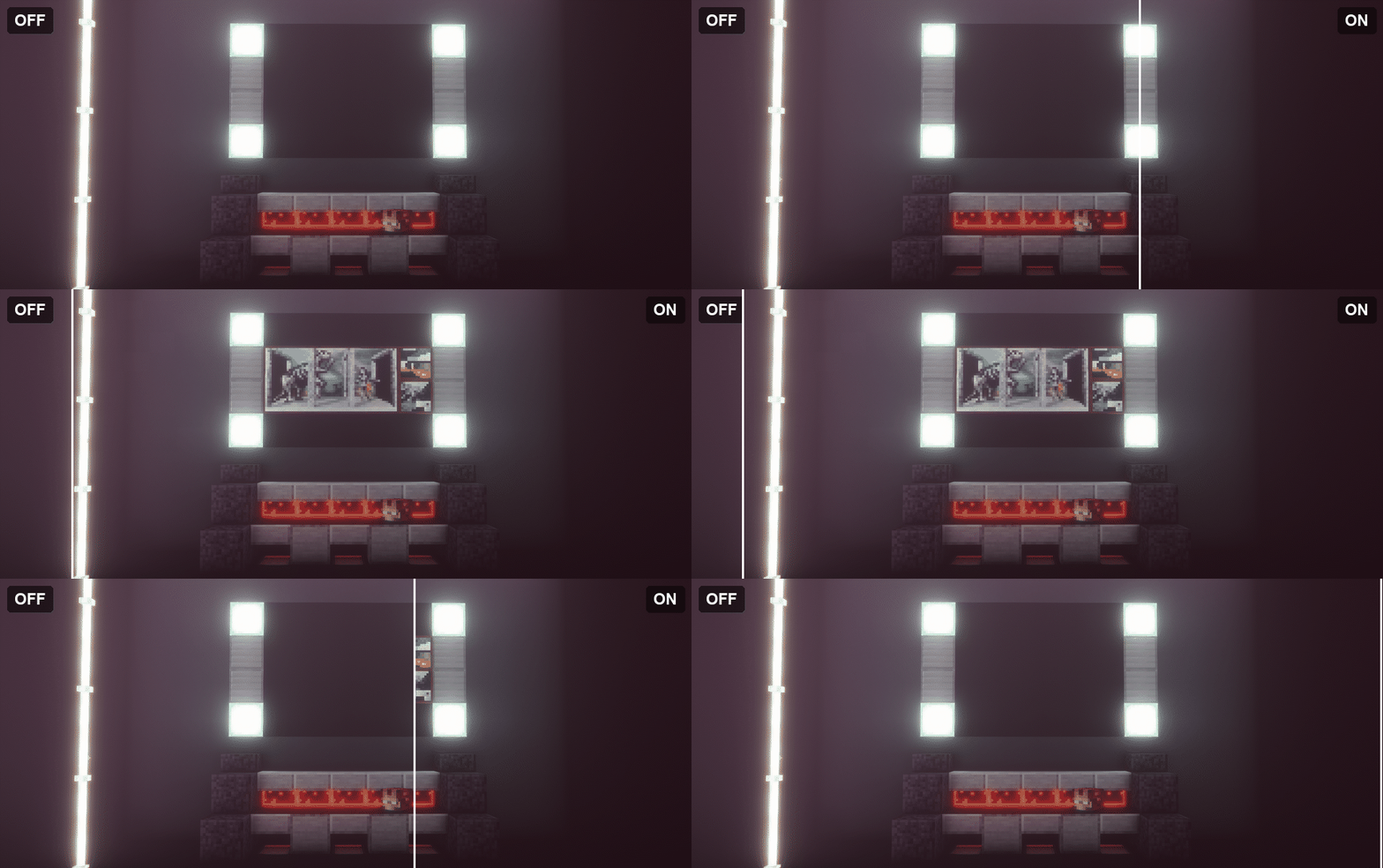
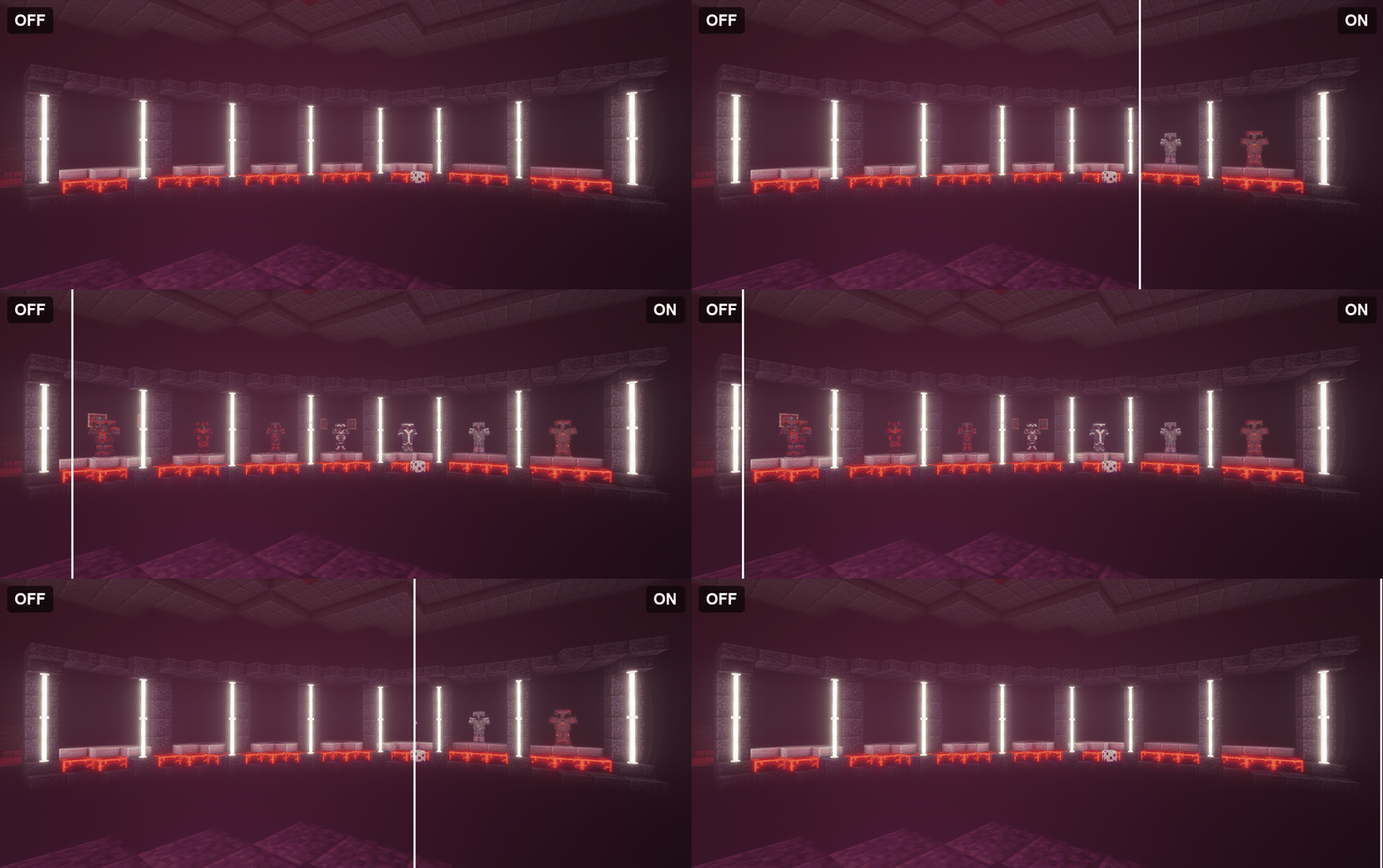
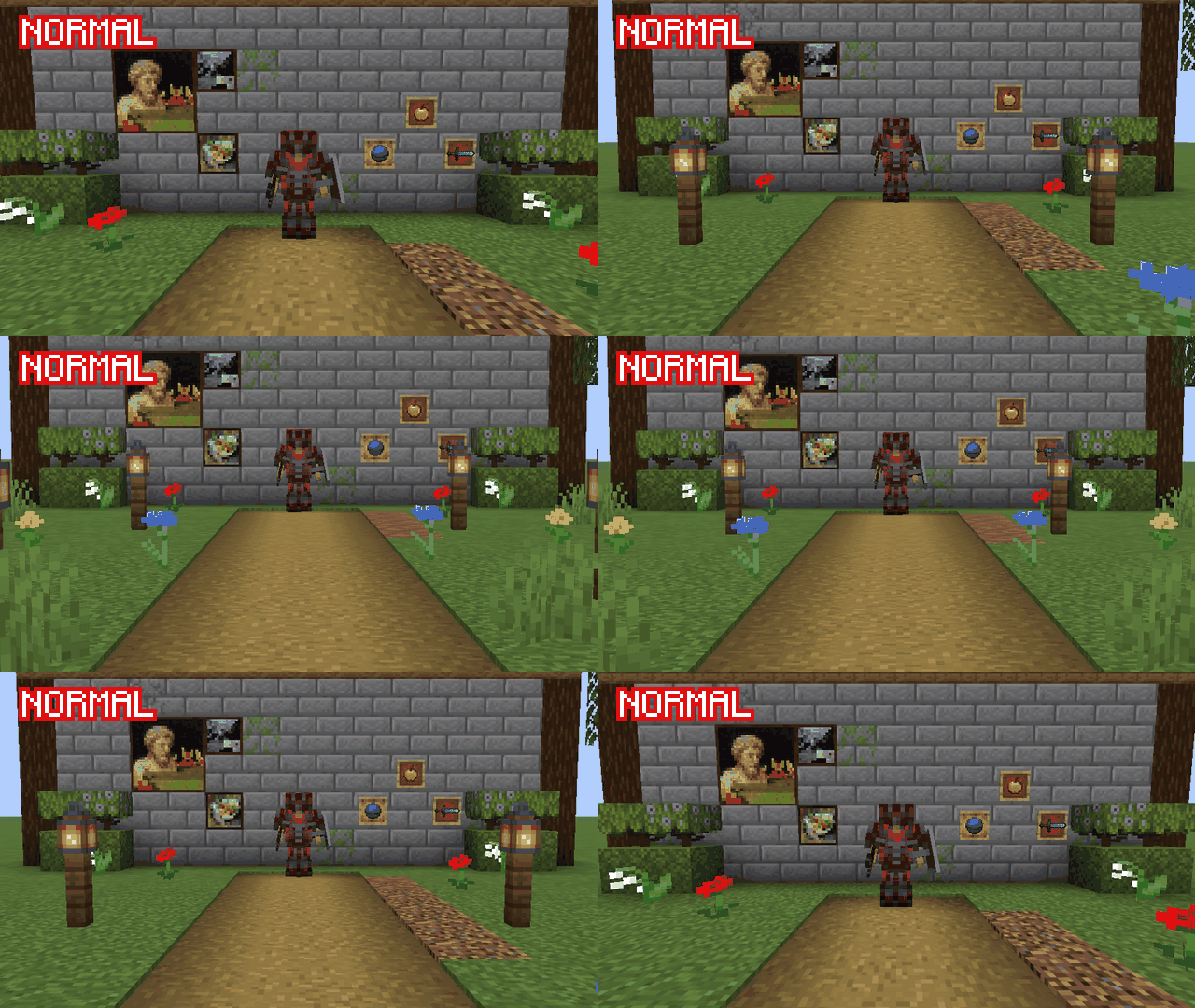
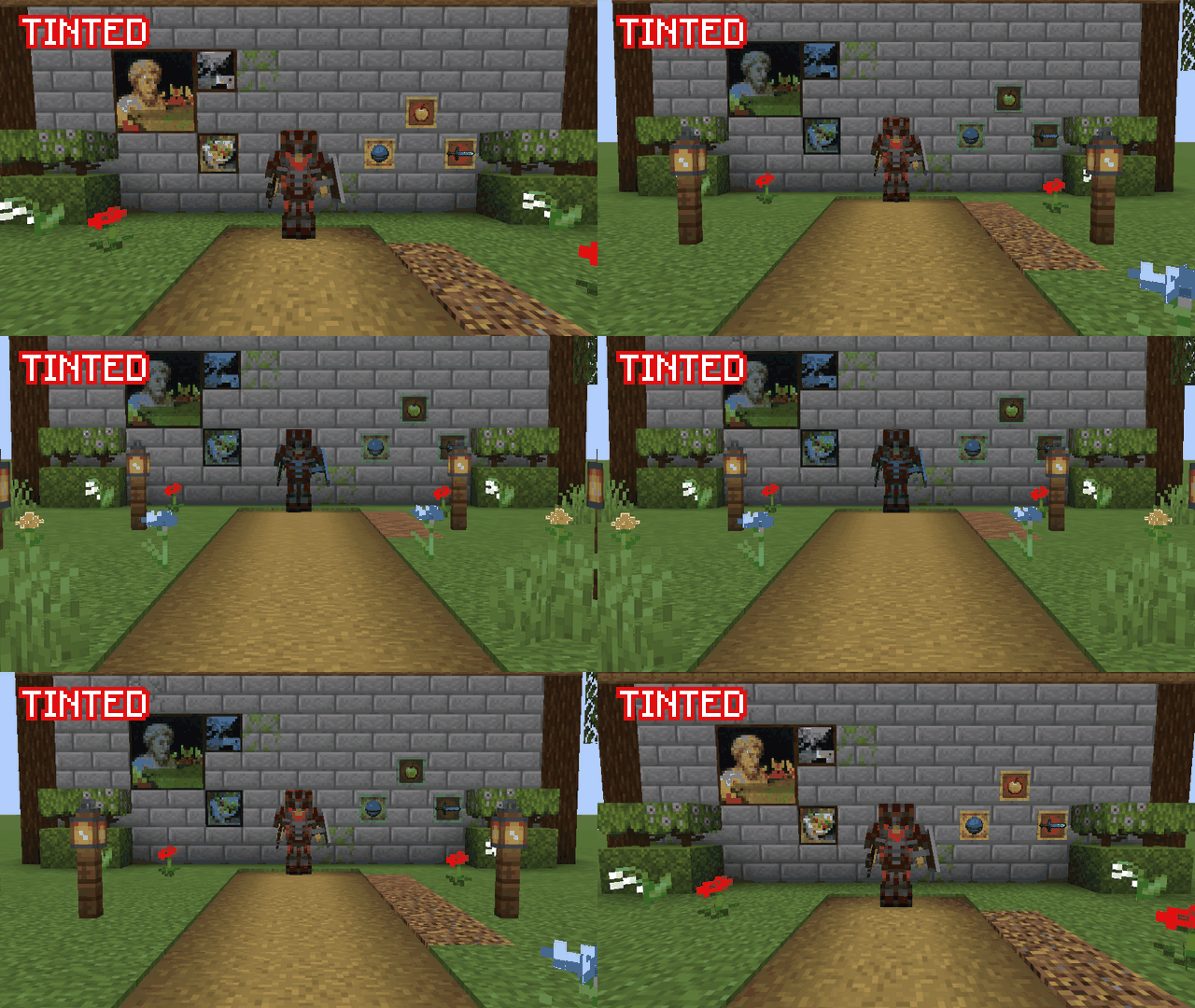
Holograms can look exactly like the real thing or stand out:
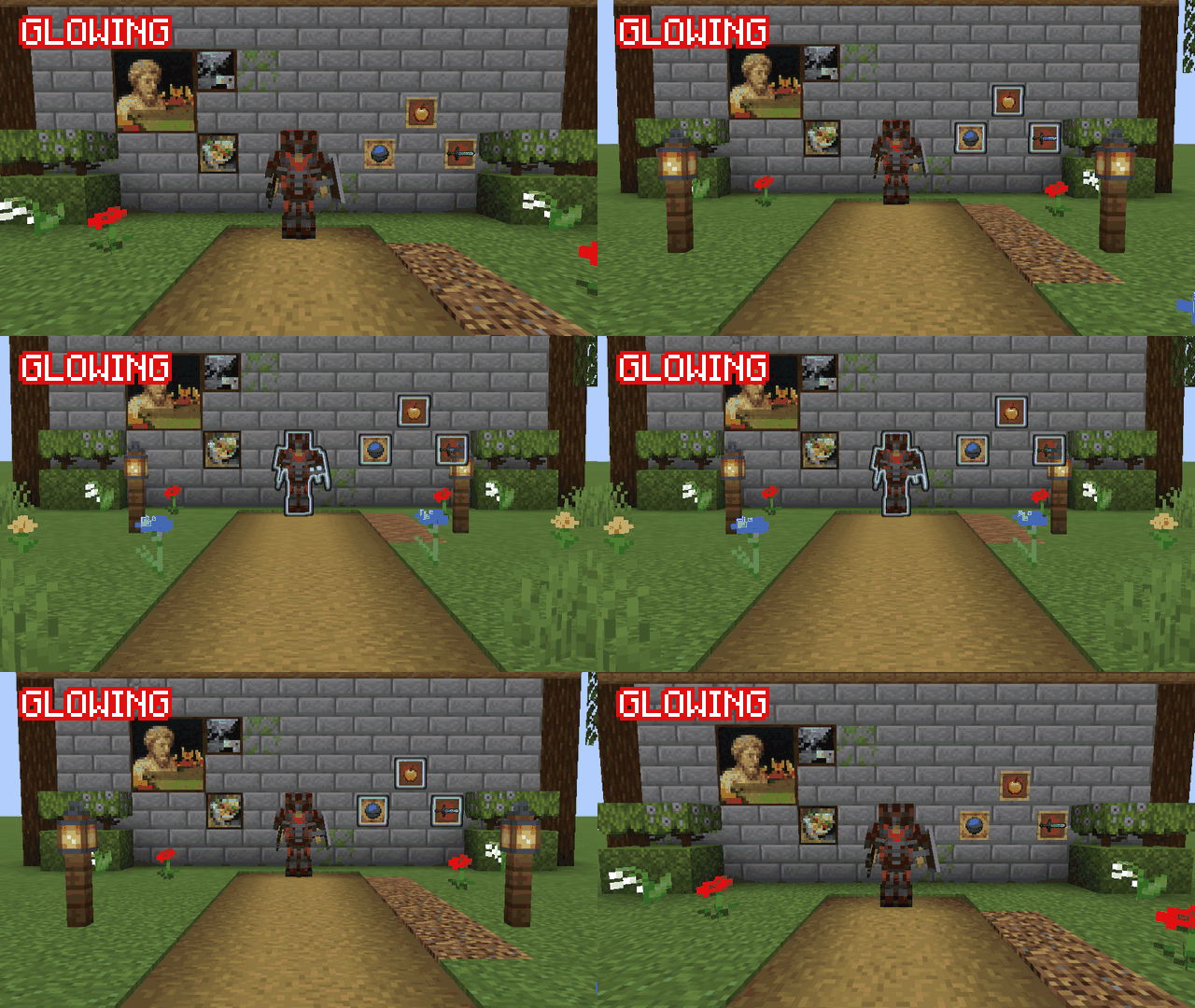
You can also add a glowing outline with its own color to any of the three styles (Minecraft 1.21.10 and later).
Without the mod: once you step back, the frames, paintings and armor stand are gone.
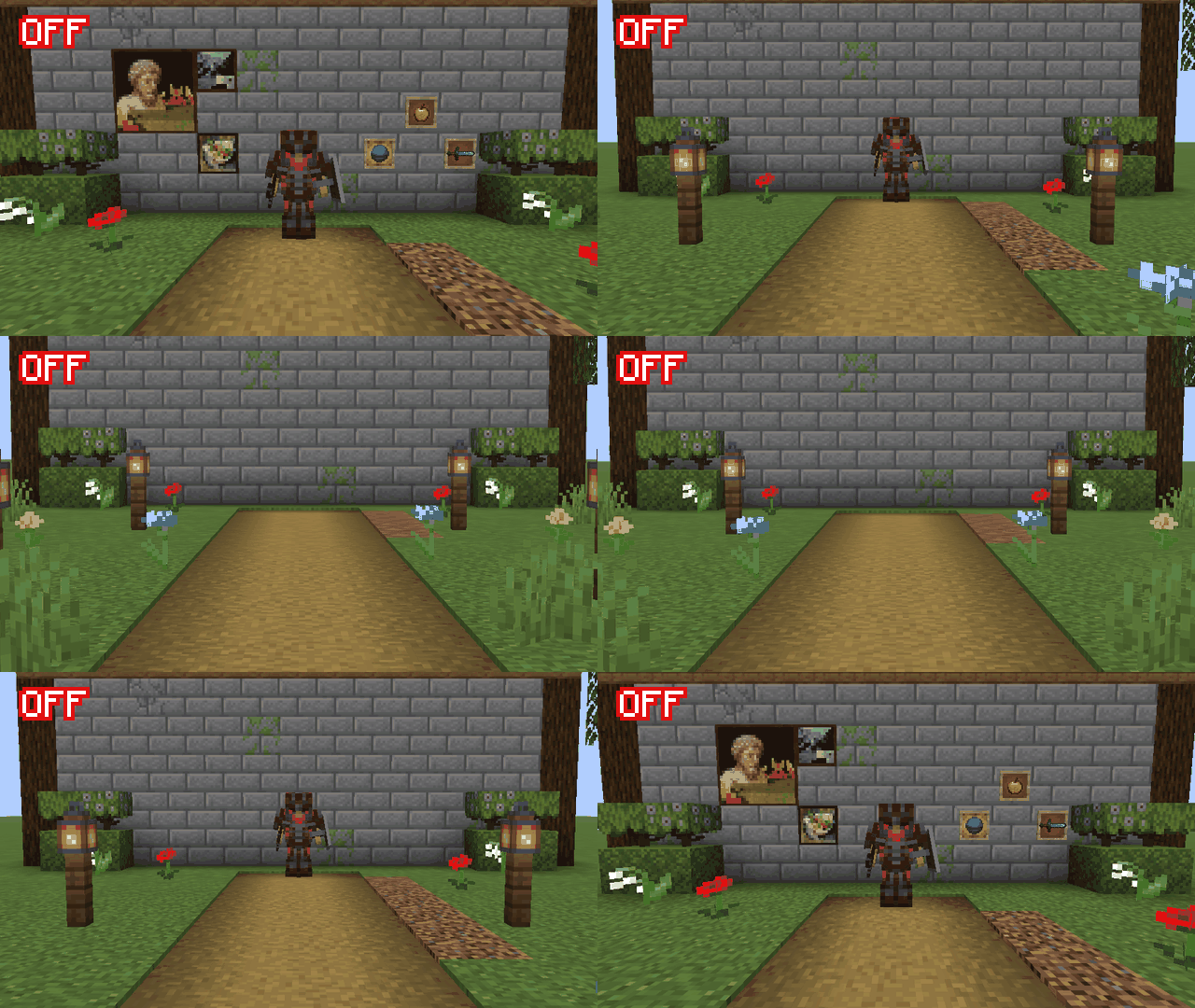
Normal
Tinted
Translucent
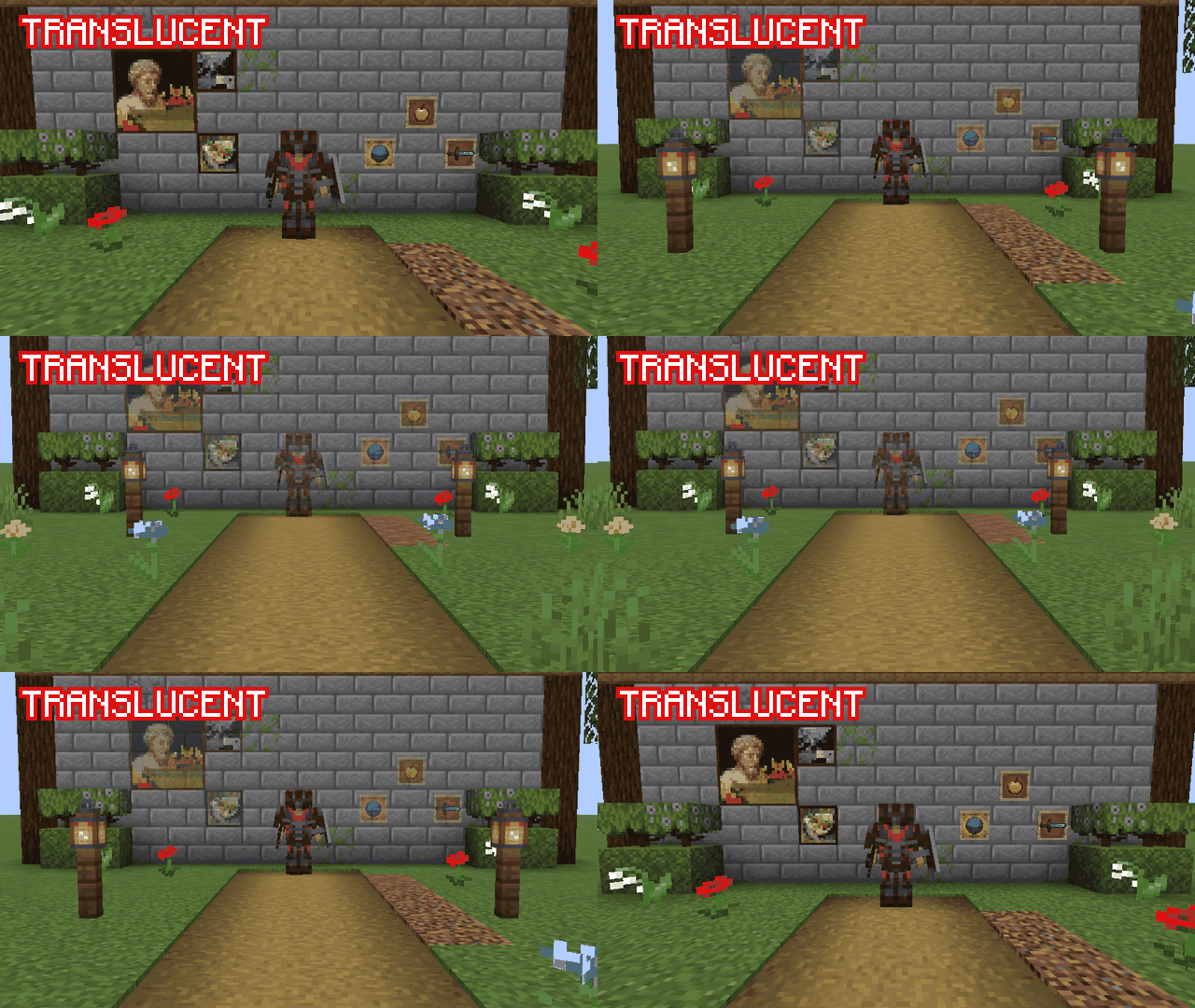
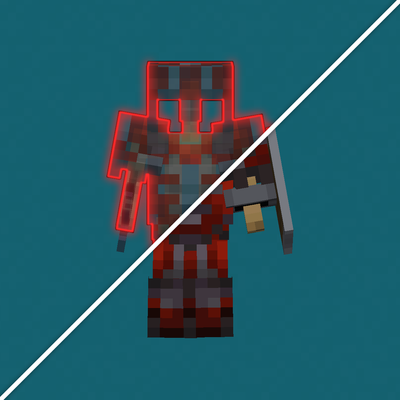
Glowing outline
Both keys can be changed in the Controls menu.
Everything can be changed from the config screen or with the /htzdistance config command:
The /htzdistance command can also show statistics, clear holograms (in the current dimension, within a radius or on the whole server) and reset the settings. Statistics are also shown on the F3 screen.
Holograms reuse their render data instead of rebuilding it every frame. In tests with large builds (hundreds of armor stands with full equipment and around two thousand item frames) they were cheaper to draw than the real entities they replace.
Works alongside Sodium, Iris, EntityCulling, Bobby and Distant Horizons.
Available in English and Spanish.
The code of this mod was written with the help of artificial intelligence. The idea, the design of every feature, the planning and the testing decisions are my own.
Licensed under MIT.
Project description from CurseForge.
Pick your setup
Choose the version and loader you play, then open the matching release.
Check the dependencies, then try the file in a copied instance before changing a world you care about.
Recent files
htzdistance-0.2.0-26.3.jar
17 Nov 2026
htzdistance-0.2.0-26.2.jar
17 Nov 2026
htzdistance-0.2.0-26.1.2.jar
17 Nov 2026
htzdistance-0.2.0-1.21.11.jar
17 Nov 2026
htzdistance-0.2.0-1.21.10.jar
17 Nov 2026
htzdistance-0.2.0-1.21.8.jar
17 Nov 2026
htzdistance-0.2.0-1.21.1-neoforge.jar
17 Nov 2026
htzdistance-0.2.0-1.21.1-forge.jar
17 Nov 2026
htzdistance-0.2.0-1.20.1-forge.jar
17 Nov 2026
htzdistance-0.1.0-26.3.jar
14 Nov 2026
htzdistance-0.1.0-26.2.jar
14 Nov 2026
htzdistance-0.1.0-26.1.2.jar
14 Nov 2026
Looking for an older file? The official CurseForge project page is in Resources.
 mod
An addon to Halcyon that adds JEI support.
 mod
A guided first-launch setup screen that picks your keybinds, video quality, audio and shader settings for you, with a custom loading screen and title screen.
 mod
Server utilities to help servers run rule screens, kick afk players, report admin actions to prevent abuse and more