GeckoLib Optional for Smouldered 0.1.1 for Minecraft 1.21.1 (NeoForge)
optionalMatching file found Matched file: NeoForge 1.21.1 4.9.3
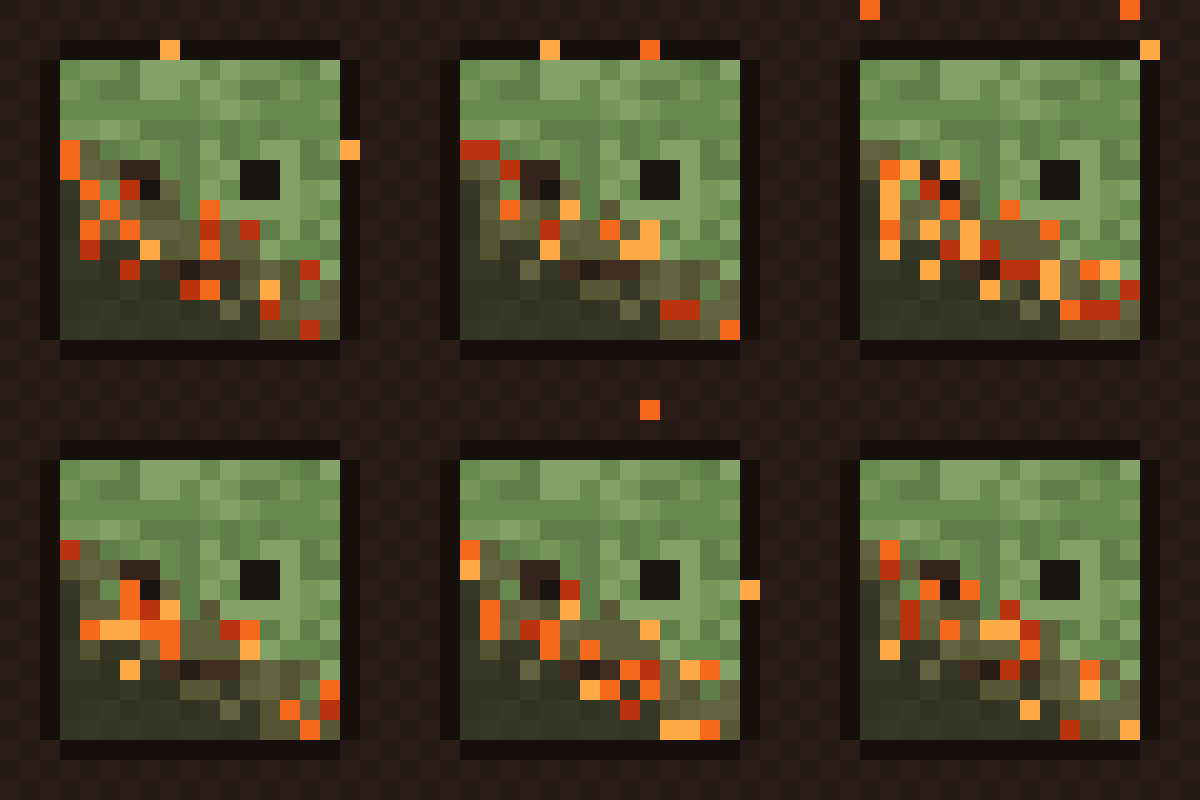
CurseForge · Minecraft mod
Burnt mobs look burnt: fire chars their own skin, armour and clothes pixel by pixel, embers and sparks glow after the flames, and water washes it all off, client-side.
Quick answer
Smouldered 0.1.1 for Minecraft 1.21.1 (NeoForge) targets 1.21.1 with NeoForge. The project page does not say whether this file belongs on the client, dedicated server, or both. No extra mods listed for this file.
Where it goes
The project page does not say whether this file belongs on the client, dedicated server, or both.
The source does not explicitly classify this release as client-only or server-only.
Smouldered 0.1.1 for Minecraft 1.21.1 (NeoForge). Change the file and its required mods may change too.
This file does not list any required mods. Do not add a library just because a different file uses it.
We only count dependency files that match this setup. A file for another loader does not fill the gap.
Before you install it
Built for Smouldered 0.1.1 for Minecraft 1.21.1 (NeoForge). Pick another file and the loader, install side or required mods may change.
Use Smouldered 0.1.1 for Minecraft 1.21.1 (NeoForge). It targets 1.21.1 with NeoForge; another release may have different loader, side or dependency requirements.
This file does not list any required mods. Do not add a library just because a different file uses it.
The project page does not say whether this file belongs on the client, dedicated server, or both.
Use the “Get this file” button beside Smouldered 0.1.1 for Minecraft 1.21.1 (NeoForge). It opens that exact file at the source.
About this project
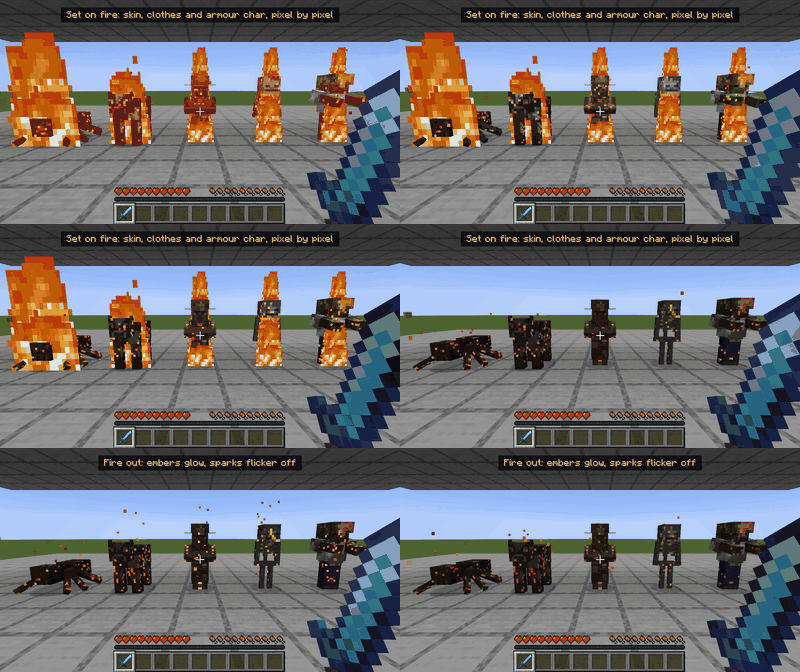
Burnt mobs look burnt. The longer a mob (or a player) burns, the more its own skin chars, pixel by pixel: soot spreads in blocky patches, the edges glow with embers, and little orange sparks float off for a few seconds after the flames. With time it fades back to normal. Jump in water, stand in the rain or throw a splash water bottle, and it washes off at once.
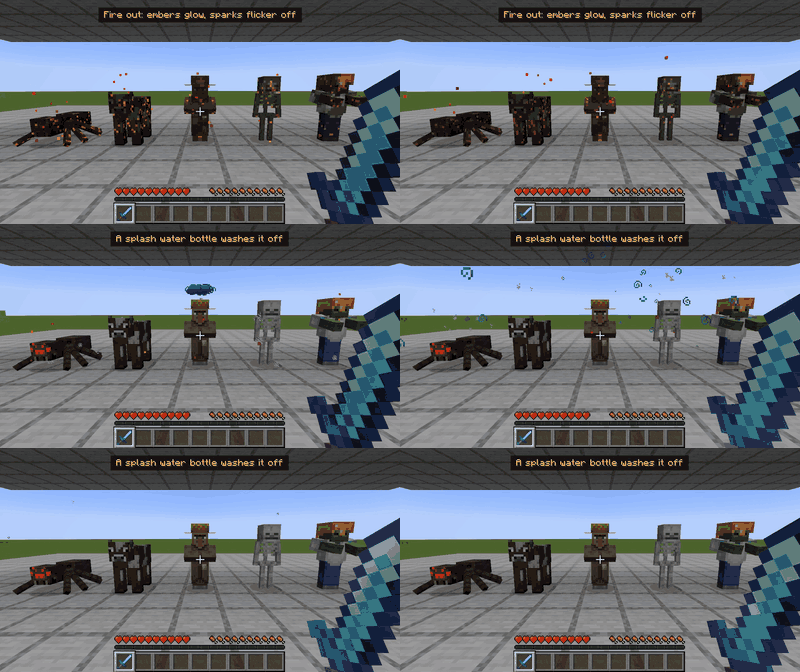
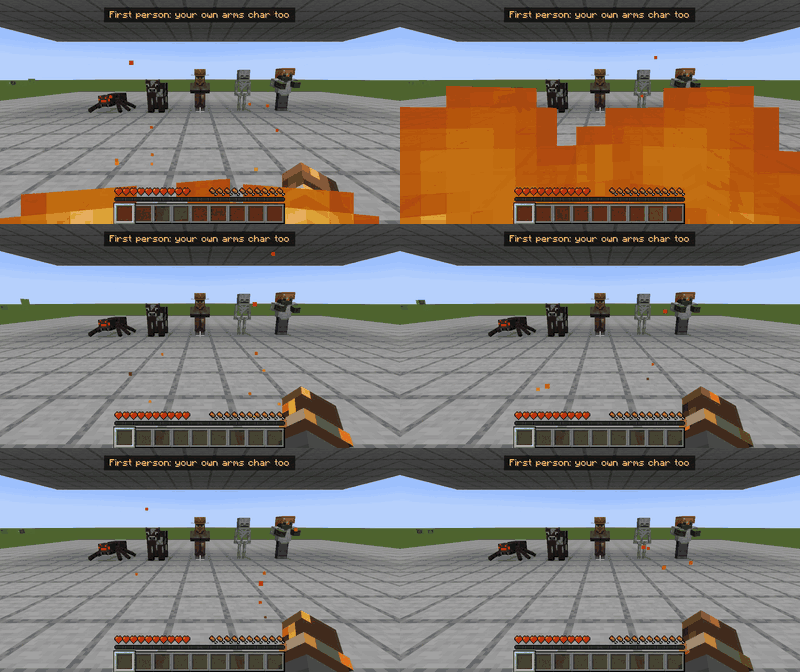
In game: Mods > Smouldered > Config. Or in config/smouldered.properties (every line explained in the file).
| Option | Default | What it does |
|---|---|---|
| enabled | true | The whole mod |
| skin | true | Charred skin on mobs and players |
| armor | true | Soot on worn armour |
| armorAmount | 0.60 | How much of the armour gets soot compared with the skin (0 to 1) |
| firstPersonArms | true | Your own arms char in first person, with sparks near the hands |
| embers | true | Glowing ember pixels right after the fire |
| sparks | true | Little orange sparks floating off after the fire |
| players | true | Other players (and you in third person) char too |
| waterWashes | true | Water, rain and splash water bottles wash it off at once |
| darkness | 0.50 | How dark the char is: 0 = light soot, 1 = deep dark brown |
| secondsToFull | 7 | Seconds of burning to reach full char (lava is three times faster) |
| fadeSeconds | 45 | Seconds until it fades back to normal on its own |
| emberSeconds | 5 | How long embers and sparks keep going after the fire |
| sparkAmount | 1.00 | How many sparks (0 to 2) |
| excluded | (none) | Mobs never charred, e.g. minecraft:villager, or a whole mod with somemod:* |
Version 0.1.0 was tested in game on both, with the release files themselves in a normal launcher: fire, lava, Fire Aspect, a splash water bottle, rain, first person, third person, armour and villager outfits, fading on its own; creative, spectator, peaceful, pause, F1 and F3, dying while burnt, the Nether and the End; a dedicated server; Sodium + Iris (NeoForge) and Embeddium + Oculus (Forge) with Complementary Reimagined shaders; GeckoLib mobs; and next to our other mods (Kill Shatter, Slash Trails, Immersive Screens).
Install it on your game only. It works on any server, including servers that do not have it: it reads what every client already sees (who is on fire, who is in water or rain, fire damage). All the art (the soot, the embers, the sparks and the icon) is drawn for this mod.
Feel free to include it in any modpack, no need to ask!
Made by an indie dev with help from AI tools; every version is tested in game.

Like the mod? You can support future updates and new mods on Ko-fi. Totally optional, everything stays free.
Project description from CurseForge.
Pick your setup
Choose the version and loader you play, then open the matching release.
Check the dependencies, then try the file in a copied instance before changing a world you care about.
Recent files
smouldered-neoforge-1.21.1-0.1.1.jar
16 Nov 2026
smouldered-forge-1.20.1-0.1.1.jar
16 Nov 2026
smouldered-neoforge-1.21.1-0.1.0.jar
15 Nov 2026
smouldered-forge-1.20.1-0.1.0.jar
15 Nov 2026
Looking for an older file? The official CurseForge project page is in Resources.
 mod
✨The most vanilla furniture mod available!
 mod
a mod that adds new emotes, and various assets
 mod
MC Engine is a game engine like interface that aims to aid in the creation of minecraft-based-games and other experiences.