Minecraft version
Back to mods 
CurseForge · Minecraft mod
Base Blueprint
Build your first base in one click: pick a shape and size, preview it, place it with blocks from your inventory and chests.
Choose a version Pick your version below, then grab the matching file.
Quick answer
Which Base Blueprint release matches 26.3?
Best match for your filters Base Blueprint 1.4.0 (Minecraft 26.3)
Game version 26.3
Loader NeoForge
Base Blueprint 1.4.0 (Minecraft 26.3) targets 26.3 with NeoForge. The project page does not say whether this file belongs on the client, dedicated server, or both. No extra mods listed for this file.
Where it goes
Is Base Blueprint required on the client, server, or both?
The project page does not say whether this file belongs on the client, dedicated server, or both.
Client Source doesn’t say
Dedicated server Source doesn’t say
Loader for this release NeoForge
Required install it here Optional supported, not mandatory Not supported do not install here Source doesn’t say do not assume
The source does not explicitly classify this release as client-only or server-only.
What else does Base Blueprint 1.4.0 (Minecraft 26.3) need?
Base Blueprint 1.4.0 (Minecraft 26.3) on 26.3. Every mod below is checked against that same setup.
This file does not list any required mods. Do not add a library just because a different file uses it.
This file does not list any required or optional mods.
Before you install it
Add Base Blueprint without breaking your instance.
Built for Base Blueprint 1.4.0 (Minecraft 26.3) on 26.3. Pick another file and the loader, install side or required mods may change.
- 01
Stick to this file
Use Base Blueprint 1.4.0 (Minecraft 26.3). It targets 26.3 with NeoForge; another release may have different loader, side or dependency requirements.
- 02
Bring the mods it needs
This file does not list any required mods. Do not add a library just because a different file uses it.
- 03
Put it on the correct side
The project page does not say whether this file belongs on the client, dedicated server, or both.
- 04
Pick the file you checked
Use the “Get this file” button beside Base Blueprint 1.4.0 (Minecraft 26.3). It opens that exact file at the source.
About this project
What does Base Blueprint add?
Base Blueprint
Build your first base in one click: pick a shape and size, preview it in the world, and place it with blocks from your inventory, backpack and nearby chests.
🇧🇷 Versão em português mais abaixo.
For Minecraft 26.3 and 1.21.1 (NeoForge). An early-game item, crafted from a crafting table and 3 paper, that builds a whole base at once. Each blueprint builds 8 bases (repair it with paper in an anvil).
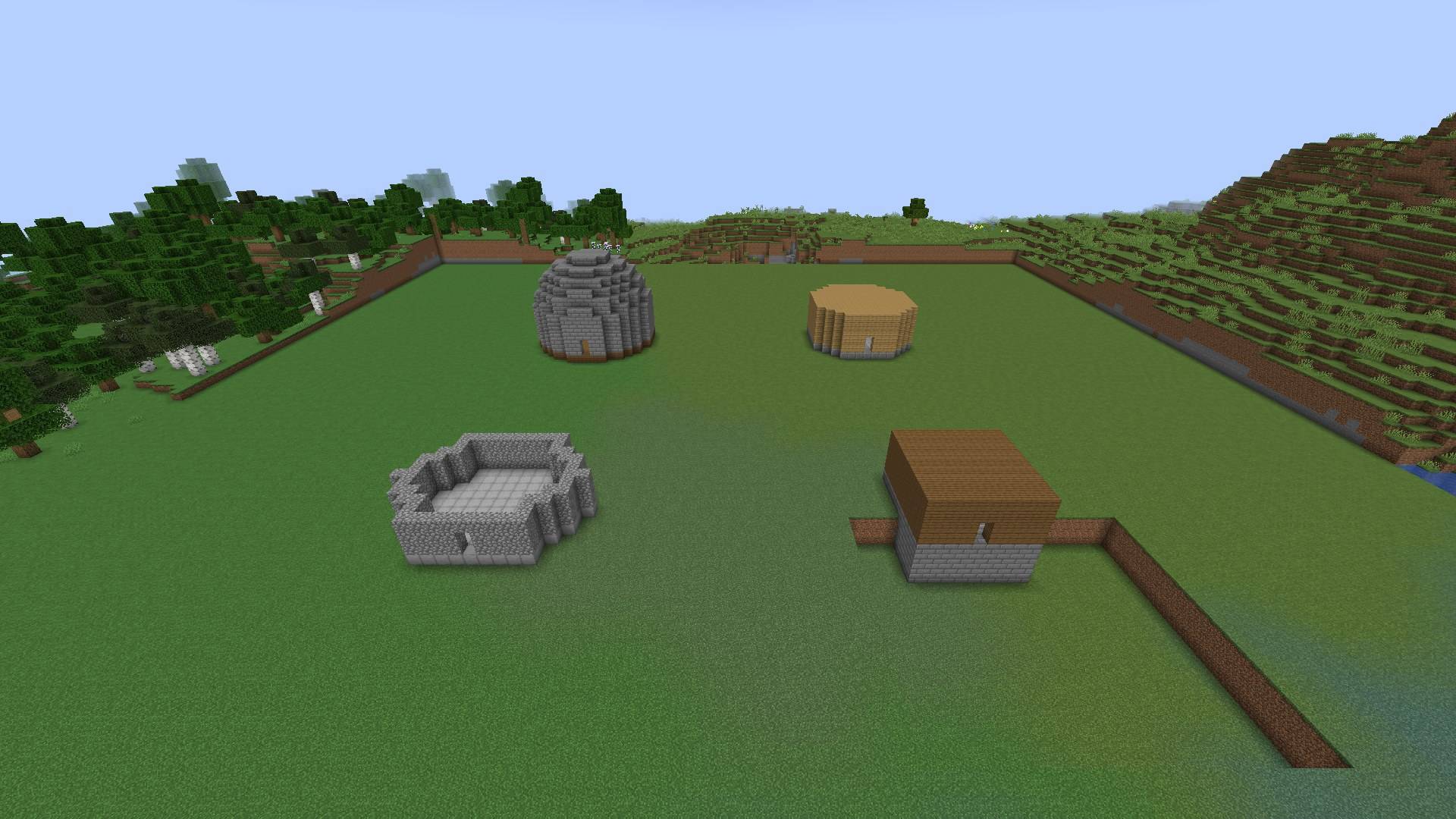
🧭 What it builds
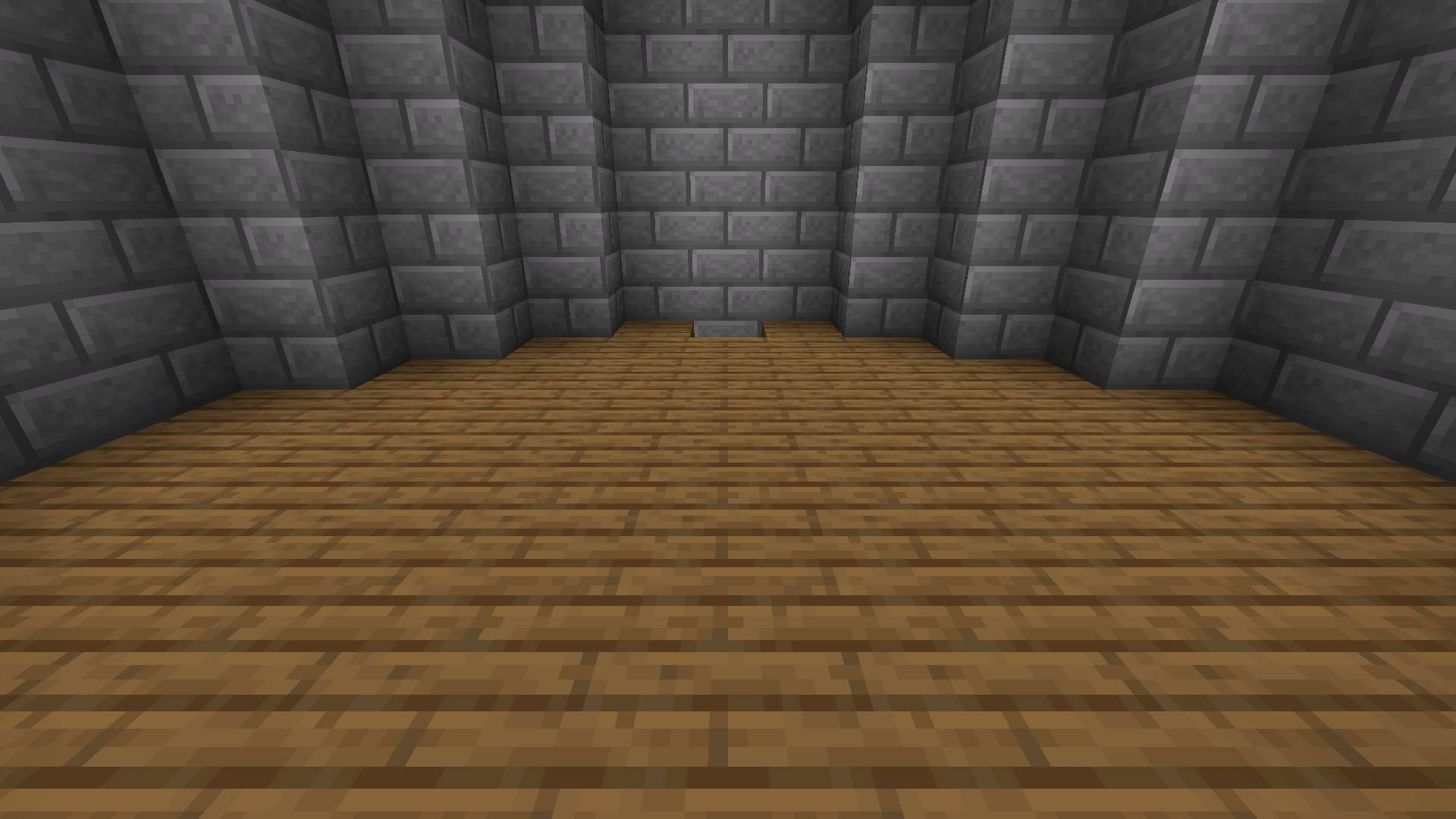
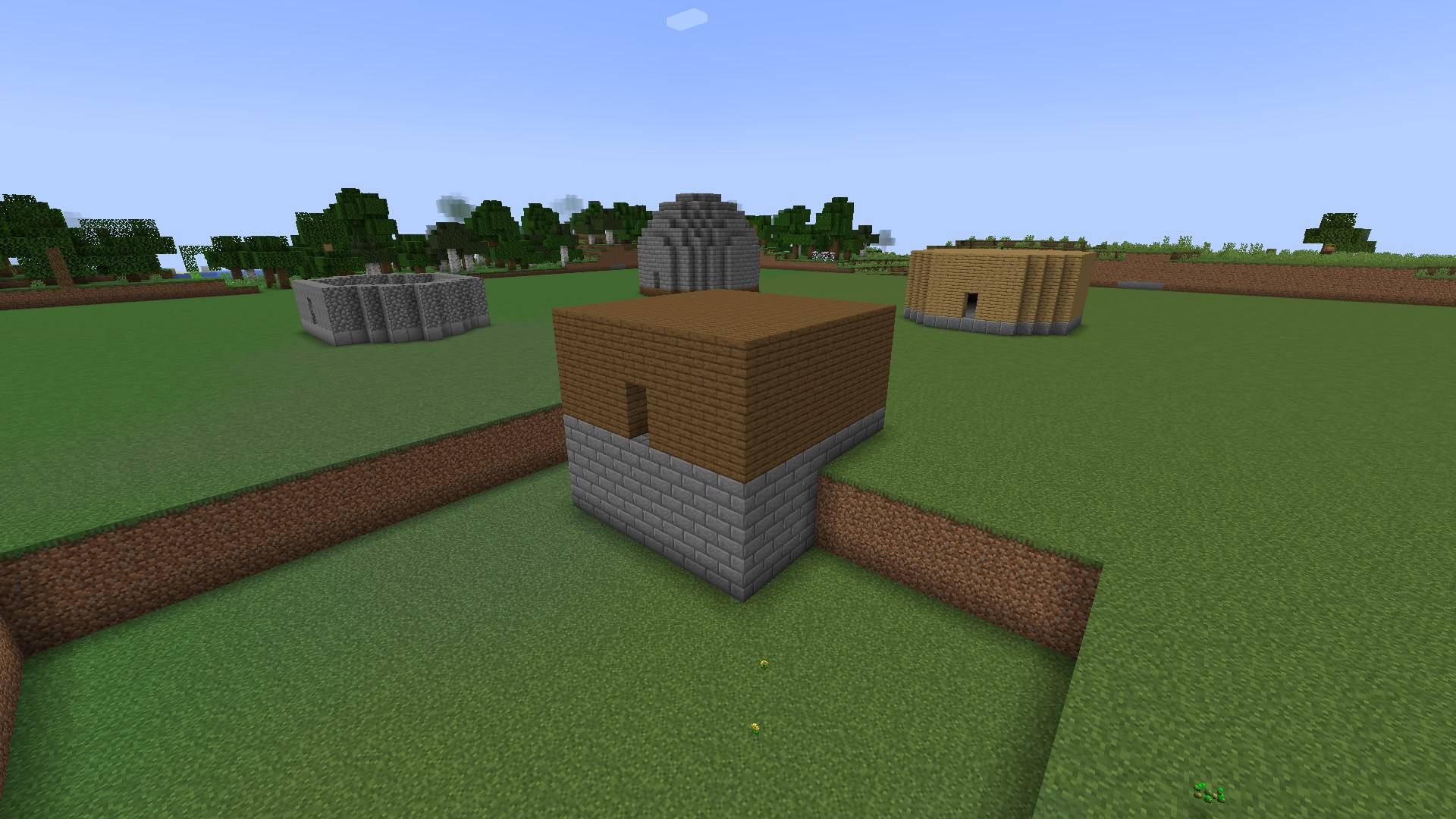
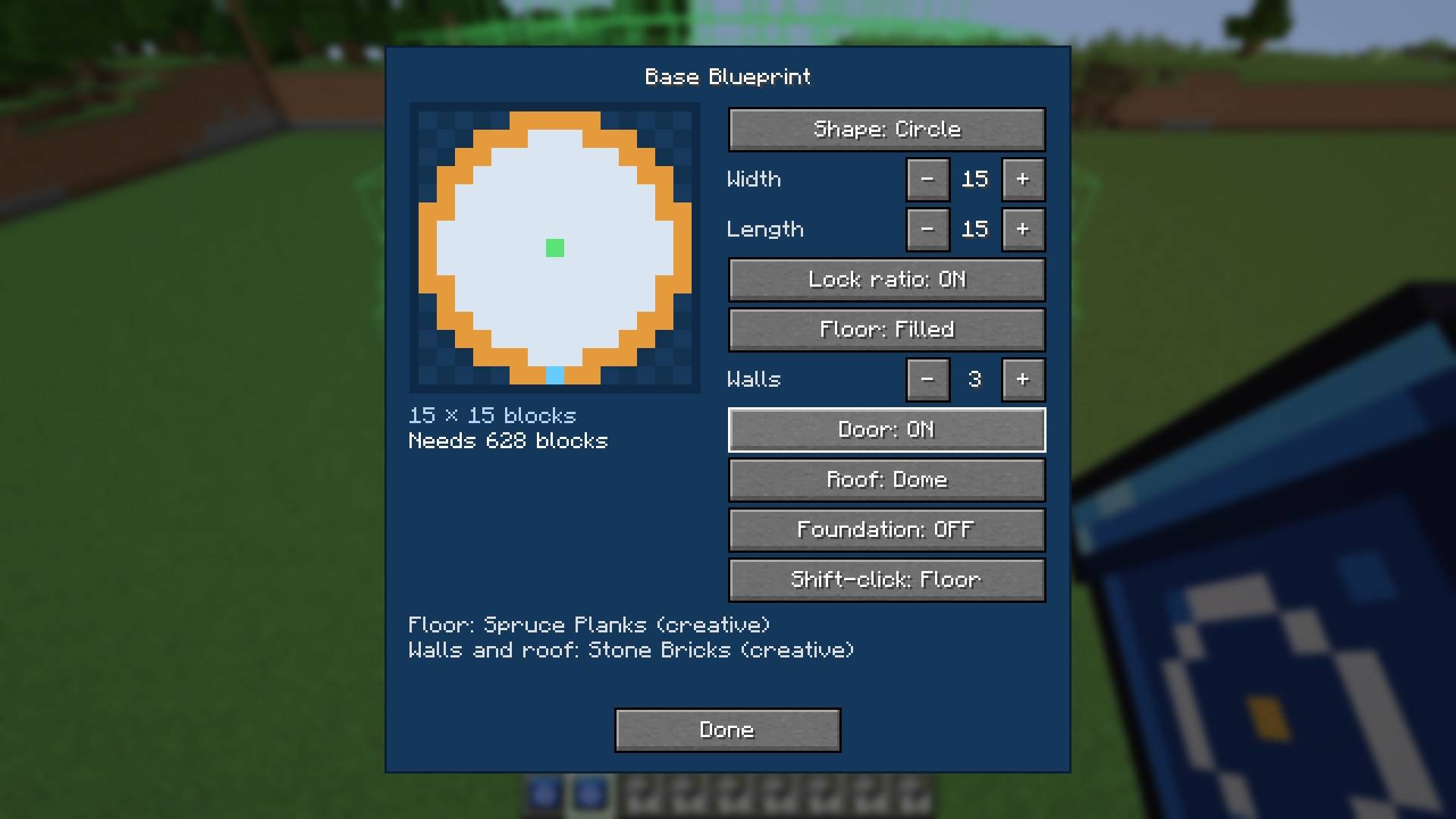
- Shapes: circle (the same rule as pixel circle generators), square, octagon and hexagon, any width and length.
- Floor: filled, outline only, or none.
- Walls of any height, with an automatic door (a 1×2 opening in the wall facing you).
- Storeys: stack up to 16 floors, each as tall as the walls, with a floor between them and a 1×1 hatch for a ladder. Build towers.
- Roof: flat, or a hollow dome over round bases.
- Foundation on uneven ground: fills under the floor down to the terrain.
- Two materials: one for the floor, another for the walls and roof (stone floor, glass walls…).
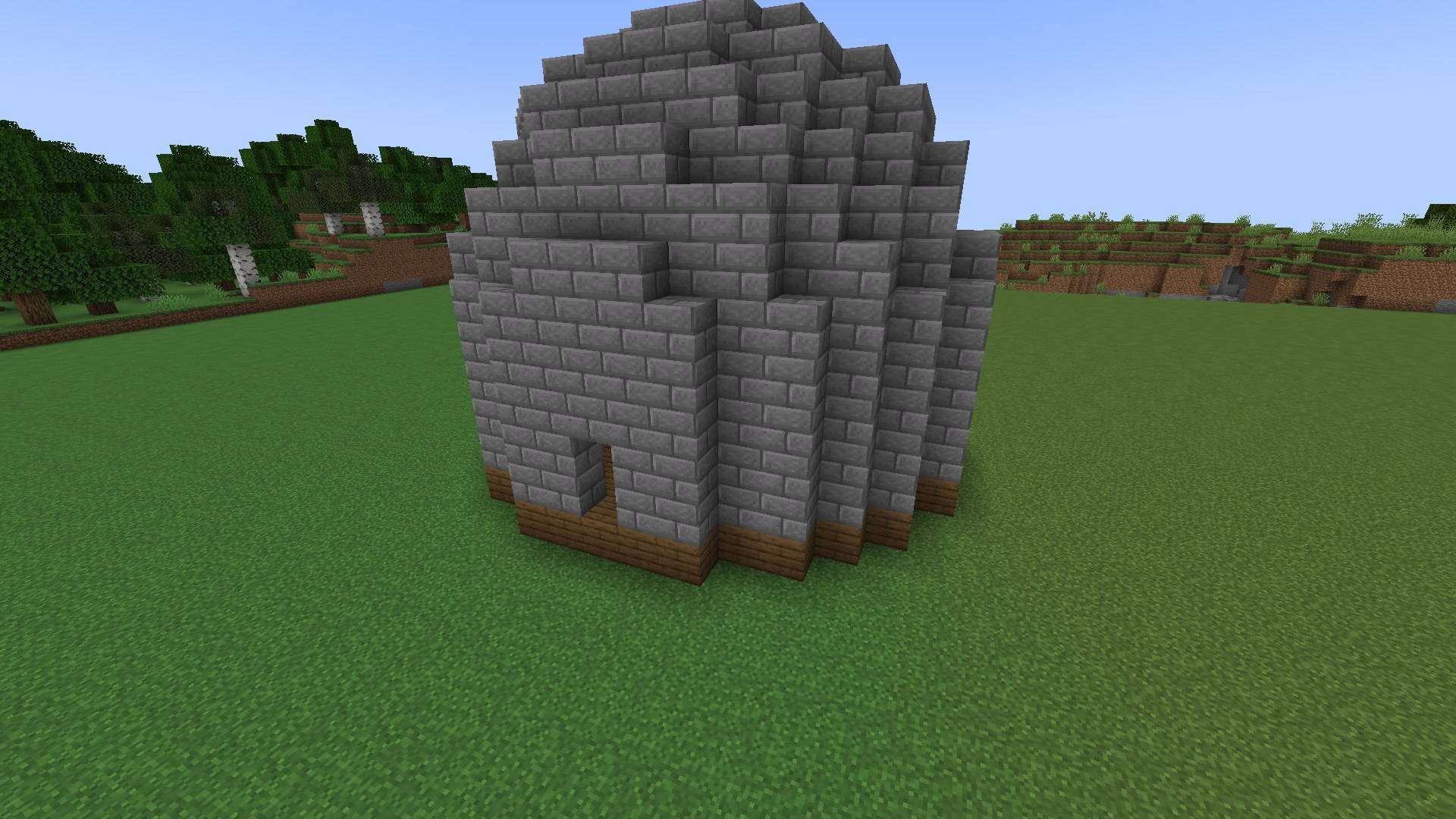
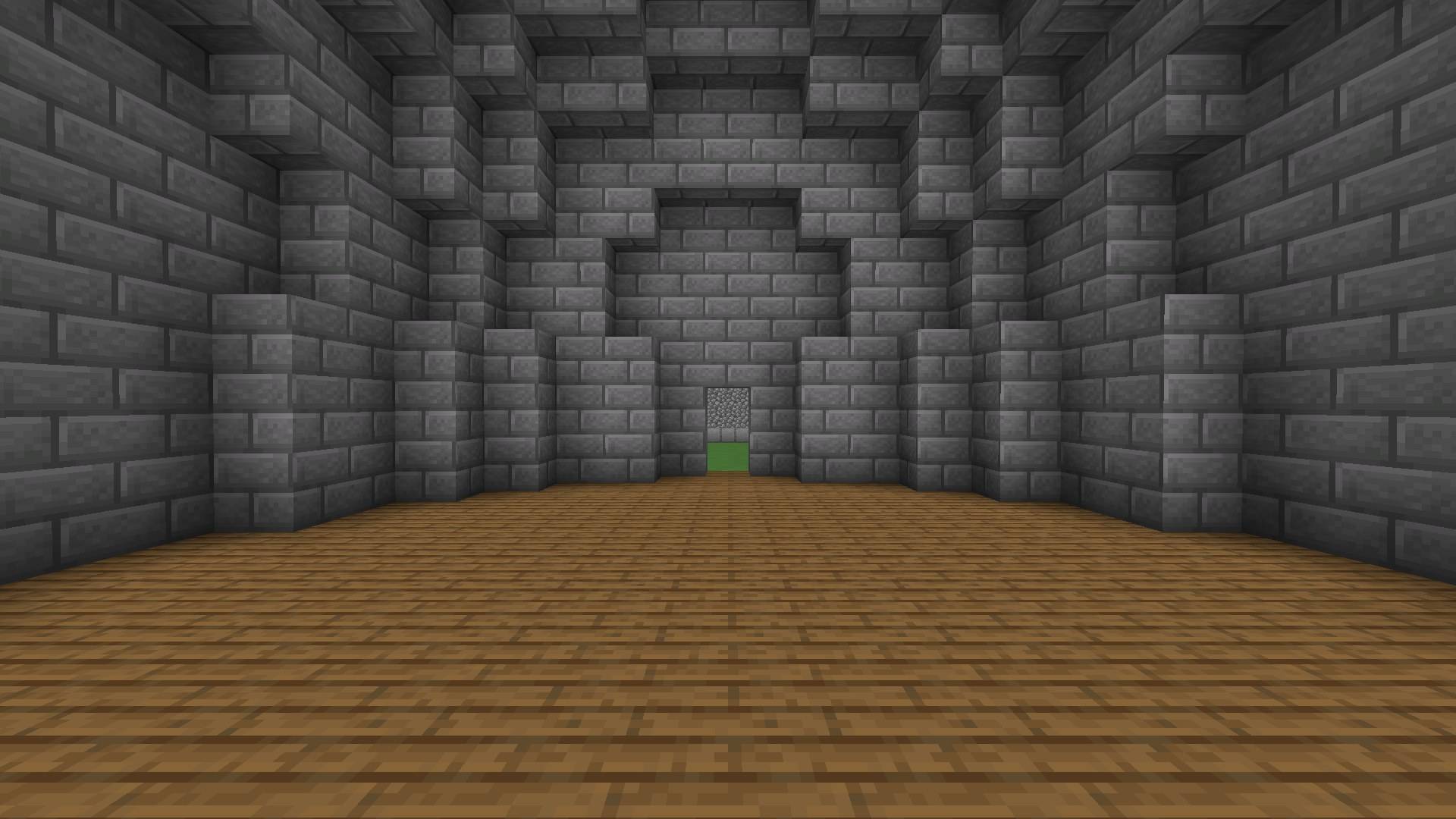
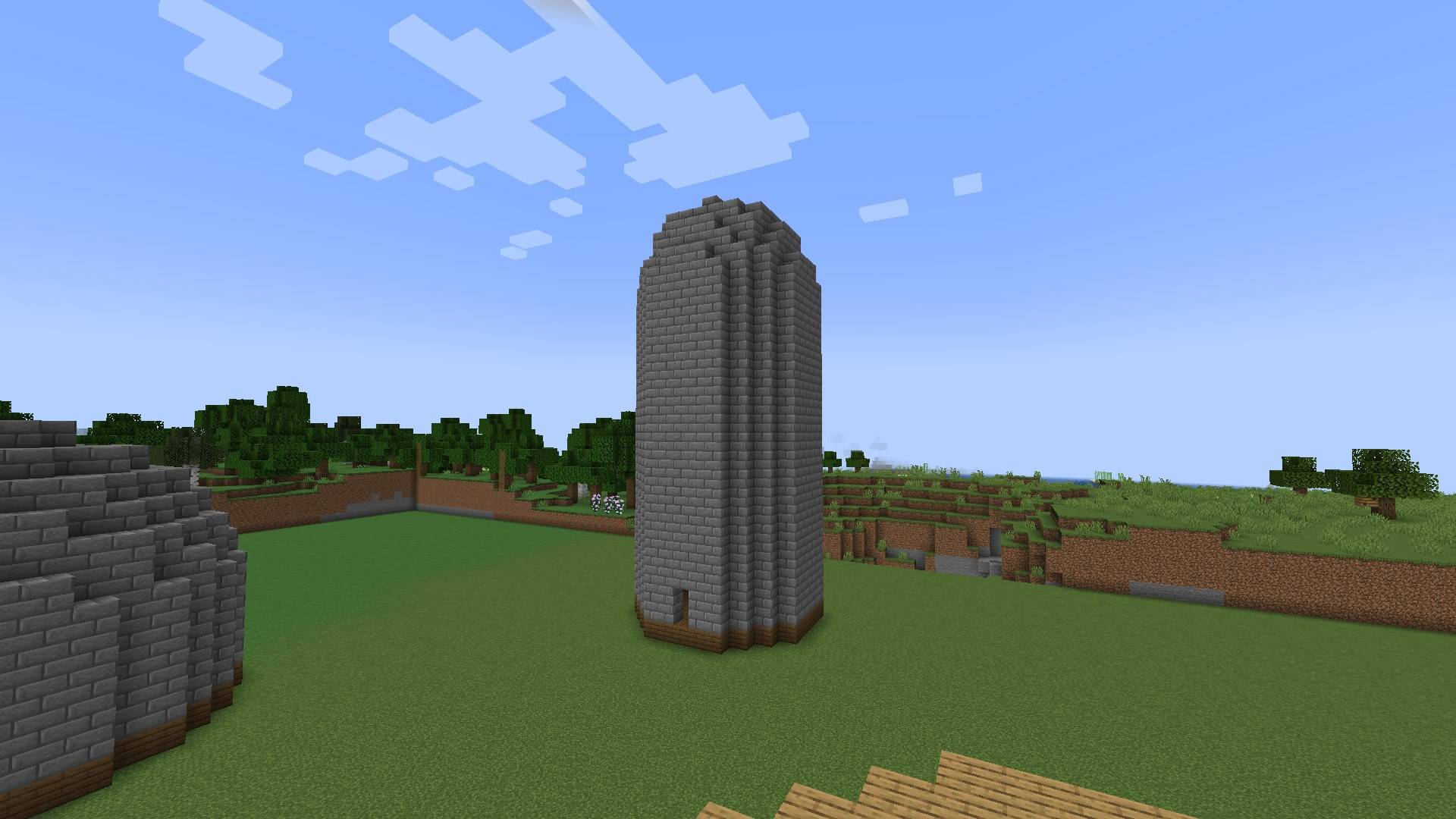
✋ How it plays
- Right-click the air (or press N) for the menu, with a pixel preview of the footprint.
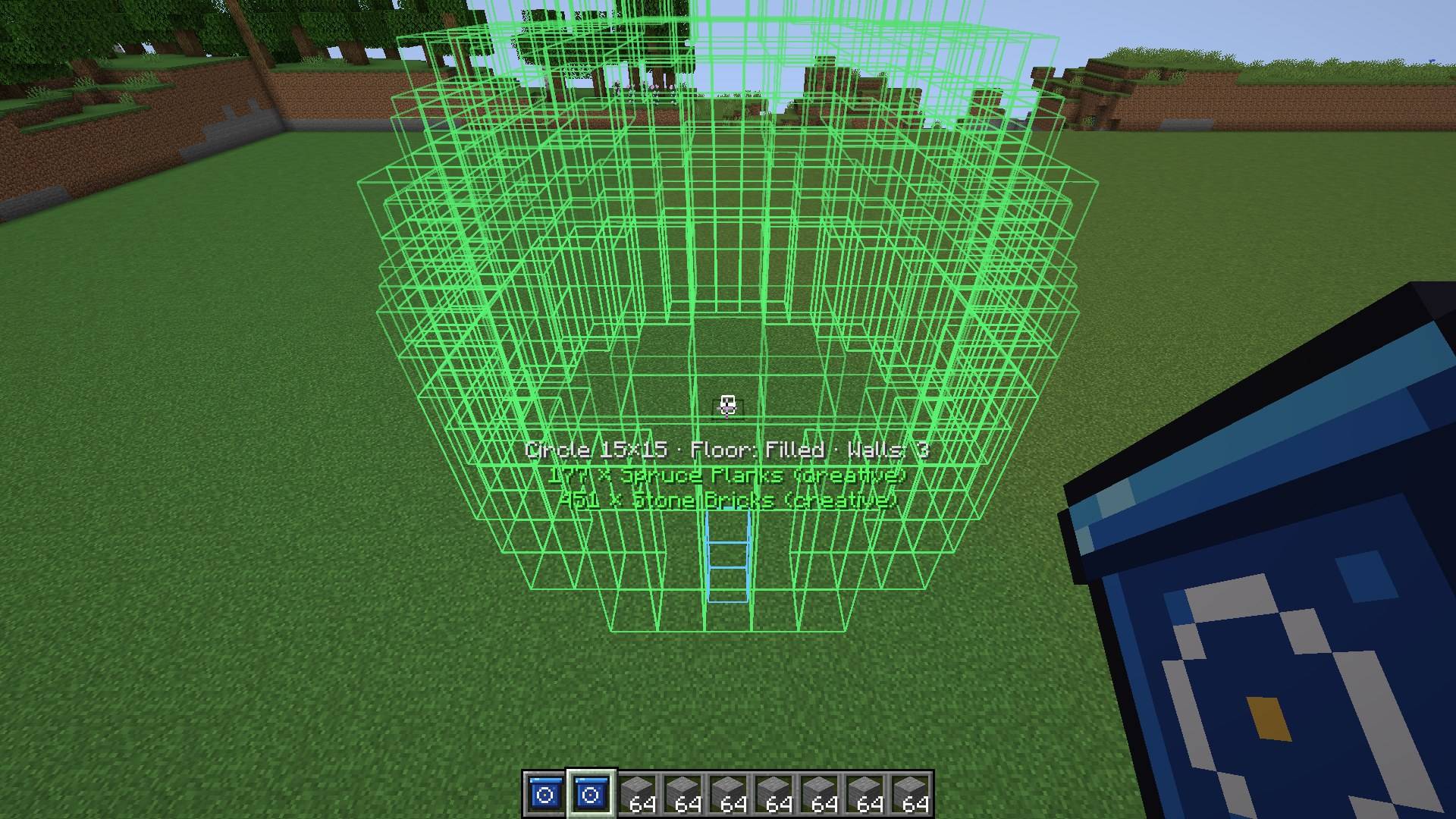
- Hold the blueprint and aim: the outline shows in the world, green when it can be built, red where something is in the way.
- Right-click a block to build. Sneak + right-click the air undoes your last base and gives the blocks back (saved with the world).
- Blocks come from your inventory, from backpacks you carry and from chests nearby. Creative is free.
- Respects spawn protection and claim mods: every block fires the normal place event.
- With the Bubie mod: set Built by: Bubie in the menu, aim at a block, see the amber preview and click. Your nearest Bubie builds the base right there, block by block, from its own chest.
Server config: max size, max wall height, undo, partial builds, container radius, max foundation depth.
🇧🇷 Em português
Construa a primeira base com um clique: escolha a forma e o tamanho, veja a prévia no mundo e coloque com blocos do inventário, da mochila e dos baús por perto.
- Formas: círculo, quadrado, octógono e hexágono, de qualquer tamanho.
- Piso cheio, só contorno ou sem piso; paredes de qualquer altura com porta automática; andares (torres); teto plano ou cúpula; fundação em terreno irregular.
- Material separado para o piso e para as paredes e o teto.
- Cada planta constrói 8 bases (conserta na bigorna com papel).
- Prévia no mundo (verde = dá para construir, vermelho = ocupado), desfazer salvo com o mundo, respeita proteções de claim.
- Para Minecraft 26.3 e 1.21.1 (NeoForge).
- Com o mod Bubie: escolha Quem constrói: Bubie no menu, mire num bloco, veja a prévia em âmbar e clique. O seu Bubie mais próximo constrói a base ali, bloco por bloco, com os blocos do baú dele.
Project description from CurseForge.
Pick your setup
Base Blueprint by Minecraft version and loader
Choose the version and loader you play, then open the matching release.
Minecraft version
1.21.1
1 loader buildCheck the dependencies, then try the file in a copied instance before changing a world you care about.
Recent files
Base Blueprint versions and loaders
Base Blueprint 1.4.0 (Minecraft 26.3)
baseblueprint-1.4.0-26.3.jar
25 Nov 2026
Client Source doesn’t say Server Source doesn’t say Dependencies No extras listed Listed on Release listing
Check the 26.3 · NeoForge setup NeoForge26.3 release
Looking for an older file? The official CurseForge project page is in Resources.
 mod
CurseForge · Minecraft
Bubie
The little CRT robot from bubie.gg as your helper: it chops trees, digs, quarries, farms and mines, then stores everything in your chest.
 mod
CurseForge + Modrinth · Minecraft
PPE Essentials
A lightweight mod that adds useful commands (like /tpa /repeat) and tweaks
 mod
CurseForge · Minecraft
PingPlus - Tab Ping
Displays each player's ping in milliseconds with customizable colors in the tab list instead of the signal bars icon.