SuperMartijn642's Config Lib Needed by Warp Anchors 1.0.0 for NeoForge 26.3
requiredMatching file found Matched file: SuperMartijn642's Config Library 1.1.8 for NeoForge 26.3
CurseForge · Minecraft mod
Quick short range teleportation between Warp Anchors!
Quick answer
Warp Anchors 1.0.0 for NeoForge 26.3 targets 26.3 with NeoForge. The project page does not say whether this file belongs on the client, dedicated server, or both. All 4 required mods have matching files.
Where it goes
The project page does not say whether this file belongs on the client, dedicated server, or both.
The source does not explicitly classify this release as client-only or server-only.
Warp Anchors 1.0.0 for NeoForge 26.3. Change the file and its required mods may change too.
Install SuperMartijn642's Config Lib, SuperMartijn642's Core Lib, SuperMartijn642's Config Lib, SuperMartijn642's Core Lib first. We found matching files for this game-version and loader setup.
We only count dependency files that match this setup. A file for another loader does not fill the gap.
Before you install it
Built for Warp Anchors 1.0.0 for NeoForge 26.3. Pick another file and the loader, install side or required mods may change.
Use Warp Anchors 1.0.0 for NeoForge 26.3. It targets 26.3 with NeoForge; another release may have different loader, side or dependency requirements.
Install SuperMartijn642's Config Lib, SuperMartijn642's Core Lib, SuperMartijn642's Config Lib, SuperMartijn642's Core Lib first. We found matching files for this game-version and loader setup.
The project page does not say whether this file belongs on the client, dedicated server, or both.
Use the “Get this file” button beside Warp Anchors 1.0.0 for NeoForge 26.3. It opens that exact file at the source.
About this project
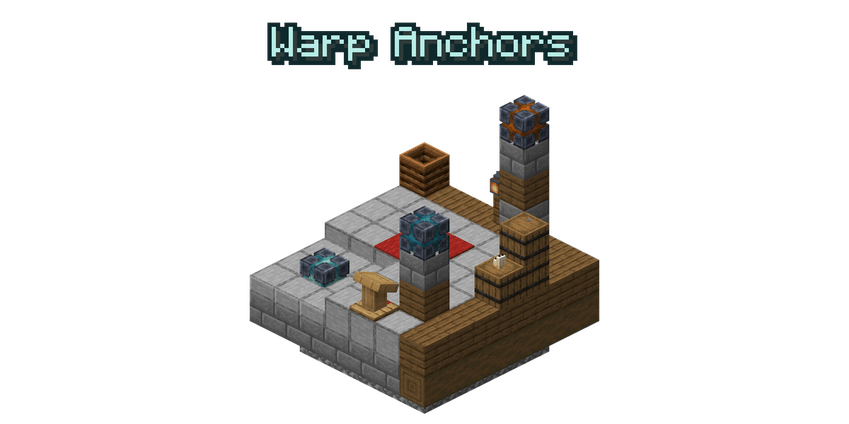
Warp Anchors allows you to quickly teleport over short distances! While standing on a Warp Anchor, you can see all other anchors within 100 blocks, even through walls. Simply look at the anchor you want to go to and left-click to warp there! Anchors can be given a name and a color to create separate networks.


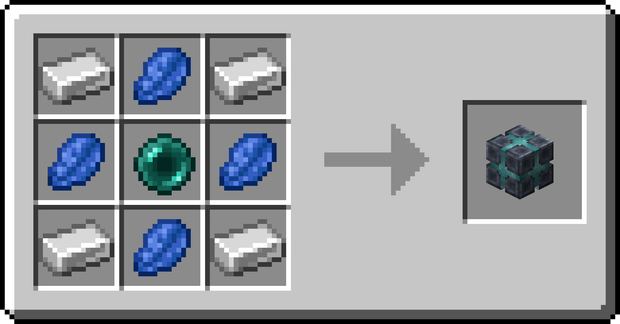
 Warp Anchor

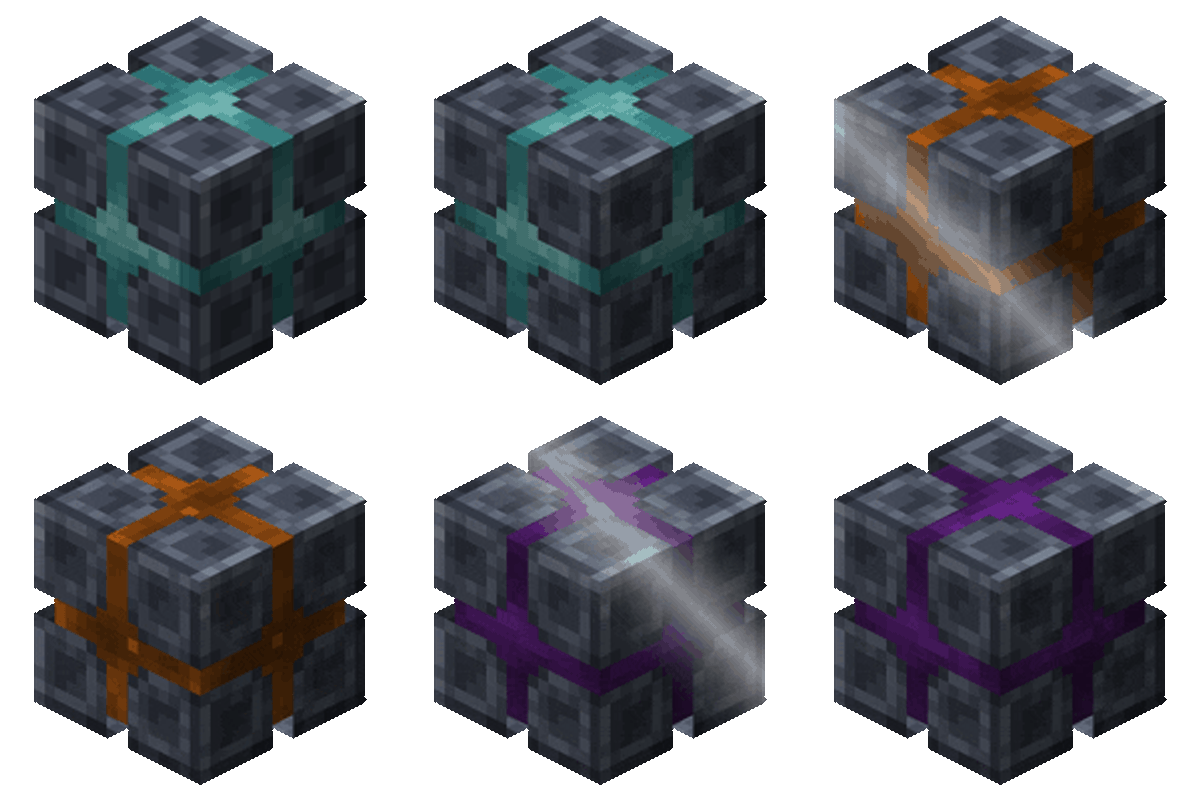
Warping only works while standing on a Warp Anchor. All anchors you can warp to are shown through walls, and the anchor you are looking at shows its name. Left-click to warp to it! Anchors work in any direction, so they can also take you up a tower or down into a mine.


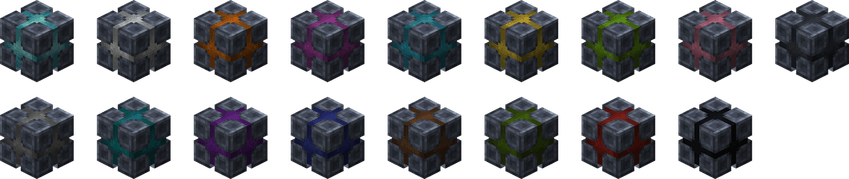
Anchors can be given any of the 16 dye colors. A colored anchor can only warp to anchors of the same color and to colorless anchors, while a colorless anchor can warp to every anchor. This way you can create separate networks, for example one for your base and one for your farms!


How far can I warp?
Up to 100 blocks in any direction, including up and down. The range can be changed in the config
Does it work interdimensionally?
No, Warp Anchors are meant for short distances. For long distances, check out Traveler's Waystones
Does warping cost anything?
No, warping is free
Can I warp to an anchor that is blocked?
No, the space above the target anchor must be free. You will get a message when it isn't
Can I use your mod in my modpack?
Yes, feel free to use my mod in your modpack

For future content, upcoming mods, and discussion, feel free to join the SuperMartijn642 discord server!


Project description from CurseForge.
Pick your setup
Choose the version and loader you play, then open the matching release.
Showing the newest 12 of 17 game versions. Older files are in the list below.
Check the dependencies, then try the file in a copied instance before changing a world you care about.
Recent files
warpanchors-1.0.0-neoforge-mc26.3.jar
20 Nov 2026
warpanchors-1.0.0-neoforge-mc26.2.jar
20 Nov 2026
warpanchors-1.0.0-neoforge-mc26.1.jar
20 Nov 2026
warpanchors-1.0.0-neoforge-mc1.21.11.jar
20 Nov 2026
warpanchors-1.0.0-neoforge-mc1.21.10.jar
20 Nov 2026
warpanchors-1.0.0-neoforge-mc1.21.8.jar
20 Nov 2026
warpanchors-1.0.0-neoforge-mc1.21.5.jar
20 Nov 2026
warpanchors-1.0.0-neoforge-mc1.21.4.jar
20 Nov 2026
warpanchors-1.0.0-neoforge-mc1.21.3.jar
20 Nov 2026
warpanchors-1.0.0-neoforge-mc1.21.1.jar
20 Nov 2026
warpanchors-1.0.0-fabric-mc26.3.jar
20 Nov 2026
warpanchors-1.0.0-fabric-mc26.2.jar
20 Nov 2026
Looking for an older file? The official CurseForge project page is in Resources.
 mod
Addon for Cobblemon that adds wild zones and encounter animations!
 mod
A floating inventory interface that lets you view and interact with inventories and containers directly in the Minecraft world.
 mod
CRLib is a simple Library for all my Mods