Curios API Optional for Create: Gravity Boots create-gravityboots-1.21.1-NeoForge-1.0.1.jar
optionalMatching file found Matched file: curios-neoforge-9.6.1-1.21.1.jar
CurseForge · Minecraft mod
Wear gravity boots to walk across walls, around corners, and beneath moving or stationary Sable sublevels.
Quick answer
Create: Gravity Boots create-gravityboots-1.21.1-NeoForge-1.0.1.jar targets 1.21.1 with NeoForge. The project page does not say whether this file belongs on the client, dedicated server, or both. All 2 required mods have matching files.
Where it goes
The project page does not say whether this file belongs on the client, dedicated server, or both.
The source does not explicitly classify this release as client-only or server-only.
create-gravityboots-1.21.1-NeoForge-1.0.1.jar. Change the file and its required mods may change too.
Install Sable, Create first. We found matching files for this game-version and loader setup. 1 comes through another mod in the chain.
1 extra mod was pulled in by another dependency. Indented rows show who needs each one. We only count dependency files that match this setup. A file for another loader does not fill the gap.
Before you install it
Built for Create: Gravity Boots create-gravityboots-1.21.1-NeoForge-1.0.1.jar. Pick another file and the loader, install side or required mods may change.
Use create-gravityboots-1.21.1-NeoForge-1.0.1.jar. It targets 1.21.1 with NeoForge; another release may have different loader, side or dependency requirements.
Install Sable, Create first. We found matching files for this game-version and loader setup. 1 comes through another mod in the chain.
The project page does not say whether this file belongs on the client, dedicated server, or both.
Use the “Get this file” button beside create-gravityboots-1.21.1-NeoForge-1.0.1.jar. It opens that exact file at the source.
About this project
Create: Gravity Boots adds wearable boots that let you treat any walkable face inside a Sable sublevel as the floor. Walk from floors onto walls, around edges, and across undersides. Attachment, movement, and player orientation follow stationary, moving, and rotating sublevels. Block material does not matter. Ordinary world blocks are not supported.

Tags: Create Gravity Boots, Create addon, Create Aeronautics addon, Sable addon, Minecraft gravity boots, walk on walls, walk on ceilings, moving structures, rotating platforms, airship mod, Create Backtank
Project description from CurseForge.
Pick your setup
Choose the version and loader you play, then open the matching release.
Check the dependencies, then try the file in a copied instance before changing a world you care about.
Recent files
28 Nov 2026
19 Nov 2026
Looking for an older file? The official CurseForge project page is in Resources.
 mod
BetterRP takes Minecraft Roleplay to the next level! Bringing new features, immersive mechanics and endless possibilities to make every RP experience more realistic and enjoyable. Your world, your story!
 mod
Forgotten Relics Plus brings powerful mystical relics to Minecraft, with Thaumaturge research puzzles unlocking their crafting recipes.
 mod
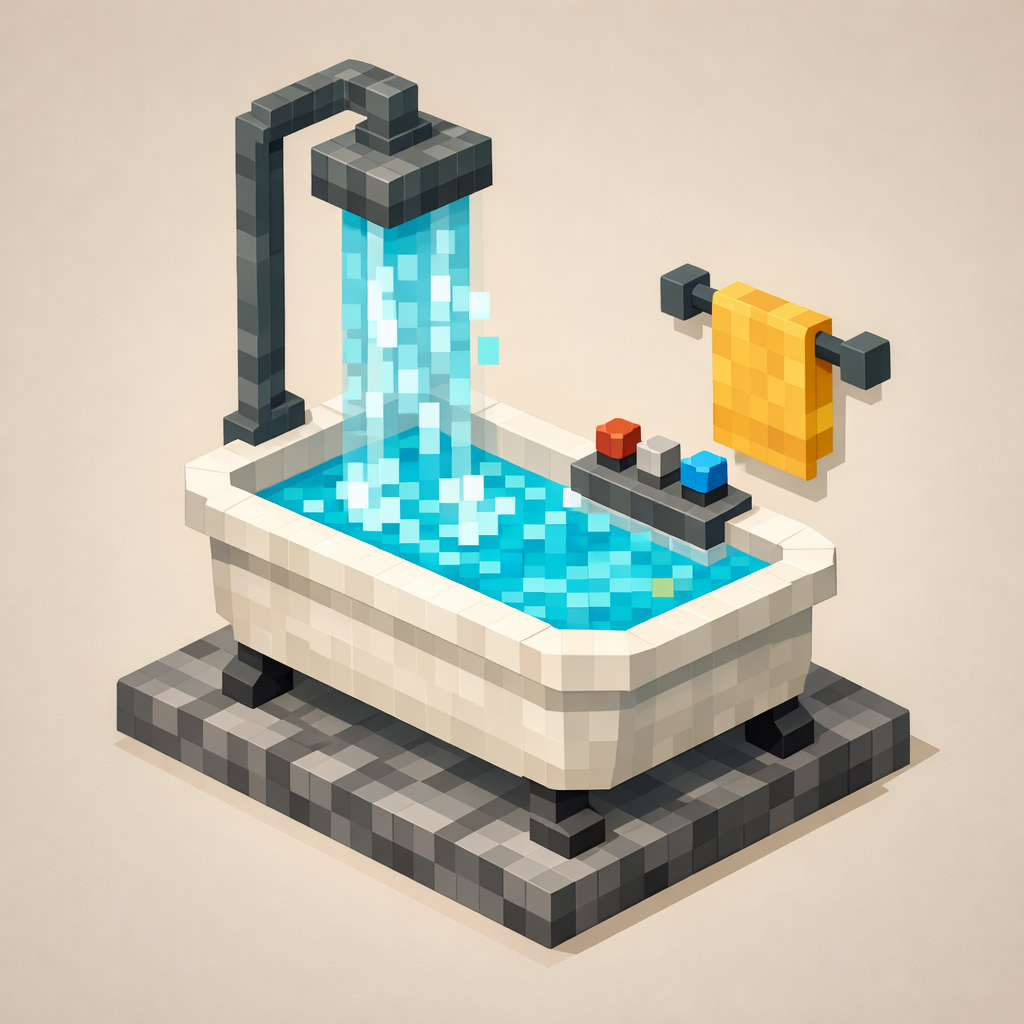
A Hot Bath add-on with core-powered showers, two-seat bathtubs, area buffs and rubber ducks.