Oritech Needed by Just Enough Oritech 0.4.2
requiredMatching file found Matched file: Oritech 2.0.0-exp14
CurseForge · Minecraft mod
JEI multiblock editor and client-side simulator for Oritech's nuclear reactor.
Quick answer
Just Enough Oritech 0.4.2 targets 26.1.2 with NeoForge. The project page does not say whether this file belongs on the client, dedicated server, or both. All 5 required mods have matching files.
Where it goes
The project page does not say whether this file belongs on the client, dedicated server, or both.
The source does not explicitly classify this release as client-only or server-only.
Just Enough Oritech 0.4.2 on 26.1.2 NeoForge. Every mod below is checked against that same setup.
Install Oritech, Just Enough Items (JEI), GeckoLib, Athena and 1 more first. We found matching files for this game-version and loader setup. 6 come through another mod in the chain.
6 extra mods were pulled in by other dependencies. Indented rows show who needs each one. We only count dependency files that match this setup. A file for another loader does not fill the gap.
Before you install it
Built for Just Enough Oritech 0.4.2 on 26.1.2 NeoForge. Pick another file and the loader, install side or required mods may change.
Use Just Enough Oritech 0.4.2. It targets 26.1.2 with NeoForge; another release may have different loader, side or dependency requirements.
Install Oritech, Just Enough Items (JEI), GeckoLib, Athena and 1 more first. We found matching files for this game-version and loader setup. 6 come through another mod in the chain.
The project page does not say whether this file belongs on the client, dedicated server, or both.
Use the “Get this file” button beside Just Enough Oritech 0.4.2. It opens that exact file at the source.
About this project
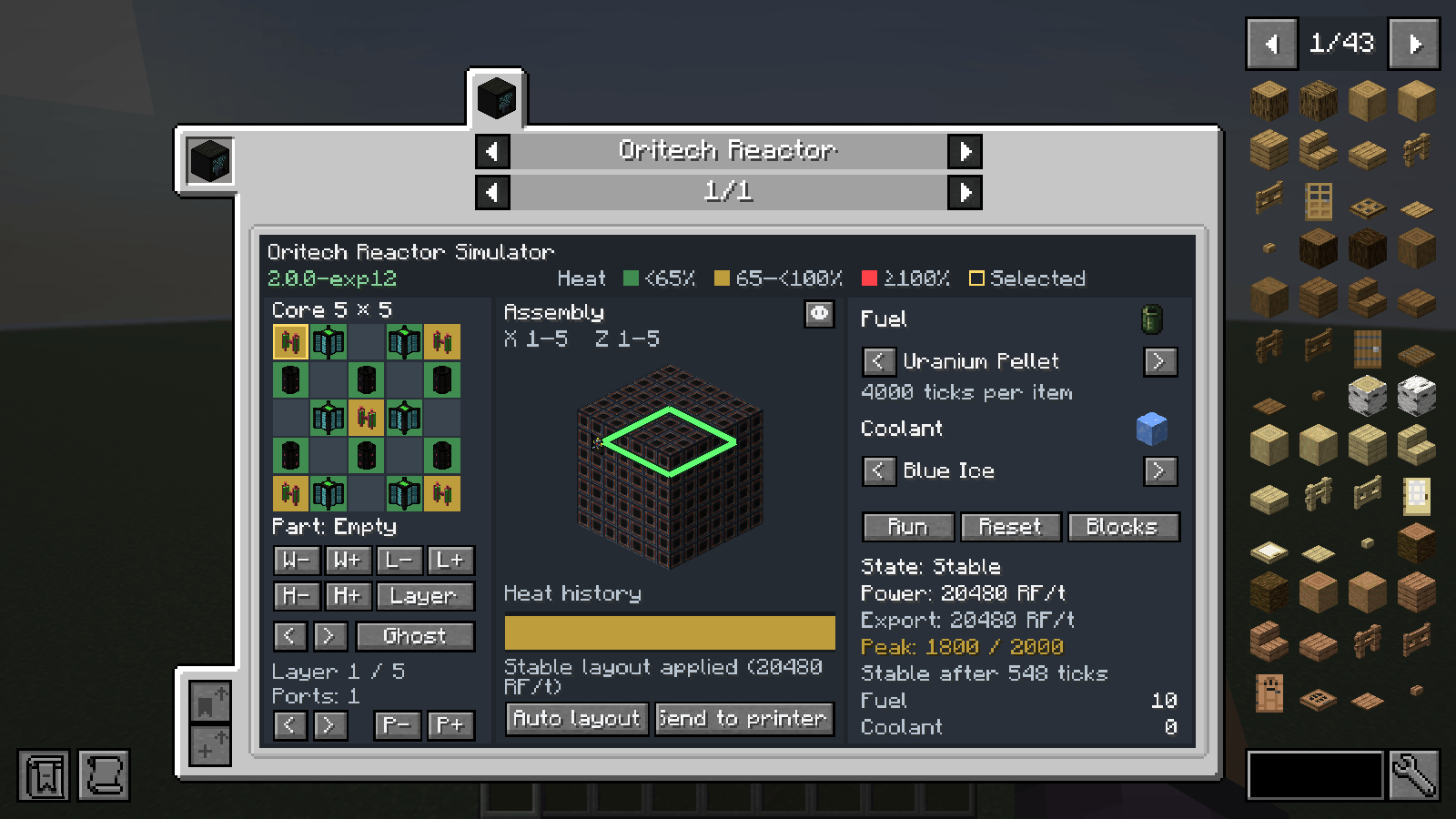
Just Enough Oritech adds an interactive multiblock planner and reactor simulator to JEI for the Oritech tech mod.
Press J in a world or open the Nuclear Reactor Controller in JEI and select the simulator tab. Hold Shift or Ctrl when clicking size or port controls to step by 10 or 50.
Reactor simulator in JEI
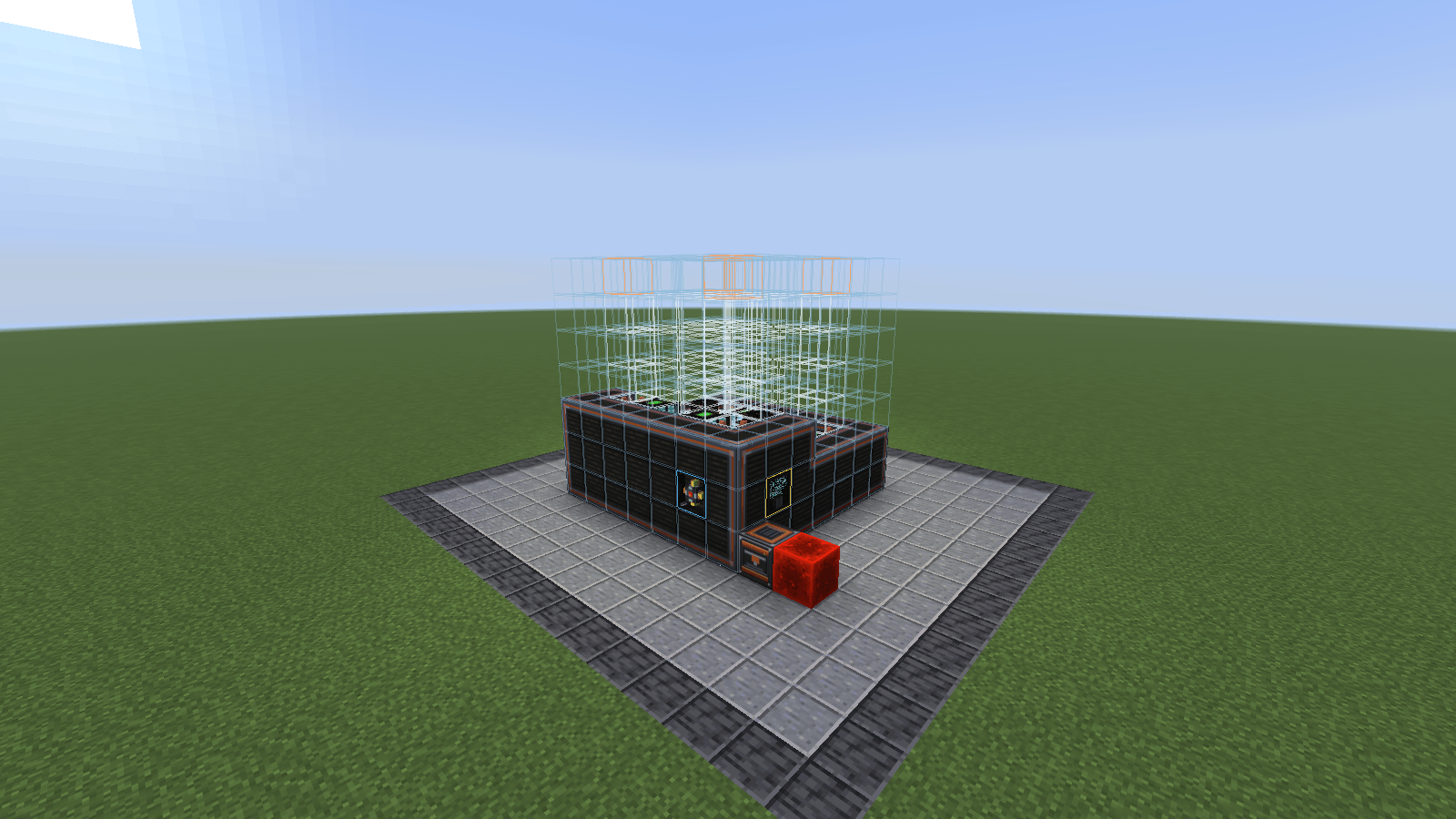
Automatic construction
See the 0.4.2 changelog for the current release and use the project's Issues tab to report bugs.
Project description from CurseForge.
Pick your setup
Choose the version and loader you play, then open the matching release.
Check the dependencies, then try the file in a copied instance before changing a world you care about.
Recent files
just_enough_oritech-0.4.2.jar
20 Nov 2026
just_enough_oritech-0.4.1.jar
19 Nov 2026
just-enough-oritech-0.3.3.jar
19 Nov 2026
Looking for an older file? The official CurseForge project page is in Resources.
 mod
Wireless Forge Energy across dimensions: networks, batteries, area power and live statistics, without a single cable.
 mod
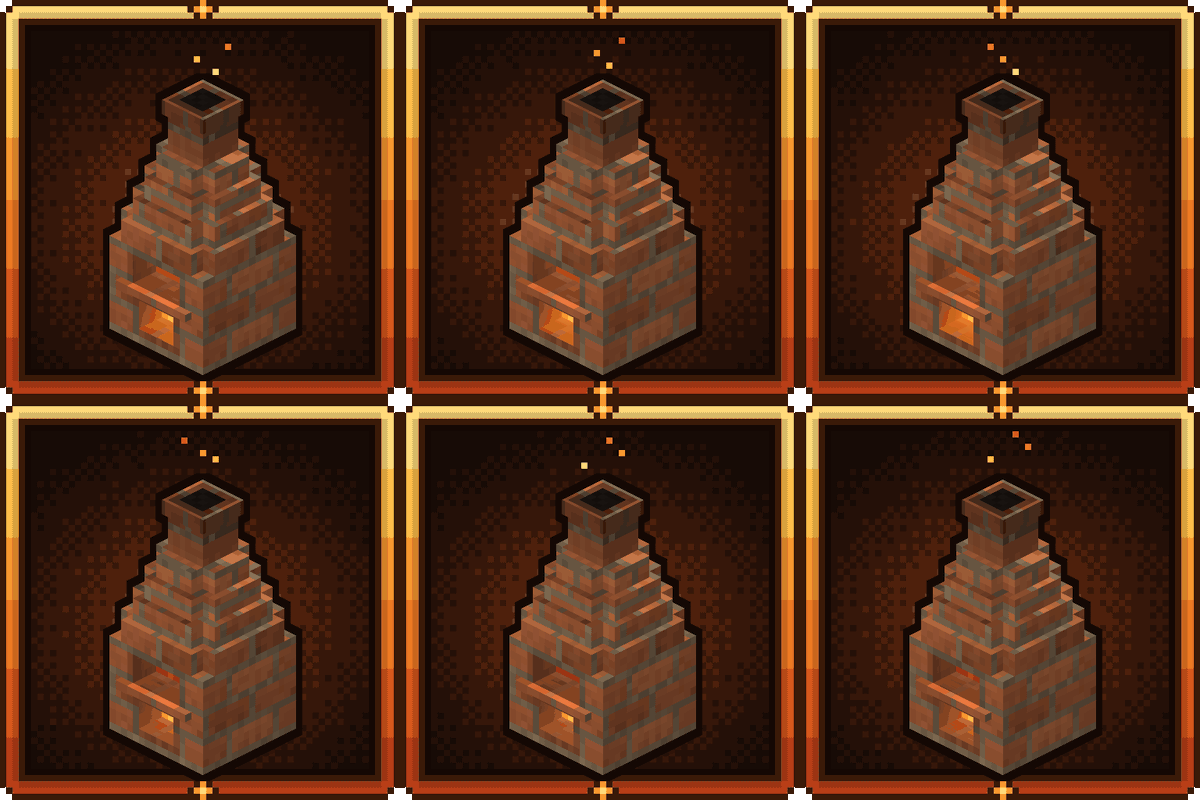
Fire is something you earn. Start with a hole in the ground and work your way up a ladder of real furnaces until you can melt netherite.
 mod
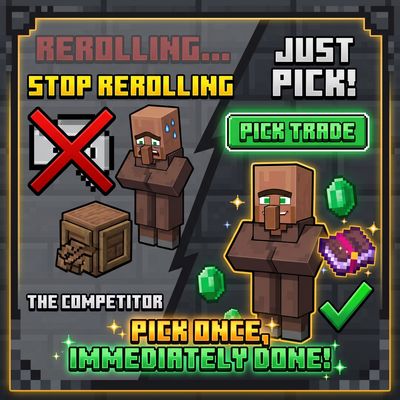
Stop rerolling villagers. Just pick. Open a new villager’s trade screen, press Pick trade, and choose any 2 trades its profession can offer (enchanted books at max level included). They replace the villager’s starting trades.