Minecraft version
Back to mods 
CurseForge · Minecraft mod
SackNGo
Dyeable, upgradeable storage sacks for Fabric. Carry up to 27 stacks and manage them with a paged inventory.
Choose a version Pick your version below, then grab the matching file.
Quick answer
Which SackNGo release matches 26.3 Forge?
Best match for your filters sackngo-26.3-forge-1.0.0.jar
Game version 26.3
Loader Forge
sackngo-26.3-forge-1.0.0.jar targets 26.3 with Forge. The project page does not say whether this file belongs on the client, dedicated server, or both. No extra mods listed for this file.
Where it goes
Is SackNGo required on the client, server, or both?
The project page does not say whether this file belongs on the client, dedicated server, or both.
Client Source doesn’t say
Dedicated server Source doesn’t say
Loader for this release Forge
Required install it here Optional supported, not mandatory Not supported do not install here Source doesn’t say do not assume
The source does not explicitly classify this release as client-only or server-only.
What else does sackngo-26.3-forge-1.0.0.jar need?
sackngo-26.3-forge-1.0.0.jar on 26.3 Forge. Every mod below is checked against that same setup.
This file does not list any required mods. Do not add a library just because a different file uses it.
This file does not list any required or optional mods.
Before you install it
Add SackNGo without breaking your instance.
Built for sackngo-26.3-forge-1.0.0.jar on 26.3 Forge. Pick another file and the loader, install side or required mods may change.
- 01
Stick to this file
Use sackngo-26.3-forge-1.0.0.jar. It targets 26.3 with Forge; another release may have different loader, side or dependency requirements.
- 02
Bring the mods it needs
This file does not list any required mods. Do not add a library just because a different file uses it.
- 03
Put it on the correct side
The project page does not say whether this file belongs on the client, dedicated server, or both.
- 04
Pick the file you checked
Use the “Get this file” button beside sackngo-26.3-forge-1.0.0.jar. It opens that exact file at the source.
About this project
What does SackNGo add?
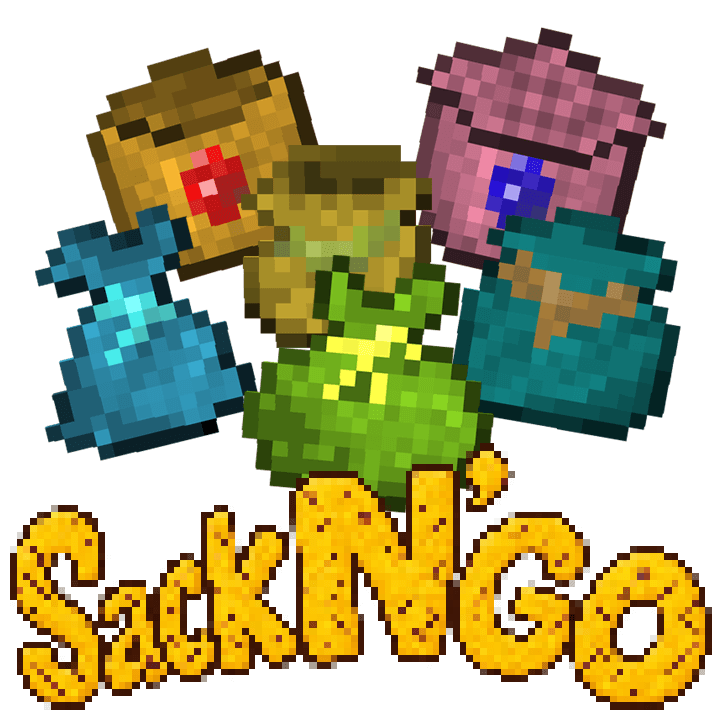
SackNGo adds nine tiers of portable storage sacks to Minecraft. Start with a three-stack sack, then craft upgrades and hunt for smithing schematics to work your way up to 27 stacks. Open a sack from either hand to organize your supplies, or move items in and out directly from your inventory.
Features
- Nine storage tiers with room for 3, 6, 9, 12, 15, 18, 21, 24, or 27 stacks. Capacity follows vanilla bundle weights, so 64 stone, 16 ender pearls, or one unstackable tool each take one stack of room.
- A paged organizer with shift-click transfers, plus a hover preview of the first 12 stored stacks and a capacity bar.
- Dyeable sacks with one gold stitch per tier. Craft a sack with one or more dyes to color it, or use it on a water-filled cauldron to wash out the color. Upgrading preserves contents, dye, and custom names.
- Storage for containers, including filled shulker boxes, bundles, and other sacks. Nested bundles and sacks count their contents toward capacity and add a small nesting cost.
Craft your first sack
- Fiber Strap — In a crafting table, place a Firefly Bush, Flint, and a Firefly Bush in a horizontal row.
- Sewn Leather — Put Leather in the four corners of the crafting grid and String in the other five slots.
- Tier 1 Sack — Put the Fiber Strap directly above the Sewn Leather.
The recipe book unlocks SackNGo recipes as you collect their ingredient types. Use the crafting table to upgrade through tier 6.
Using your sack
- Hold the sack in either hand and right-click to open it. Shift-click to transfer items and use the arrows to turn pages with an empty cursor.
- In your inventory, pick up an item stack and left-click the sack to store it. You can also pick up the sack and left-click a stack to collect it.
- Right-click the sack with an empty cursor to take out the first stored stack. If you’re holding the sack on your cursor, right-click an empty slot to place that stack there.
- Take a nested sack out before adding items to it.
Upgrading to tiers 7–9
At a smithing table, combine the schematic for the tier you want, your previous-tier sack, and the matching upgrade material.
| Upgrade | Default schematic location | Upgrade material |
|---|---|---|
| Tier 6 → 7 | Abandoned camp common and secret chests | Gold Block |
| Tier 7 → 8 | Pillager outpost chests | Diamond Block |
| Tier 8 → 9 | Buried treasure chests | Netherite Ingot |
By default, each eligible chest has a 10% chance to generate its schematic. Smithing consumes the schematic. To make two copies from one, craft it with seven diamonds and Sewn Leather for tier 7 or Treated Sewn Leather for tiers 8–9.
Server and modpack configuration
After the first launch, edit config/sackngo-loot.json to change schematic drop chances or chest loot tables, or to disable schematic loot. Restart to apply changes. Chest contents that have already generated stay as they are.
Project description from CurseForge.
Pick your setup
SackNGo by Minecraft version and loader
Choose the version and loader you play, then open the matching release.
Check the dependencies, then try the file in a copied instance before changing a world you care about.
Recent files
SackNGo versions and loaders
sackngo-26.3-forge-1.0.0.jar
23 Nov 2026
Client Source doesn’t say Server Source doesn’t say Dependencies No extras listed Listed on Release listing
Check the 26.3 · Forge setup Forge26.3 release
Looking for an older file? The official CurseForge project page is in Resources.