Minecraft version
Back to mods 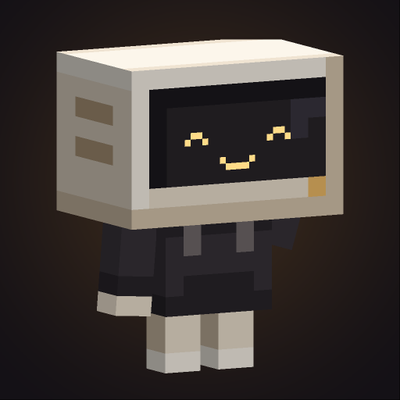
CurseForge · Minecraft mod
Bubie
The little CRT robot from bubie.gg as your helper: it chops trees, digs, quarries, farms and mines, then stores everything in your chest.
Choose a version Pick your version below, then grab the matching file.
Quick answer
Which Bubie release should I use?
Latest stable file Bubie 1.2.0
Game version 1.21.1
Loader NeoForge
Bubie 1.2.0 targets 1.21.1 with NeoForge. The project page does not say whether this file belongs on the client, dedicated server, or both. No extra mods listed for this file.
Where it goes
Is Bubie required on the client, server, or both?
The project page does not say whether this file belongs on the client, dedicated server, or both.
Client Source doesn’t say
Dedicated server Source doesn’t say
Loader for this release NeoForge
Required install it here Optional supported, not mandatory Not supported do not install here Source doesn’t say do not assume
The source does not explicitly classify this release as client-only or server-only.
What else does Bubie 1.2.0 need?
Bubie 1.2.0. Change the file and its required mods may change too.
This file does not list any required mods. Do not add a library just because a different file uses it.
This file does not list any required or optional mods.
Before you install it
Add Bubie without breaking your instance.
Built for Bubie 1.2.0. Pick another file and the loader, install side or required mods may change.
- 01
Stick to this file
Use Bubie 1.2.0. It targets 1.21.1 with NeoForge; another release may have different loader, side or dependency requirements.
- 02
Bring the mods it needs
This file does not list any required mods. Do not add a library just because a different file uses it.
- 03
Put it on the correct side
The project page does not say whether this file belongs on the client, dedicated server, or both.
- 04
Pick the file you checked
Use the “Get this file” button beside Bubie 1.2.0. It opens that exact file at the source.
About this project
What does Bubie add?
Bubie
A little CRT robot that works for you: it chops trees, digs sand, quarries stone, farms and mines, then puts everything in your chest.
🇧🇷 Versão em português mais abaixo.
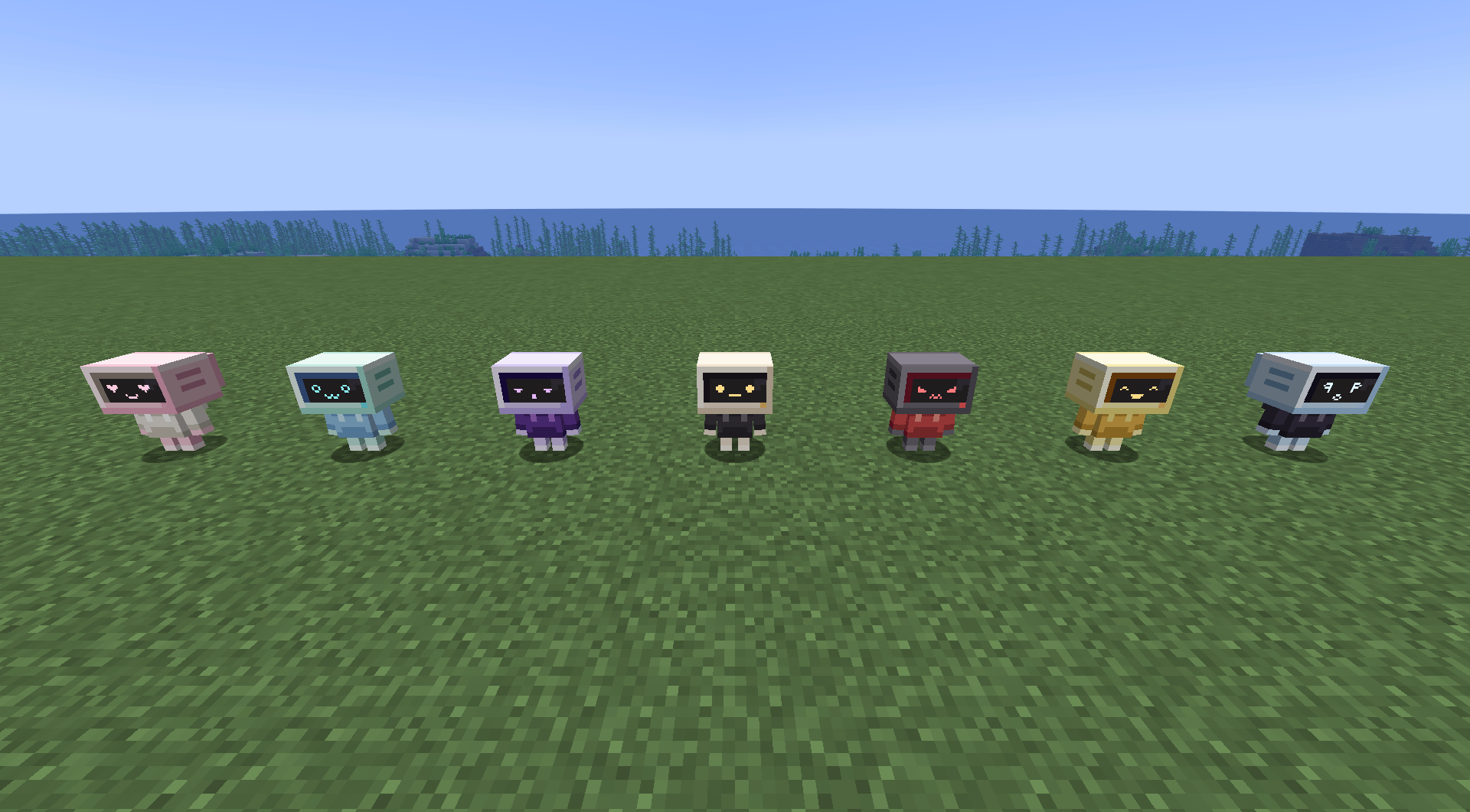
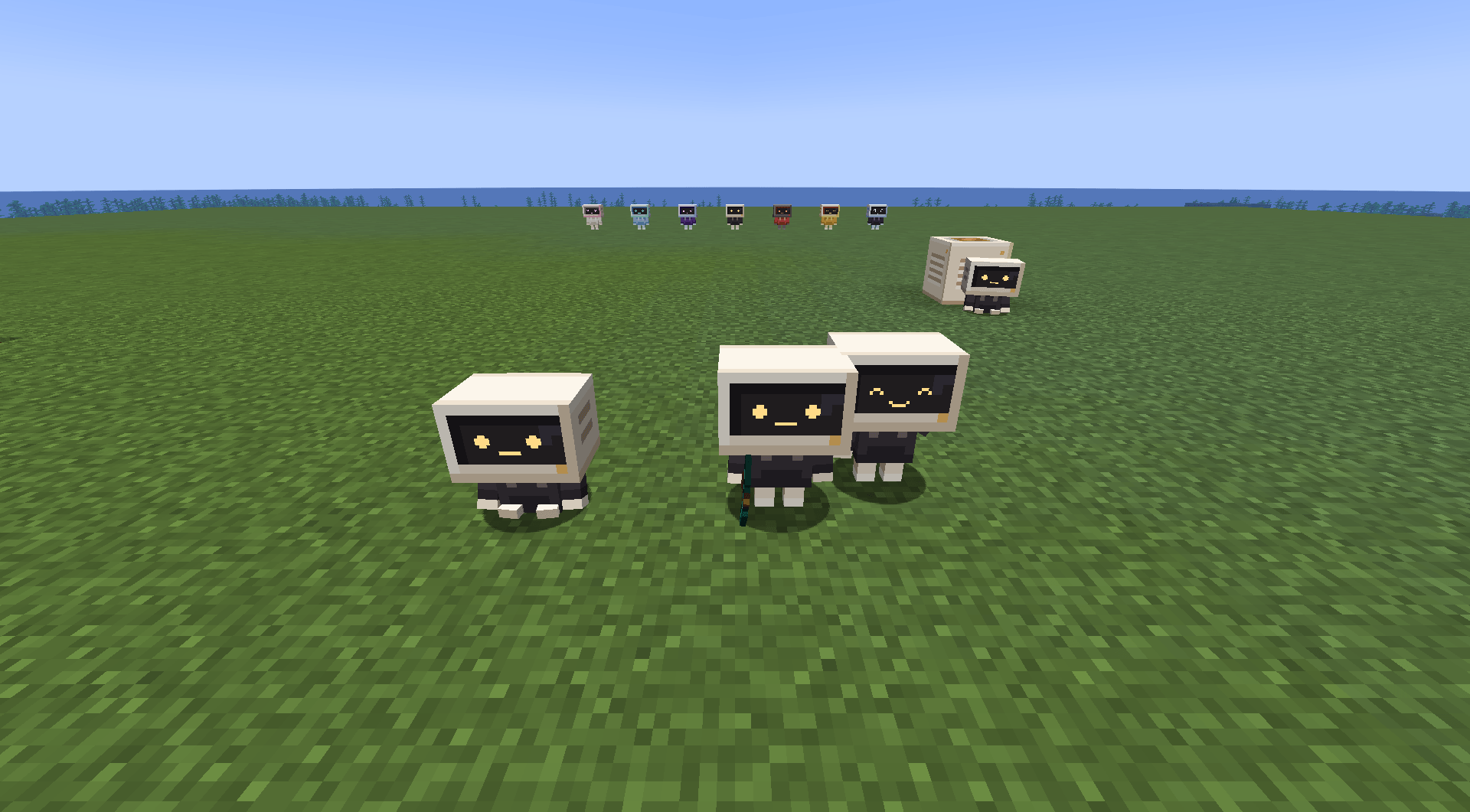
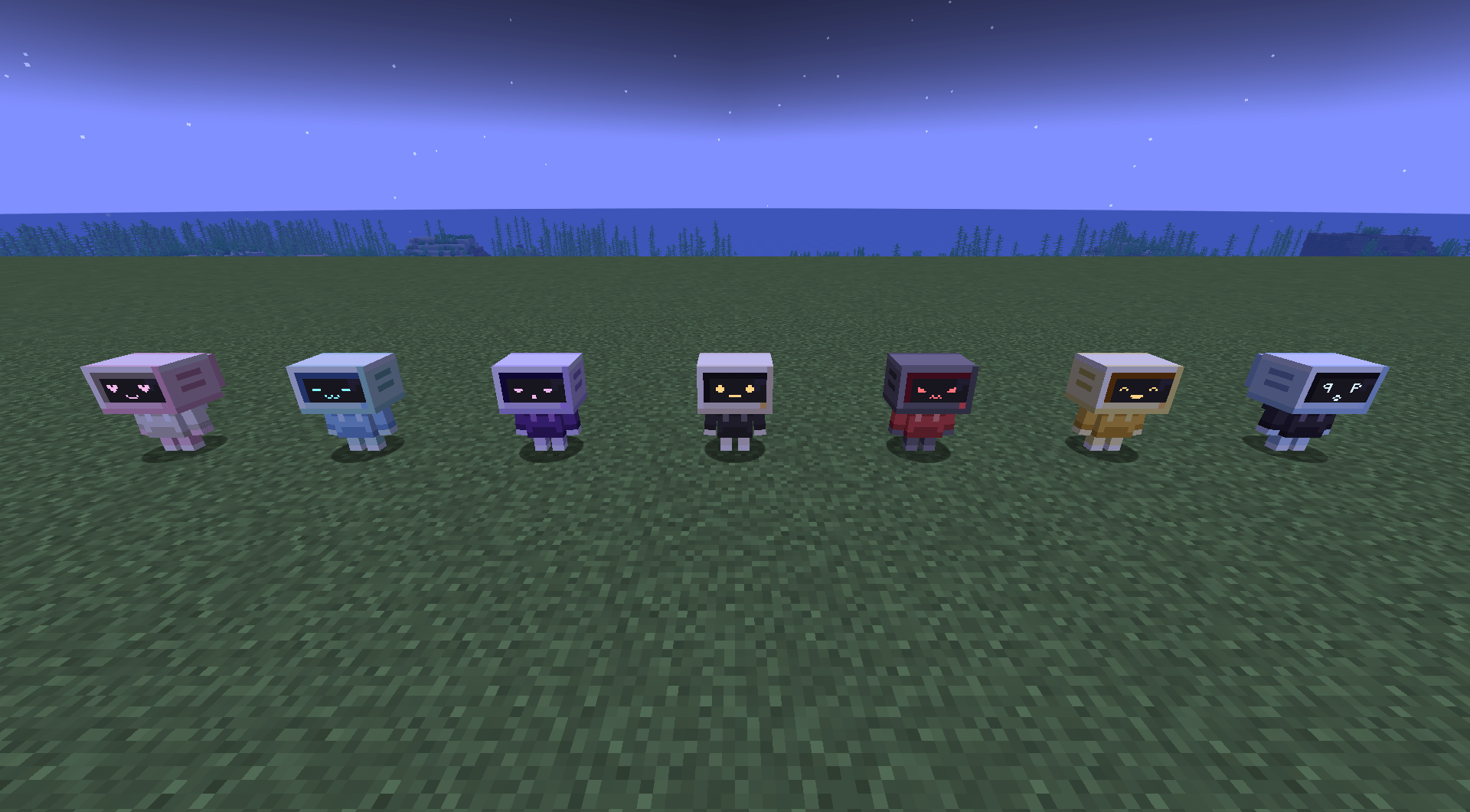
Bubie is a cream CRT monitor in a black hoodie, as a helper for Minecraft 1.21.1 (NeoForge). Craft one, click the ground to switch it on, and give it a job.
🤖 What it does
- Follow: walks after you and picks up items on the ground. Stay: sits and waits. Work: does its job in an area.
- Lumberjack: fells whole trees and replants the same sapling. Leaves your log cabins alone.
- Digger: sand, gravel, dirt and clay, layer by layer (filters in the menu).
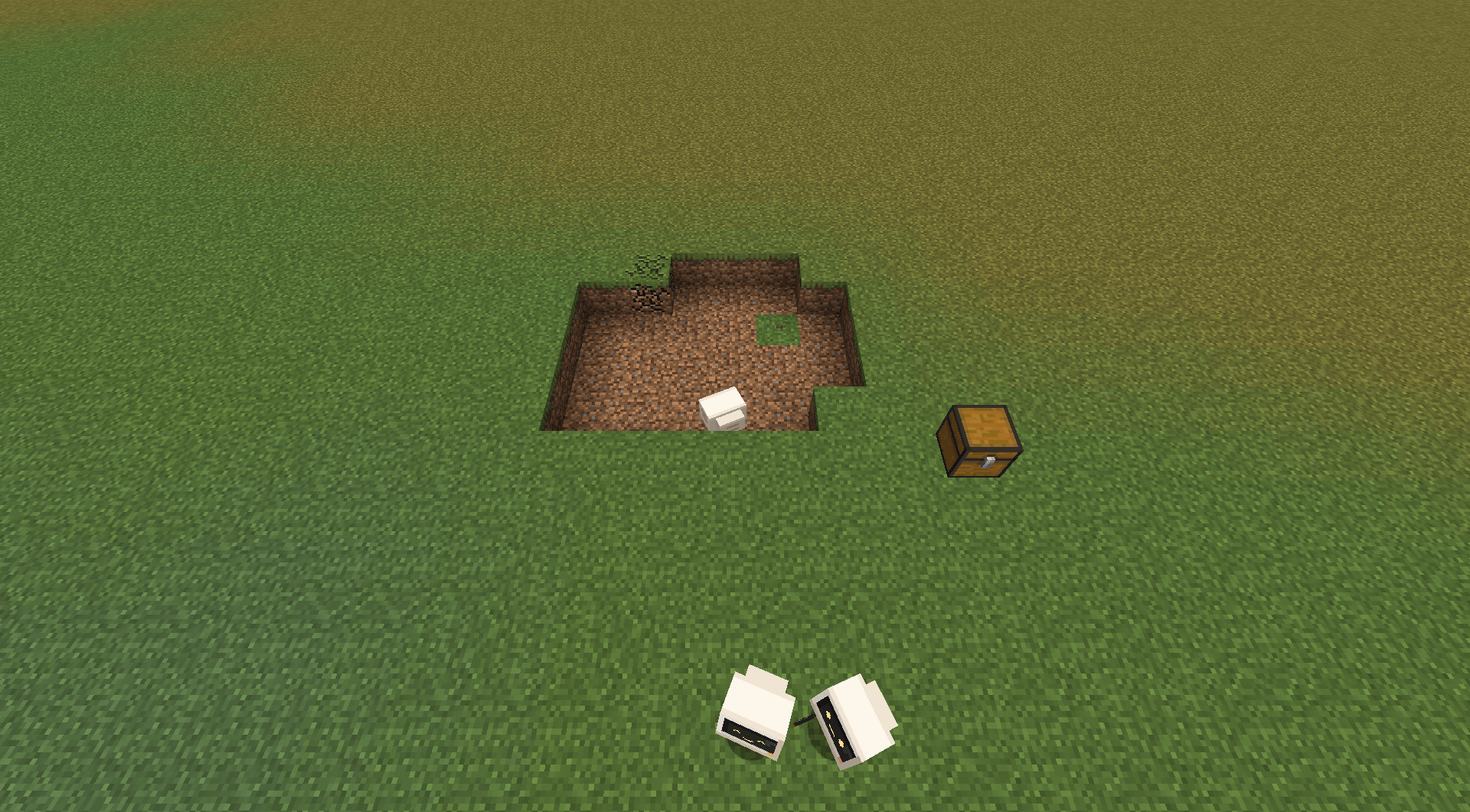
- Quarry: digs out the whole area and leaves a staircase on the walls. Plugs water and lava with cobblestone first.
- Farmer: harvests and replants crops; sugar cane, cactus, bamboo, pumpkins, melons, cocoa, nether wart, sweet berries.
- Miner: exposed ore veins, or branch tunnels with torches. Uses the
c:orestag, so modded ores count. - Collector: gathers every item lying in the area.
- Builder (with Base Blueprint): hand it a configured blueprint where the base should go and it builds it block by block, taking the blocks from its chest. Out of blocks, it waits and says which block it needs; another Bubie (a Lumberjack or a Quarry) can keep that chest filled while it builds. With Base Blueprint 1.3.0+, Build with Bubie in the blueprint menu sends your nearest Bubie to build where you are looking.
- Courier: empties the chests, hoppers and furnace outputs in its area into its own chest. Feeding a Builder, it carries only what the blueprint still needs.
Several Bubies in one area split the work: each one claims the block (or, for lumberjacks, the whole tree) it is on.
📋 How to use it
- Craft the Bubie Clipboard, click two blocks to mark the area, Shift + click a chest.
- Click your Bubie with the clipboard. It starts working and brings everything back to the chest.
- Give it a tool (it uses your axe, shovel or pickaxe, and stops before it breaks) and some coal.
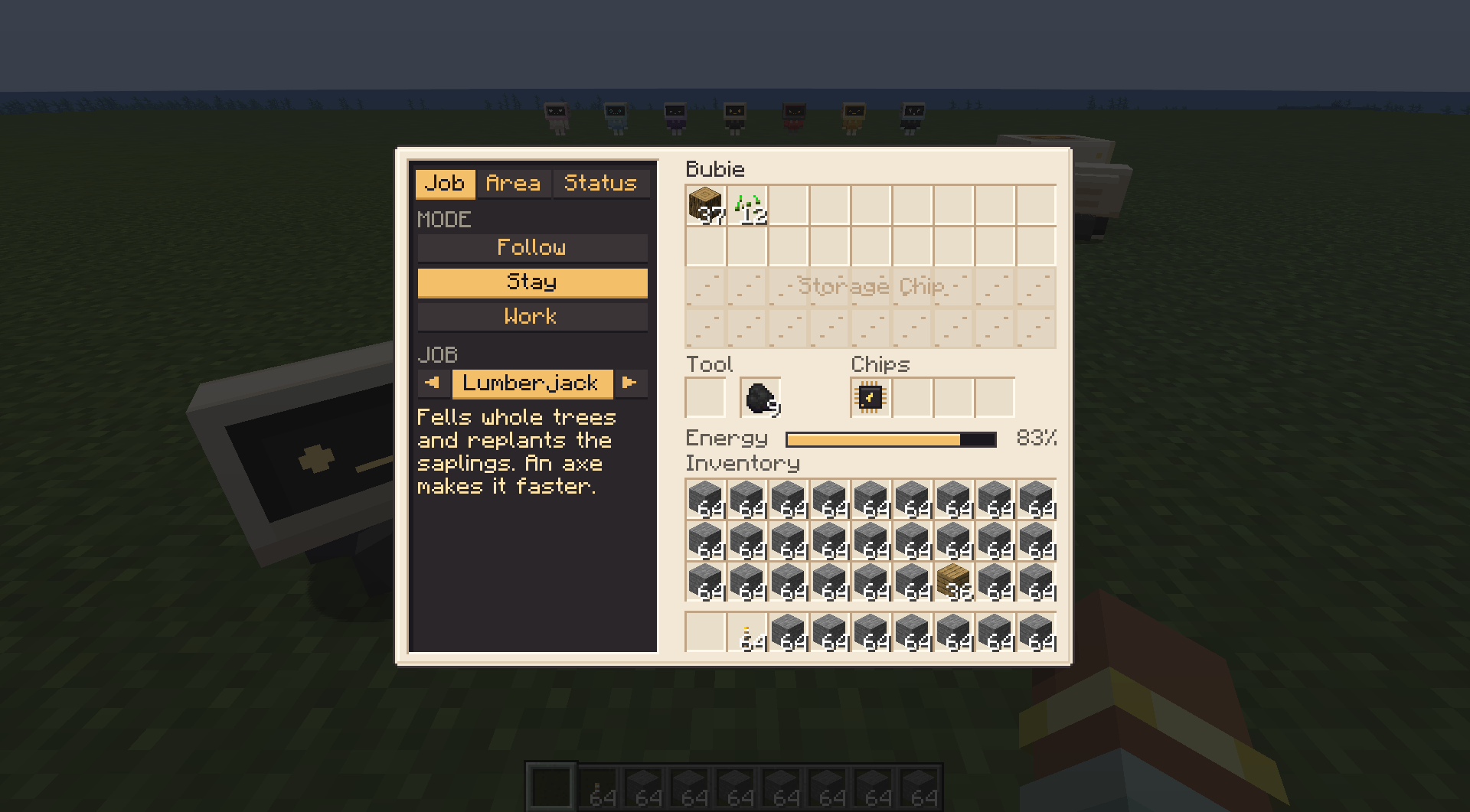 |
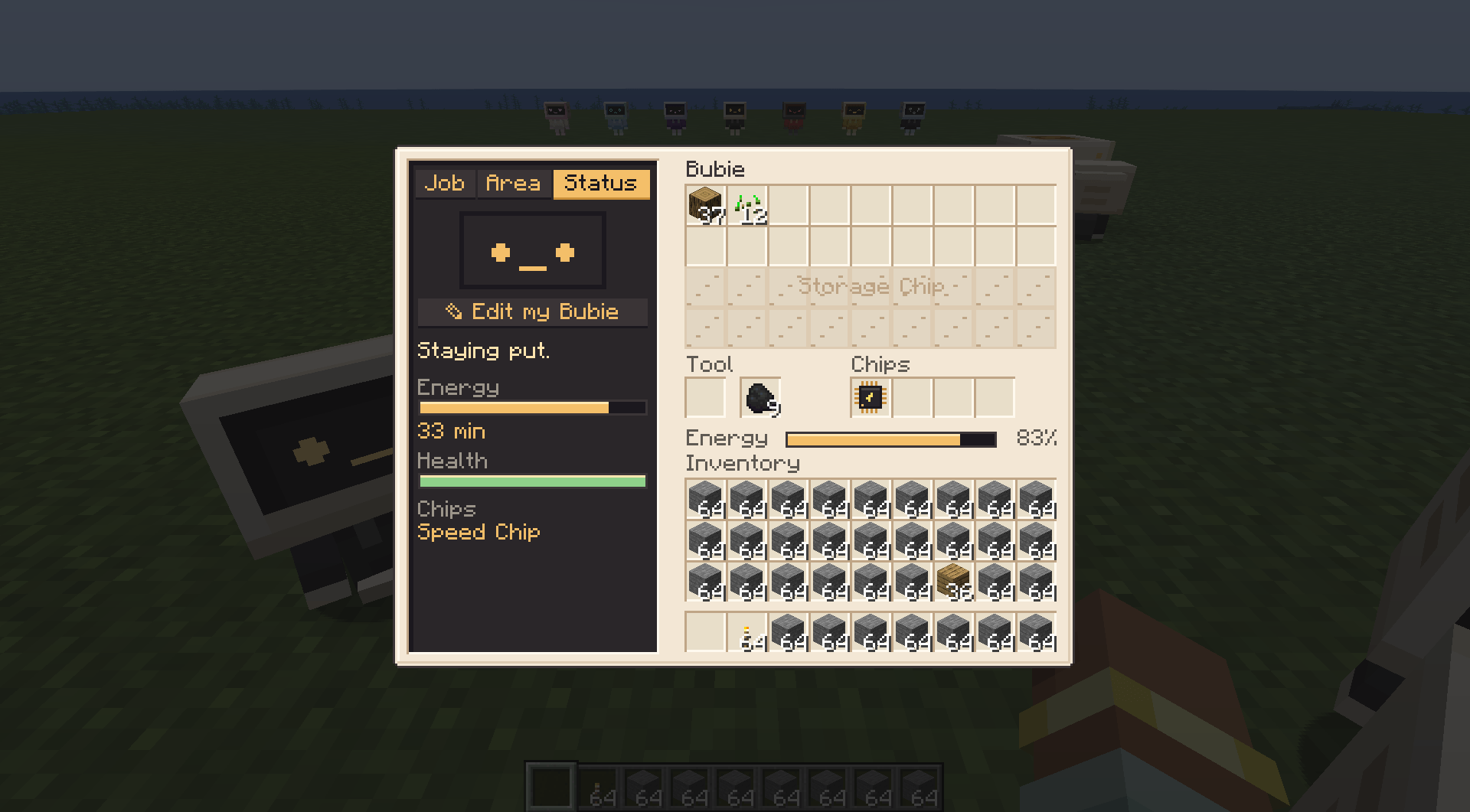 |
⚡ Energy, home and chips
- Coal gives 10 minutes of work. The Bubie Station charges it with FE or fuel, stores what it brings back, and is where it rests at night.
- Four chip slots: Speed, Storage, Range, Magnet, Smelting and Efficiency.
- At 0 health it shuts down into its item, keeping everything. It runs from monsters and never dies.
- A balloon over its head says what's wrong when it stops.
🎨 Edit my Bubie
Casing, hoodie and screen-light colours, 18 eyes and 10 mouths, with a turning preview. Everyone on the server sees your look.
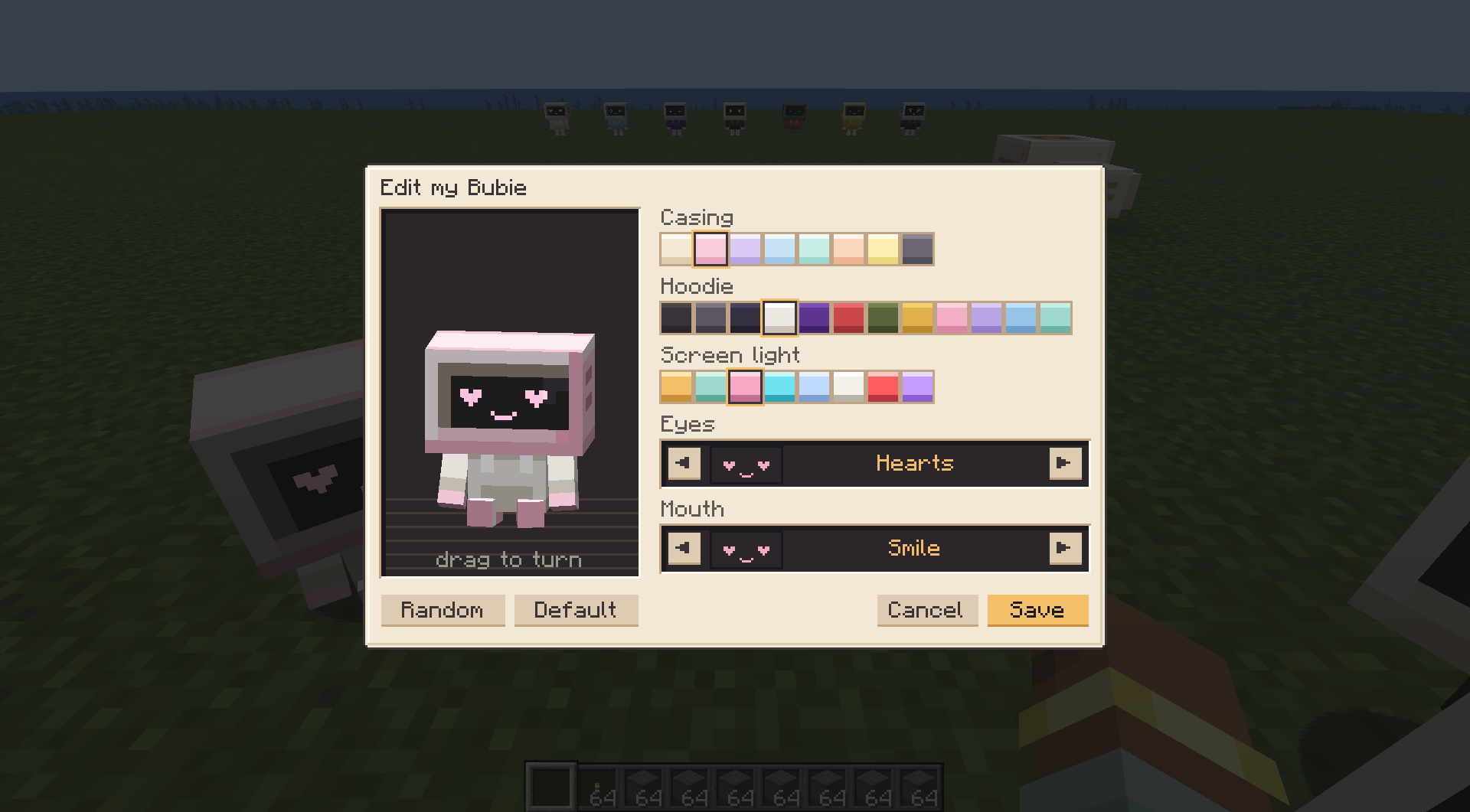 |
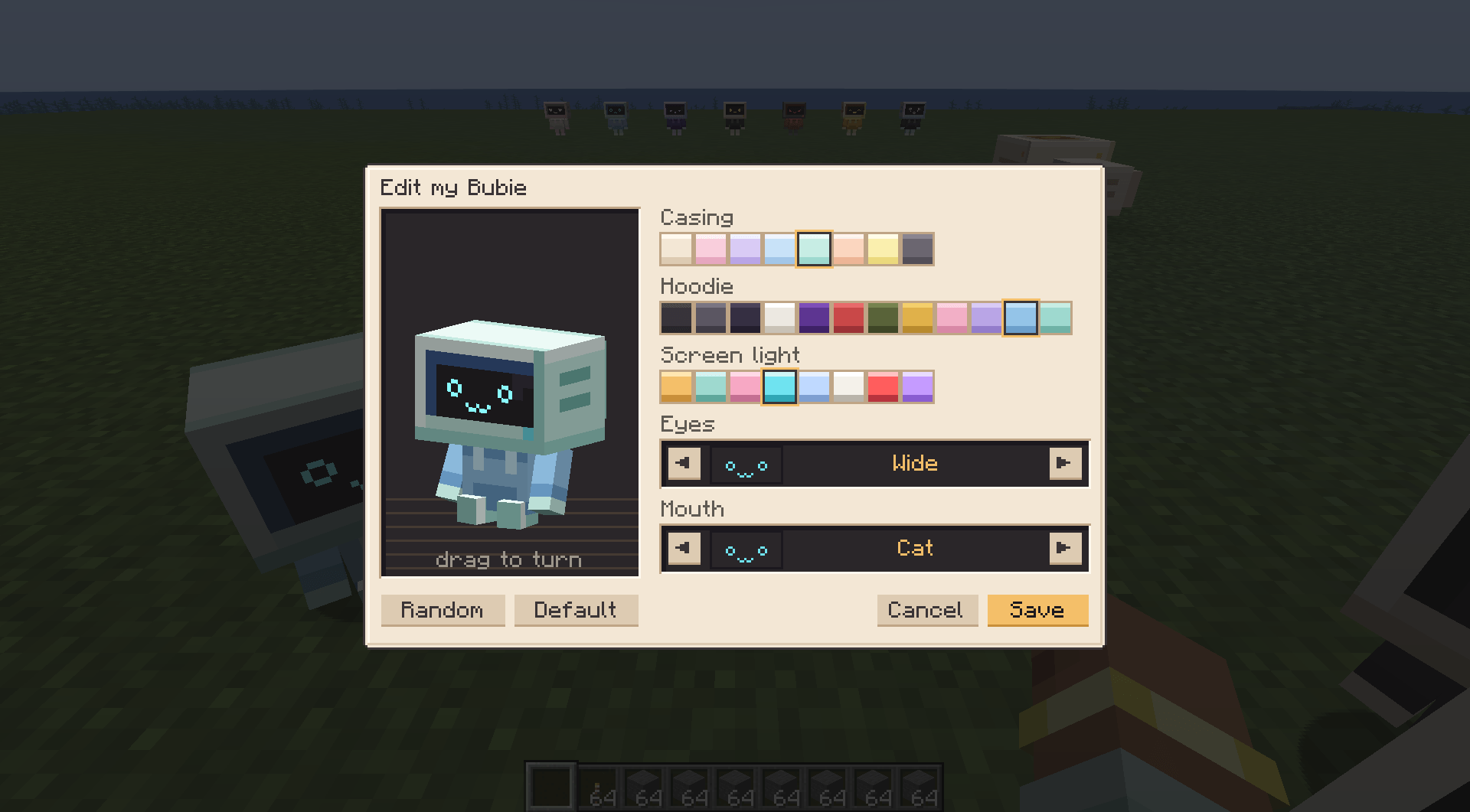 |
🔌 Works with
- Storage: unloads into any block with an inventory: Sophisticated Storage, Functional Storage, Create vaults, Mekanism bins, chests (AE2: put a Storage Bus on its chest).
- Power: the station takes FE from any cable (Mekanism, Powah, Flux Networks, Ender IO, Pipez…), and the Bubie goes back to charge on its own, so it never runs out. Pipes can feed coal to the station, and any FE battery (Voltaic pocket accumulator, Mekanism energy tablet) in its fuel slot charges it without being used up.
- Claims and teams: breaks blocks as its owner, so FTB Chunks protection applies; FTB Teams teammates can give it orders.
- Crops and ores: Mystical Agriculture, Farmer's Delight and other standard crops; any ore in
c:ores(All the Ores included); any modded tool. - Safe from automation: mob capturers can't take it, and machines that attack as fake players don't hurt it.
- Jade shows its job, status and battery; JEI/EMI show the recipes.
Settings in serverconfig/bubie-server.toml.
🇧🇷 Português
O Bubie, um robozinho de tela CRT e moletom preto, é um ajudante: corta árvores inteiras e replanta, escava areia e terra, abre pedreiras com escada, colhe e replanta plantações, minera veios ou túneis e junta itens do chão, guardando tudo no seu baú. Com o mod Base Blueprint, ele também é Construtor: entregue a planta e ele levanta a base bloco por bloco, com o material do baú (que outro Bubie pode ir enchendo).
- Marque a área com a Prancheta do Bubie (clique em 2 cantos, Shift + clique no baú), clique no Bubie com ela e dê uma ferramenta e um pouco de carvão.
- A Estação do Bubie carrega com FE de qualquer cabo ou combustível e é a casa dele. Com ela, ele nunca fica sem energia.
- Editar meu Bubie: cores do casco, do moletom e da luz da tela, olhos e boca.
- Guarda em Sophisticated Storage, Functional Storage, cofres do Create e bins do Mekanism; respeita as áreas do FTB Chunks; amigos do mesmo time do FTB Teams também dão ordens.
- Se a vida acaba, ele desliga e vira o item, sem perder nada.
Made for the Bubie Pack. MIT license.
Project description from CurseForge.
Pick your setup
Bubie by Minecraft version and loader
Choose the version and loader you play, then open the matching release.
Check the dependencies, then try the file in a copied instance before changing a world you care about.
Recent files
Bubie versions and loaders
Bubie 1.2.0
bubie-1.2.0.jar
20 Nov 2026
Client Source doesn’t say Server Source doesn’t say Dependencies No extras listed Listed on Release listing
Check the 1.21.1 · NeoForge setup 1.21.1NeoForge release
Bubie 1.1.0
bubie-1.1.0.jar
20 Nov 2026
Client Source doesn’t say Server Source doesn’t say Dependencies No extras listed Listed on Release listing
Check the 1.21.1 · NeoForge setup 1.21.1NeoForge release
Bubie 1.0.0
bubie-1.0.0.jar
20 Nov 2026
Client Source doesn’t say Server Source doesn’t say Dependencies No extras listed Listed on Release listing
Check the 1.21.1 · NeoForge setup 1.21.1NeoForge release
Looking for an older file? The official CurseForge project page is in Resources.
 mod
CurseForge · Minecraft
Sparky
Glowing friends that like to dance, nurture you and protect you from harm.
 mod
CurseForge · Minecraft
Rotatable Observer
Change the output direction of vanilla Observers by right-clicking them.
 mod
CurseForge · Minecraft
Silence's Turrets
It has more than 30 turrets