Fabric API Needed by Command Buttons 1.1v+1.21.2.jar
requiredNo matching file
CurseForge · Minecraft mod
Press G to open a quick button panel to change game mode, difficulty, time, weather, effects and teleport players without typing commands.
Quick answer
Command Buttons 1.1v+1.21.2.jar targets 1.21.2 with Fabric. The project page does not say whether this file belongs on the client, dedicated server, or both. 1 required mod needs a matching file.
Where it goes
The project page does not say whether this file belongs on the client, dedicated server, or both.
The source does not explicitly classify this release as client-only or server-only.
Command Buttons 1.1v+1.21.2.jar on 1.21.2 Fabric. Every mod below is checked against that same setup.
Install Fabric API first, but 1 required mod has no matching file for this setup. Do not mix loader builds to force a match.
We only count dependency files that match this setup. A file for another loader does not fill the gap.
Before you install it
Built for Command Buttons 1.1v+1.21.2.jar on 1.21.2 Fabric. Pick another file and the loader, install side or required mods may change.
Use Command Buttons 1.1v+1.21.2.jar. It targets 1.21.2 with Fabric; another release may have different loader, side or dependency requirements.
Install Fabric API first, but 1 required mod has no matching file for this setup. Do not mix loader builds to force a match.
The project page does not say whether this file belongs on the client, dedicated server, or both.
Use the “Get this file” button beside Command Buttons 1.1v+1.21.2.jar. It opens that exact file at the source.
About this project
(Español abajo)
A panel of quick buttons to control your world without typing commands. Just press G.
Change the game mode, difficulty, time, weather and game speed, give yourself effects, teleport to other players and create your own command buttons, all from a clean Minecraft-style panel.
Made by Micuvi · Minecraft 1.21 – 1.21.11 · Fabric · Requires Fabric API
/gamemode, /time set or /effect give over and over| Key / click | Action |
|---|---|
| G | Open / close the panel |
| Esc | Close the panel |
| Left-click a player | Teleport to them (Teleport tab) or kill them (Kill tab) |
| Right-click a player | Bring them to you (Teleport tab) |
| Mouse wheel on the effects | Scroll the effects list |
| Mouse wheel on the level bar | Change the effect level one by one |
The key can be changed in Options → Controls → Command Buttons.
/) and the icon (an item id, for example minecraft:diamond).To change or delete a button, turn on the gear (edit mode) and click the button.
| Who | Can do |
|---|---|
| Operator (or world with cheats) | Use every button |
| Player without permission | Sees the panel with the command buttons disabled and a notice; their custom buttons still work |
The buttons send normal Minecraft commands, so the server always checks permissions.
config/command-buttons.json
| Option | Default | Description |
|---|---|---|
language |
game language | Mod language: es_es or en_us (also changed with the ES/EN button) |
particles |
cherry |
Falling particles: cherry, pale_oak, leaves, autumn, snow, fireflies or off |
buttons |
empty | Your custom buttons (name, command and icon) |
Everything can be changed from the panel; you do not need to edit this file.
Pale oak, regular leaf and firefly particle textures were added in newer versions: older Minecraft versions use similar replacements, and pale oak is not available before 1.21.4.
YouTube · Twitter · Instagram · Twitch · Kick · TikTok · itch.io · Planet Minecraft
Support the project: Ko-fi
Licensed under MIT.
Un panel de botones rápidos para controlar tu mundo sin escribir comandos. Pulsa G y listo.
Cambia el modo de juego, la dificultad, la hora, el clima y la velocidad del juego, ponte efectos, teletranspórtate a otros jugadores y crea tus propios botones de comandos, todo desde un panel limpio con estilo Minecraft.
Hecho por Micuvi · Minecraft 1.21 – 1.21.11 · Fabric · Requiere Fabric API
/gamemode, /time set o /effect give una y otra vez| Tecla / clic | Acción |
|---|---|
| G | Abrir / cerrar el panel |
| Esc | Cerrar el panel |
| Clic izquierdo en un jugador | Ir hasta él (pestaña Teleport) o matarlo (pestaña Kill) |
| Clic derecho en un jugador | Traerlo hasta ti (pestaña Teleport) |
| Rueda del ratón en los efectos | Desplazar la lista de efectos |
| Rueda del ratón en la barra de nivel | Cambiar el nivel de los efectos de 1 en 1 |
La tecla se puede cambiar en Opciones → Controles → Command Buttons.
/) y el icono (el id de un ítem, por ejemplo minecraft:diamond).Para cambiar o borrar un botón, activa el engranaje (modo editar) y haz clic en el botón.
| Quién | Qué puede hacer |
|---|---|
| Operador (o mundo con trucos) | Usar todos los botones |
| Jugador sin permisos | Ve el panel con los botones de comandos desactivados y un aviso; sus botones personalizados sí funcionan |
Los botones envían comandos normales de Minecraft, así que el servidor siempre comprueba los permisos.
config/command-buttons.json
| Opción | Por defecto | Descripción |
|---|---|---|
language |
idioma del juego | Idioma del mod: es_es o en_us (también se cambia con el botón ES/EN) |
particles |
cherry |
Partículas que caen: cherry, pale_oak, leaves, autumn, snow, fireflies u off |
buttons |
vacío | Tus botones personalizados (nombre, comando e icono) |
Todo se puede cambiar desde el panel; no hace falta tocar este archivo.
Las texturas de las hojas de roble pálido, las hojas normales y las luciérnagas llegaron en versiones nuevas: en las versiones antiguas de Minecraft se usan sustitutos parecidos, y el roble pálido no aparece antes de 1.21.4.
YouTube · Twitter · Instagram · Twitch · Kick · TikTok · itch.io · Planet Minecraft
Apoya el proyecto: Ko-fi
Licencia MIT.
Project description from CurseForge.
Pick your setup
Choose the version and loader you play, then open the matching release.
Check the dependencies, then try the file in a copied instance before changing a world you care about.
Recent files
command-buttons-1.1v-1.21.2.jar
20 Nov 2026
Looking for an older file? The official CurseForge project page is in Resources.
 mod
Adds snow particles falling from snow blocks and powder snow blocks when there's air or transparent blocks underneath.
 mod
This mod adds the possibility to grab villager, easy transportation no more boat or minecart.
 mod
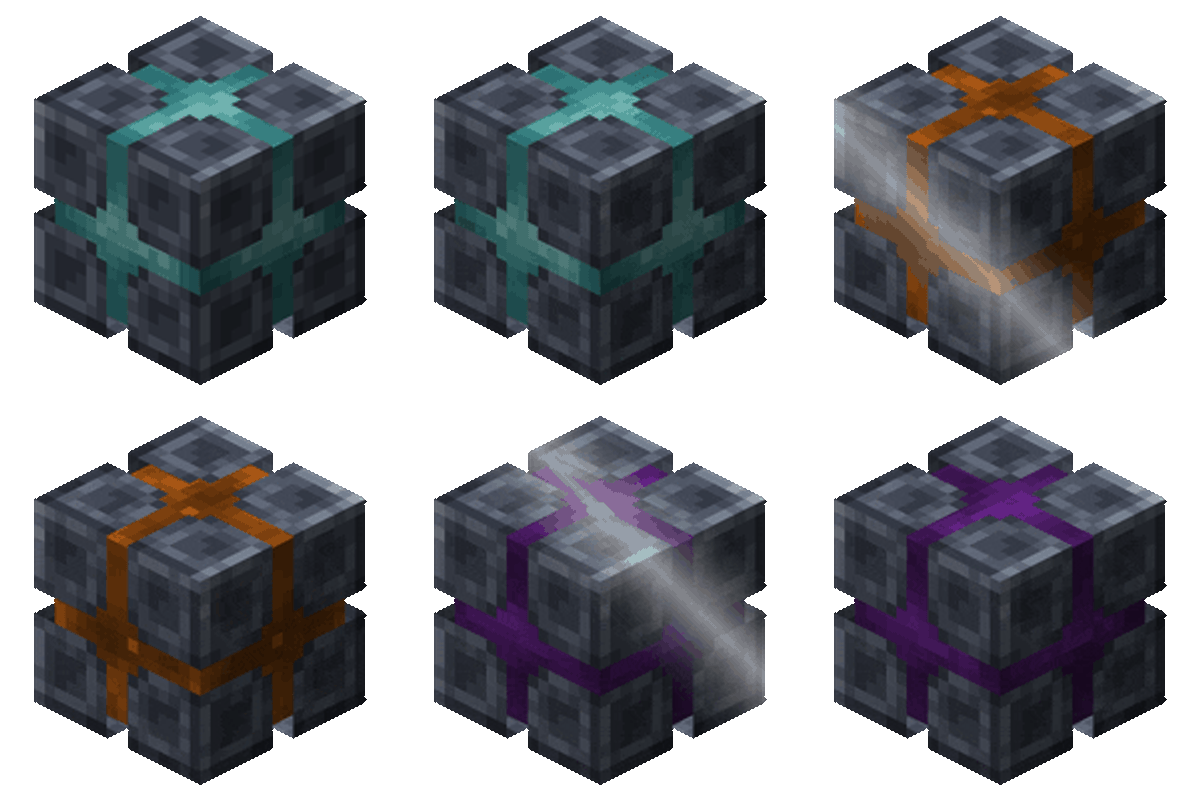
Quick short range teleportation between Warp Anchors!