MyCel Needed by F3 Keybinds 1.0.0 (NeoForge, 26.3)
requiredMatching file found Matched file: Mycel 1.7.0 (Fabric, Forge, NeoForge, 26.3)
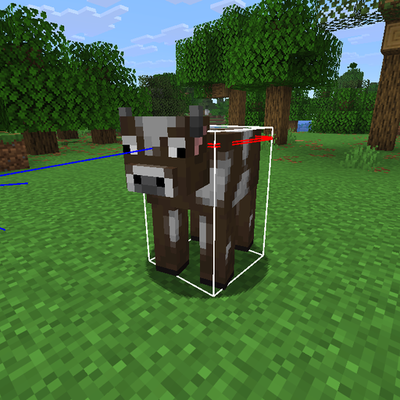
CurseForge · Minecraft mod
Put any F3 shortcut on one key: chunk borders, hitboxes, advanced tooltips, reload chunks and more, without holding F3. Made for laptops and small keyboards. Client-side
Quick answer
F3 Keybinds 1.0.0 (NeoForge, 26.3) targets 26.3 with NeoForge. The project page does not say whether this file belongs on the client, dedicated server, or both. All 1 required mods have matching files.
Where it goes
The project page does not say whether this file belongs on the client, dedicated server, or both.
The source does not explicitly classify this release as client-only or server-only.
F3 Keybinds 1.0.0 (NeoForge, 26.3) on 26.3 NeoForge. Every mod below is checked against that same setup.
Install MyCel first. We found matching files for this game-version and loader setup.
We only count dependency files that match this setup. A file for another loader does not fill the gap.
Before you install it
Built for F3 Keybinds 1.0.0 (NeoForge, 26.3) on 26.3 NeoForge. Pick another file and the loader, install side or required mods may change.
Use F3 Keybinds 1.0.0 (NeoForge, 26.3). It targets 26.3 with NeoForge; another release may have different loader, side or dependency requirements.
Install MyCel first. We found matching files for this game-version and loader setup.
The project page does not say whether this file belongs on the client, dedicated server, or both.
Use the “Get this file” button beside F3 Keybinds 1.0.0 (NeoForge, 26.3). It opens that exact file at the source.
About this project
F3 Keybinds is a client-side Minecraft mod that puts every F3 shortcut on a key of its own. Show chunk borders, show hitboxes, turn on advanced tooltips, reload chunks or open the game mode switcher with one key you choose, without holding F3. It's made for laptops and small keyboards, where F3 only works with the Fn key and Fn + F3 + G often does nothing at all.
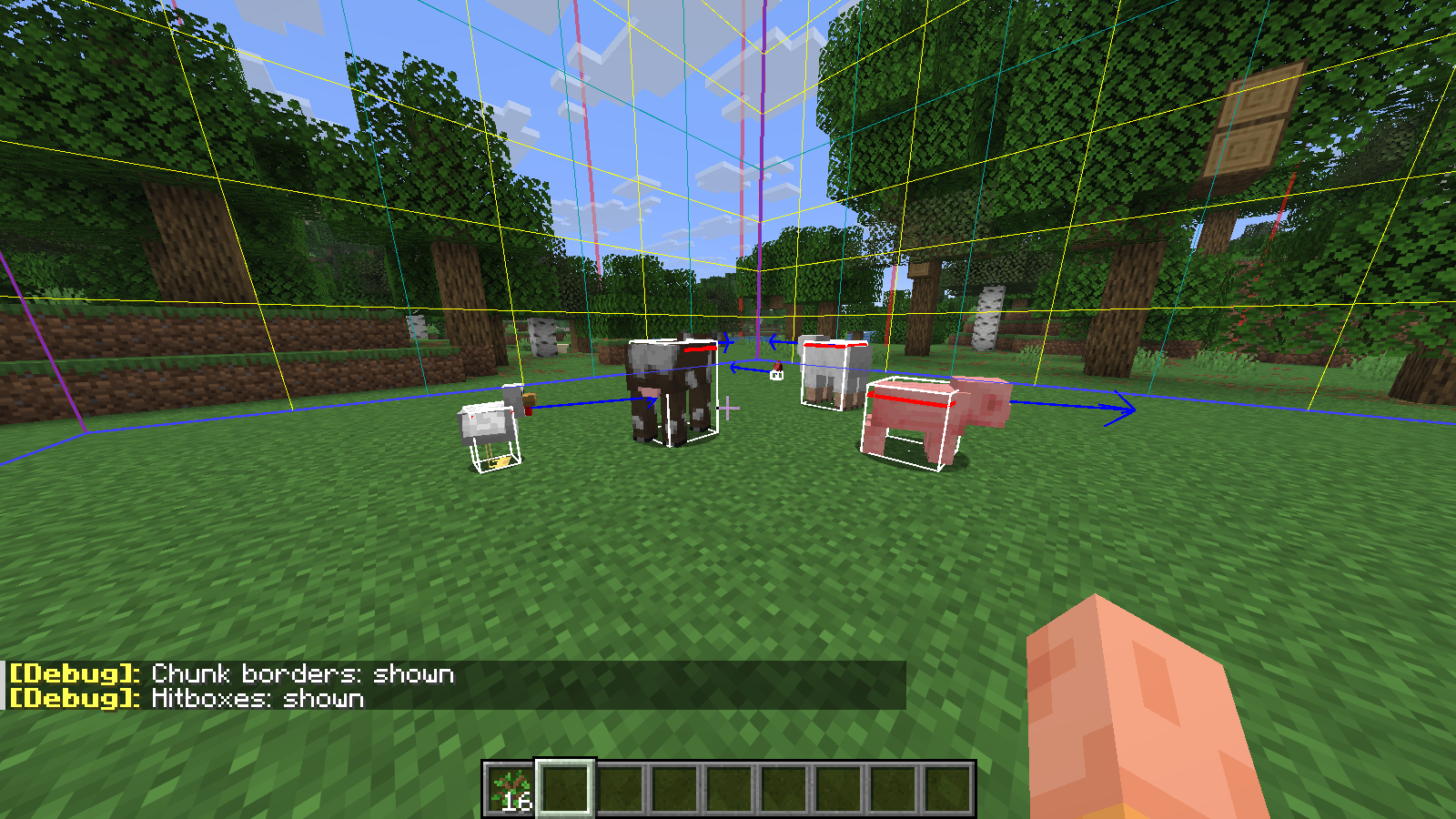
All the new keys start unbound, so nothing changes until you pick one, and nothing clashes with your other keys. Vanilla's F3 combos keep working as before.
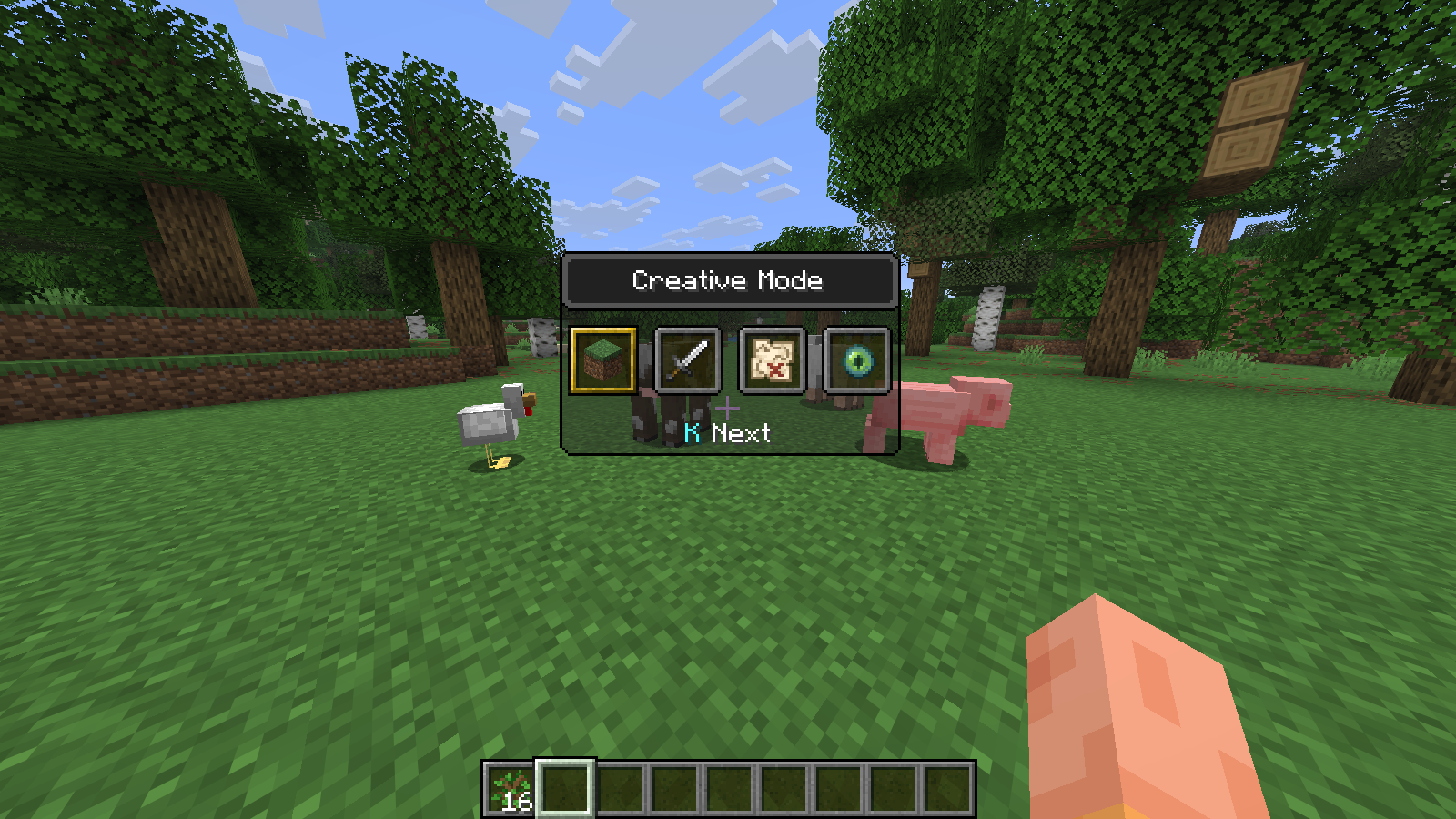
Vanilla picks a game mode when you let go of F3. With one key there is no F3 to let go, so: press your key to open the switcher, press it again to move to the next mode, then press Enter, Space or click to pick it. The hint at the bottom shows your key instead of F4.
Project description from CurseForge.
Pick your setup
Choose the version and loader you play, then open the matching release.
Check the dependencies, then try the file in a copied instance before changing a world you care about.
Recent files
f3keybinds-neoforge-26.3-1.0.0.jar
20 Nov 2026
Looking for an older file? The official CurseForge project page is in Resources.
 mod
This mod introduces Reset Scroll. It allows you to keep your gear forever without worrying about the vanilla anvil repair limits.No Anvil Expensive,No Expensive Never Too Expensive
 mod
An RPG auction house and server shop implementation
 mod
A simple marketplace for players to sell their items