

Minecraft version
Back to mods 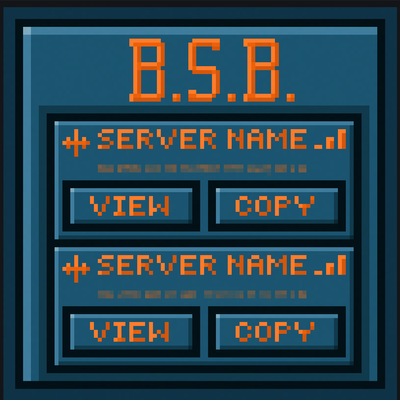
CurseForge · Minecraft mod
Better Server Browser ( In Game Server List)
Browse 20,000+ Minecraft Java server listings right from Multiplayer. Filter by game mode, check players and ping, or let Random Server pick where you play next.
Choose a version Pick your version below, then grab the matching file.
Quick answer
Which Better Server Browser ( In Game Server List) release matches Forge?
Best match for your filters Better Server Browser 1.2.1 - Forge 26.3
Game version 26.3
Loader Forge
Better Server Browser ( In Game Server List) Better Server Browser 1.2.1 - Forge 26.3 targets 26.3 with Forge. The project page does not say whether this file belongs on the client, dedicated server, or both. No extra mods listed for this file.
Where it goes
Is Better Server Browser ( In Game Server List) required on the client, server, or both?
The project page does not say whether this file belongs on the client, dedicated server, or both.
Client Source doesn’t say
Dedicated server Source doesn’t say
Loader for this release Forge
Required install it here Optional supported, not mandatory Not supported do not install here Source doesn’t say do not assume
The source does not explicitly classify this release as client-only or server-only.
What else does Better Server Browser ( In Game Server List) Better Server Browser 1.2.1 - Forge 26.3 need?
Better Server Browser 1.2.1 - Forge 26.3 on Forge. Every mod below is checked against that same setup.
This file does not list any required mods. Do not add a library just because a different file uses it.
This file does not list any required or optional mods.
Before you install it
Add Better Server Browser ( In Game Server List) without breaking your instance.
Built for Better Server Browser ( In Game Server List) Better Server Browser 1.2.1 - Forge 26.3 on Forge. Pick another file and the loader, install side or required mods may change.
- 01
Stick to this file
Use Better Server Browser 1.2.1 - Forge 26.3. It targets 26.3 with Forge; another release may have different loader, side or dependency requirements.
- 02
Bring the mods it needs
This file does not list any required mods. Do not add a library just because a different file uses it.
- 03
Put it on the correct side
The project page does not say whether this file belongs on the client, dedicated server, or both.
- 04
Pick the file you checked
Use the “Get this file” button beside Better Server Browser 1.2.1 - Forge 26.3. It opens that exact file at the source.
About this project
What does Better Server Browser ( In Game Server List) add?

Open Multiplayer. Where do you want to go?
Some nights you want a quiet survival server. Other nights you just want to click something and see where you end up. Better Server Browser adds two buttons to Minecraft’s Multiplayer menu. Open Server Browser to look through a catalog of over 20,000 servers, or hit Random Server for a surprise pick. You get to see the server before you join.

| Getting started Install the file that matches your Minecraft version and mod loader in your client’s mods folder. Launch the game and open Multiplayer → Server Browser. Click a server to see its details, then choose Join Server to connect. Want to keep it for later? Copy IP copies the address and saves the server to your regular Multiplayer list. |
|---|
| Server Browser Each card shows the server’s own icon and colored multiplayer message, along with its reported player count and your ping. Start with eight results and scroll for more. New cards appear at the bottom, so the server you’re reading stays put. |
Random Server Hit New Server to roll again. While you look at the current pick, the mod checks up to five more in the background. Picks are remembered between sessions, and a server only counts as seen once you view it. |
|---|---|
| Find your kind of server Looking for a small Towny server? Pick Towny and sort by Fewest players. Want Survival with an economy? Select both tags and choose Match all. You can also sort by most players, best connection, or name. |
Find that server again Joined a server, left two seconds later, and forgot its name? Open Random Server → History. The mod records the address when you press Join, so you can find it again even if you disconnect right away. |
Open Categories → Gems for four of my personal picks: ZombiEra, Legendary Hardcore, Wynncraft, and Spellbrook. They keep their Gem badge whether six people are online or six hundred.
| Will it work on my version? The browser checks each server’s live response against your Minecraft version. That means the available list can change when a server updates. To include servers that fail the check, click Show incompatible Servers beside the search bar. |
|---|
Found a duplicate or a server marked incompatible that you can join manually? Drop the address, your Minecraft version, and your loader in the Discord so I can check it.
Created by Struppi0508
Sharing a video or stream? Please link the official project.
Project description from CurseForge.
Pick your setup
Better Server Browser ( In Game Server List) by Minecraft version and loader
Choose the version and loader you play, then open the matching release.
Minecraft version
26.2
3 loader buildsMinecraft version
26.1.2
3 loader buildsMinecraft version
1.21.11
3 loader buildsMinecraft version
1.21.10
3 loader buildsMinecraft version
1.21.8
2 loader buildsMinecraft version
1.21.4
1 loader buildMinecraft version
1.21.1
3 loader buildsMinecraft version
1.20.4
2 loader buildsMinecraft version
1.20.2
1 loader buildMinecraft version
1.20.1
2 loader buildsMinecraft version
1.12.2
1 loader buildCheck the dependencies, then try the file in a copied instance before changing a world you care about.
Recent files
Better Server Browser ( In Game Server List) versions and loaders
Better Server Browser 1.2.1 - Forge 26.3
Better-Server-Browser-1.2.1-mc26.3-Forge.jar
24 Nov 2026
Client Source doesn’t say Server Source doesn’t say Dependencies No extras listed Listed on Release listing
Check the 26.3 · Forge setup Forge26.3 release
Better Server Browser 1.2.1 - Forge 26.2
Better-Server-Browser-1.2.1-mc26.2-Forge.jar
24 Nov 2026
Client Source doesn’t say Server Source doesn’t say Dependencies No extras listed Listed on Release listing
Check the 26.2 · Forge setup Forge26.2 release
Better Server Browser 1.2.1 - Forge 26.1.2
Better-Server-Browser-1.2.1-mc26.1.2-Forge.jar
24 Nov 2026
Client Source doesn’t say Server Source doesn’t say Dependencies No extras listed Listed on Release listing
Check the 26.1.2 · Forge setup Forge26.1.2 release
Better Server Browser 1.2.1 - Forge 1.21.8
Better-Server-Browser-1.2.1-mc1.21.8-Forge.jar
24 Nov 2026
Client Source doesn’t say Server Source doesn’t say Dependencies No extras listed Listed on Release listing
Check the 1.21.8 · Forge setup 1.21.8Forge release
Better Server Browser 1.2.1 - Forge 1.21.1
Better-Server-Browser-1.2.1-mc1.21.1-Forge.jar
24 Nov 2026
Client Source doesn’t say Server Source doesn’t say Dependencies No extras listed Listed on Release listing
Check the 1.21.1 · Forge setup Forge1.21.1 release
Better Server Browser 1.2.1 - Forge 1.21.11
Better-Server-Browser-1.2.1-mc1.21.11-Forge.jar
24 Nov 2026
Client Source doesn’t say Server Source doesn’t say Dependencies No extras listed Listed on Release listing
Check the 1.21.11 · Forge setup Forge1.21.11 release
Better Server Browser 1.2.1 - Forge 1.21.10
Better-Server-Browser-1.2.1-mc1.21.10-Forge.jar
24 Nov 2026
Client Source doesn’t say Server Source doesn’t say Dependencies No extras listed Listed on Release listing
Check the 1.21.10 · Forge setup Forge1.21.10 release
Better Server Browser 1.2.1 - Forge 1.20.4
Better-Server-Browser-1.2.1-mc1.20.4-Forge.jar
24 Nov 2026
Client Source doesn’t say Server Source doesn’t say Dependencies No extras listed Listed on Release listing
Check the 1.20.4 · Forge setup Forge1.20.4 release
Better Server Browser 1.2.1 - Forge 1.20.2
Better-Server-Browser-1.2.1-mc1.20.2-Forge.jar
24 Nov 2026
Client Source doesn’t say Server Source doesn’t say Dependencies No extras listed Listed on Release listing
Check the 1.20.2 · Forge setup 1.20.2Forge release
Better Server Browser 1.2.1 - Forge 1.20.1
Better-Server-Browser-1.2.1-mc1.20.1-Forge.jar
24 Nov 2026
Client Source doesn’t say Server Source doesn’t say Dependencies No extras listed Listed on Release listing
Check the 1.20.1 · Forge setup 1.20.1Forge release
Better Server Browser 1.2.1 - Forge 1.12.2
Better-Server-Browser-1.2.1-mc1.12.2-Forge.jar
24 Nov 2026
Client Source doesn’t say Server Source doesn’t say Dependencies No extras listed Listed on Release listing
Check the 1.12.2 · Forge setup Forge1.12.2 release
Better Server Browser 1.1.1 - Forge 26.3
Better-Server-Browser-1.1.1-mc26.3-Forge.jar
21 Nov 2026
Client Source doesn’t say Server Source doesn’t say Dependencies No extras listed Listed on Release listing
Check the 26.3 · Forge setup Forge26.3 release
Looking for an older file? The official CurseForge project page is in Resources.
 mod
CurseForge · Minecraft
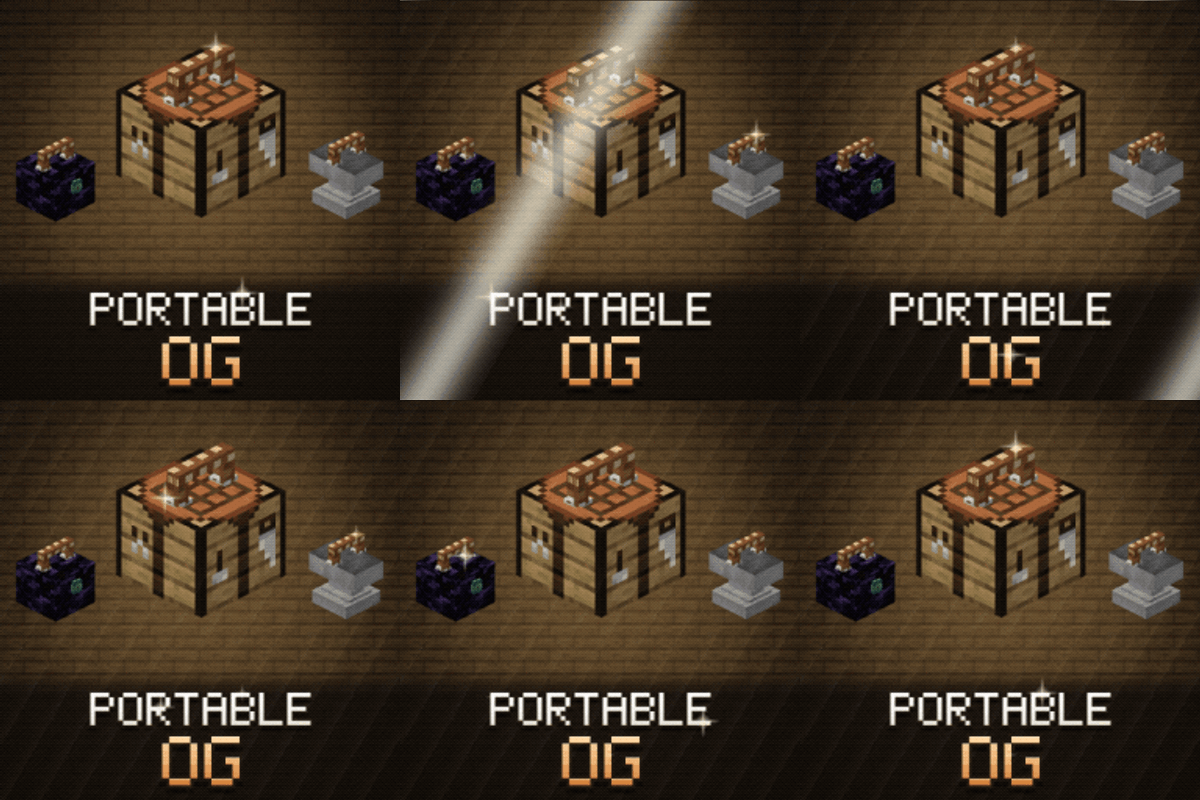
Portable OG - Portable Crafting Table, Anvil & Ender Chest
A portable crafting table, ender chest, anvil and five more workstations you carry: right-click to open their screens wherever you are.
 mod
CurseForge + Modrinth · Minecraft
Fowl Play
Adding more birds to your Minecraft world!
 mod
CurseForge · Minecraft
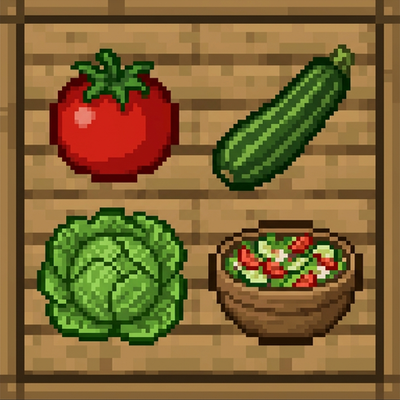
Farmer's Harvest & Realism
Expand your Minecraft farming with realistic crops.