Create: Copycats+ Optional for Create: Decals Decals 1.0.0 [NeoForge 1.21.1]
optionalMatching file found Matched file: copycats-3.0.11+mc.1.21.1-neoforge
CurseForge · Minecraft mod
Decals for Create's copycat blocks
Quick answer
Create: Decals Decals 1.0.0 [NeoForge 1.21.1] targets 1.21.1 with NeoForge. The project page does not say whether this file belongs on the client, dedicated server, or both. All 1 required mods have matching files.
Where it goes
The project page does not say whether this file belongs on the client, dedicated server, or both.
The source does not explicitly classify this release as client-only or server-only.
Decals 1.0.0 [NeoForge 1.21.1]. Change the file and its required mods may change too.
Install Create first. We found matching files for this game-version and loader setup. 4 come through another mod in the chain.
4 extra mods were pulled in by other dependencies. Indented rows show who needs each one. We only count dependency files that match this setup. A file for another loader does not fill the gap.
Before you install it
Built for Create: Decals Decals 1.0.0 [NeoForge 1.21.1]. Pick another file and the loader, install side or required mods may change.
Use Decals 1.0.0 [NeoForge 1.21.1]. It targets 1.21.1 with NeoForge; another release may have different loader, side or dependency requirements.
Install Create first. We found matching files for this game-version and loader setup. 4 come through another mod in the chain.
The project page does not say whether this file belongs on the client, dedicated server, or both.
Use the “Get this file” button beside Decals 1.0.0 [NeoForge 1.21.1]. It opens that exact file at the source.
About this project
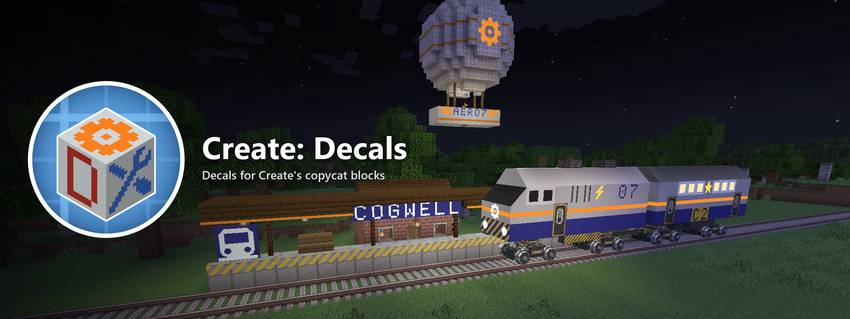
This mod brings decals to Create: stripes, numbers, letters, hazard marks and emblems on copycat blocks. Decals work with any material and stay in place on moving contraptions, trains and airships.
Right-click while holding the Decal Stencil to open its interface. Choose from 101 decals in Create's style. Pick any of the 16 dye colours or enter a custom hex colour. Rotate and flip decals as needed. You can also type a word or number and place it in one click.
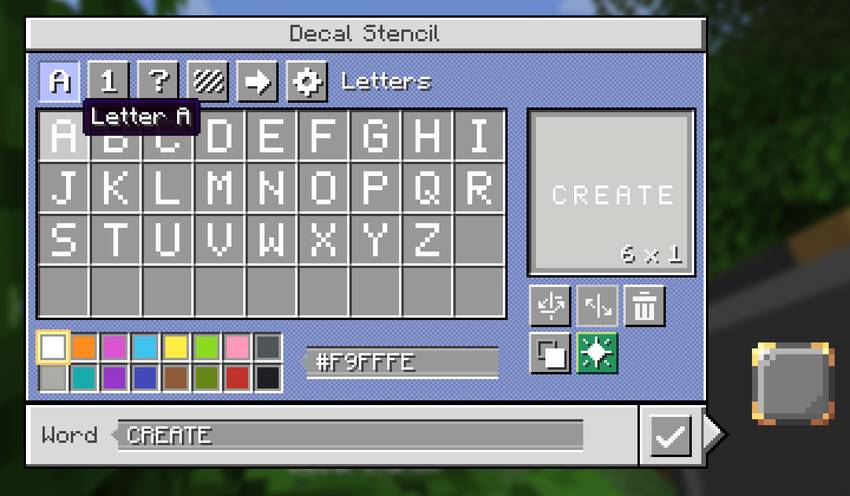
Right-click a copycat's face with the stencil. Create's Copycat Panel and Copycat Step support decals directly, so you can decorate your existing builds too. The Decal Block is a full copycat block that supports decals on every face.
Big emblems up to 3x3 blocks go on in one click. Each face can hold two decals, like a number on a plate. A placement preview shows where the decal will appear before you click.
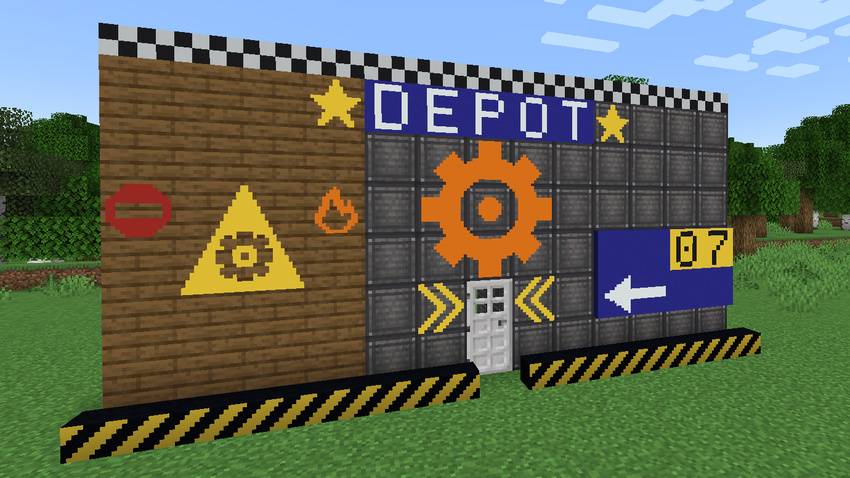
Decals work on moving contraptions, trains and Sable airships. Stripes join up across blocks, so one line can run along a whole train.
A Deployer can also place decals using a stencil. On a moving contraption, it stamps every block it passes.
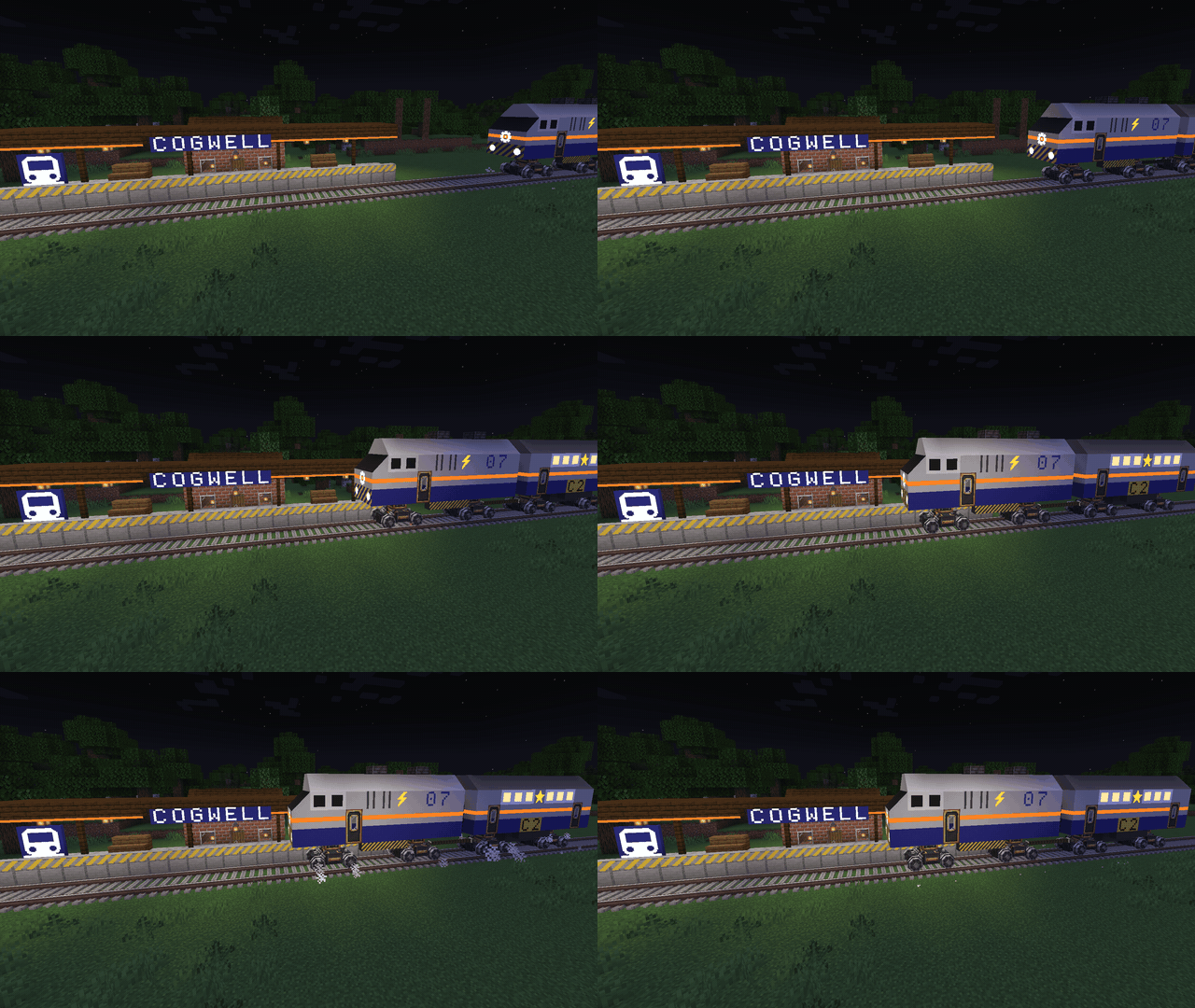
A Glow Ink Sac makes a decal glow at night. An Ink Sac turns it off. Use a dye to recolour a placed decal.
Sneak and right-click a decal to copy it into your stencil. You can also copy decals between blocks using Create's Clipboard. The stencil's eraser removes decals, and Z undoes your last click.
Copycats+: decals work on slopes, stairs, beams and other shapes, including slanted faces.
Sable and Create Aeronautics: decals work on airships and other vehicles out of the box.
Resource packs: add decals of your own, one picture and a small JSON file each.
Questions, ideas or a build to show off? Join the GoldskinMC's Mods Discord!

Project description from CurseForge.
Pick your setup
Choose the version and loader you play, then open the matching release.
Check the dependencies, then try the file in a copied instance before changing a world you care about.
Recent files
createdecals-neoforge-1.21.1-1.0.0.jar
21 Nov 2026
Looking for an older file? The official CurseForge project page is in Resources.
 mod
Unique names for weapons, tools, armour and items found throughout your world.
 mod
Connect a QShop currency to the coin system in Confluence: Otherworld. QShop shops, commands, quests, and scripts can all use the same balance, while players carry that money as Confluence coins.
 mod
Create: Plushie Factory adds Create compatibility to automate all your favorite Plushie mods!