Tridot Needed by Indicate 1.21.1-1.1
requiredMatching file found Matched file: Tridot-1.21.1-1.1.7
CurseForge · Minecraft mod
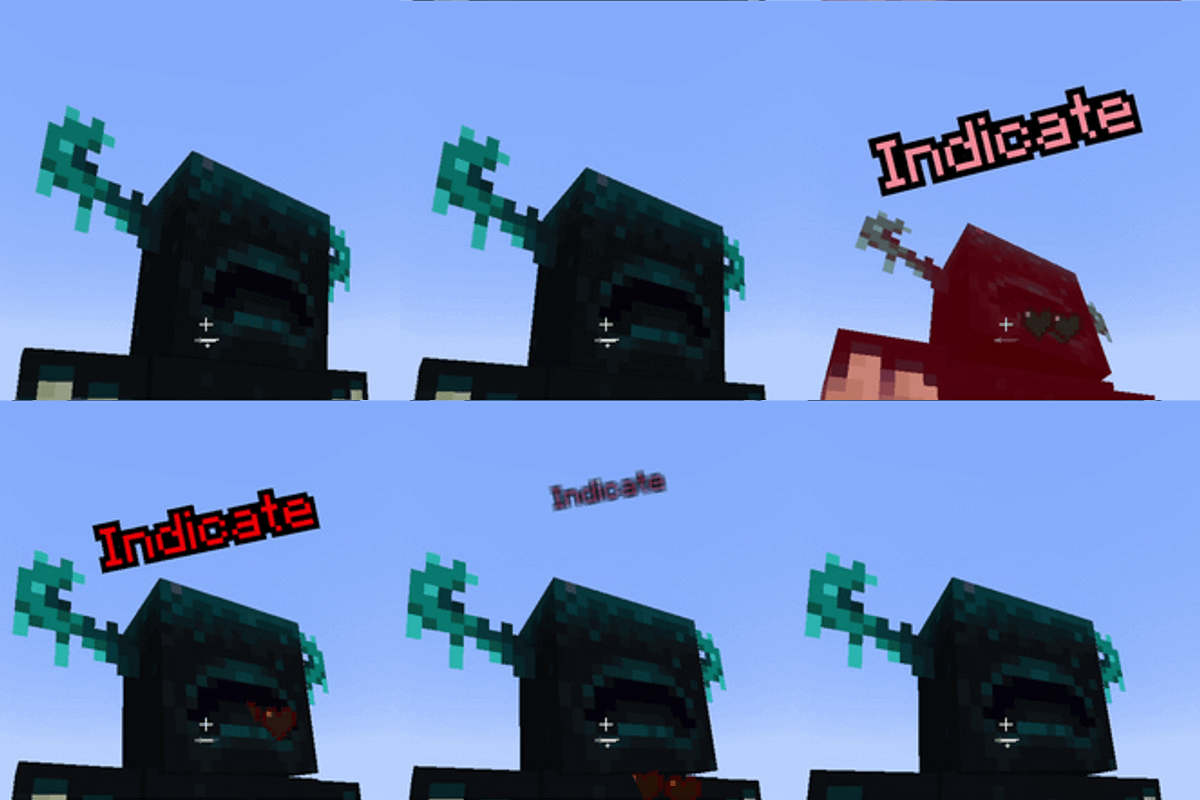
Indicates damage and heal over living entity
Quick answer
Indicate 1.21.1-1.1 targets 1.21.1 with NeoForge. The project page does not say whether this file belongs on the client, dedicated server, or both. All 1 required mods have matching files.
Where it goes
The project page does not say whether this file belongs on the client, dedicated server, or both.
The source does not explicitly classify this release as client-only or server-only.
Indicate 1.21.1-1.1. Change the file and its required mods may change too.
Install Tridot first. We found matching files for this game-version and loader setup.
We only count dependency files that match this setup. A file for another loader does not fill the gap.
Before you install it
Built for Indicate 1.21.1-1.1. Pick another file and the loader, install side or required mods may change.
Use Indicate 1.21.1-1.1. It targets 1.21.1 with NeoForge; another release may have different loader, side or dependency requirements.
Install Tridot first. We found matching files for this game-version and loader setup.
The project page does not say whether this file belongs on the client, dedicated server, or both.
Use the “Get this file” button beside Indicate 1.21.1-1.1. It opens that exact file at the source.
About this project
Informational Utility Mod that add Damage Indicators to Minecraft, they will pop up when anything living takes damage
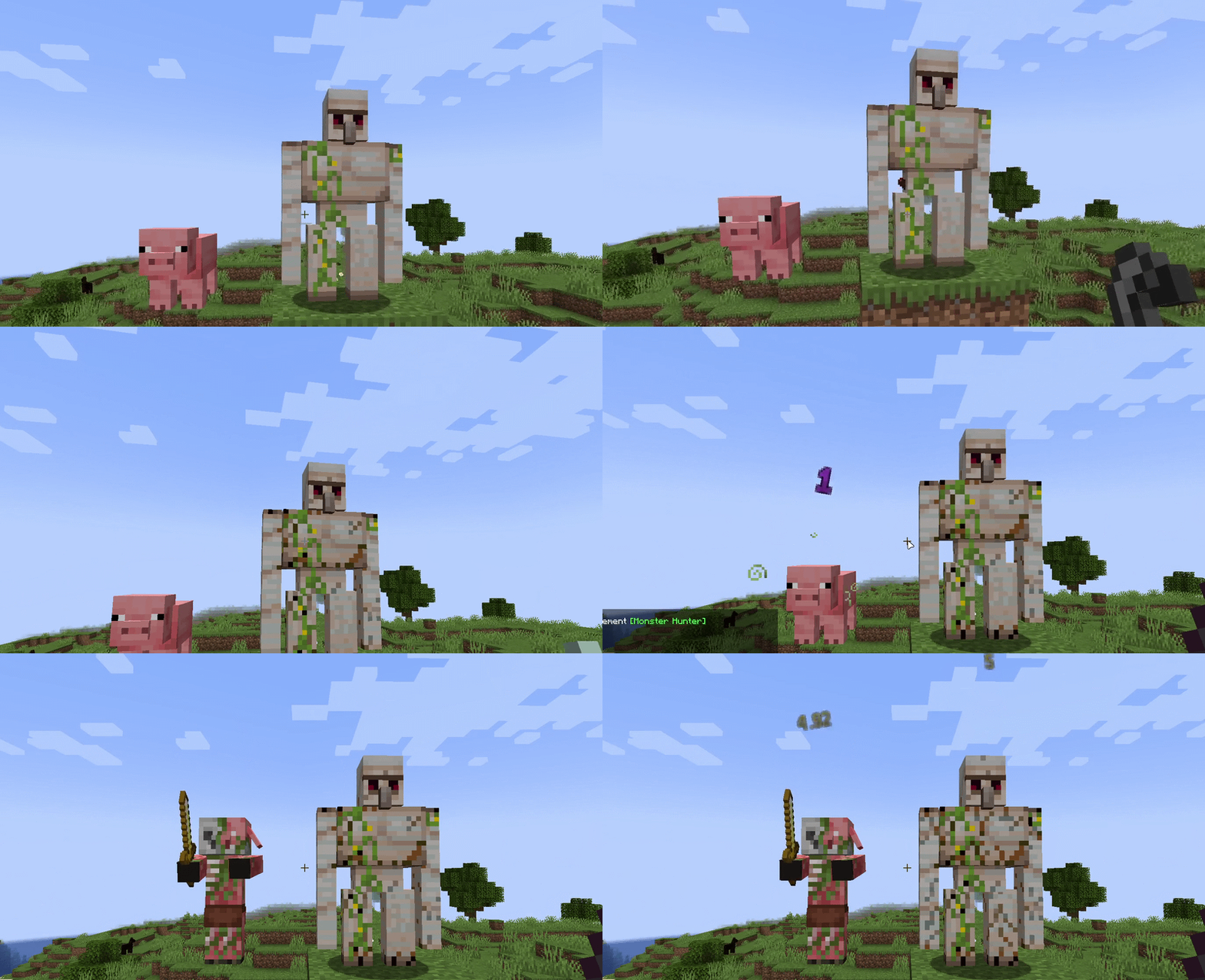
No dependency way to show generic popups like MISS, CRIT, DODGE and adding damage indicators for compatibility reasons.
target.getPersistentData().putBoolean("indicate:miss", true);

target.getPersistentData().putBoolean("indicate:dodge", true);

target.getPersistentData().putBoolean("indicate:crit", true);
The data file for damage indicator should be stored at resources/assets/<mod_id>/damage_indicators
{
  // Required: single damage type, #tag, or an array of both:
  // "damage_type": "modid:damage_type",
  // "damage_type": "#modid:damage_type_tag",
  "damage_type": [
    "#minecraft:is_fall",
    "minecraft:fly_into_wall",
    "minecraft:stalagmite"
  ],

  // Optional hex colors (# is optional), defaults: "b31111" / "000000"
  "color_hex": "d6c5a3",
  "outline_color_hex": "241e14",

  // Optional prefix glyph before the damage number (Example: ☠ 12.5)
  "glyph": "\uE278",
  // Optional font location for the glyph (default: minecraft:default)
  "font": "modid:font_location",

  // Optional priority (default: 0). Higher value will override over generic presets (e.g. projectiles use -10)
  "priority": -10
}
IndicateAPI.miss(LivingEntity target);

IndicateAPI.dodge(LivingEntity target);

IndicateAPI.popup(LivingEntity target, Component label);

IndicateAPI.popup(LivingEntity target, Component label, int rgb);

IndicateAPI.popup(LivingEntity target, Component label, int rgb, int outlineRgb);

IndicateAPI.popup(LivingEntity target, Component label, Col color);
Project description from CurseForge.
Pick your setup
Choose the version and loader you play, then open the matching release.
Check the dependencies, then try the file in a copied instance before changing a world you care about.
Recent files
indicate-1.1.jar
22 Nov 2026
indicate-1.1.jar
22 Nov 2026
indicate-1.1.jar
22 Nov 2026
indicate-1.1.jar
22 Nov 2026
indicate-1.0.jar
21 Nov 2026
indicate-1.0.jar
21 Nov 2026
indicate-1.21.1-1.0.jar
21 Nov 2026
indicate-1.21.1-1.0.jar
21 Nov 2026
Looking for an older file? The official CurseForge project page is in Resources.
 mod
Core mod for modpack Greg-E.
 mod
Let's go fishing! We pack our Gear: A Fishing Rod, Fishing Hat, Dynamite... Dynamite? Lili's Lucky Lures adds extra ways to catch Fish, complete with Fish & Rubble Pools and a modest Collection of Decorative Blocks.
 mod
restores offhand interaction support for Farmer’s Delight cutting boards.