Mod Menu Optional for Storage & Back 1.3.1 (1.20.1)
optionalMatching file found Matched file: v7.2.2 for 1.20.1
CurseForge · Minecraft mod
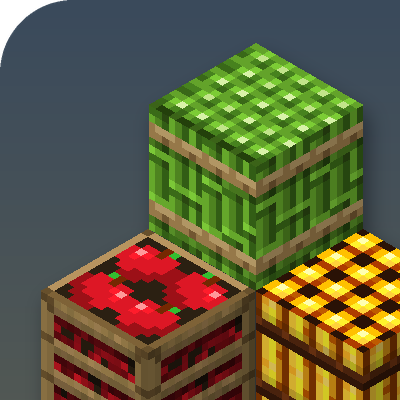
Storage blocks for flint, sugar cane, charcoal, gunpowder, blaze rods, leather, feathers, ender pearls, rotten flesh and crops, plus recipes that turn vanilla blocks back into their items.
Quick answer
Storage & Back 1.3.1 (1.20.1) targets 1.20.1 with Fabric. The project page does not say whether this file belongs on the client, dedicated server, or both. All 1 required mods have matching files.
Where it goes
The project page does not say whether this file belongs on the client, dedicated server, or both.
The source does not explicitly classify this release as client-only or server-only.
Storage & Back 1.3.1 (1.20.1). Change the file and its required mods may change too.
Install Fabric API first. We found matching files for this game-version and loader setup.
We only count dependency files that match this setup. A file for another loader does not fill the gap.
Before you install it
Built for Storage & Back 1.3.1 (1.20.1). Pick another file and the loader, install side or required mods may change.
Use Storage & Back 1.3.1 (1.20.1). It targets 1.20.1 with Fabric; another release may have different loader, side or dependency requirements.
Install Fabric API first. We found matching files for this game-version and loader setup.
The project page does not say whether this file belongs on the client, dedicated server, or both.
Use the “Get this file” button beside Storage & Back 1.3.1 (1.20.1). It opens that exact file at the source.
About this project
A small Fabric mod for Minecraft 26.3 and 26.2 that fills two gaps in vanilla crafting:
Every recipe was checked against the vanilla recipe list of both versions: none of them clash with an existing recipe, and nothing can be duplicated. English and Polish translations.
A Storage & Back Guide is crafted shapeless from 1 Book and 1 Flint Block. Right-click it to open a read-only illustrated guidebook: a two-page spread with a clickable table of contents, entries for every storage block and back recipe, visible crafting grids in both directions, and hover tooltips. Balancing recipes are marked when they are disabled by the config. English and Polish translations. The book appears in the Storage & Back creative tab.
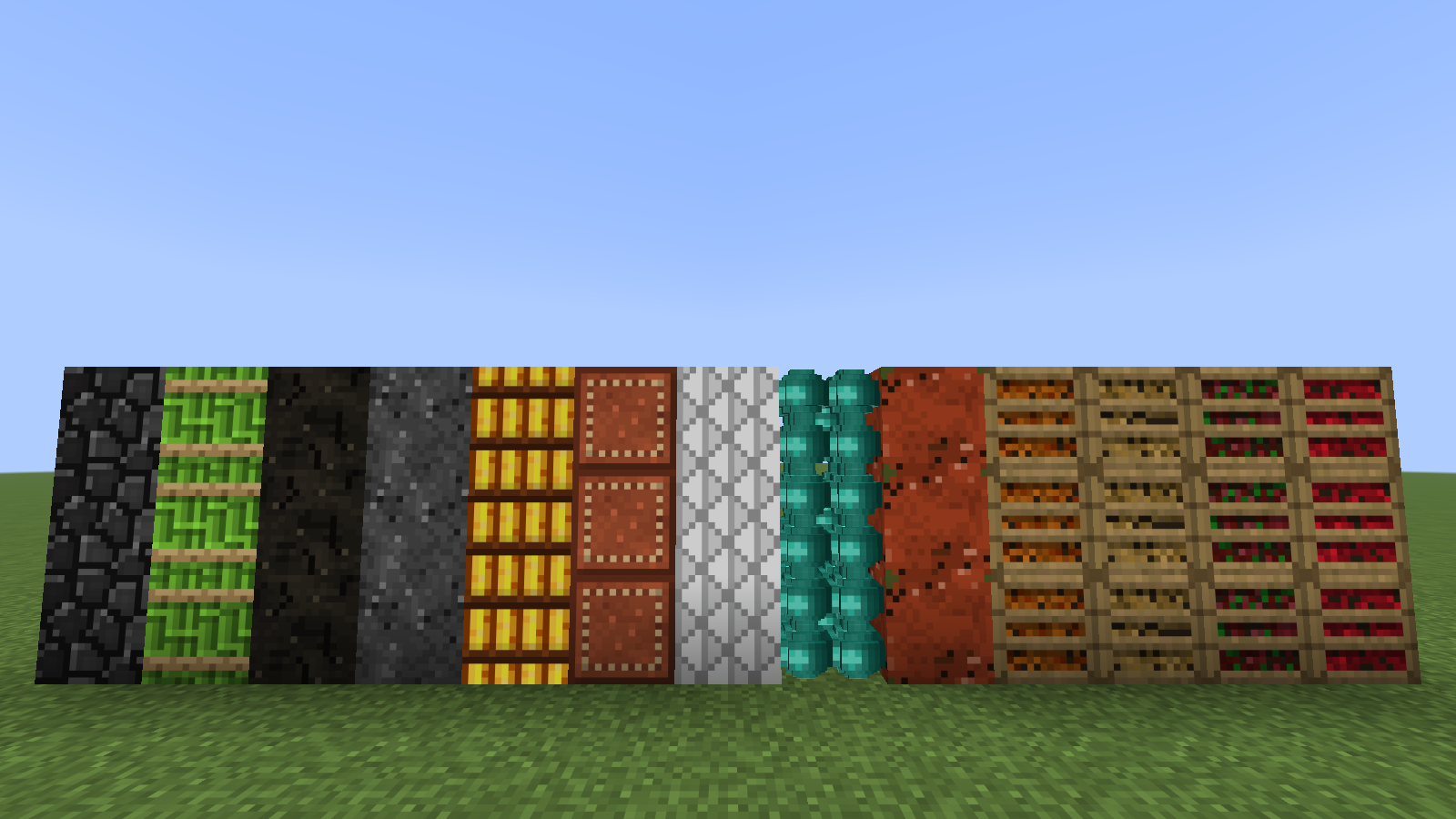
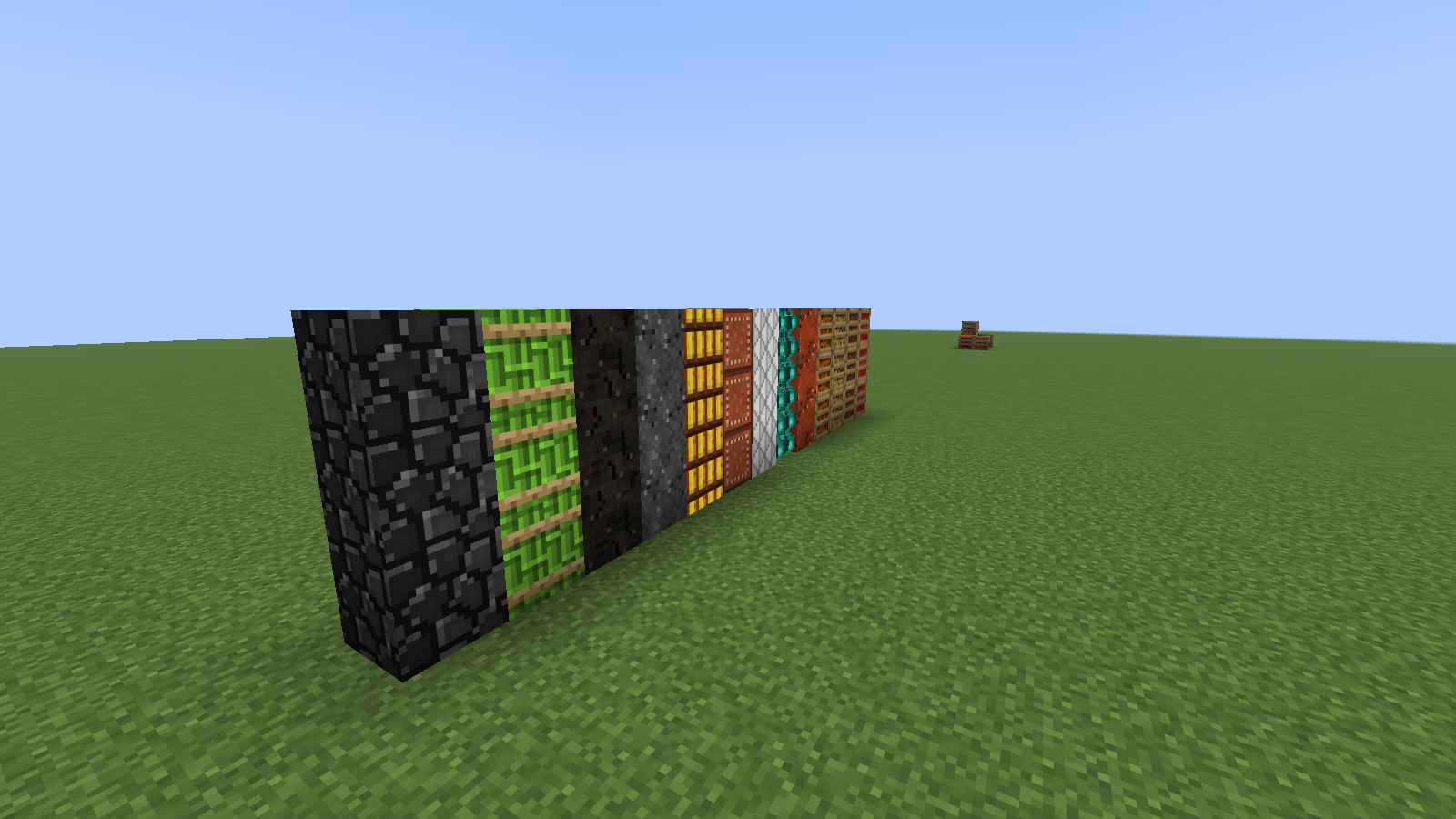
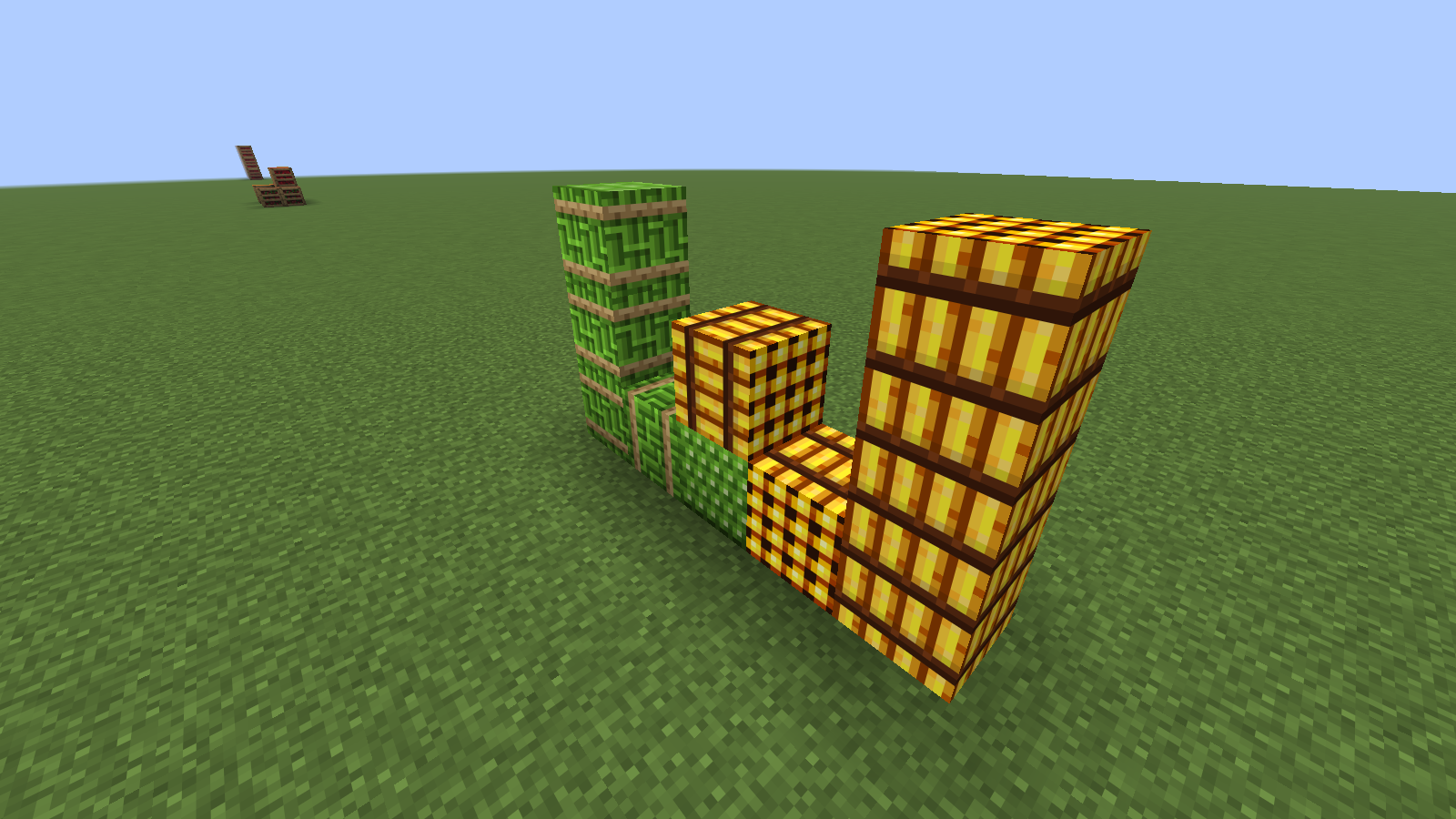
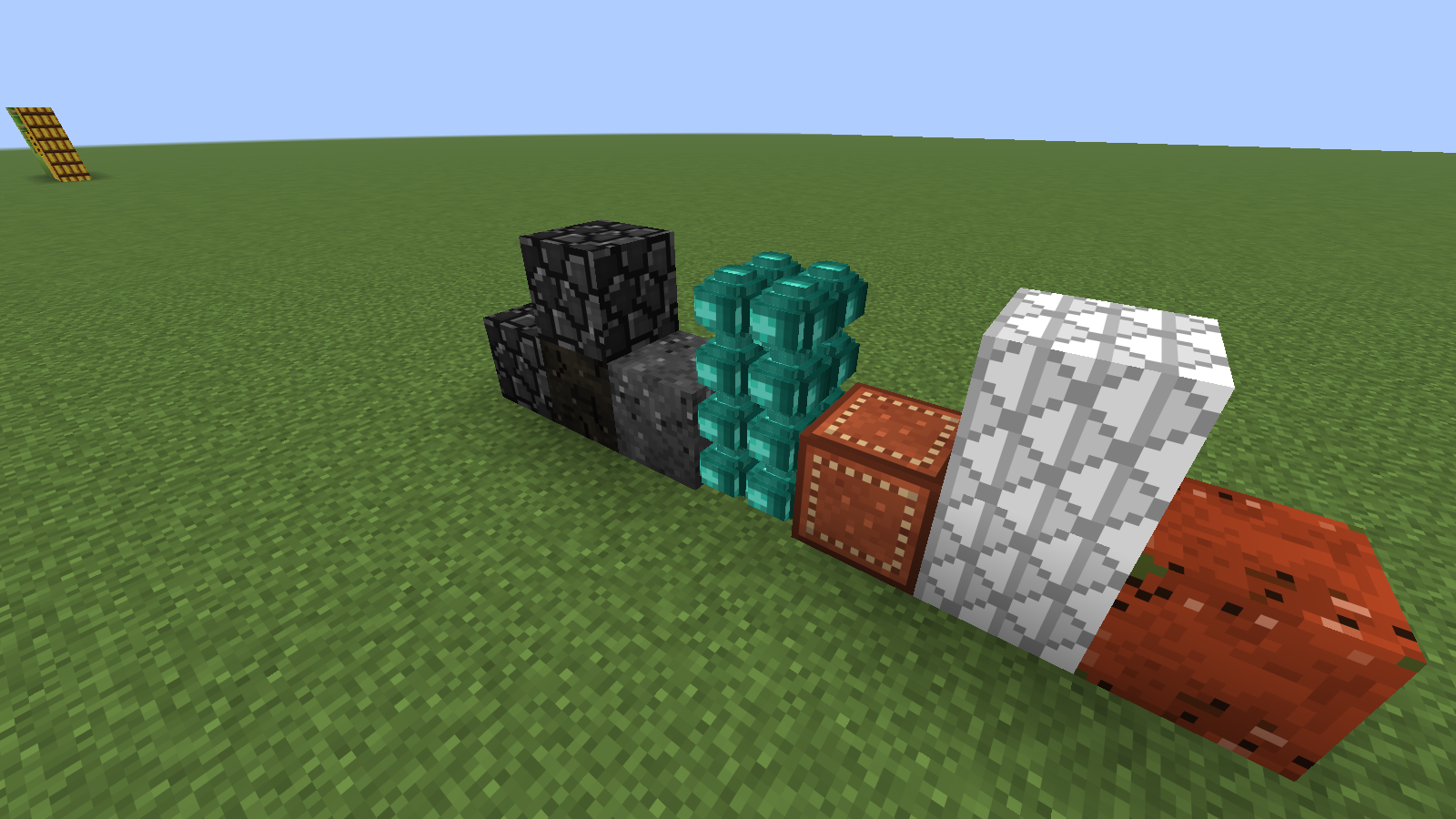
Each block is crafted from 9 items in a full 3×3 grid, and crafts back into the same 9 items. All of them are unlocked in the recipe book as soon as you pick up the item, appear in their own Storage & Back creative tab and in Building Blocks, and are tagged c:storage_blocks/<item> for other mods.
| Block | Made from | Notes | |
|---|---|---|---|
 |
Flint Block | 9 Flint | Stone-like, needs a pickaxe. |
 |
Sugar Cane Bundle | 9 Sugar Cane | Rotates like a log (axis pillar), burns, compostable. |
 |
Charcoal Block | 9 Charcoal | Furnace fuel: 16000 ticks (80 items), same as a Block of Coal. Burns. |
 |
Gunpowder Block | 9 Gunpowder | Falls like sand. Does not explode. |
 |
Blaze Rod Bundle | 9 Blaze Rods | Axis pillar, gives off a little light (level 5). Fuel: 21600 ticks (108 items). |
 |
Leather Block | 9 Leather | Soft, wool-like block with stitching. Burns. |
 |
Feather Block | 9 Feathers | Landing on it deals only 20% fall damage, like a hay bale. Burns. |
 |
Ender Pearl Block | 9 Ender Pearls | A cluster of 9 touching pearls (8 at the corners, 1 in the centre) that you can see between. Pearls only stack to 16, so this stores 9 per slot. |
 |
Rotten Flesh Block | 9 Rotten Flesh | Mob-farm storage. Compostable. |
 |
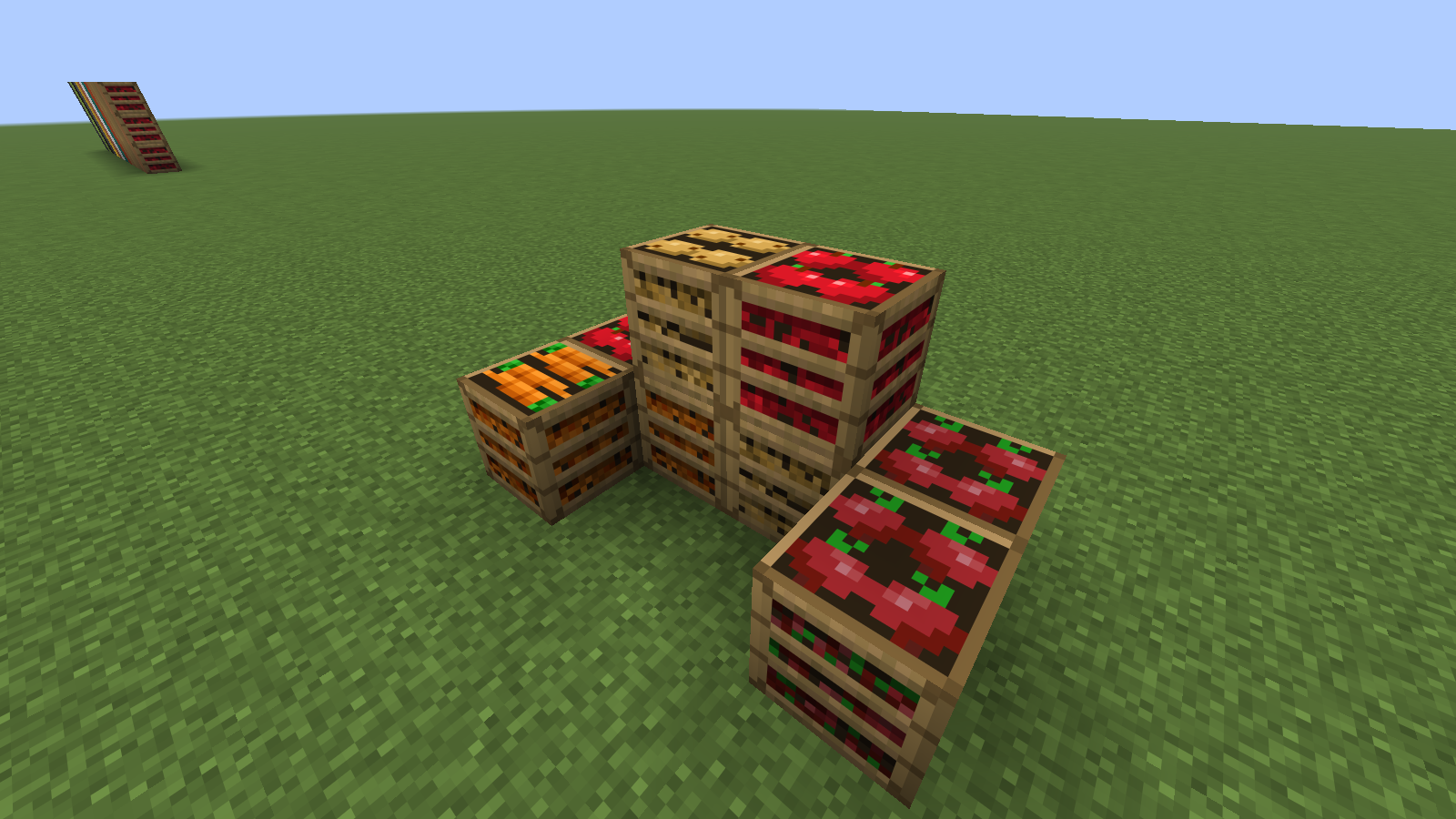
Carrot Crate | 9 Carrots | Wooden crate (axe). Burns, compostable. |
 |
Potato Crate | 9 Potatoes | Wooden crate (axe). Burns, compostable. |
 |
Beetroot Crate | 9 Beetroots | Wooden crate (axe). Burns, compostable. |
 |
Apple Crate | 9 Apples | Wooden crate (axe). Burns, compostable. |
One block (shapeless, anywhere in the grid) gives back the items it is made of:
| Block | Gives | |
|---|---|---|
| Block of Quartz | 4 Nether Quartz | |
| Block of Amethyst | 4 Amethyst Shards | âš–ï¸ |
| Clay | 4 Clay Balls | |
| Glowstone | 4 Glowstone Dust | |
| Snow Block | 4 Snowballs | |
| Honeycomb Block | 4 Honeycomb | |
| Bricks | 4 Bricks | |
| Nether Bricks | 4 Nether Bricks | |
| Dripstone Block | 4 Pointed Dripstone | |
| Prismarine | 4 Prismarine Shards | |
| Prismarine Bricks | 9 Prismarine Shards | |
| Dark Prismarine | 8 Prismarine Shards | (the black dye is lost) |
| Magma Block | 4 Magma Cream | âš–ï¸ |
| Sandstone | 4 Sand | |
| Red Sandstone | 4 Red Sand |
âš–ï¸ = balancing change. Amethyst Blocks generate in geodes and Magma Blocks generate in huge amounts in the Nether, so these two recipes make Amethyst Shards and Magma Cream much easier to get. They can be turned off in the config.
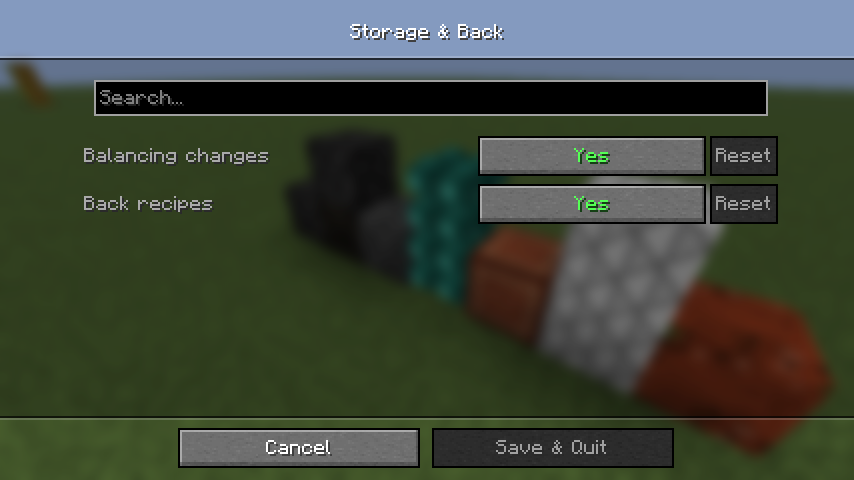
config/storageback.json (created on first start), also editable in game with Mod Menu + Cloth Config (both optional):
| Option | Default | What it does |
|---|---|---|
balancingChanges |
true |
Balancing changes. false removes the Amethyst Block → 4 Amethyst Shards and Magma Block → 4 Magma Cream recipes. |
backRecipes |
true |
Back recipes. false removes all the back recipes listed above. Storage blocks are not affected. |
Recipes are server data, so:
/reload (or leave and rejoin a singleplayer world). The recipe book updates after the reload.config/storageback.json, which is the file the built-in server uses.config/storageback.json, then /reload or restart. The client's settings don't matter there.The toggles are implemented as a Fabric resource condition (storageback:config) in fabric:load_conditions, so data packs can use it too.
Source code and issues: https://github.com/VashaTS/storage-and-back
License: MIT
Project description from CurseForge.
Pick your setup
Choose the version and loader you play, then open the matching release.
Check the dependencies, then try the file in a copied instance before changing a world you care about.
Recent files
storage-and-back-1.3.1-1.20.1.jar
23 Nov 2026
storage-and-back-1.3.1-1.21.1.jar
23 Nov 2026
storage-and-back-1.3.1-26.2.jar
23 Nov 2026
storage-and-back-1.3.1-26.3.jar
23 Nov 2026
storage-and-back-1.3.0-1.20.1.jar
23 Nov 2026
storage-and-back-1.3.0-1.21.1.jar
23 Nov 2026
storage-and-back-1.3.0-26.2.jar
22 Nov 2026
storage-and-back-1.3.0-26.3.jar
22 Nov 2026
storage-and-back-1.2.0-26.2.jar
21 Nov 2026
storage-and-back-1.2.0-26.3.jar
21 Nov 2026
Looking for an older file? The official CurseForge project page is in Resources.
 mod
A project forked from Wheelbarrow by assassinmode.
 mod
Stop rerolling villagers. Press Pick trade and select any 2 trades its profession can offer (max-level enchanted books included). Fast trade and saves time.
 mod
This is a stacking mod with configurable settings. You may set custom stack sizes, and it maintains compatibility with the majority of mods. Have fun!