Minecraft version
Back to mods 
CurseForge · Minecraft mod
Pattern Print
Adds a building tool to the game that allows you to copy block patterns and place them again elsewhere.
Choose a version Pick your version below, then grab the matching file.
Quick answer
Which Pattern Print release should I use?
Latest stable file PatternPrint-1.21.1-1.0.2.jar
Game version 1.21.1
Loader NeoForge
Pattern Print PatternPrint-1.21.1-1.0.2.jar targets 1.21.1 with NeoForge. The project page does not say whether this file belongs on the client, dedicated server, or both. No extra mods listed for this file.
Where it goes
Is Pattern Print required on the client, server, or both?
The project page does not say whether this file belongs on the client, dedicated server, or both.
Client Source doesn’t say
Dedicated server Source doesn’t say
Loader for this release NeoForge
Required install it here Optional supported, not mandatory Not supported do not install here Source doesn’t say do not assume
The source does not explicitly classify this release as client-only or server-only.
What else does Pattern Print PatternPrint-1.21.1-1.0.2.jar need?
PatternPrint-1.21.1-1.0.2.jar. Change the file and its required mods may change too.
This file does not list any required mods. Do not add a library just because a different file uses it.
This file does not list any required or optional mods.
Before you install it
Add Pattern Print without breaking your instance.
Built for Pattern Print PatternPrint-1.21.1-1.0.2.jar. Pick another file and the loader, install side or required mods may change.
- 01
Stick to this file
Use PatternPrint-1.21.1-1.0.2.jar. It targets 1.21.1 with NeoForge; another release may have different loader, side or dependency requirements.
- 02
Bring the mods it needs
This file does not list any required mods. Do not add a library just because a different file uses it.
- 03
Put it on the correct side
The project page does not say whether this file belongs on the client, dedicated server, or both.
- 04
Pick the file you checked
Use the “Get this file” button beside PatternPrint-1.21.1-1.0.2.jar. It opens that exact file at the source.
About this project
What does Pattern Print add?
The Pattern Print is an easily craftable item, only requiring some copper, wood, bamboo and paper, and makes large builds much faster to create. Depending on the selection range, it can save the placement position of multiple blocks of the same type, and then place it wherever the player wants, including changing what block type gets placed. Since it is infinitely reusable too, it can be understood as a "create your own building tool" type of item.
Notes and disclaimers:
- It works with modded blocks, but there is a chance that weird blocks don't behave correctly when trying to place, or the item render might simply look empty
- Double-blocks like beds or doors are not supported
- Blocks can be blacklisted using the pp:copyrighted block tag
- A "Combat Nerf" feature is available in the config (it's off by default, but on by default when used alongside the Risus mod). When enabled, using the Pattern Print applies the Builder's Frazzle effect for a short time, that heavily reduces attack damage dealt and armor points.
- Max selection is limited to 11x11x11 for performance reasons, but can be increased with commands or datapacks by changing the print_range item component
Project description from CurseForge.
Pick your setup
Pattern Print by Minecraft version and loader
Choose the version and loader you play, then open the matching release.
Check the dependencies, then try the file in a copied instance before changing a world you care about.
Recent files
Pattern Print versions and loaders
PatternPrint-1.21.1-1.0.2.jar
27 Nov 2026
Client Source doesn’t say Server Source doesn’t say Dependencies No extras listed Listed on Release listing
Check the 1.21.1 · NeoForge setup 1.21.1NeoForge release
PatternPrint-1.21.1-1.0.1.jar
24 Nov 2026
Client Source doesn’t say Server Source doesn’t say Dependencies No extras listed Listed on Release listing
Check the 1.21.1 · NeoForge setup 1.21.1NeoForge release
PatternPrint-1.21.1-1.0.0.jar
23 Nov 2026
Client Source doesn’t say Server Source doesn’t say Dependencies No extras listed Listed on Release listing
Check the 1.21.1 · NeoForge setup 1.21.1NeoForge release
Looking for an older file? The official CurseForge project page is in Resources.
 mod
CurseForge · Minecraft
Traveler's Lantern
Hang a lantern on your belt: it lights your way hands-free with smooth moving light and swings as you move. Works client-only on any server.
 mod
CurseForge · Minecraft
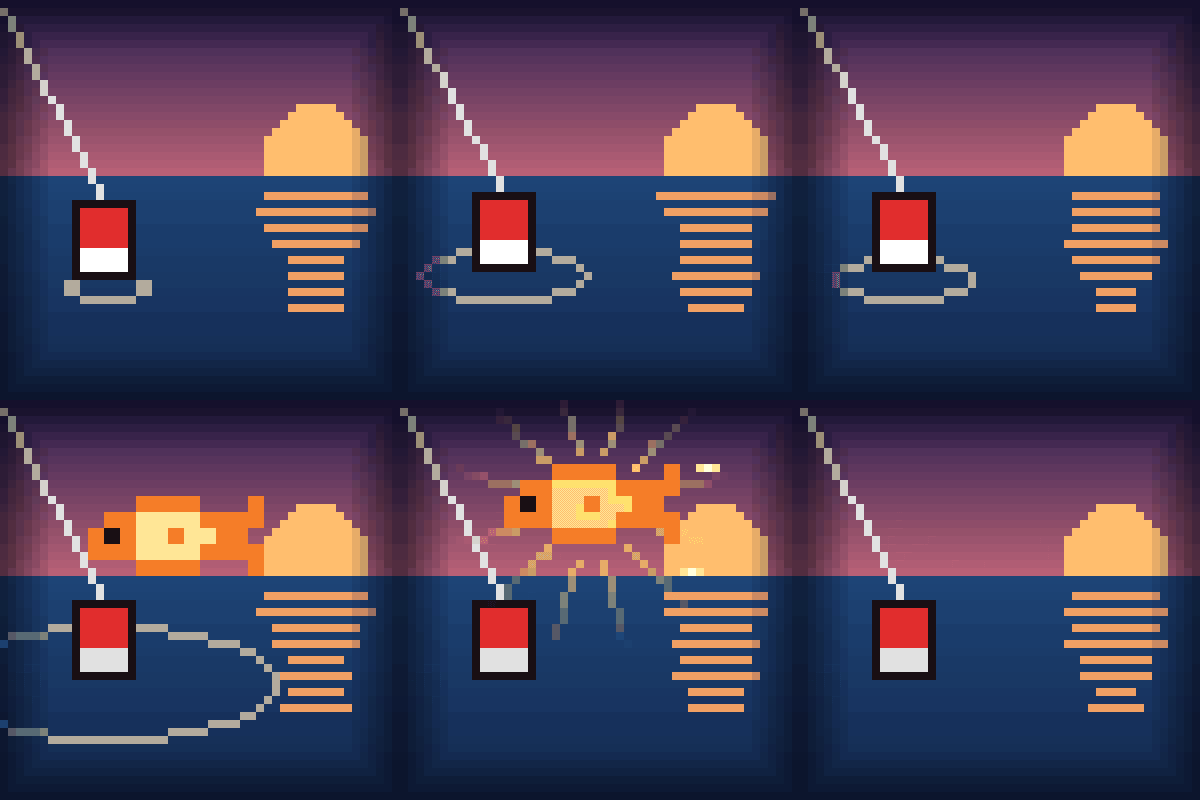
Immersive Fishing: Cinematic Camera & Rare Catches (Starcatcher compatible)
Fishing gets calm and cinematic: the HUD steps aside, the camera zooms on the bite and every catch gets a small moment sized by its rarity. Works with Starcatcher (its minigame and rarities), Aquaculture and Fishing Real. Client-side.
 mod
CurseForge + Modrinth · Minecraft
Optimized Block Entities [OBE]
A client-side optimization mod to make block entities render faster