Diegesis Needed by Hands-On Let's Do 1.3.1+1.21.1 (Fabric)
requiredMatching file found Matched file: Diegesis 1.0.0-beta.19.4+1.21.1 (Fabric)
CurseForge · Minecraft mod
Work at the Let's Do stations with your own hands: the barrel, the cooking pot and the tea kettle open up right in the world.
Quick answer
Hands-On Let's Do 1.3.1+1.21.1 (Fabric) targets 1.21.1 with Fabric. The project page does not say whether this file belongs on the client, dedicated server, or both. All 2 required mods have matching files.
Where it goes
The project page does not say whether this file belongs on the client, dedicated server, or both.
The source does not explicitly classify this release as client-only or server-only.
Hands-On Let's Do 1.3.1+1.21.1 (Fabric). Change the file and its required mods may change too.
Install Diegesis, Fabric API first. We found matching files for this game-version and loader setup. 3 come through another mod in the chain.
3 extra mods were pulled in by other dependencies. Indented rows show who needs each one. We only count dependency files that match this setup. A file for another loader does not fill the gap.
Before you install it
Built for Hands-On Let's Do 1.3.1+1.21.1 (Fabric). Pick another file and the loader, install side or required mods may change.
Use Hands-On Let's Do 1.3.1+1.21.1 (Fabric). It targets 1.21.1 with Fabric; another release may have different loader, side or dependency requirements.
Install Diegesis, Fabric API first. We found matching files for this game-version and loader setup. 3 come through another mod in the chain.
The project page does not say whether this file belongs on the client, dedicated server, or both.
Use the “Get this file” button beside Hands-On Let's Do 1.3.1+1.21.1 (Fabric). It opens that exact file at the source.
About this project
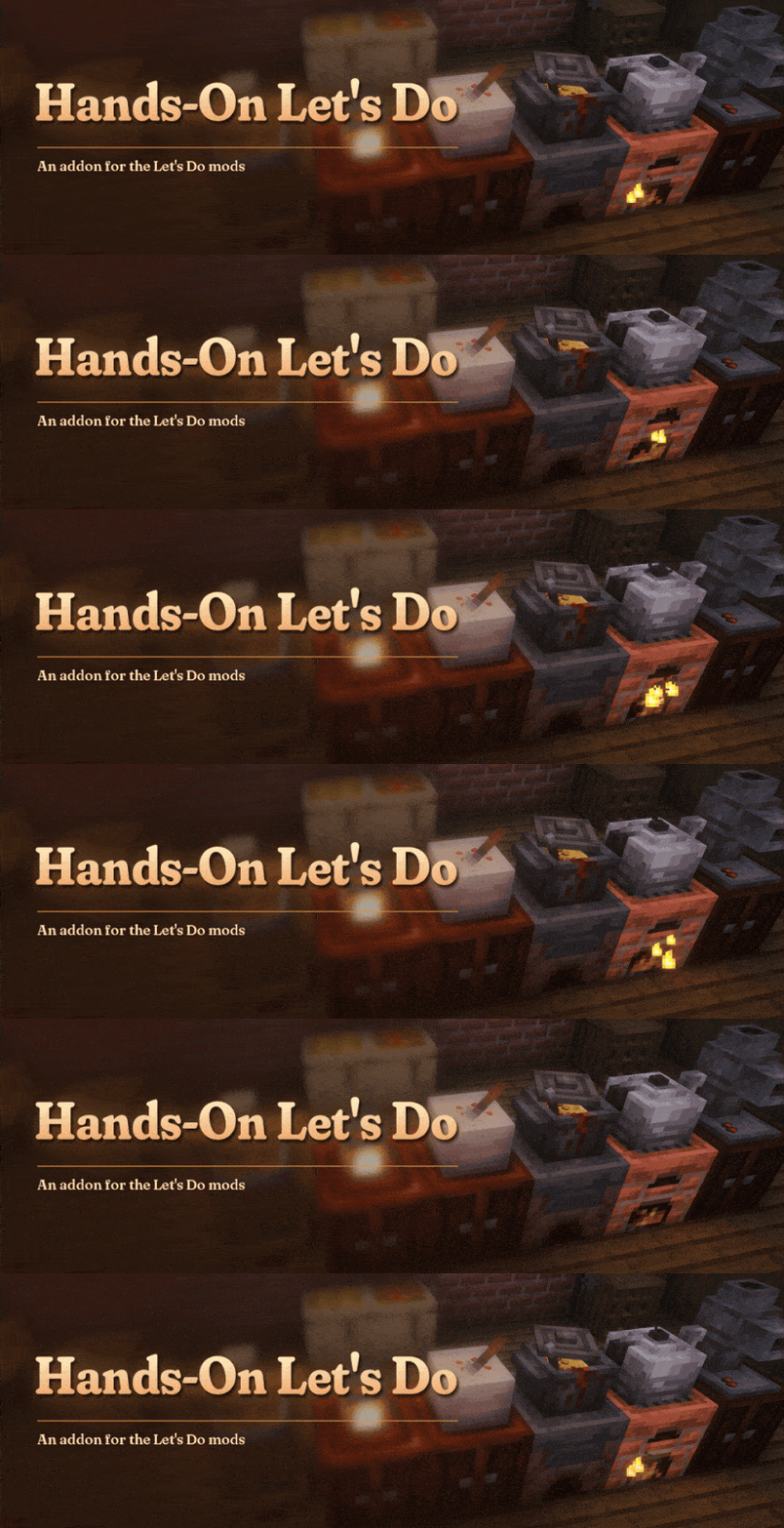




An addon by Pocky for the Let's Do mods by satisfy: work at their stations with your own hands.
The fermentation barrel, the apple press, the cooking pot, the stove, the roaster, the mincer, the crafting bowl and the tea kettle open right where they stand, with no menu screen. You stir the soup, turn the mincer's crank and whisk the dough yourself, and players nearby see what you make.
No menus, the blocks open in the world · Every recipe of the Let's Do mods · No new blocks or items
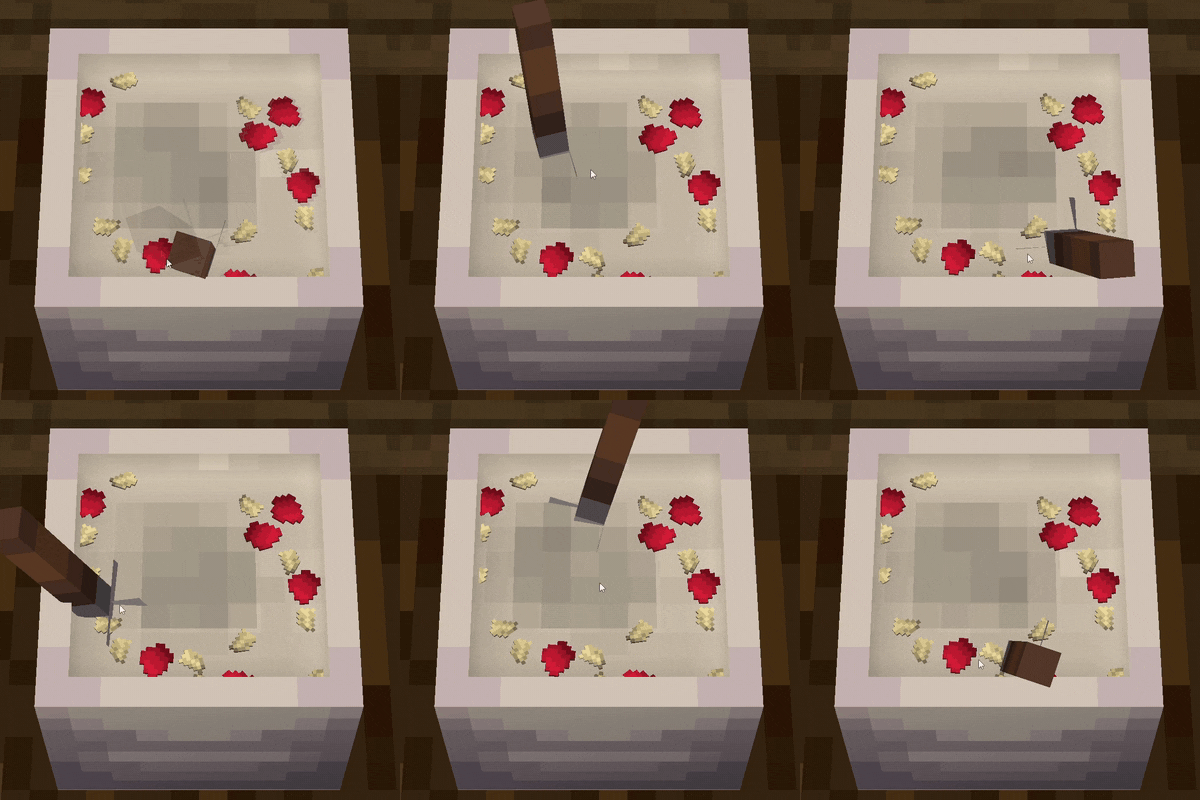
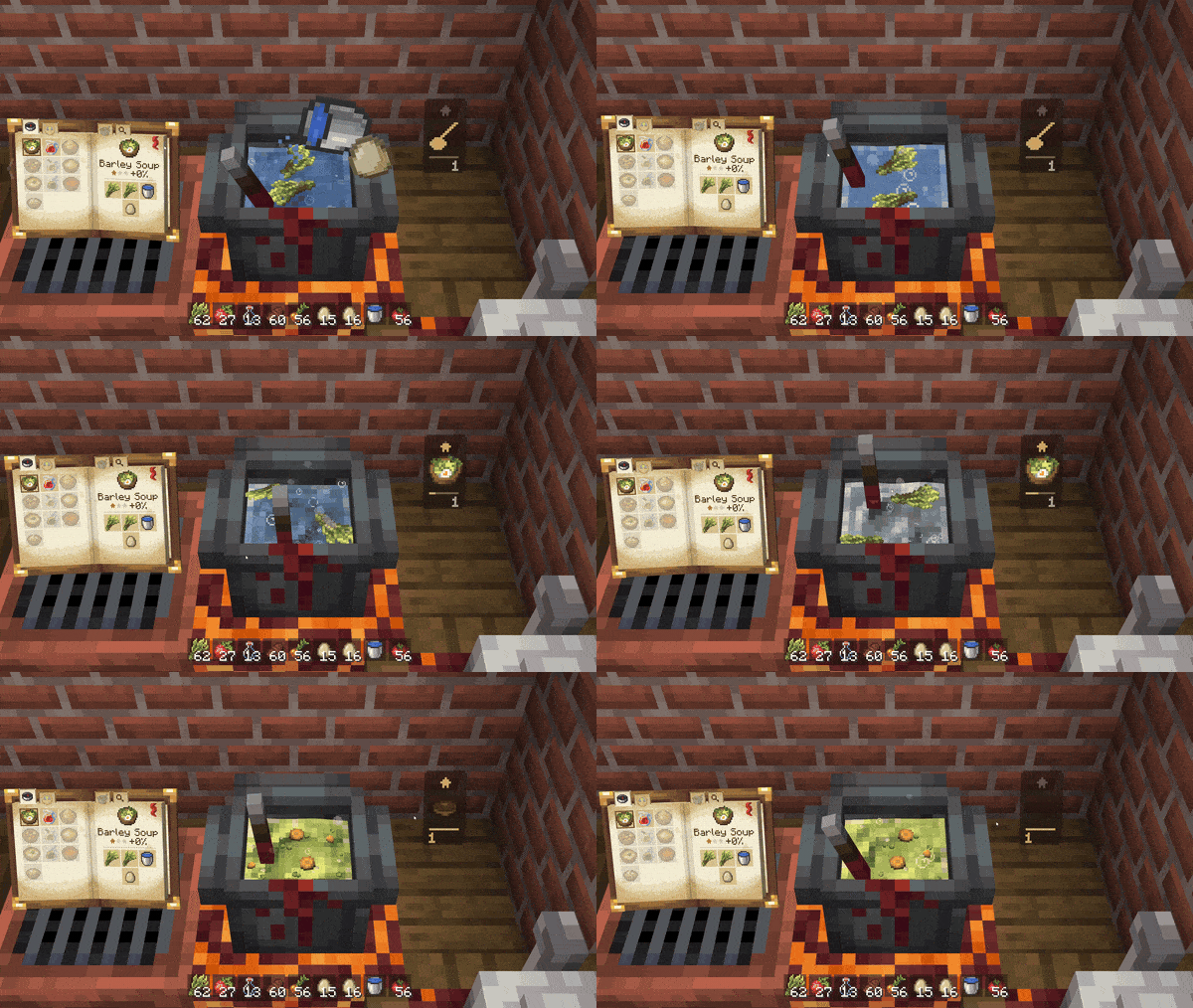
Throw the food into the water of Farm & Charm's pot and stir it with the pot's own stick.
Wide, steady rounds fill stars over the pot, each one adding servings. Bowls dipped into the soup take them out.
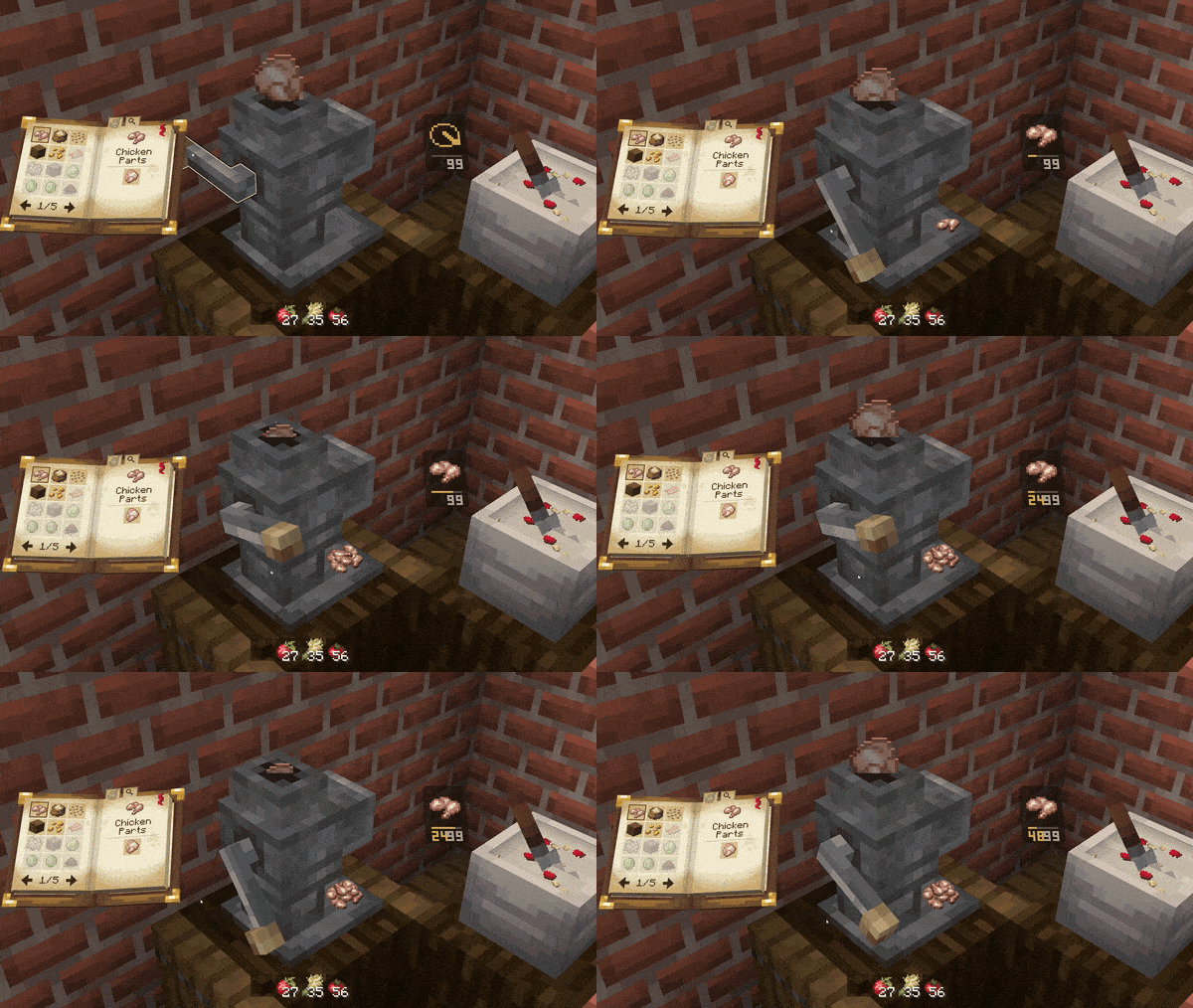
Drop meat into the hopper of Farm & Charm's mincer and turn its crank by hand, two turns for each piece, up to eight at once.
A heavier load turns slower. The mince comes out of the spout and waits under it.
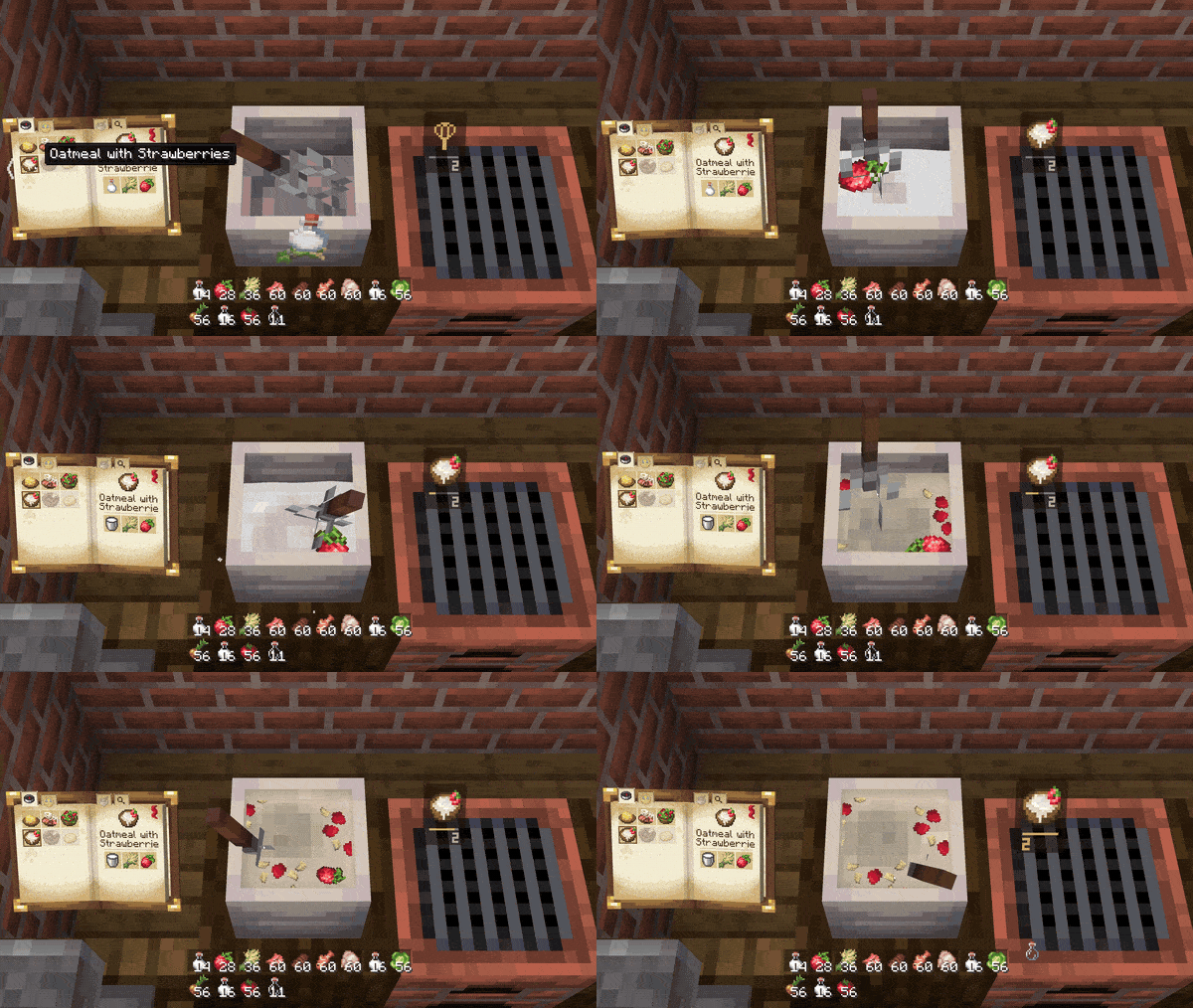
Pour the milk in, add the oats and the berries and whisk them with the bowl's own whisk.
Everything in the bowl moves and thickens as you whisk, until a whole bowlful of porridge, dough or butter is ready.
Lift the lid of a HerbalBrews kettle, pour the water in and drop the leaves in. Blaze powder at its foot makes it hotter.
When the tea is done the kettle whistles. Click its spout with a bottle and it is poured.
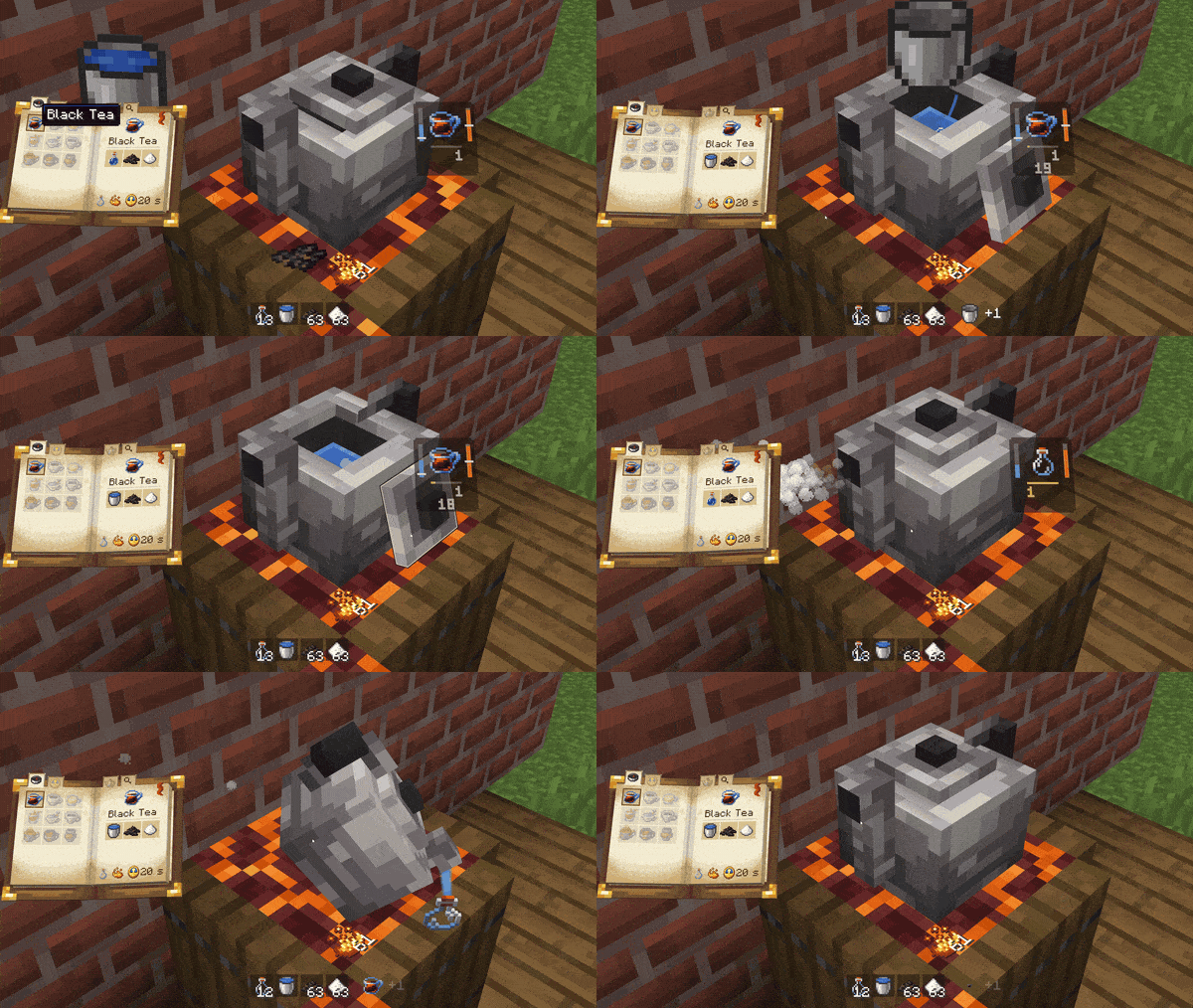
Put the mod and Diegesis into the mods folder of the client and the server, then right-click a station.
Each Let's Do mod is optional and brings its own stations. On Fabric it needs Fabric API. A client without the mod keeps the Let's Do menus.
Hoppers keep working, and config/handson_letsdo.properties turns off any station or the stirring the pot waits for.
Bug reports, questions and ideas for new stations are welcome in Pocky's Kitchen, our Discord server.
Made by Pocky. Built on Diegesis; the models and sounds of the stations come from the installed Let's Do mods by satisfy. Source on GitHub (MIT).

Project description from CurseForge.
Pick your setup
Choose the version and loader you play, then open the matching release.
Check the dependencies, then try the file in a copied instance before changing a world you care about.
Recent files
handson_letsdo-fabric-1.21.1-1.3.1.jar
29 Nov 2026
handson_letsdo-neoforge-1.21.1-1.3.1.jar
29 Nov 2026
handson_letsdo-forge-1.20.1-1.3.0.jar
28 Nov 2026
handson_letsdo-fabric-1.20.1-1.3.0.jar
28 Nov 2026
handson_letsdo-fabric-1.21.1-1.3.0.jar
28 Nov 2026
handson_letsdo-neoforge-1.21.1-1.3.0.jar
28 Nov 2026
handson_letsdo-neoforge-1.21.1-1.2.0.jar
27 Nov 2026
handson_letsdo-fabric-1.21.1-1.2.0.jar
27 Nov 2026
handson_letsdo-forge-1.20.1-1.2.0.jar
27 Nov 2026
handson_letsdo-fabric-1.20.1-1.2.0.jar
27 Nov 2026
handson_letsdo-neoforge-1.21.1-1.1.0.jar
26 Nov 2026
handson_letsdo-fabric-1.21.1-1.1.0.jar
26 Nov 2026
Looking for an older file? The official CurseForge project page is in Resources.
 mod
Many quality-of-life features to make your gameplay more fun and rewarding!
 mod
Zombie Infection Mod - This Mod adds the functionality that Zombies are able to give you a deadly infection.
 mod
Work at the Let's Do stations with your hands: their menus become interactive in-world scenes.
