Fabric API Needed by Temper & Tang 0.7.2+1.21.1-fabric
requiredMatching file found Matched file: [1.21.1] Fabric API 0.116.18+1.21.1

CurseForge · Minecraft mod
Forge weapons, tools, and armor through heating, timed strikes, quenching, and finishing.
Quick answer
Temper & Tang 0.7.2+1.21.1-fabric targets 1.21.1 with Fabric. The project page does not say whether this file belongs on the client, dedicated server, or both. All 4 required mods have matching files.
Where it goes
The project page does not say whether this file belongs on the client, dedicated server, or both.
The source does not explicitly classify this release as client-only or server-only.
0.7.2+1.21.1-fabric. Change the file and its required mods may change too.
Install Fabric API, Fzzy Config, Fabric Language Kotlin, Diegesis first. We found matching files for this game-version and loader setup.
We only count dependency files that match this setup. A file for another loader does not fill the gap.
Before you install it
Built for Temper & Tang 0.7.2+1.21.1-fabric. Pick another file and the loader, install side or required mods may change.
Use 0.7.2+1.21.1-fabric. It targets 1.21.1 with Fabric; another release may have different loader, side or dependency requirements.
Install Fabric API, Fzzy Config, Fabric Language Kotlin, Diegesis first. We found matching files for this game-version and loader setup.
The project page does not say whether this file belongs on the client, dedicated server, or both.
Use the “Get this file” button beside 0.7.2+1.21.1-fabric. It opens that exact file at the source.
About this project
Build a workshop, bring the hearth to life, and make equipment with your own hands. Temper & Tang takes metal through heating, shaping, quenching and finishing, with the work laid out on the stations in front of you.
Minecraft 1.21.1 · Fabric and NeoForge · Java 21 · Client and server
Source code · Player guide · Report an issue · Discord community · Ko-fi
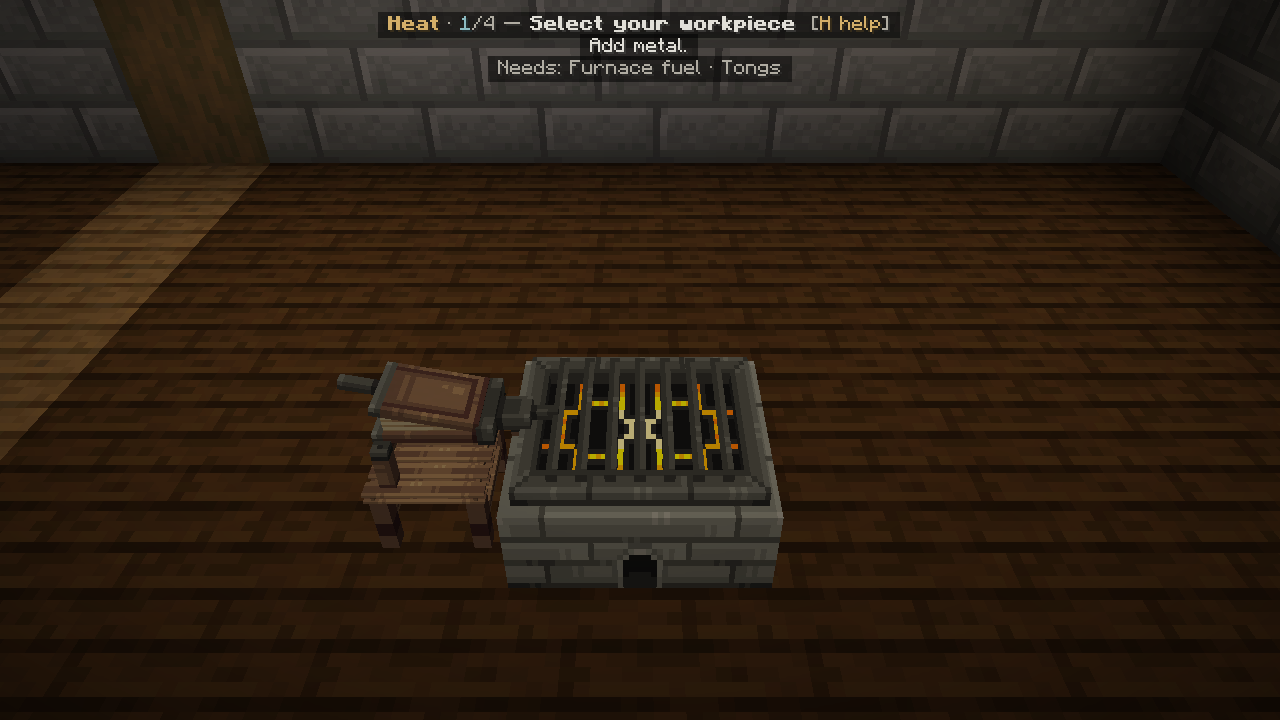
Refine raw metal or heat your ingots, work the bellows, and carry hot stock with tongs.
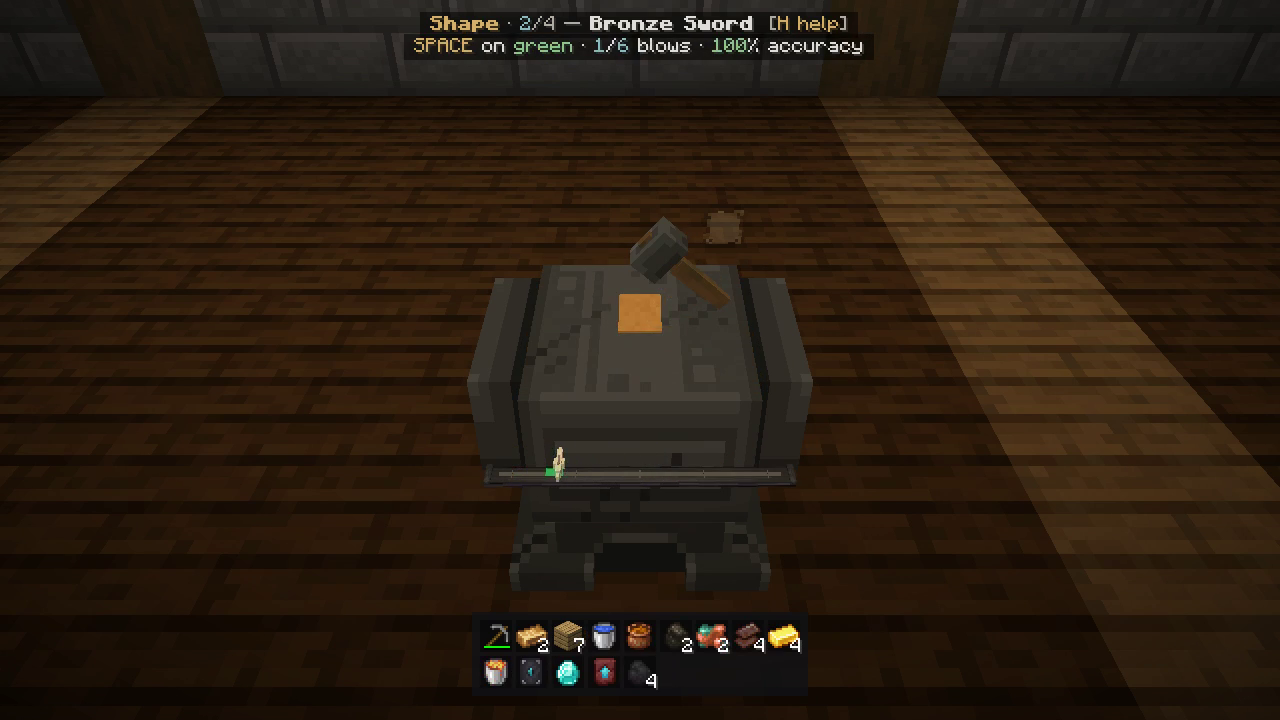
Search for a pattern, lay out its ingredients, and time your hammer blows as the marker crosses the green band. Some materials are forgiving. Others need a steadier hand and can call for multiple strikes in a row. Advanced patterns use reusable blueprints.
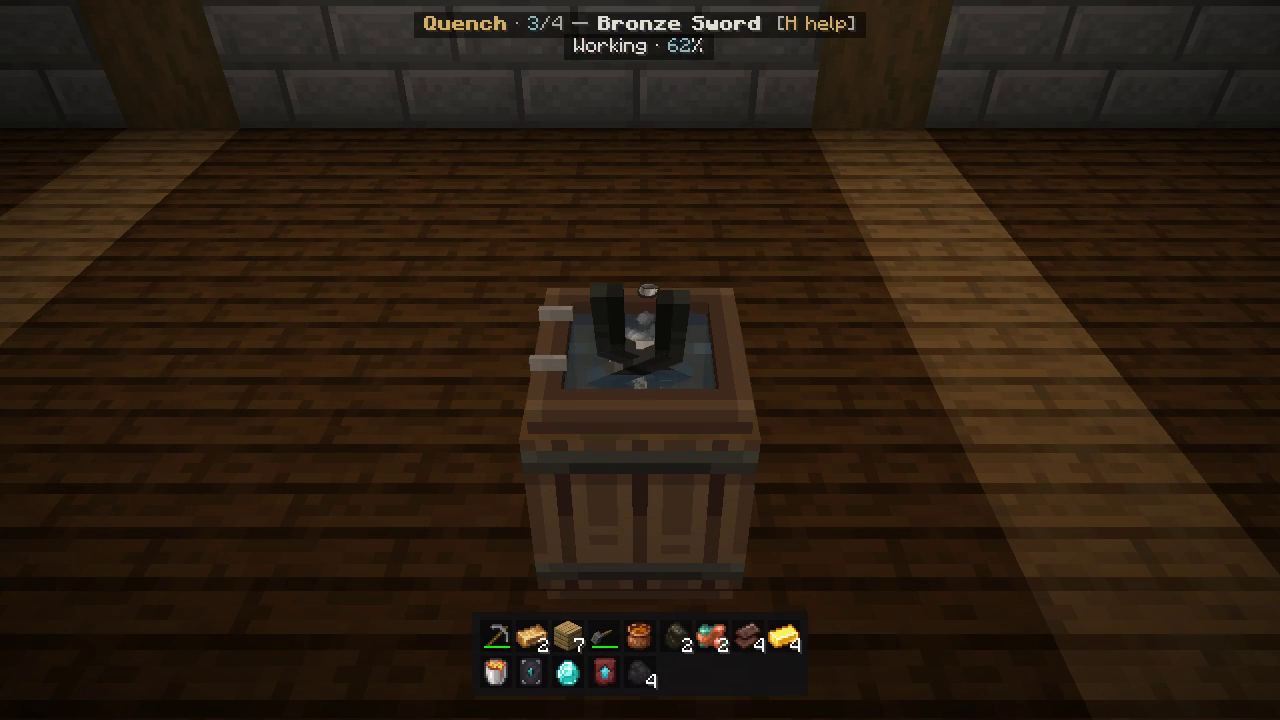
Take the shaped workpiece to the quenching barrel. It becomes usable equipment after quenching and carries the craftsmanship you earned at the anvil.
Temper it for durability, hone it for a sharper edge, add weight for harder hits, or lighten it for quicker handling. Craftsmanship ranges from Rough through Serviceable, Fine, and Superior to Masterwork. Strike accuracy matters most, with smaller contributions from mastery and luck. Tool quality affects mining speed and durability. Weapon quality affects damage and handling.
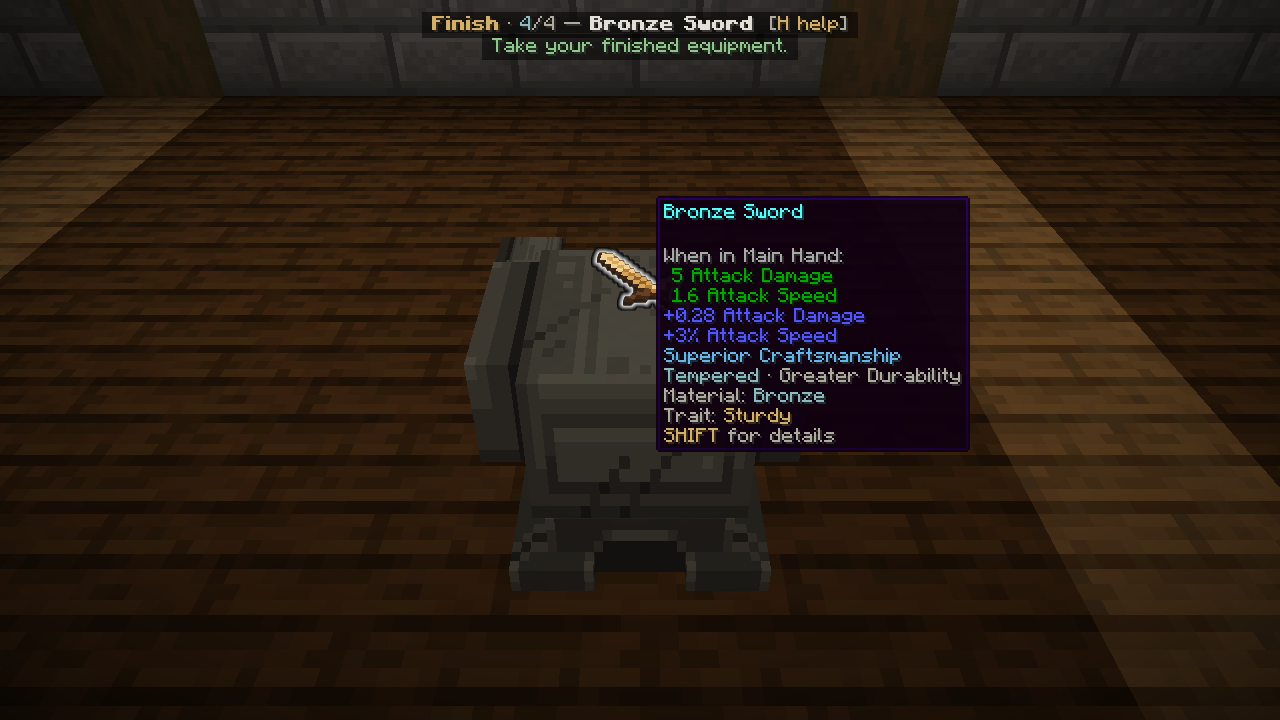
Tin, bronze and steel each have a sword, tools and a full set of armor. Tin is a soft early option. Bronze unlocks iron mining, and the Alloy Forge makes bronze from copper and tin and steel from iron and coal or charcoal.
Find a Diamond Upgrade Smithing Template in a structure chest, then upgrade steel gear with a diamond at the smithing table. The Nether Alloy Forge makes netherite ingots from gold ingots and netherite scraps. Upgrade diamond gear with the ingot and a Netherite Upgrade Smithing Template.
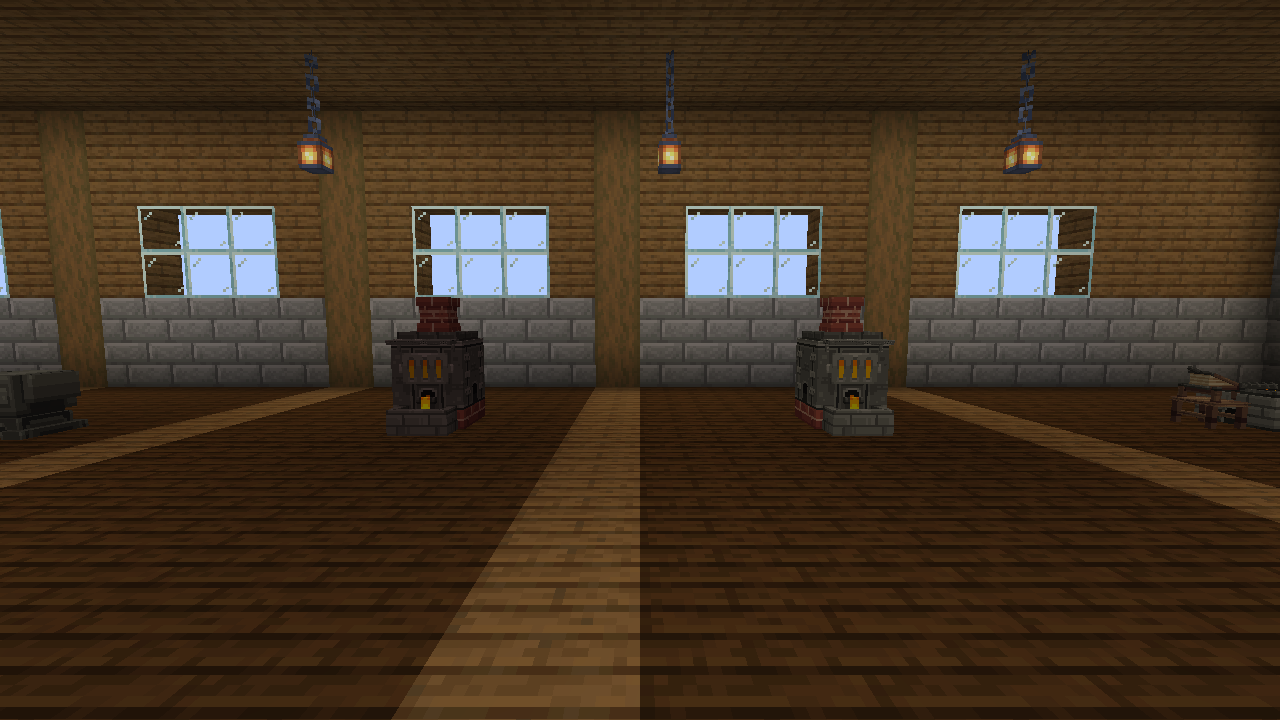
Silver has its own ore and works with compatible equipment recipes, including supported Epic Knights patterns.
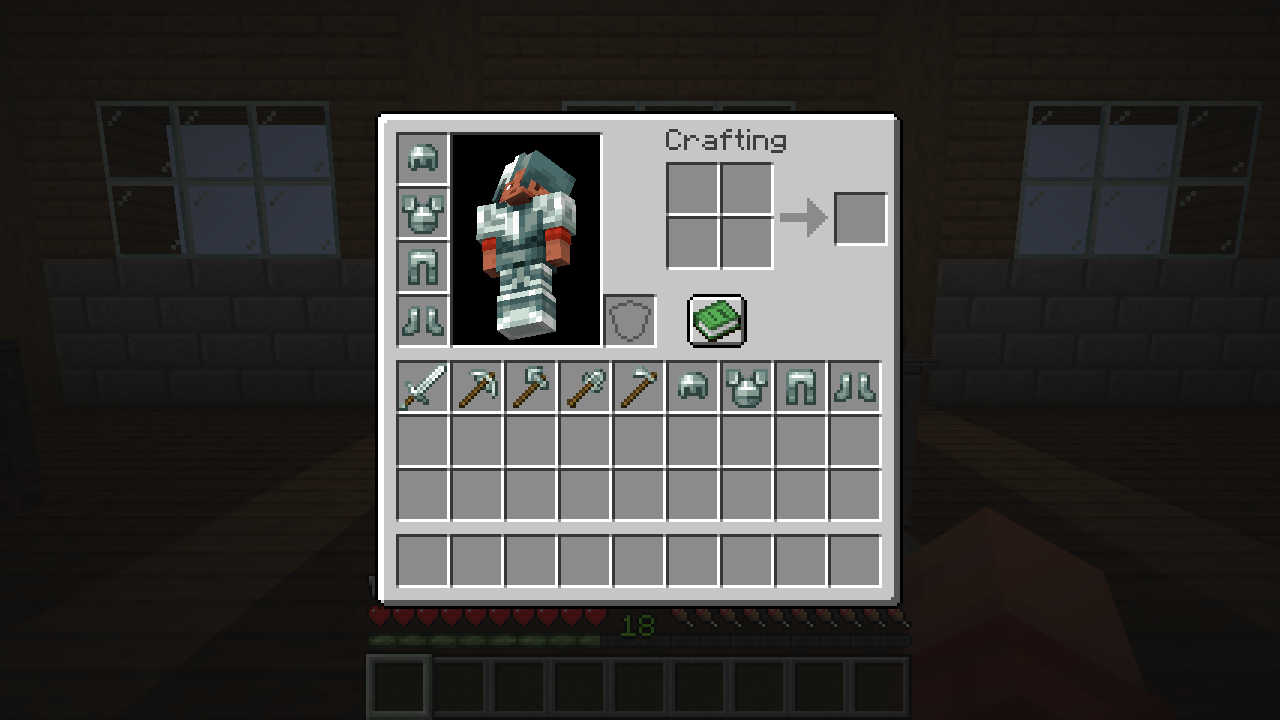
Forge helmets, chestplates, leggings and boots through the same workshop stages. Armor takes extra strikes. Craftsmanship affects durability, protection and existing toughness. Temper it for durability or lighten it for movement at a durability cost.
Optional Simply Swords and Simply More support covers ordinary weapons. Epic Knights equipment uses its native patterns and a matching reusable blueprint. Unique and legendary weapons stay outside the normal forging route. Supported smithing upgrades preserve craftsmanship and finishing.
Install the matching build on the server and every client. Both loaders need Diegesis and Fzzy Config. Fabric also needs Fabric API and Fabric Language Kotlin. NeoForge needs Kotlin for Forge.
Start with copper and tin. Smelt them, combine three copper ingots and one tin ingot into bronze blend, then smelt the blend. Bronze gets your first hammer and shaping anvil under way. EMI and JEI show station recipes, blueprints and upgrades. Refining and alloying have animated progress previews.
At a station, H opens help. F finds a shaping pattern, Space works the station, B scribes a blueprint, and Shift expands equipment details. Keep the cursor empty while striking.
Common material tags and datapack recipes let you fit the workshop around your pack. Timing, quality, mastery and finishes are configurable. Tin veins start from Y 20 to 80 and peak near Y 50. Silver veins start from Y −16 to 30 and are most common around Y −1 to 15. Both generate in new Overworld chunks and can be disabled separately. Equipment keeps its name, enchantments and wear as it moves through the workshop and its upgrades.
Maintained by Bare Minimum Studios under the Bare Minimum License.
Use code bareminimum to get 25% off your first month!
Project description from CurseForge.
Pick your setup
Choose the version and loader you play, then open the matching release.
Check the dependencies, then try the file in a copied instance before changing a world you care about.
Recent files
TemperAndTang-0.7.2-fabric-1.21.1.jar
27 Nov 2026
TemperAndTang-0.7.2-neoforge-1.21.1.jar
27 Nov 2026
TemperAndTang-0.7.1-neoforge-1.21.1.jar
27 Nov 2026
TemperAndTang-0.7.1-fabric-1.21.1.jar
27 Nov 2026
Looking for an older file? The official CurseForge project page is in Resources.
 mod
A starlit death screen with fading memories, cinematic resurrection, and configurable lives.
 mod
Forge the extraordinary. Harness the elements. Master the technology.
 mod
Mindustry's logic system, rebuilt for Minecraft — a graphical statement canvas, a graphical statement editor, and the instruction set that goes with them.