Modpack Studio Core Needed by Modpack Studio Authoring modpackstudio-authoring-forge-1.21.1-1.0.3.jar
requiredMatching file found Matched file: modpackstudio-core-forge-1.21.1-1.0.3.jar
CurseForge · Minecraft mod
Edit any recipe in game with impact preview, and generate whole material sets from JSON.
Quick answer
Modpack Studio Authoring modpackstudio-authoring-forge-1.21.1-1.0.3.jar targets 1.21, 1.21.1 with Forge. The project page does not say whether this file belongs on the client, dedicated server, or both. All 1 required mods have matching files.
Where it goes
The project page does not say whether this file belongs on the client, dedicated server, or both.
The source does not explicitly classify this release as client-only or server-only.
modpackstudio-authoring-forge-1.21.1-1.0.3.jar on 1.21.1 Forge. Every mod below is checked against that same setup.
Install Modpack Studio Core first. We found matching files for this game-version and loader setup.
We only count dependency files that match this setup. A file for another loader does not fill the gap.
Before you install it
Built for Modpack Studio Authoring modpackstudio-authoring-forge-1.21.1-1.0.3.jar on 1.21.1 Forge. Pick another file and the loader, install side or required mods may change.
Use modpackstudio-authoring-forge-1.21.1-1.0.3.jar. It targets 1.21, 1.21.1 with Forge; another release may have different loader, side or dependency requirements.
Install Modpack Studio Core first. We found matching files for this game-version and loader setup.
The project page does not say whether this file belongs on the client, dedicated server, or both.
Use the “Get this file” button beside modpackstudio-authoring-forge-1.21.1-1.0.3.jar. It opens that exact file at the source.
About this project
Create and change content in game: edit any recipe with a live impact preview, and add whole metals or gems from one JSON file. Every change is written to Modpack Studio's own internal datapack and resource pack, so your source files stay untouched and every change can be undone.
Two tools in one mod, each with its own Studio tab: Recipes and Materials.
The Recipe Composer: edit any recipe in game, for vanilla and modded recipe types, without writing JSON by hand.
/reload.Replace an ingredient everywhere (for example minecraft:copper_ingot with #c:ingots/copper) with a preview of every affected recipe. The whole operation is one undo step.
Add a new metal or gem to your pack from a single JSON file.
{ "format_version": 1, "id": "tin", "names": { "en_us": "Tin" }, "base_colors": ["#4a5a6a", "#e8eef4"],
  "forms": ["ingot", "nugget", "dust", "plate", "gear", "rod", "block", "ore_stone", "ore_deepslate"] }
Generates items, blocks, textures (recoloured from built-in templates), models, translations, common c: tags, loot tables and basic recipes.
Fine-tune any generated texture in the Studio's Materials tab.
Materials are registered at startup, so a restart is needed after adding one. Clients joining a server must have the same materials; a clear message tells them when they differ.
Requires Modpack Studio Core. To check the result (orphans, tests, diffs), see Modpack Studio QA.
Modpack Studio is published as three mods for modpack makers: Core (required), QA and Authoring. Install Core plus the one you need, or both.
/modpackstudio (alias /mps), operators only (permission level 2). Studio UI: key F7 or /mps studio.Project description from CurseForge.
Pick your setup
Choose the version and loader you play, then open the matching release.
Check the dependencies, then try the file in a copied instance before changing a world you care about.
Recent files
27 Nov 2026
27 Nov 2026
Looking for an older file? The official CurseForge project page is in Resources.
 mod
Required base of Modpack Studio: indexes your finished modpack and hosts the Studio UI.
 mod
Find unobtainable items and progression skips, test your pack in CI, and diff versions.
 mod
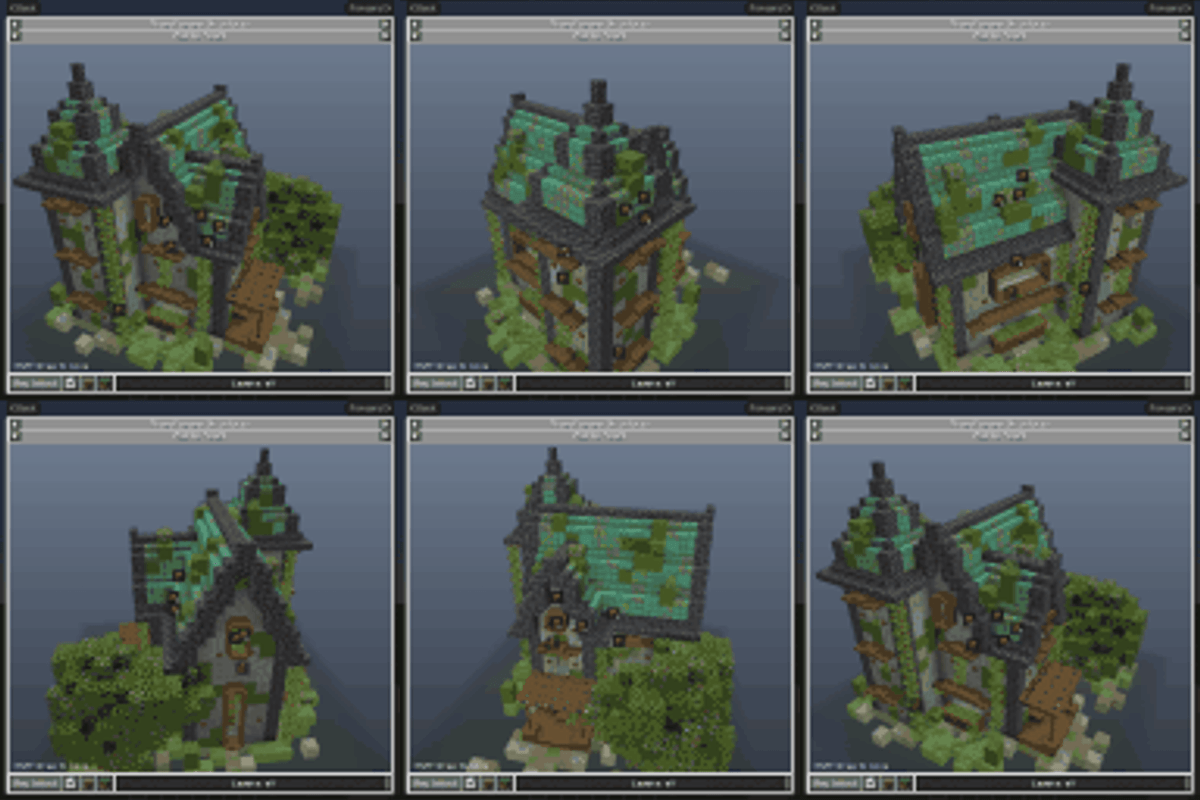
Browse every structure in the game, and lots of info about them! Pack Tools for pack devs. Compactible with all mods!