Minecraft version
Back to mods 
CurseForge · Minecraft mod
Proscenium
Animated title screens from a single JSON file: parallax layers, auroras and light beams, embers, snow, fireflies, mouse sparks and a logo that drops in. For modpack makers and mod developers. Install it alone to enjoy a three-scene showcase.
Choose a version Pick your version below, then grab the matching file.
Quick answer
Which Proscenium release matches 1.21.1 NeoForge?
beta file Proscenium 0.3.0
Game version 1.21.1
Loader NeoForge
Proscenium 0.3.0 targets 1.21.1 with NeoForge. The project page does not say whether this file belongs on the client, dedicated server, or both. No extra mods listed for this file.
Where it goes
Is Proscenium required on the client, server, or both?
The project page does not say whether this file belongs on the client, dedicated server, or both.
Client Source doesn’t say
Dedicated server Source doesn’t say
Loader for this release NeoForge
Required install it here Optional supported, not mandatory Not supported do not install here Source doesn’t say do not assume
The source does not explicitly classify this release as client-only or server-only.
What else does Proscenium 0.3.0 need?
Proscenium 0.3.0 on 1.21.1 NeoForge. Every mod below is checked against that same setup.
This file does not list any required mods. Do not add a library just because a different file uses it.
This file does not list any required or optional mods.
Before you install it
Add Proscenium without breaking your instance.
Built for Proscenium 0.3.0 on 1.21.1 NeoForge. Pick another file and the loader, install side or required mods may change.
- 01
Stick to this file
Use Proscenium 0.3.0. It targets 1.21.1 with NeoForge; another release may have different loader, side or dependency requirements.
- 02
Bring the mods it needs
This file does not list any required mods. Do not add a library just because a different file uses it.
- 03
Put it on the correct side
The project page does not say whether this file belongs on the client, dedicated server, or both.
- 04
Pick the file you checked
Use the “Get this file” button beside Proscenium 0.3.0. It opens that exact file at the source.
About this project
What does Proscenium add?
Proscenium
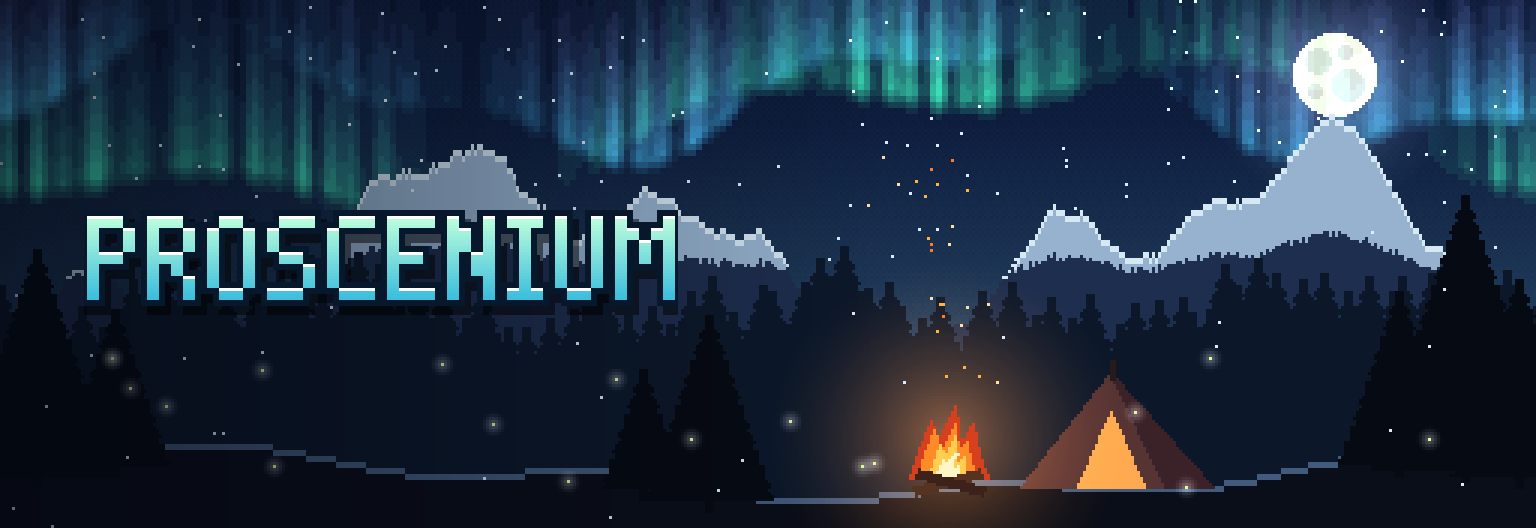
Animated title screens described by a JSON file. For modpack makers and mod developers: no mixins, a few lines of code, and your main menu comes alive.
See what it can do
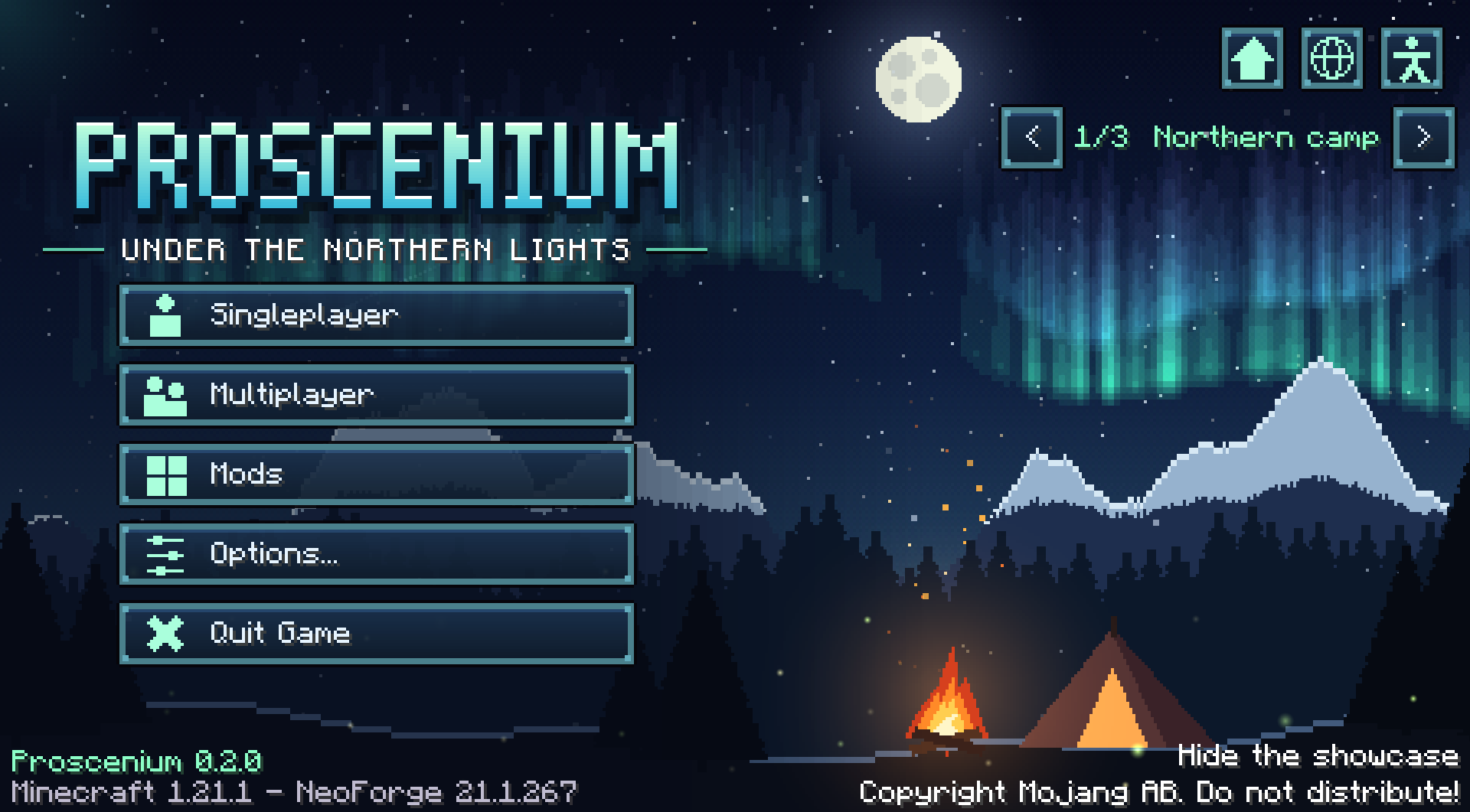
Install it on its own and start the game: the title screen becomes a showcase with three scenes (northern camp, grand stage, deep sea). Move the mouse, click, switch scenes.
As soon as another installed mod depends on Proscenium, the showcase stays out of the way. You can also hide it with one click, and reopen it from the Config button of the mod list.
What you can build
- Parallax layers that follow the mouse
- Moving scenery: endless scrolling, floating, swaying spotlights, animated sprite sheets
- Light: additive auroras, glows and god rays
- Particles: embers, snow, confetti, plankton, twinkling stars, fireflies, shooting stars
- Mouse effects: a light around the pointer, a trail of sparks, bursts on click
- Showmanship: a logo that drops in, floats and shines; buttons that slide into place
Everything is a JSON file a resource pack can replace; press F3+T to reload while you edit.
A HUD players can arrange
Mod makers declare the parts of their HUD; players move, resize, restyle or hide them from an in-game editor (F7), and the layout is saved for each of them. Packs can ship their own default layout. On-screen announcements come with a queue and their timing.
Nothing is lost
Single player, multiplayer, Realms, mods, options, language, accessibility, credits and quit are all there, including the vanilla multiplayer restrictions. The "Panorama Scroll Speed" accessibility option slows or stops the motion. Pixel art stays crisp at every GUI scale.
For developers
TitleTheme.load(theme).ifPresent(t -> event.setNewScreen(new ThemedTitleScreen(t)));
Full instructions, theme format and examples: https://github.com/TTVNaylek/Proscenium
Requirements
Minecraft 1.21.1, NeoForge 21.1.267 or newer. Client side. No other dependency. MIT license.
Project description from CurseForge.
Pick your setup
Proscenium by Minecraft version and loader
Choose the version and loader you play, then open the matching release.
Check the dependencies, then try the file in a copied instance before changing a world you care about.
Recent files
Proscenium versions and loaders
Proscenium 0.3.0
proscenium-neoforge-1.21.1-0.3.0.jar
29 Nov 2026
Client Source doesn’t say Server Source doesn’t say Dependencies No extras listed Listed on Release listing
Check the 1.21.1 · NeoForge setup 1.21.1NeoForge beta
Proscenium 0.2.0
proscenium-neoforge-1.21.1-0.2.0.jar
28 Nov 2026
Client Source doesn’t say Server Source doesn’t say Dependencies No extras listed Listed on Release listing
Check the 1.21.1 · NeoForge setup 1.21.1NeoForge beta
Looking for an older file? The official CurseForge project page is in Resources.
 mod
CurseForge · Minecraft
NarutoUI
A Modern UI configuration screen library for Minecraft client mods.
 mod
CurseForge · Minecraft
RingoLib
Library and modpack toolkit: merge duplicate materials, filter recipes, preserve saves on mod changes, ban items, and profile server lag.
 mod
Modrinth · Minecraft
Oh, My AE2 Meteors!
Adds actual falling meteors from Applied Energistics 2 mod!