Fabric API Needed by Beaconator 2.3.2+26.3
requiredMatching file found Matched file: 0.165.2+26.3
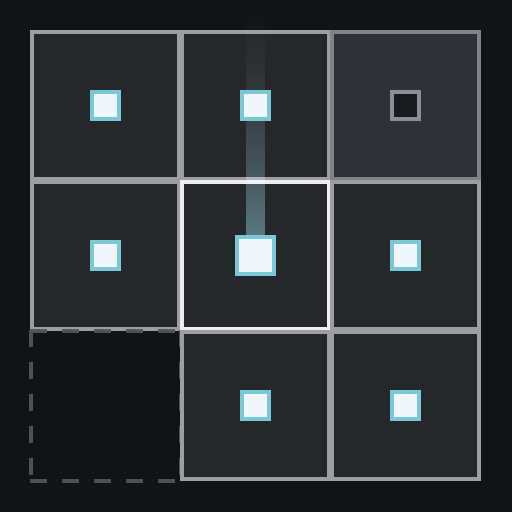
Modrinth · Minecraft mod
Plan and build beacon perimeters: grid from one point, real coverage volumes, beams to the sky where beacons are missing, and one shared plan for the whole server.
Quick answer
Beaconator 2.3.2+26.3 targets 26.3 with Fabric. Installation on the client is optional. Installation on the dedicated server is optional. All 1 required mods have matching files.
Where it goes
Installation on the client is optional. Installation on the dedicated server is optional.
The source marks this as usable on both the client and server.
2.3.2+26.3 on 26.3. Every mod below is checked against that same setup.
Install Fabric API first. We found matching files for this game-version and loader setup.
We only count dependency files that match this setup. A file for another loader does not fill the gap.
Before you install it
Built for Beaconator 2.3.2+26.3 on 26.3. Pick another file and the loader, install side or required mods may change.
Use 2.3.2+26.3. It targets 26.3 with Fabric; another release may have different loader, side or dependency requirements.
Install Fabric API first. We found matching files for this game-version and loader setup.
Installation on the client is optional. Installation on the dedicated server is optional.
Use the “Get this file” button beside 2.3.2+26.3. It opens that exact file at the source.
About this project
Plan and build beacon perimeters: place one beacon, grow the grid, and see exactly where every
other beacon goes and how much ground each one covers.
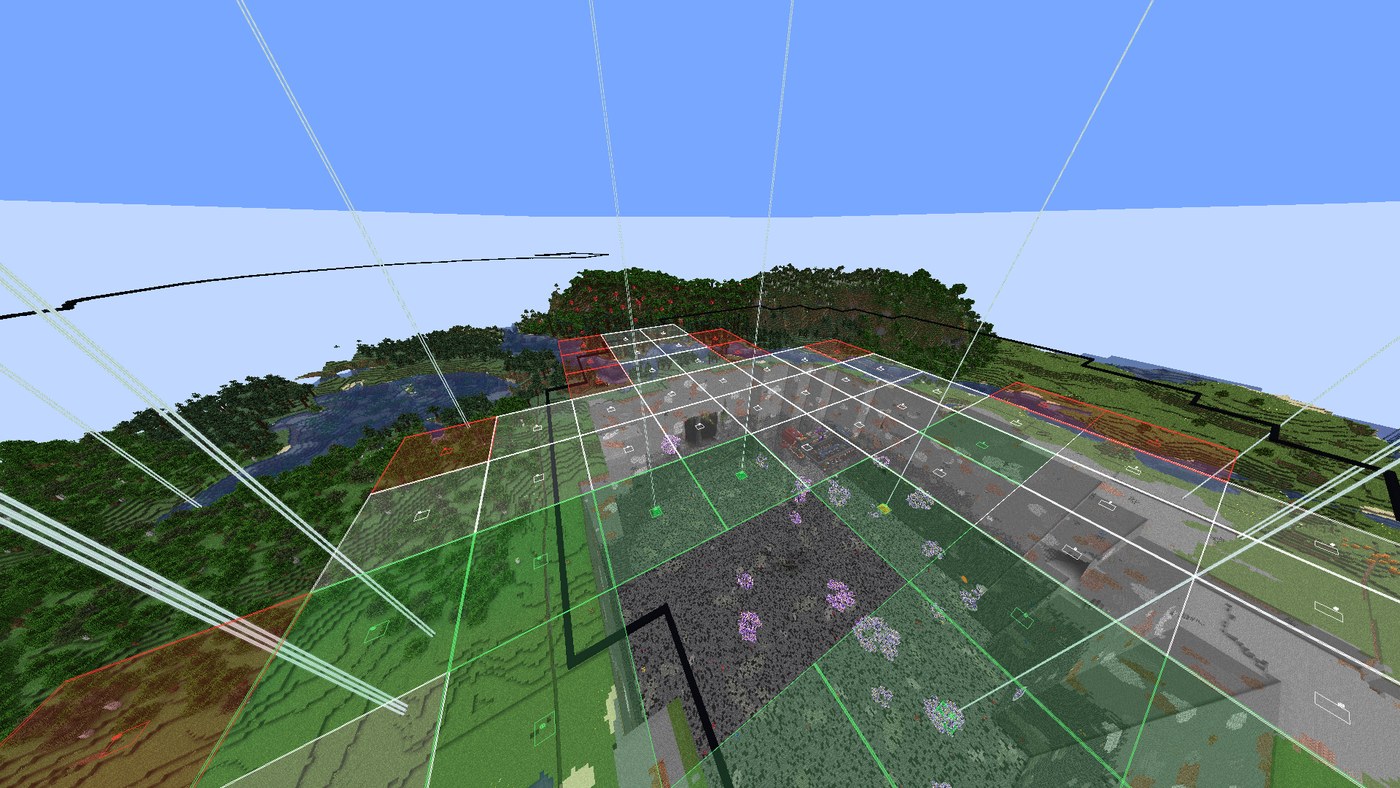
Put the jar in mods/. It works on the client alone. Put the same jar on a Fabric server if you
want a shared plan; vanilla clients on that server are never sent anything.
Updating keeps your plans, node states, water lines and totals (they live inconfig/beaconator/ and config/beaconator.json).
Shift + B to open the screen. B turns edit mode on and off.G hides the beams when they get in the way.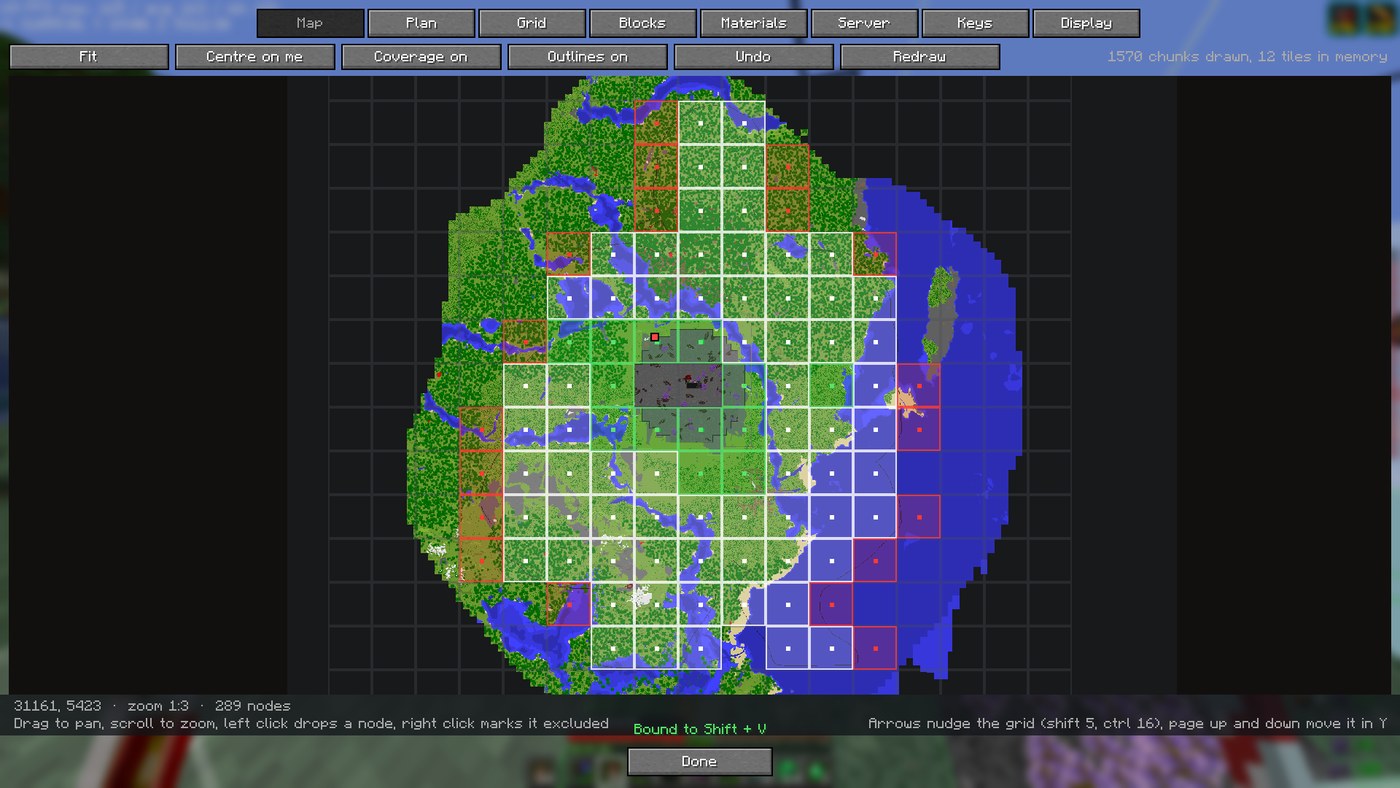
Team play: if the server has the mod, a Server tab appears. Press Share mine and
everyone else opens it by name. Publishing a plan needs operator; marking nodes does not.
Commands: /bea (open the screen) and /bea share (put the open plan on the server).
Full documentation, configuration and technical details: README on GitHub.
Project description from Modrinth.
Pick your setup
Choose the version and loader you play, then open the matching release.
Check the dependencies, then try the file in a copied instance before changing a world you care about.
Recent files
beaconator-2.3.2+26.3.jar
4 Oct 2026
Looking for an older file? The official Modrinth project page is in Resources.
 mod
Adds additional vanilla-style balanced recipes for smelting. Includes built-in extensions to support various mods.
 mod
Dogfight in 30+ flyable jets, WWII warbirds and helicopters, then take warships and submarines to sea. F-22, F-35, Spitfire, Apache, a sailing Nimitz carrier, air refuelling and a campaign. (Formerly known as Fighter Jets Overhaul)
 mod
Mod centered around massive, atmospheric baobab trees—featuring colossal savanna landmarks, sprawling roots, hollow ancient trunks, hanging fruit pods, leaf litter, and a complete custom wood set.