Minecraft version
Back to mods 
CurseForge · Minecraft mod
D3 Commands
Helpful commands for servers or singleplayer!
Choose a version Pick your version below, then grab the matching file.
Quick answer
Which D3 Commands release should I use?
Latest stable file D3Commands-1.4.2.jar
Game version 1.12.2
Loader Forge
D3 Commands D3Commands-1.4.2.jar targets 1.12.2 with Forge. The project page does not say whether this file belongs on the client, dedicated server, or both. No extra mods listed for this file.
Where it goes
Is D3 Commands required on the client, server, or both?
The project page does not say whether this file belongs on the client, dedicated server, or both.
Client Source doesn’t say
Dedicated server Source doesn’t say
Loader for this release Forge
Required install it here Optional supported, not mandatory Not supported do not install here Source doesn’t say do not assume
The source does not explicitly classify this release as client-only or server-only.
What else does D3 Commands D3Commands-1.4.2.jar need?
D3Commands-1.4.2.jar. Change the file and its required mods may change too.
This file does not list any required mods. Do not add a library just because a different file uses it.
This file does not list any required or optional mods.
Before you install it
Add D3 Commands without breaking your instance.
Built for D3 Commands D3Commands-1.4.2.jar. Pick another file and the loader, install side or required mods may change.
- 01
Stick to this file
Use D3Commands-1.4.2.jar. It targets 1.12.2 with Forge; another release may have different loader, side or dependency requirements.
- 02
Bring the mods it needs
This file does not list any required mods. Do not add a library just because a different file uses it.
- 03
Put it on the correct side
The project page does not say whether this file belongs on the client, dedicated server, or both.
- 04
Pick the file you checked
Use the “Get this file” button beside D3Commands-1.4.2.jar. It opens that exact file at the source.
About this project
What does D3 Commands add?
This information only applies to 1.12.2+ versions!
What it do?
New or improved commands!
Commands:
/back - Teleport the user back to where they died last.
/tpbed [player] - Teleport the user to their own bed or another players bed! Works even if the player isn't on!
/cleardrops - Delete all item entities off the floor!
/drain [radius] - Removes liquids in a square radius around the player!
/explorers [# of players] [Dim] [x z] - Returns the farthest player away from where you currently are by default. [# of players] - changes how many players are returned. [Dim] - changes the dimension to look in. [X Z] - sets a new center point to calculate from.
/extinguish [radius] - Removes all fires in a square radius around the player!
/feed [player] - Feed the user or target.
/fireworks [player] [radius] [rockets] - Fires fireworks at target in X Radius with X rockets.
/fly [player] - Enable/Disable creative flight for the user or the target.
/getuuid [username] [username 2] [...] - Easily get a users UUID so you can find their player data file!
/gm - Shorthand for /gamemode
/god [player] - Enable/Disable invisibility for the user or target.
/heal [player] - Heals the user or target.
/highlight [player] - Enable/Disable the glowing effect on yourself or the target!
/home [set | target] - Set a home point for yourself or teleport to the targets home point!
/invsee <player> [enderchest] - Opens the player's inventory or enderchest and allows modification!
/locateportal - Sick of nether portals not linking up and needing to find a calculator to find the perfect spot? Use this instead!
/lore [string] - Set or remove the lore on the item you are holding!
/mem - Reports the memory usage for the sever.
/name [string] - Change or reset the name of the item you are holding!
/nightvision [player] - persistent toggle-able night vision! No more needing to swap to creative or spawn potions!
/tpoffline <player> - Teleport to the exact spot this player was last online at!
/ping - Get your ping to the server!
/pos <player> - Gets the current X, Y, Z of the player specified.
/smite [player] [radius] [strikes] - Smites the target within the radius with X amount of strikes.
/spawn [player] - Teleport the user or target to spawn.
/top - Teleports the user to the top of the world.
/tp [Dimension ID] [x] [y] [z] - Just an updated /tp.
/tpx - Stuck in another world? Daum that stinks! Tpx out!
/tps - Not only in forge now! Usable by anyone! :D
/kill - Now allows you to kill other people instead of killing yourself!
Use tab to assist in completion!
OLD INFO, DOES NOT APPLY TO 1.12!
You MUST have D3 Core to use our mods! <-- Click to get!
Sometimes that random stray command shows up and you go "Oh! that would be great!" This is where they come to live!
What it do?
Adds new or improved commands to minecraft!
New things it adds!
- /kill - Now allows you to kill other people instead of killing yourself!
- /tps - Not only in forge now! Useable by anyone! :D
- /tpx - Stuck in another world? Daum that stinks! Tpx out!
- /getuuid [username] [username 2] [...] - Hate that mojang changed player data files to UUID? Now you can find out who's who and safely delete it!
- /tp [Dimension ID] [x] [y] [z] - Just an updated /tp.
- /top - Teleports the user to the top of the world.
- /heal [player] - Heals the user or targets health.
- /feed [player] - Feed the user or target.
- /fly [player] - Enables/Disabled creative flight for the user or the target.
- /god [player] - Enables/Disables invisibility for the user or target.
- /back - Teleports the user back to where they died last.
- /mem - Reports the memory usage for the sever.
- /gm - Shorthand for /gamemode
- /invsee [player] - Opens the player's inventory. (Only allows the user to see what's in the inventory, not edit.)
- /spawn [player] - Teleports the user/target to spawn.
- /pos <player> - Gets the current X, Y, Z of the player specified.
- /explorers [# of players] [Dim] [x z] - Returns the farthest player away from where you currently are by default. [# of players] - changes how many players are returned. [Dim] - changes the dimension to look in. [X Z] - sets a new center point to calculate from.
- /smite [player] [radius] [strikes] - Smites the target within the radius with X amount of strikes.
- /fireworks [player] [radius] [rockets] - Fires fireworks at target in X Radius with X rockets.
Use tab to assist in completion!
'Kit' Comand system!
Now you can create new commands to let people get items! There is no timer/usage limiting and it does not support NBT.
This can be edited inside the D3Comamnds config file.
NOTE: subcatagoryname MUST BE UNIQUE! IT WILL NOT WORK OTHERWISE!
subcatagoryname {
A list of alternative names. Case sensitive!
S:aliases <
>
Allow a username to be specified, to give the item to someone else.
B:allowUsername=true
Set a custom display name if you want it.
S:displayname=All mighty dirt. (Only for hole filling!)
Easy enable / disable here. Enabled by default!
B:enabled=true
The item name part of the item's ID. Case sensitive! Required!
S:itemname=dirt
The message that appears after a successful command.
S:message=Fill those holes!
Metadata or Damage value of the item. [range: -2147483648 ~ 2147483647]
I:meta=0
The modid part of the item's ID. Use 'minecraft' for vanilla items. This automatically disables the command if the mod isn't loaded. Case sensitive! Required!
S:modid=minecraft
The name of the command. aka the part after the slash. Cannot have spaces. Case sensitive! Required!
S:name=ohpleasedirtgodgivemedirttofillmyholes
The stacksize. 0 is a nice troll btw :p [range: 0 ~ 64]
I:stacksize=64
}
Join D3 on Discord for support, fun and inside info!
Project description from CurseForge.
Pick your setup
D3 Commands by Minecraft version and loader
Choose the version and loader you play, then open the matching release.
Minecraft version
1.10.2
1 loader buildMinecraft version
1.9.4
1 loader buildMinecraft version
1.7.10
1 loader buildCheck the dependencies, then try the file in a copied instance before changing a world you care about.
Recent files
D3 Commands versions and loaders
D3Commands-1.4.2.jar
3 Oct 2019
Client Source doesn’t say Server Source doesn’t say Dependencies No extras listed Listed on Release listing
Check the 1.12.2 · Forge setup Forge1.12.2 release
D3Commands-1.9.4-1.3.1.38.jar
8 Aug 2017
Client Source doesn’t say Server Source doesn’t say Dependencies 1 required · 1 unchecked Listed on Release listing
Check the 1.10.2 setup 1.10.2 release
D3Commands-1.9.4-1.3.0.36.jar
19 Jul 2016
Client Source doesn’t say Server Source doesn’t say Dependencies 1 required · 1 unchecked Listed on Release listing
Check the 1.10.2 setup 1.9.41.10.2 release
D3Commands-1.7.10-1.2.1.34.jar
27 Mar 2016
Client Source doesn’t say Server Source doesn’t say Dependencies 1 required · 1 unchecked Listed on Release listing
Check the 1.7.10 setup 1.7.10 release
Looking for an older file? The official CurseForge project page is in Resources.
 mod
mod CurseForge · Minecraft
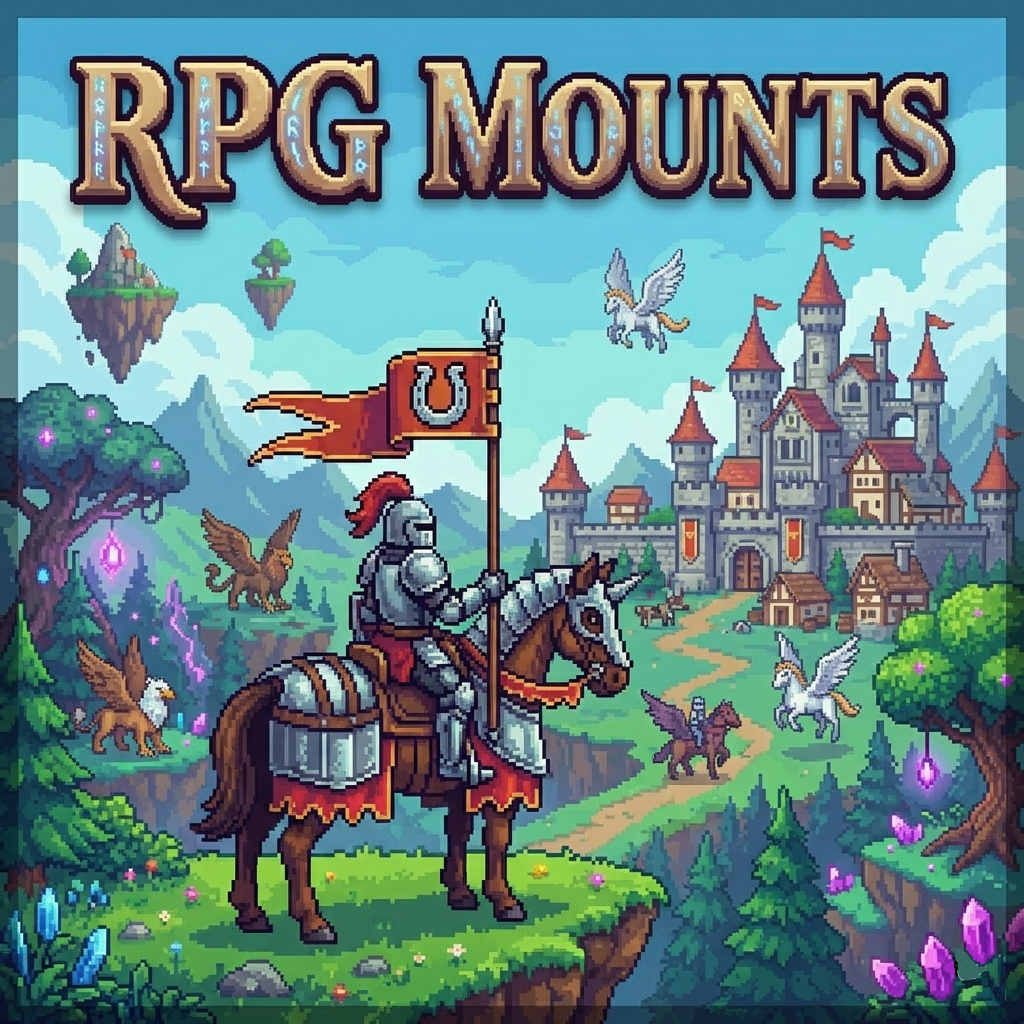
RpgMounts for servers
Utility mod for servers that makes it easy to add a mount system using existing in-game entities.
 mod
mod CurseForge · Minecraft
IC2 Radiation
Adds persistent radiation, radiation zones, player exposure, radiation sickness and a dosimeter to IndustrialCraft 2.