FTB Utilities (Forge) Needed by LatBlocks-1.7.10-1.12.0.jar
requiredMatching file found Matched file: FTBUtilities-1.7.10-1.0.18.3.jar

CurseForge · Minecraft mod
Adds random blocks and items. Previously known as LatBlocks
Quick answer
LatBlocks-1.7.10-1.12.0.jar targets 1.7.10. The project page does not say whether this file belongs on the client, dedicated server, or both. All 2 required mods have matching files.
Where it goes
The project page does not say whether this file belongs on the client, dedicated server, or both.
The source does not explicitly classify this release as client-only or server-only.
LatBlocks-1.7.10-1.12.0.jar. Change the file and its required mods may change too.
Install FTB Utilities (Forge), FTB Library (Forge) (Legacy) first. We found matching files for this game-version and loader setup. 1 comes through another mod in the chain.
1 extra mod was pulled in by another dependency. Indented rows show who needs each one. We only count dependency files that match this setup. A file for another loader does not fill the gap.
Before you install it
Built for LatBlocks-1.7.10-1.12.0.jar. Pick another file and the loader, install side or required mods may change.
Use LatBlocks-1.7.10-1.12.0.jar. It targets 1.7.10; another release may have different loader, side or dependency requirements.
Install FTB Utilities (Forge), FTB Library (Forge) (Legacy) first. We found matching files for this game-version and loader setup. 1 comes through another mod in the chain.
The project page does not say whether this file belongs on the client, dedicated server, or both.
Use the “Get this file” button beside LatBlocks-1.7.10-1.12.0.jar. It opens that exact file at the source.
About this project
This mod requires LatCoreMC
It adds various blocks, that can mostly be re-textured with Block Painter, including Paintable Block, Dual Paintable Block, Stairs, Slab, Carpet, Fountain, LatTanks, Quartz Chest, Quartz Furnace, Glowium Blocks etc.
More and better info coming soon.
Paintable Fountain: (when activated with redstone it works like a sprinkler)

Quartz Chests:

Paintable Block, Dual Paintable Block and Block Painter tutorial (by me):
LatBlocks spotlight in Russian by Дарик

Project description from CurseForge.
Pick your setup
Choose the version and loader you play, then open the matching release.
Check the dependencies, then try the file in a copied instance before changing a world you care about.
Recent files
15 Oct 2016
30 Sept 2016
12 Jan 2016
4 Jun 2015
4 Jun 2015
4 May 2015
27 Apr 2015
20 Apr 2015
8 Mar 2015
19 Feb 2015
2 Feb 2015
18 Jan 2015
Looking for an older file? The official CurseForge project page is in Resources.
 mod
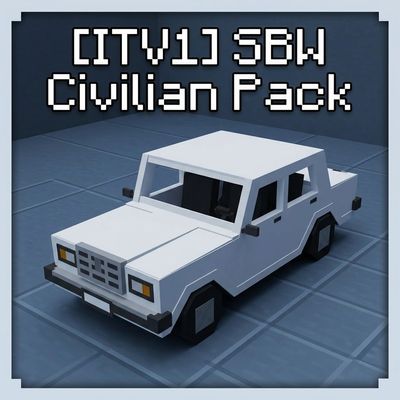
Civilian vehicles addon for Superb Warfare: Soviet, Russian and foreign cars with working seats, trunks and repaints — built for RP servers and modpacks. Requires Superb Warfare 0.8.9+
 mod
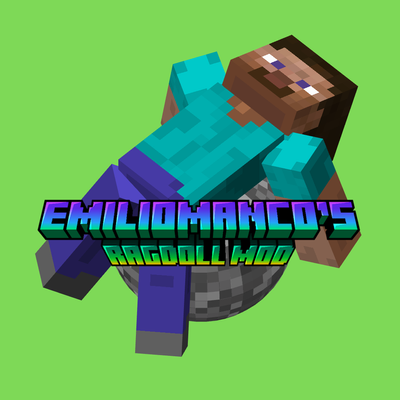
This mod adds player and mob ragdolls to Minecraft
 mod
Build a TARDIS piece by piece, from a junk console flying through the time vortex to a police box that's bigger on the inside.