Minecraft version
Back to mods 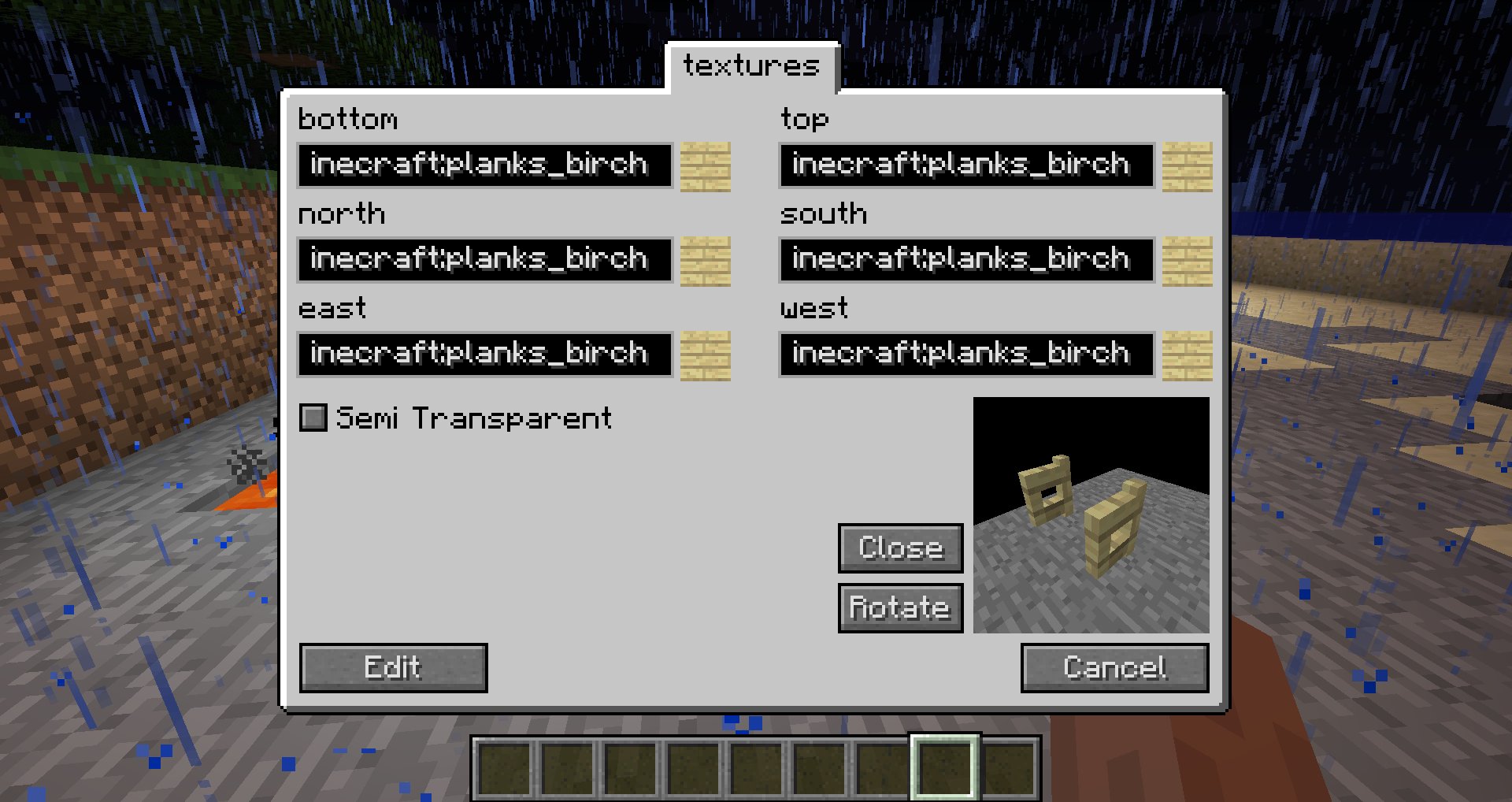
CurseForge · Minecraft mod
Custom Stuff 3
Create blocks, items, recipes and more in-game
Choose a version Pick your version below, then grab the matching file.
Quick answer
Which Custom Stuff 3 release should I use?
alpha file CustomStuff3-1.10.2-0.11.10.jar
Game version 1.10.2
Loader Not required
Custom Stuff 3 CustomStuff3-1.10.2-0.11.10.jar targets 1.10.2. The project page does not say whether this file belongs on the client, dedicated server, or both. No extra mods listed for this file.
Where it goes
Is Custom Stuff 3 required on the client, server, or both?
The project page does not say whether this file belongs on the client, dedicated server, or both.
Client Source doesn’t say
Dedicated server Source doesn’t say
Loader for this release No loader listed
Required install it here Optional supported, not mandatory Not supported do not install here Source doesn’t say do not assume
The source does not explicitly classify this release as client-only or server-only.
What else does Custom Stuff 3 CustomStuff3-1.10.2-0.11.10.jar need?
CustomStuff3-1.10.2-0.11.10.jar. Change the file and its required mods may change too.
This file does not list any required mods. Do not add a library just because a different file uses it.
This file does not list any required or optional mods.
Before you install it
Add Custom Stuff 3 without breaking your instance.
Built for Custom Stuff 3 CustomStuff3-1.10.2-0.11.10.jar. Pick another file and the loader, install side or required mods may change.
- 01
Stick to this file
Use CustomStuff3-1.10.2-0.11.10.jar. It targets 1.10.2; another release may have different loader, side or dependency requirements.
- 02
Bring the mods it needs
This file does not list any required mods. Do not add a library just because a different file uses it.
- 03
Put it on the correct side
The project page does not say whether this file belongs on the client, dedicated server, or both.
- 04
Pick the file you checked
Use the “Get this file” button beside CustomStuff3-1.10.2-0.11.10.jar. It opens that exact file at the source.
About this project
What does Custom Stuff 3 add?
Do this or your game will crash:
This is no longer required for the latest versions for 1.10.2 (CS3 0.11.1) and 1.11.2 (CS3 0.10.13).
You need to download Rhinoand place the js.jar file that is included in the zip file in your mods folder.
With this mod you can create content like blocks, items or recipes in-game using an easy-to-use GUI. To begin simply press the 'C' key.
Features
- Fuels
- Smelting recipes
- Shaped and shapeless crafting recipes
- Ore dictionary
- 22 different blocks
- 11 different items
- GUIs
- ore generation (ore and flower)
- trade recipes
- grass plants
- grass seeds
- chest items
- mob spawns
- dungeon mobs
- creative tabs
- mob drops
How to update your pack to MC 1.8:
Delete the .class file in _customstuff/[packid in lowercase]/
Make sure the folder of your pack is named exactly as the packs id.
Run Minecraft and create a new pack with the same name and id
Close Minecraft and check if the .class file in _customstuff/[packid in lowercase]/ has been created.
Run Minecraft again. Once started the pack is updated.
{width=960 height=509}
Modpacks:
You are allowed to include the mod in a modpack if you give visible credit to me (CubeX2).
Project description from CurseForge.
Pick your setup
Custom Stuff 3 by Minecraft version and loader
Choose the version and loader you play, then open the matching release.
Minecraft version
1.10.2
1 loader buildMinecraft version
1.8.9
1 loader buildMinecraft version
1.7.10
1 loader buildCheck the dependencies, then try the file in a copied instance before changing a world you care about.
Recent files
Custom Stuff 3 versions and loaders
CustomStuff3-1.10.2-0.11.10.jar
28 May 2017
Client Source doesn’t say Server Source doesn’t say Dependencies No extras listed Listed on Release listing
Check the 1.10.2 setup 1.10.2 alpha
CustomStuff3-1.11.2-0.10.23.jar
28 May 2017
Client Source doesn’t say Server Source doesn’t say Dependencies No extras listed Listed on Release listing
Check the 1.11.2 setup 1.11.2 alpha
CustomStuff3-1.10.2-0.11.9.jar
25 Apr 2017
Client Source doesn’t say Server Source doesn’t say Dependencies No extras listed Listed on Release listing
Check the 1.10.2 setup 1.10.2 alpha
CustomStuff3-1.11.2-0.10.22.jar
25 Apr 2017
Client Source doesn’t say Server Source doesn’t say Dependencies No extras listed Listed on Release listing
Check the 1.11.2 setup 1.11.2 alpha
CustomStuff3-1.11.2-0.10.21.jar
24 Apr 2017
Client Source doesn’t say Server Source doesn’t say Dependencies No extras listed Listed on Release listing
Check the 1.11.2 setup 1.11.2 alpha
CustomStuff3-1.10.2-0.11.8.jar
24 Apr 2017
Client Source doesn’t say Server Source doesn’t say Dependencies No extras listed Listed on Release listing
Check the 1.10.2 setup 1.10.2 alpha
CustomStuff3-1.10.2-0.11.7.jar
25 Mar 2017
Client Source doesn’t say Server Source doesn’t say Dependencies No extras listed Listed on Release listing
Check the 1.10.2 setup 1.10.2 alpha
CustomStuff3-1.11.2-0.10.20.jar
25 Mar 2017
Client Source doesn’t say Server Source doesn’t say Dependencies No extras listed Listed on Release listing
Check the 1.11.2 setup 1.11.2 alpha
CustomStuff3-1.11.2-0.10.19.jar
8 Mar 2017
Client Source doesn’t say Server Source doesn’t say Dependencies No extras listed Listed on Release listing
Check the 1.11.2 setup 1.11.2 alpha
CustomStuff3-1.10.2-0.11.6.jar
8 Mar 2017
Client Source doesn’t say Server Source doesn’t say Dependencies No extras listed Listed on Release listing
Check the 1.10.2 setup 1.10.2 alpha
CustomStuff3-1.11.2-0.10.18.jar
6 Mar 2017
Client Source doesn’t say Server Source doesn’t say Dependencies No extras listed Listed on Release listing
Check the 1.11.2 setup 1.11.2 alpha
CustomStuff3-1.10.2-0.11.5.jar
6 Mar 2017
Client Source doesn’t say Server Source doesn’t say Dependencies No extras listed Listed on Release listing
Check the 1.10.2 setup 1.10.2 alpha
Looking for an older file? The official CurseForge project page is in Resources.