PlanetguyLib Needed by Remain in Motion RemainInMotion-2.8.9.jar
requiredMatching file found Matched file: PlanetguyLib-1.9.2.jar
CurseForge · Minecraft mod
Moves blocks
Quick answer
Remain in Motion RemainInMotion-2.8.9.jar targets 1.7.10. The project page does not say whether this file belongs on the client, dedicated server, or both. All 1 required mods have matching files.
Where it goes
The project page does not say whether this file belongs on the client, dedicated server, or both.
The source does not explicitly classify this release as client-only or server-only.
RemainInMotion-2.8.9.jar. Change the file and its required mods may change too.
Install PlanetguyLib first. We found matching files for this game-version and loader setup.
We only count dependency files that match this setup. A file for another loader does not fill the gap.
Before you install it
Built for Remain in Motion RemainInMotion-2.8.9.jar. Pick another file and the loader, install side or required mods may change.
Use RemainInMotion-2.8.9.jar. It targets 1.7.10; another release may have different loader, side or dependency requirements.
Install PlanetguyLib first. We found matching files for this game-version and loader setup.
The project page does not say whether this file belongs on the client, dedicated server, or both.
Use the “Get this file” button beside RemainInMotion-2.8.9.jar. It opens that exact file at the source.
About this project
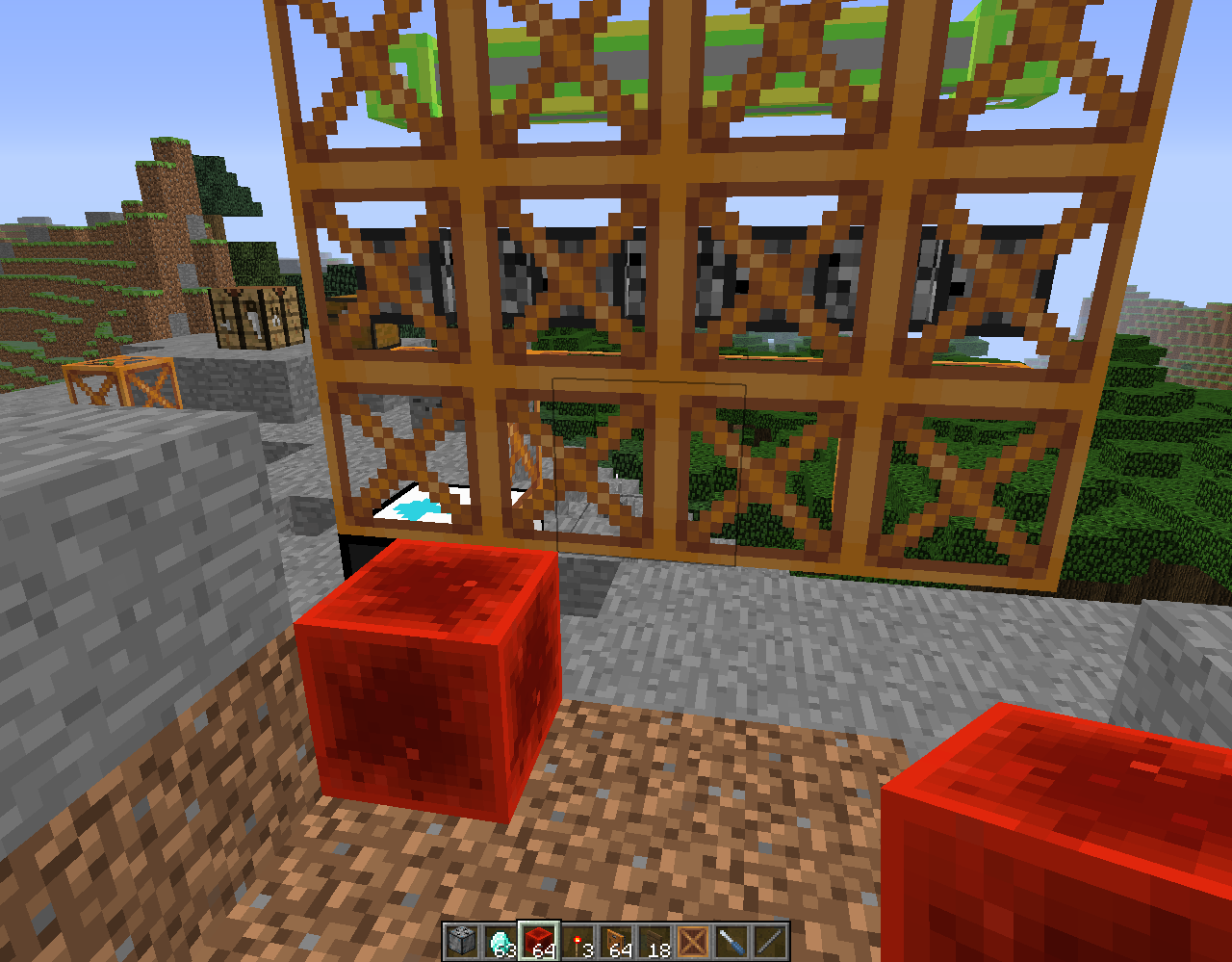
A frame mod, aiming to correctly move as many blocks as possible throughout modded Minecraft. See the Github wiki for more information.
Forum threads: MCF Technic FTB
Based on Redstone In Motion by JAKJ.
Does your frame ship need a block sensor? Tired of your automation harvesting crops prematurely? Consider using FrameCompanion - it adds solid block detectors and block comparison sensors.
Project description from CurseForge.
Pick your setup
Choose the version and loader you play, then open the matching release.
Check the dependencies, then try the file in a copied instance before changing a world you care about.
Recent files
12 Feb 2016
1 Jan 2016
30 Oct 2015
11 Oct 2015
4 Oct 2015
29 Sept 2015
10 Aug 2015
1 Aug 2015
20 Jul 2015
25 May 2015
25 May 2015
28 Apr 2015
Looking for an older file? The official CurseForge project page is in Resources.
 mod
A modular sci-fi exosuit that deploys from a neural band, with per-skin helmet visors, a full HUD, jetpack, shield, Aegis hearts, grapple and FE-powered upgrade chips.
 mod
Town building, AI integration and hole inteactive city system.
 mod
A NeoForge mod that adds batch processing to Mekanism machines. Instead of processing items one at a time, machines process multiple items per operation based on their tier.