Hard_Wire(D)_Lib Needed by Builder's Toolbox BuildersToolbox-1.7.10.0.3.121.jar
requiredMatching file found Matched file: Hard_WireD_Lib-1.7.10.0.3.52.jar
CurseForge · Minecraft mod
Useful Tools and Blocks to help the builder work smarter and more efficiently.",
Quick answer
Builder's Toolbox BuildersToolbox-1.7.10.0.3.121.jar targets 1.7.10. The project page does not say whether this file belongs on the client, dedicated server, or both. All 1 required mods have matching files.
Where it goes
The project page does not say whether this file belongs on the client, dedicated server, or both.
The source does not explicitly classify this release as client-only or server-only.
BuildersToolbox-1.7.10.0.3.121.jar. Change the file and its required mods may change too.
Install Hard_Wire(D)_Lib first. We found matching files for this game-version and loader setup.
We only count dependency files that match this setup. A file for another loader does not fill the gap.
Before you install it
Built for Builder's Toolbox BuildersToolbox-1.7.10.0.3.121.jar. Pick another file and the loader, install side or required mods may change.
Use BuildersToolbox-1.7.10.0.3.121.jar. It targets 1.7.10; another release may have different loader, side or dependency requirements.
Install Hard_Wire(D)_Lib first. We found matching files for this game-version and loader setup.
The project page does not say whether this file belongs on the client, dedicated server, or both.
Use the “Get this file” button beside BuildersToolbox-1.7.10.0.3.121.jar. It opens that exact file at the source.
About this project
Background
This is a Partial rewrite (Some Features will be separate mod) of the recently temporarily abandoned mod Charlotte's' Utilities.
Now Requires: Hard_Wire(D)_Lib
Blocks
Powder Storage Block
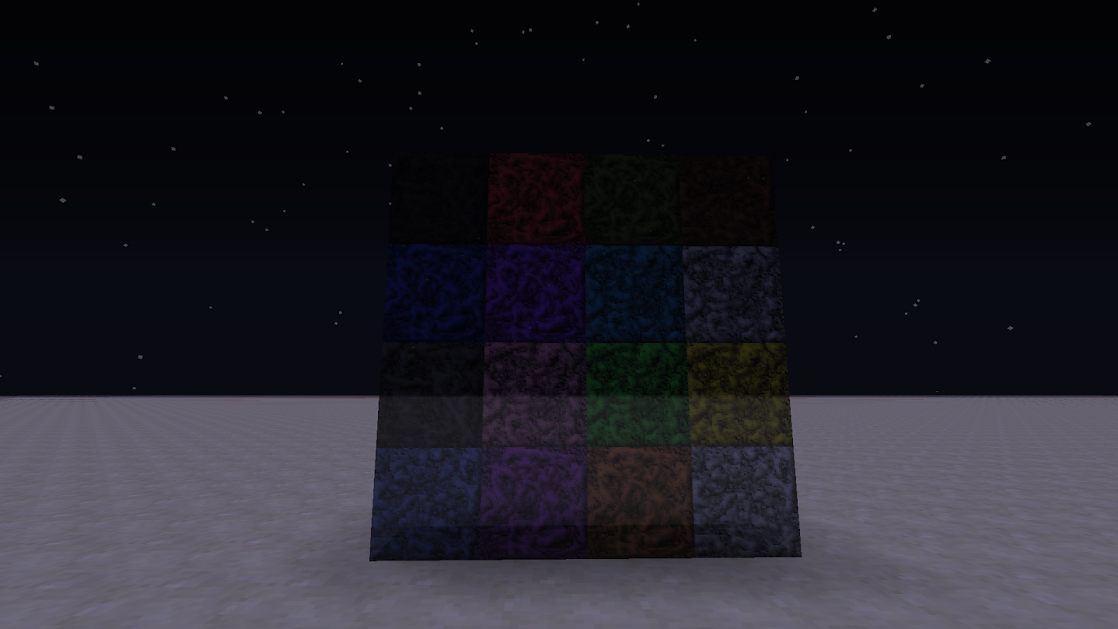
Layout Scaffolding
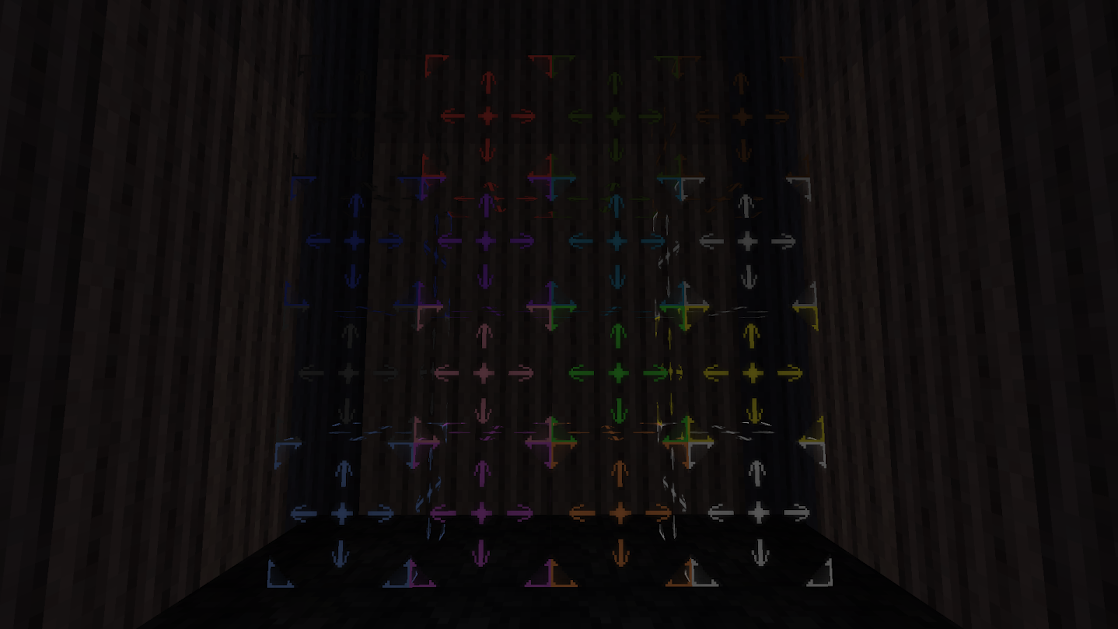
Marker Block
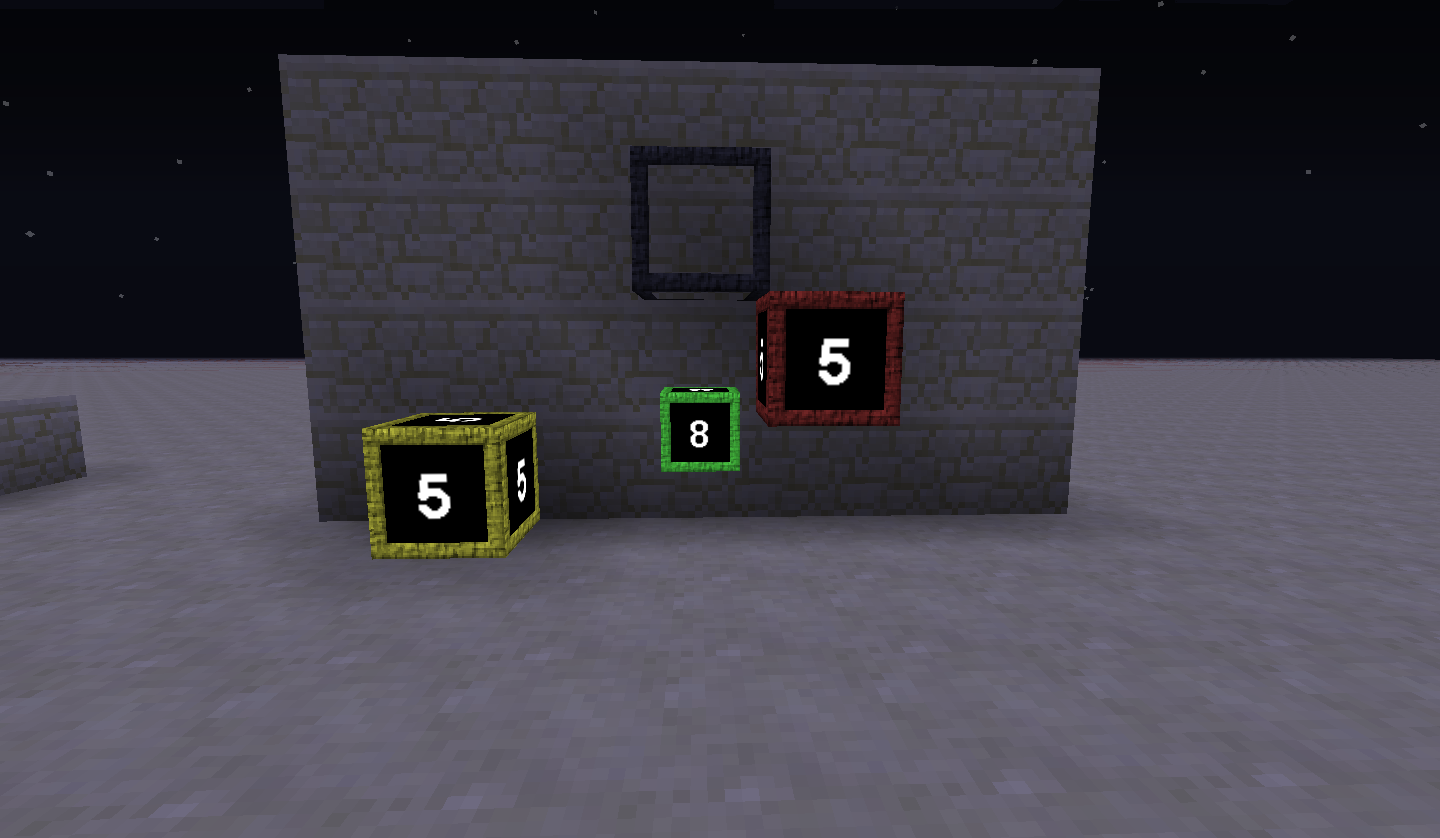
Items
Colored Powder
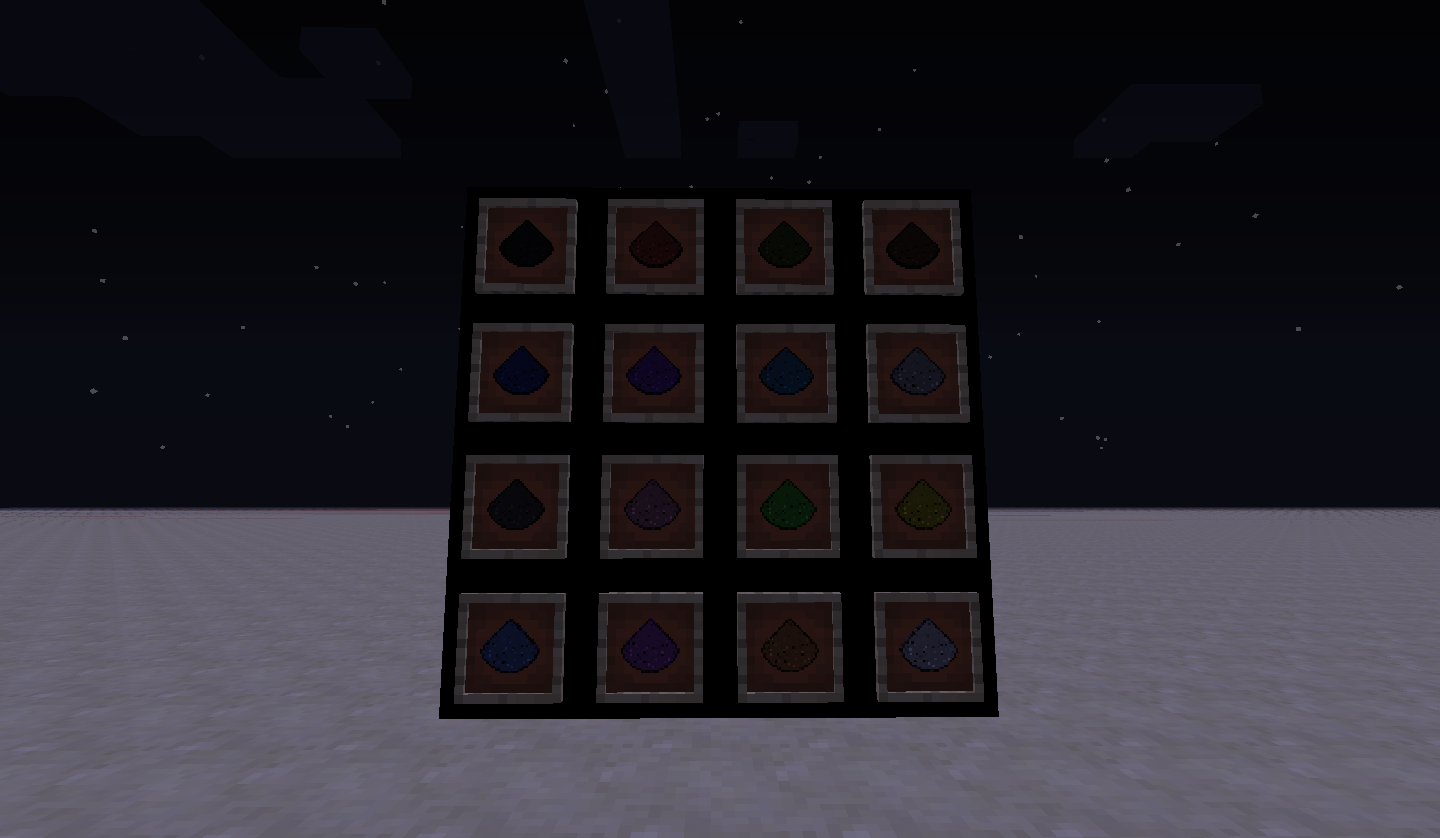
Used in almost all crafting recipes.
Can be placed as enhanced torch with no block placement requirements. Same light level as a torch (15).
Can dye the Layout Scaffolding blocks: right click a Layout Scaffolding block with colored powder to dye the block that color.
We want your feedback!
Would you feel comfortable using COFH Core's "/cofh friend" feature for the Protected setting on the marker blocks?
Project description from CurseForge.
Pick your setup
Choose the version and loader you play, then open the matching release.
Check the dependencies, then try the file in a copied instance before changing a world you care about.
Recent files
15 Dec 2015
11 Dec 2015
2 Nov 2015
17 Jun 2015
Looking for an older file? The official CurseForge project page is in Resources.