Balm Needed by Default Options defaultoptions-neoforge-26.1-26.1.0.1.jar
requiredNo matching file
CurseForge · Minecraft mod
A way for modpacks to ship a default (key) configuration without having to include an options.txt file. Also allows local options from any mod .cfg file.
Quick answer
Default Options defaultoptions-neoforge-26.1-26.1.0.1.jar targets 26.1, 26.1.1, 26.1.2 with NeoForge. The project page does not say whether it belongs on the client. The project page does not say whether it belongs on the dedicated server. 1 required mod needs a matching file.
Where it goes
The project page does not say whether it belongs on the client. The project page does not say whether it belongs on the dedicated server.
The source does not explicitly classify this release as client-only or server-only.
defaultoptions-neoforge-26.1-26.1.0.1.jar on 26.1 NeoForge. Every mod below is checked against that same setup.
Install Balm first, but 1 required mod has no matching file for this setup. Do not mix loader builds to force a match.
We only count dependency files that match this setup. A file for another loader does not fill the gap.
Before you install it
Built for Default Options defaultoptions-neoforge-26.1-26.1.0.1.jar on 26.1 NeoForge. Pick another file and the loader, install side or required mods may change.
Use defaultoptions-neoforge-26.1-26.1.0.1.jar. It targets 26.1, 26.1.1, 26.1.2 with NeoForge; another release may have different loader, side or dependency requirements.
Install Balm first, but 1 required mod has no matching file for this setup. Do not mix loader builds to force a match.
The project page does not say whether it belongs on the client. The project page does not say whether it belongs on the dedicated server.
Use the “Get this file” button beside defaultoptions-neoforge-26.1-26.1.0.1.jar. It opens that exact file at the source.
About this project



This mod can be used by Modpack developers to distribute default options and keybindings without overriding user changes on every modpack update.
Instead of shipping the options.txt directly, you will ship a "defaultoptions" folder in your modpack which contains the defaults previously saved through the /defaultoptions command.
This mod is available for NeoForge, Fabric and Forge. It requires Balm, which must be installed alongside the mod.


If you are using FoamFix Anarchy Version, disable B:initOptions in the FoamFix config or else Default Options will not work. See this GitHub issue for more info.
Project description from CurseForge.
Pick your setup
Choose the version and loader you play, then open the matching release.
Showing the newest 12 of 25 game versions. Older files are in the list below.
Check the dependencies, then try the file in a copied instance before changing a world you care about.
Recent files
24 Mar 2026
Looking for an older file? The official CurseForge project page is in Resources.
 mod
modDon’t mess with the server Play Minecraft with your friends in 2 clicks
 mod
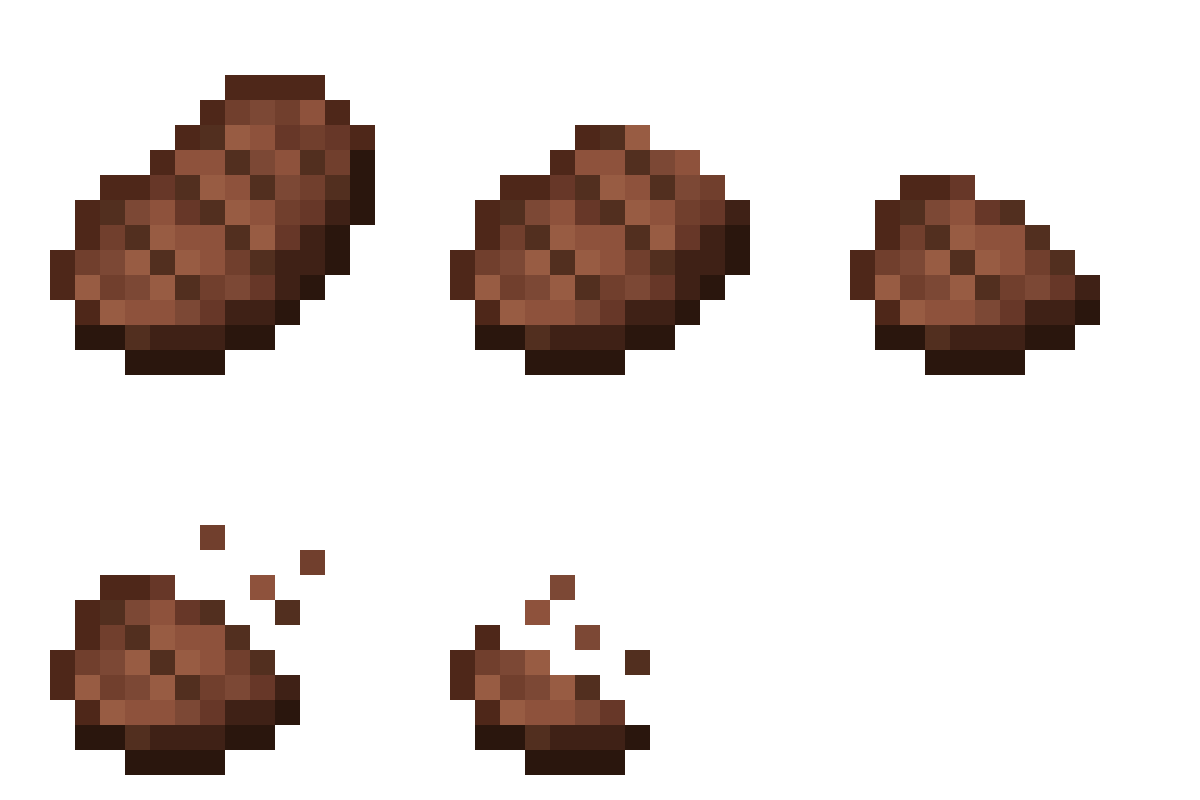
modA mod that adds sprite animations for edible and drinkable items Fork of Eating Animation
 mod
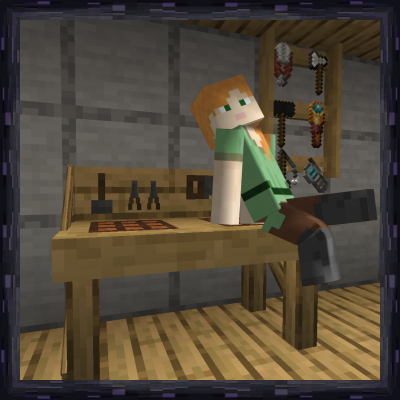
modToolracks to have your tools and weapons at arm's reach. Crafting tables with easy access to nearby chests and barrels, etc.