Traveller's Gear Needed by companions-1.2.jar
requiredMatching file found Matched file: Traveller's Gear v1.16.6

CurseForge · Minecraft mod
An addon for Traveller's Gear that adds title scrolls which give you a companion.
Quick answer
companions-1.2.jar targets 1.7.10. The project page does not say whether this file belongs on the client, dedicated server, or both. All 2 required mods have matching files.
Where it goes
The project page does not say whether this file belongs on the client, dedicated server, or both.
The source does not explicitly classify this release as client-only or server-only.
companions-1.2.jar. Change the file and its required mods may change too.
Install Traveller's Gear, Baubles first. We found matching files for this game-version and loader setup.
We only count dependency files that match this setup. A file for another loader does not fill the gap.
Before you install it
Built for companions-1.2.jar. Pick another file and the loader, install side or required mods may change.
Use companions-1.2.jar. It targets 1.7.10; another release may have different loader, side or dependency requirements.
Install Traveller's Gear, Baubles first. We found matching files for this game-version and loader setup.
The project page does not say whether this file belongs on the client, dedicated server, or both.
Use the “Get this file” button beside companions-1.2.jar. It opens that exact file at the source.
About this project
This small mod requires both Baules by Azanor and Traveller's Gear by BluSunrize.
It will generate a couple of scrolls in dungeon chests, what chests they generate in and how rare they are is completely configurable.
Besides the title, the scrolls also give you a unique rendering effect which can be seen by everyone (unless you are invisible).
Currently there are only a small number of rendering effects, however I'm planning to constantly add new ones. If you have an idea for one, don't be afraid to suggest it, just make sure you give a very clear description of what you are talking about, if possible also provide a link to an image and/or a video of it.
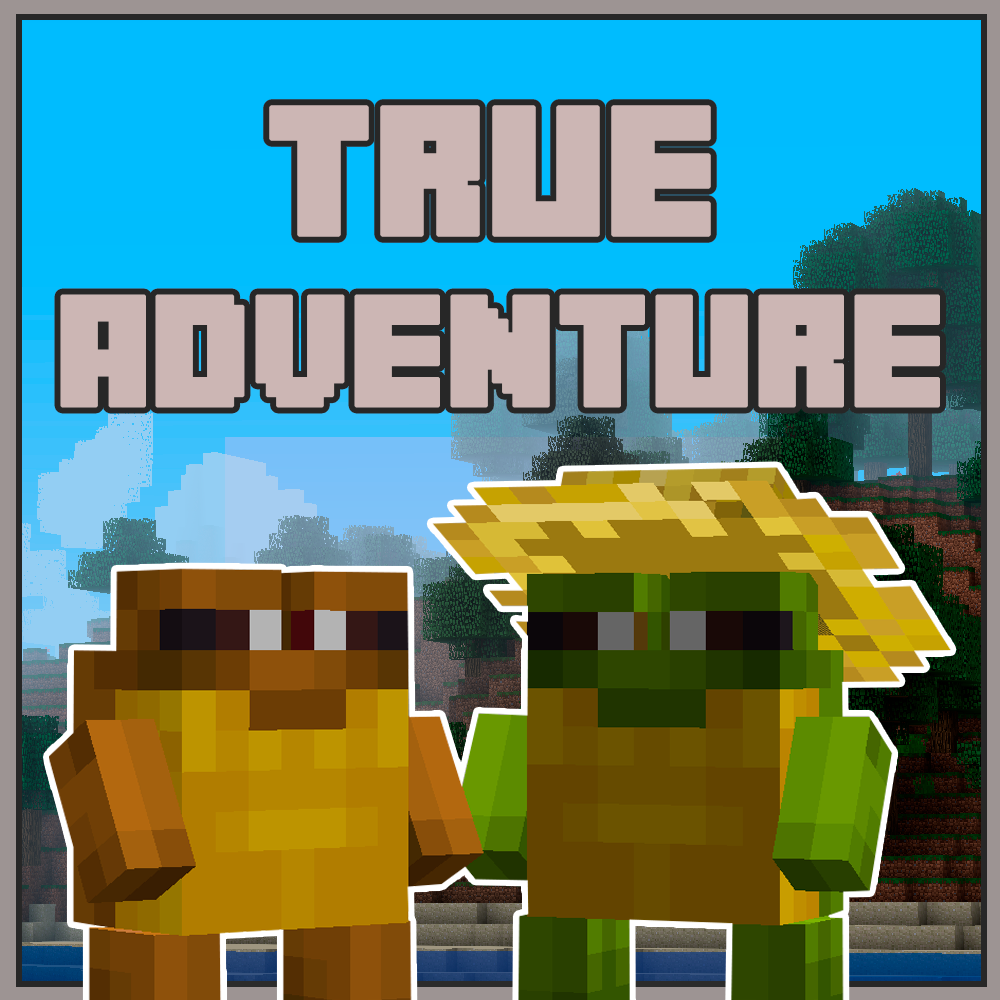
Currently implemented companions:
{width=647 height=648}
{width=647 height=648}
{width=647 height=647}
{width=647 height=647}
{width=648 height=648}
Little remark:
The only impact this mod has on a server is that it takes one item ID, the rest is handled clientside only. If you are running on an older machine and you think some rendering effects are giving you fps drops, each rendering effect can be toggled individually in the config.
Project description from CurseForge.
Pick your setup
Choose the version and loader you play, then open the matching release.
Check the dependencies, then try the file in a copied instance before changing a world you care about.
Recent files
12 Aug 2015
9 Aug 2015
8 Aug 2015
Looking for an older file? The official CurseForge project page is in Resources.
 mod
A mod originally created by AUTOMATIC_MAIDEN
 mod
Client-side visual body-profile mod offering Vanilla and Chibi profiles without altering player hitboxes.
 mod
Mod with beta-like vibes, adding new mobs, structures, items etc