Minecraft version
Back to mods 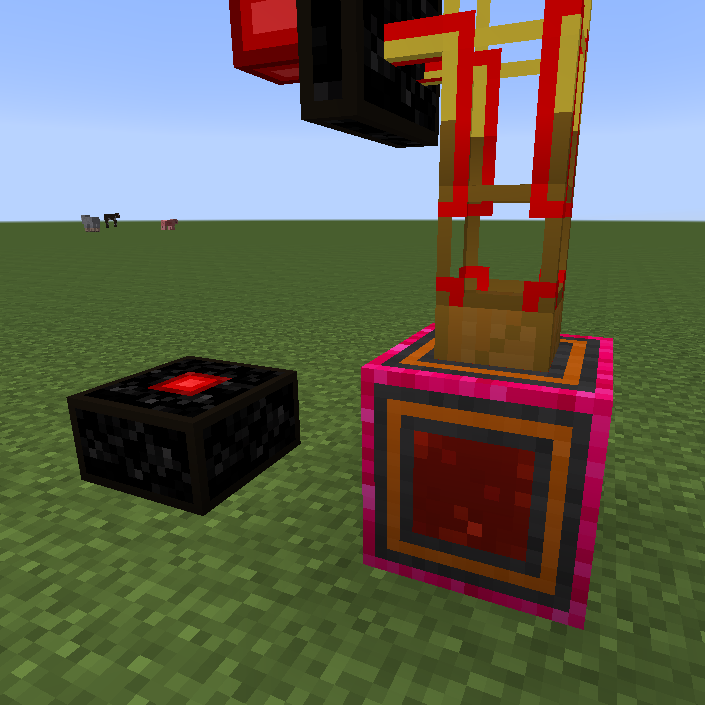
CurseForge · Minecraft mod
ChatFuel
Generates energy (RF and EU) from things said in chat (ingame and IRC). Fully configurable.
Choose a version Pick your version below, then grab the matching file.
Quick answer
Which ChatFuel release should I use?
beta file ChatFuel-1.2.jar
Game version 1.7.10
Loader Not required
ChatFuel-1.2.jar targets 1.7.10. The project page does not say whether this file belongs on the client, dedicated server, or both. No extra mods listed for this file.
Where it goes
Is ChatFuel required on the client, server, or both?
The project page does not say whether this file belongs on the client, dedicated server, or both.
Client Source doesn’t say
Dedicated server Source doesn’t say
Loader for this release No loader listed
Required install it here Optional supported, not mandatory Not supported do not install here Source doesn’t say do not assume
The source does not explicitly classify this release as client-only or server-only.
What else does ChatFuel-1.2.jar need?
ChatFuel-1.2.jar. Change the file and its required mods may change too.
This file does not list any required mods. Do not add a library just because a different file uses it.
This file does not list any required or optional mods.
Before you install it
Add ChatFuel without breaking your instance.
Built for ChatFuel-1.2.jar. Pick another file and the loader, install side or required mods may change.
- 01
Stick to this file
Use ChatFuel-1.2.jar. It targets 1.7.10; another release may have different loader, side or dependency requirements.
- 02
Bring the mods it needs
This file does not list any required mods. Do not add a library just because a different file uses it.
- 03
Put it on the correct side
The project page does not say whether this file belongs on the client, dedicated server, or both.
- 04
Pick the file you checked
Use the “Get this file” button beside ChatFuel-1.2.jar. It opens that exact file at the source.
About this project
What does ChatFuel add?
Generates energy (RF and EU) from things said in chat (ingame and IRC). Fully configurable.
Installation
This mod requires Minecraft Forge. Put ChatFuel in the mods folder in your .minecraft folder.
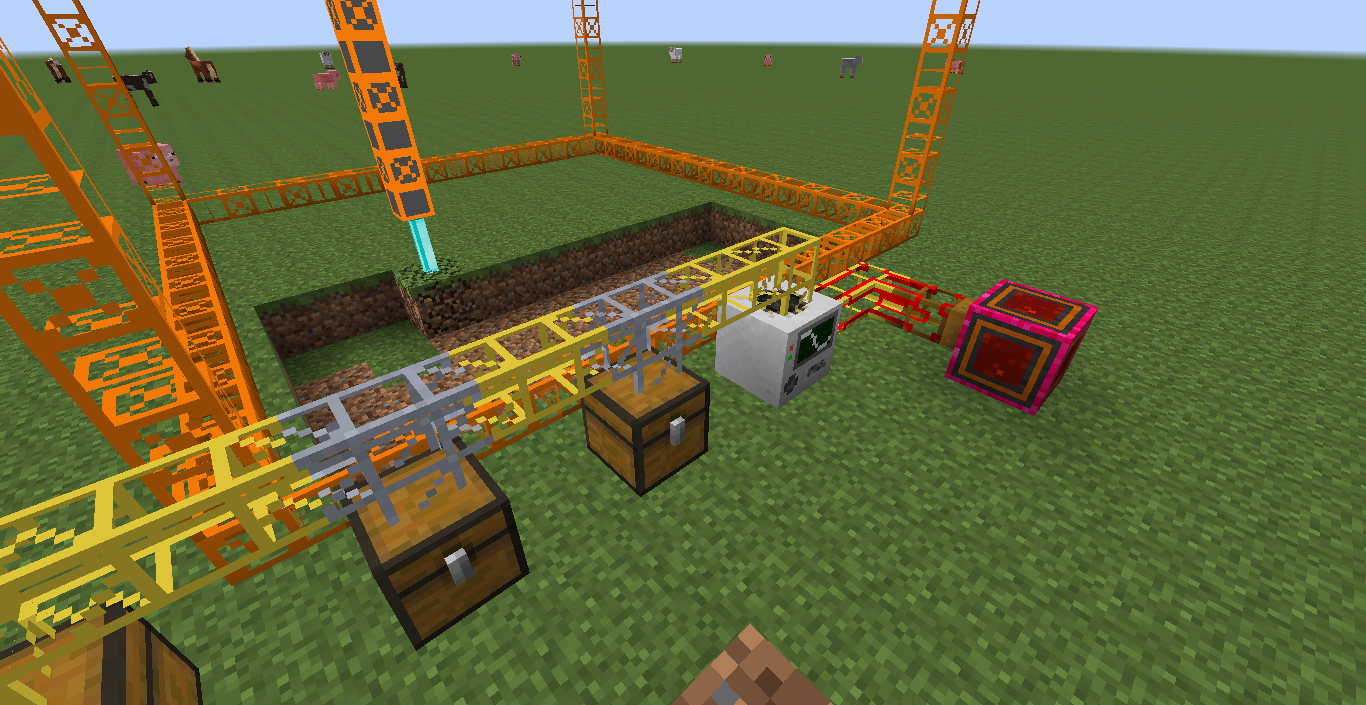
You'll also want Buildcraft, Thermal Expansion or Industrial Craft 2.
ChatFuel will most likely not conflict with other IRC mods although, since ChatFuel uses its own IRC connection you will probably need different IRC accounts for the mods you're using.
Getting started
First start Minecraft and let ChatFuel generate it's configuration file. Then close Minecraft and open up ChatFuel.cfg in your favorite text editor. You'll want to look at the category "patterns" and setup your patterns.
If you want to connect ChatFuel to IRC, then set "enabledIRC" in the "general" category to true and fill in the connection details in the "irc" category.
Load up the game again and get yourself either the RF Box or the EU Box and try out your patterns. You can right-click the Box and it'll tell you how much energy is stored in it. The amount of energy is shared over all boxes of the same type and even across dimensions.
Troubleshooting
In the initialization phase of mod loading ChatFuel loads the patterns. You can check the logs for "Successfully compiled x patterns". In the same place errors are logged if there are any.
The IRC connection gets established once you join a world and ChatFuel quits IRC once you return to the main menu. Or start/stop your server.
Patterns
A pattern describes what expression ChatFuel should listen to and what amount of energy is created when somebody says that expression in chat. The format of patterns is explained in the configuration file. In short: <identifier>;<amount>;<username>;<regex> where <identifier> is either "rf" or "eu" (without the quotes), <amount> is the amount of power, <username> is the case-insensitive username (use * for everybody) and <regex> is the regular expression ChatFuel listens to.
File Output
If you enable "fileOutput" in the configuration file, ChatFuel will create text files in .minecraft/ChatFuel:
- euGain.txt
- euStorage.txt
- rfGain.txt
- rfStorage.txt
These files contain the values the filenames suggest. The files get created when Minecraft loads. If you are not in a world, the files are empty.
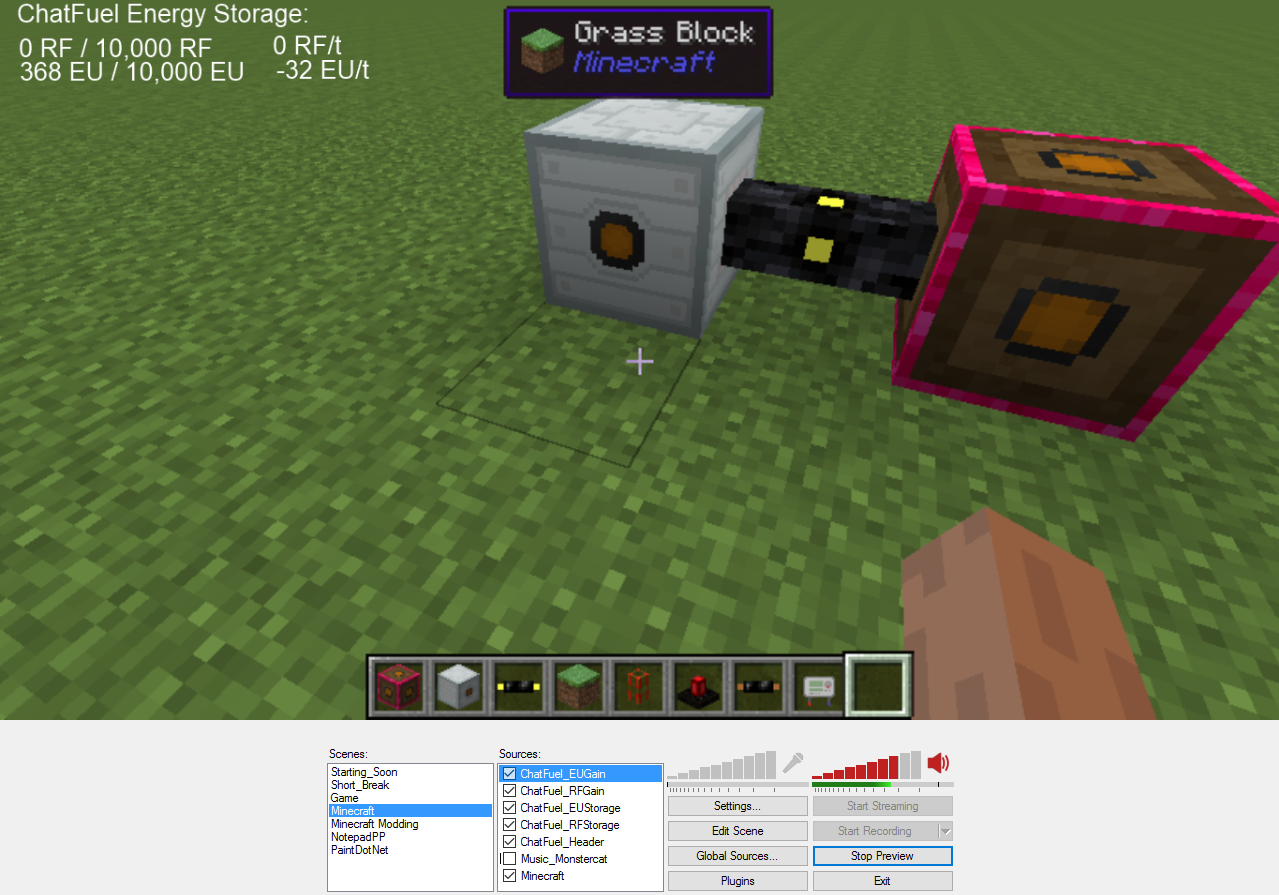
Example: The Kappa Generator
In this example I want to get 1000 RF everytime somebody says Kappa in my twitch chat.
- I set the config value "enabledIRC" to true.
- In the category "irc" I set the following:
ircServer=irc.twitch.tvircNickname=abecdericircPassword=<the twitch oauth token>ircChannel=#abecderic - Finally I set the pattern:
rf;1000;*;Kappa
Other ideas you might want to try
- Generate energy when your emotes are used.
- Make ChatFuel listen to your loyalty bot. Your bot might say something along the lines of "abecderic used !energy to give 1000 RF" when somebody uses their points, so just listen for that.
Feel free to let me know in the comments or on twitter @abecdericwhat you're using ChatFuel for. :-)
Modpack Policy
You can use ChatFuel in your modpack, but monetization is not allowed.
Project description from CurseForge.
Pick your setup
ChatFuel by Minecraft version and loader
Choose the version and loader you play, then open the matching release.
Check the dependencies, then try the file in a copied instance before changing a world you care about.
Recent files
ChatFuel versions and loaders
ChatFuel-1.2.jar
8 Nov 2015
Client Source doesn’t say Server Source doesn’t say Dependencies No extras listed Listed on Release listing
Check the 1.7.10 setup 1.7.10 beta
ChatFuel-1.1.jar
16 Oct 2015
Client Source doesn’t say Server Source doesn’t say Dependencies No extras listed Listed on Release listing
Check the 1.7.10 setup 1.7.10 beta
ChatFuel-1.0.jar
8 Oct 2015
Client Source doesn’t say Server Source doesn’t say Dependencies No extras listed Listed on Release listing
Check the 1.7.10 setup 1.7.10 beta
Looking for an older file? The official CurseForge project page is in Resources.