Markdown Manual Needed by TIS-3D MC1.19-forge-1.6.9
requiredMatching file found Matched file: MC1.19-forge-1.2.2

CurseForge · Minecraft mod
Low-tech computing for Minecraft
Quick answer
TIS-3D MC1.19-forge-1.6.9 targets 1.19 with Forge. Installation on the client is optional. Installation on the dedicated server is optional. 1 required mod needs a matching file.
Where it goes
Installation on the client is optional. Installation on the dedicated server is optional.
The source marks this as usable on both the client and server.
MC1.19-forge-1.6.9 on 1.19 Forge. Every mod below is checked against that same setup.
Install Markdown Manual, Fabric API first, but 1 required mod has no matching file for this setup. Do not mix loader builds to force a match. 1 comes through another mod in the chain.
1 extra mod was pulled in by another dependency. Indented rows show who needs each one. We only count dependency files that match this setup. A file for another loader does not fill the gap.
Before you install it
Built for TIS-3D MC1.19-forge-1.6.9 on 1.19 Forge. Pick another file and the loader, install side or required mods may change.
Use MC1.19-forge-1.6.9. It targets 1.19 with Forge; another release may have different loader, side or dependency requirements.
Install Markdown Manual, Fabric API first, but 1 required mod has no matching file for this setup. Do not mix loader builds to force a match. 1 comes through another mod in the chain.
Installation on the client is optional. Installation on the dedicated server is optional.
Use the “Get this file” button beside MC1.19-forge-1.6.9. It opens that exact file at the source.
About this project
TIS-3D is a Minecraft mod inspired by the brilliant game TIS-100 (buy it, seriously). It takes the concept of minimal, programmable nodes (called "modules" in the mod) and expands it to the third dimension. This allows building multi-block computers from different modules in a super-flexible manner. Some generally useful modules include the executable module, which can be programmed in an ASM dialect (as introduced by TIS-100 but with a few more quality-of-life instructions), and the redstone module, which allows reading and writing redstone signals, enabling basic interaction with the world. More specialized modules include the stack module, providing a small data storage, the infrared module, allowing for wireless transmission of data between TIS-3D computers, and the terminal module, providing rudimentary text in- and output. And there's plenty more.
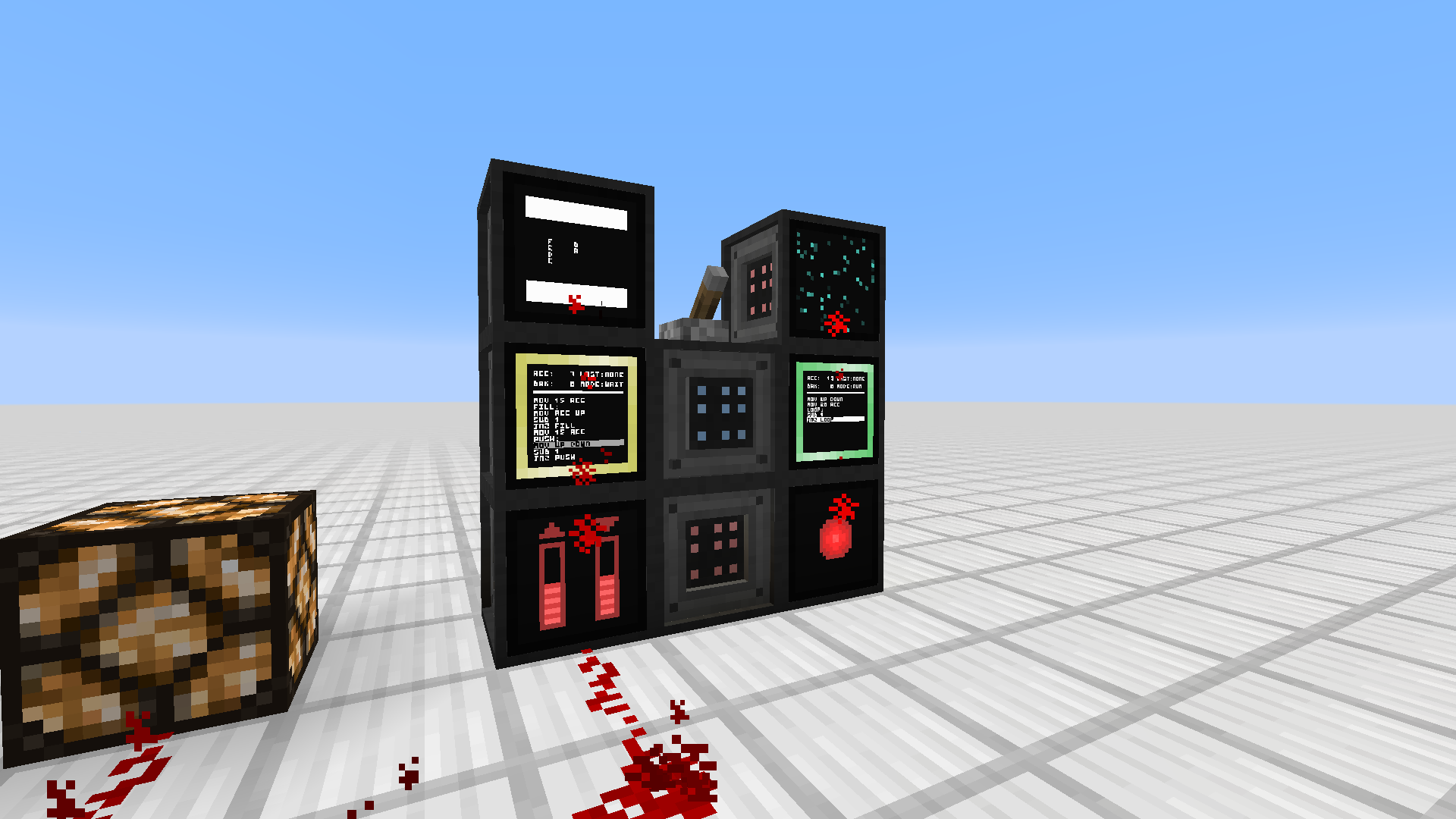
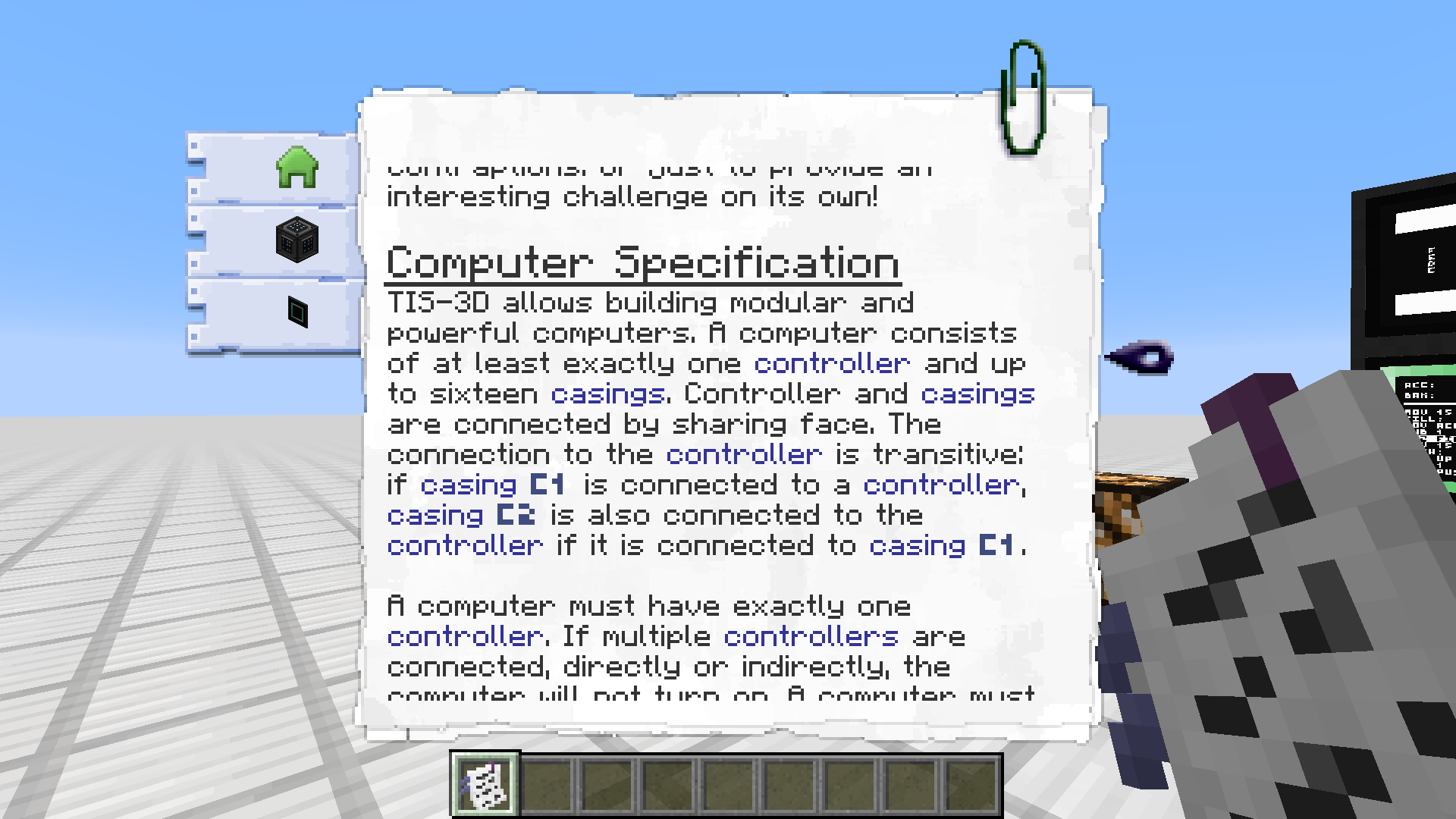
To get started, craft a controller and a few casings. For looking up recipes I strongly recommend grabbing JEI. To get a copy of the in-game manual, use a book on a placed controller (i.e. right click the block with vanilla book in hand). You should find all further information you require in the manual.
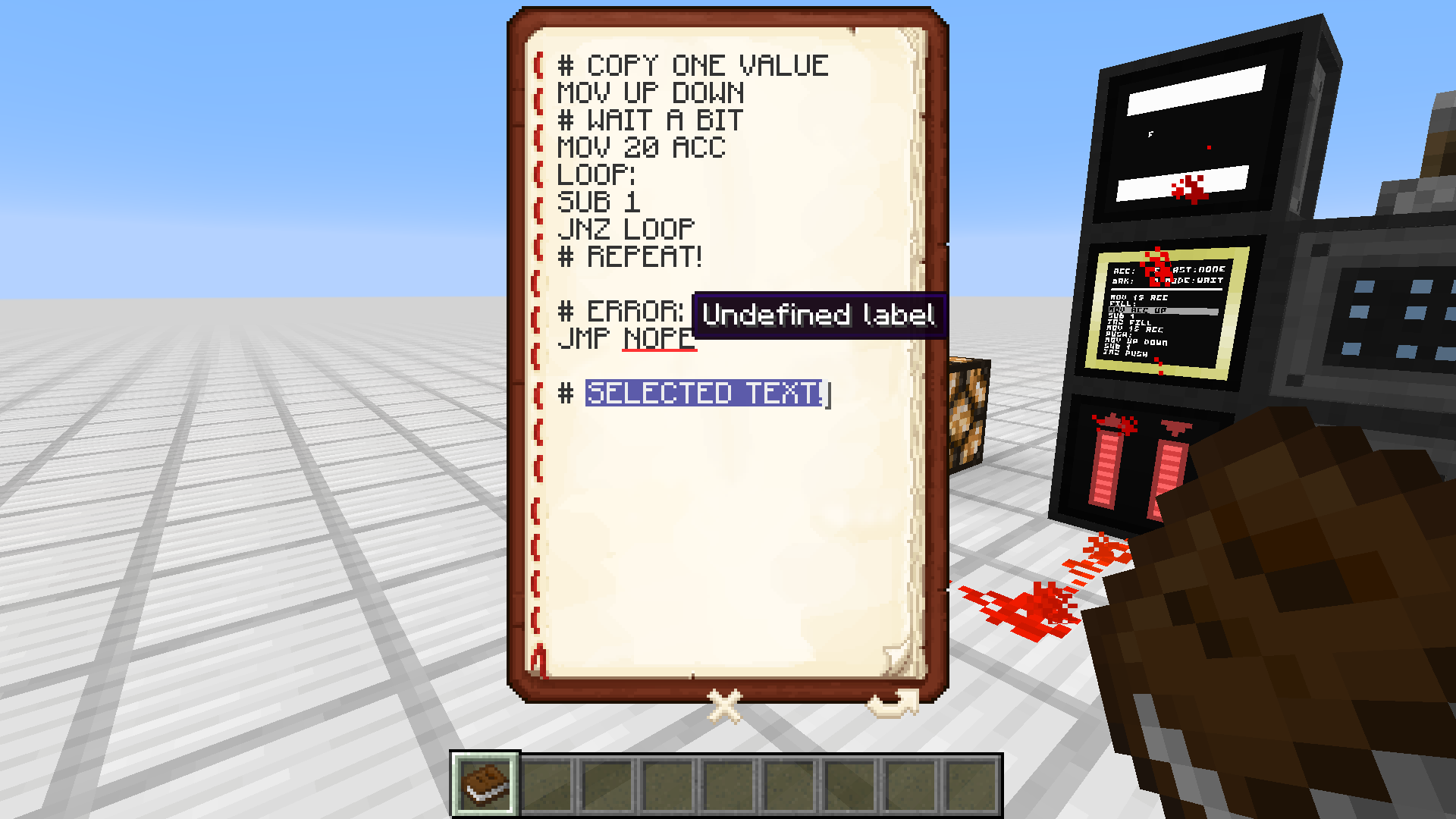
To program a TIS-3D computer, you can either use a vanilla Book & Quill or the TIS-3D Code Bible. To install a program from one of the two onto an execution module, simply use the book on the installed module (i.e. right-click it while holding the book in hand). When using the Book & Quill, each book will be treated as one long program, i.e. all pages will be concatenated when the program is installed on an execution module. When using the Code Bible, each page is treated as an individual program, and the program on the currently selected page will be installed on the module. You can also copy programs from execution modules back into the Code Bible by using it on an execution module while sneaking.
So what do you actually do with the mod? Have fun with it! Use it as a means of automating things you'd otherwise automate using complicated redstone circuitry. Create a music machine. Design a machine-code interpreter and run even larger programs (programmed into a ROM module). Go nuts!
Anyway. Here's a short video explaining some of the basics if you don't like reading. It's from an early development stage, but the core concepts still apply.
Project description from CurseForge.
Pick your setup
Choose the version and loader you play, then open the matching release.
Check the dependencies, then try the file in a copied instance before changing a world you care about.
Recent files
tis3d-1.19-forge-1.6.9+b514872.jar
24 Jul 2022
24 Jul 2022
tis3d-1.19-forge-1.6.8+4b63fc3.jar
23 Jul 2022
Looking for an older file? The official CurseForge project page is in Resources.