ShetiPhianCore Needed by platforms-neoforge-1.21.1-1.0.jar
requiredMatching file found Matched file: shetiphiancore-neoforge-1.21.1-1.1.jar
CurseForge · Minecraft mod
Make decks, bridges, mineshafts or even wooden coasters
Quick answer
platforms-neoforge-1.21.1-1.0.jar targets 1.21.1 with NeoForge. The project page does not say whether this file belongs on the client, dedicated server, or both. All 1 required mods have matching files.
Where it goes
The project page does not say whether this file belongs on the client, dedicated server, or both.
The source does not explicitly classify this release as client-only or server-only.
platforms-neoforge-1.21.1-1.0.jar. Change the file and its required mods may change too.
Install ShetiPhianCore first. We found matching files for this game-version and loader setup.
We only count dependency files that match this setup. A file for another loader does not fill the gap.
Before you install it
Built for platforms-neoforge-1.21.1-1.0.jar. Pick another file and the loader, install side or required mods may change.
Use platforms-neoforge-1.21.1-1.0.jar. It targets 1.21.1 with NeoForge; another release may have different loader, side or dependency requirements.
Install ShetiPhianCore first. We found matching files for this game-version and loader setup.
The project page does not say whether this file belongs on the client, dedicated server, or both.
Use the “Get this file” button beside platforms-neoforge-1.21.1-1.0.jar. It opens that exact file at the source.
About this project


*** ShetiPhianCore Required! ***
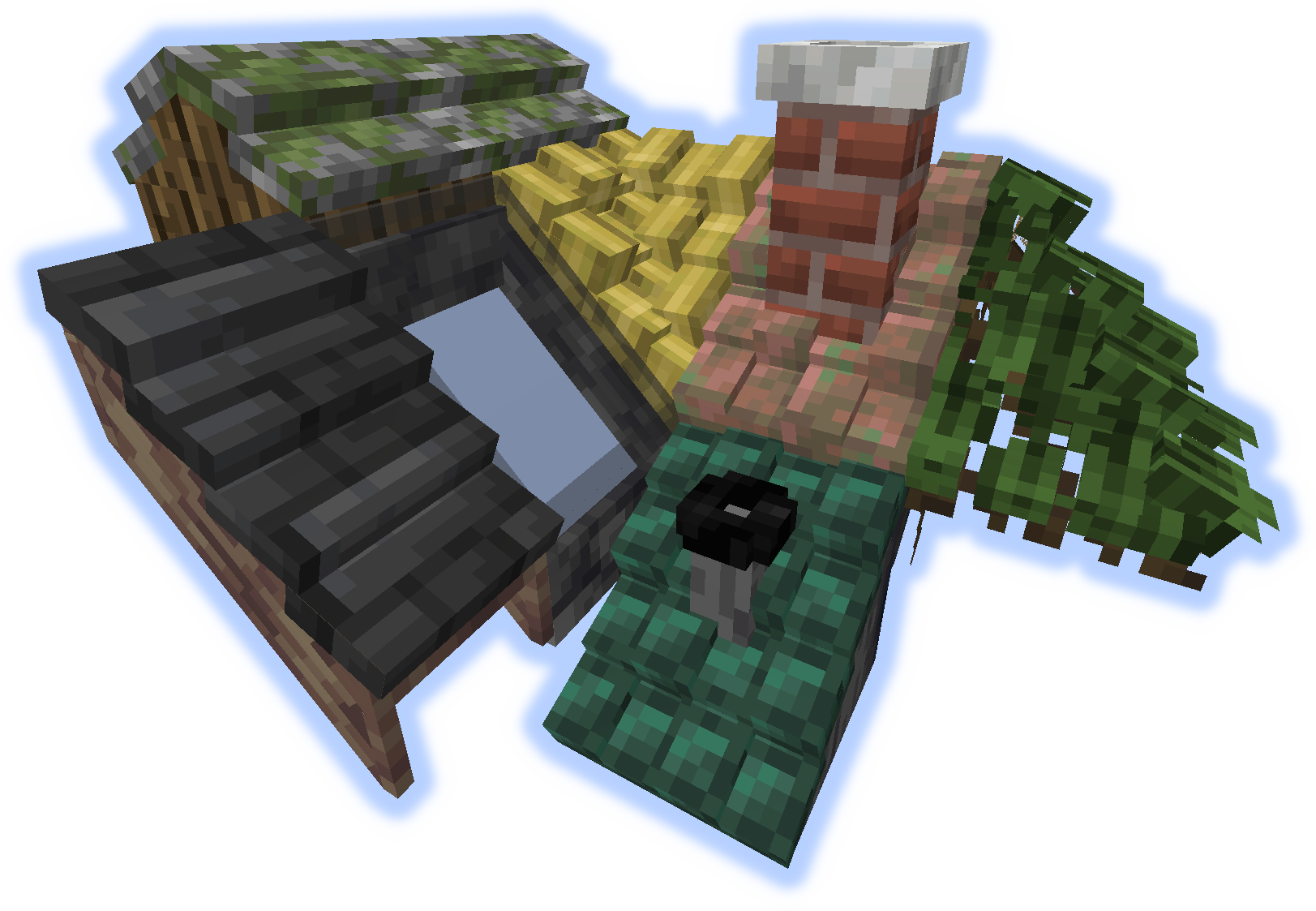
Build decks, bridges, roofs, mine shafts, or even wooden coasters.
Combine nearly any 2 blocks or items (modded or vanilla).
If one block used emits light the crafted item will as well.

Frames can have soul/redstone/torches applies to them.
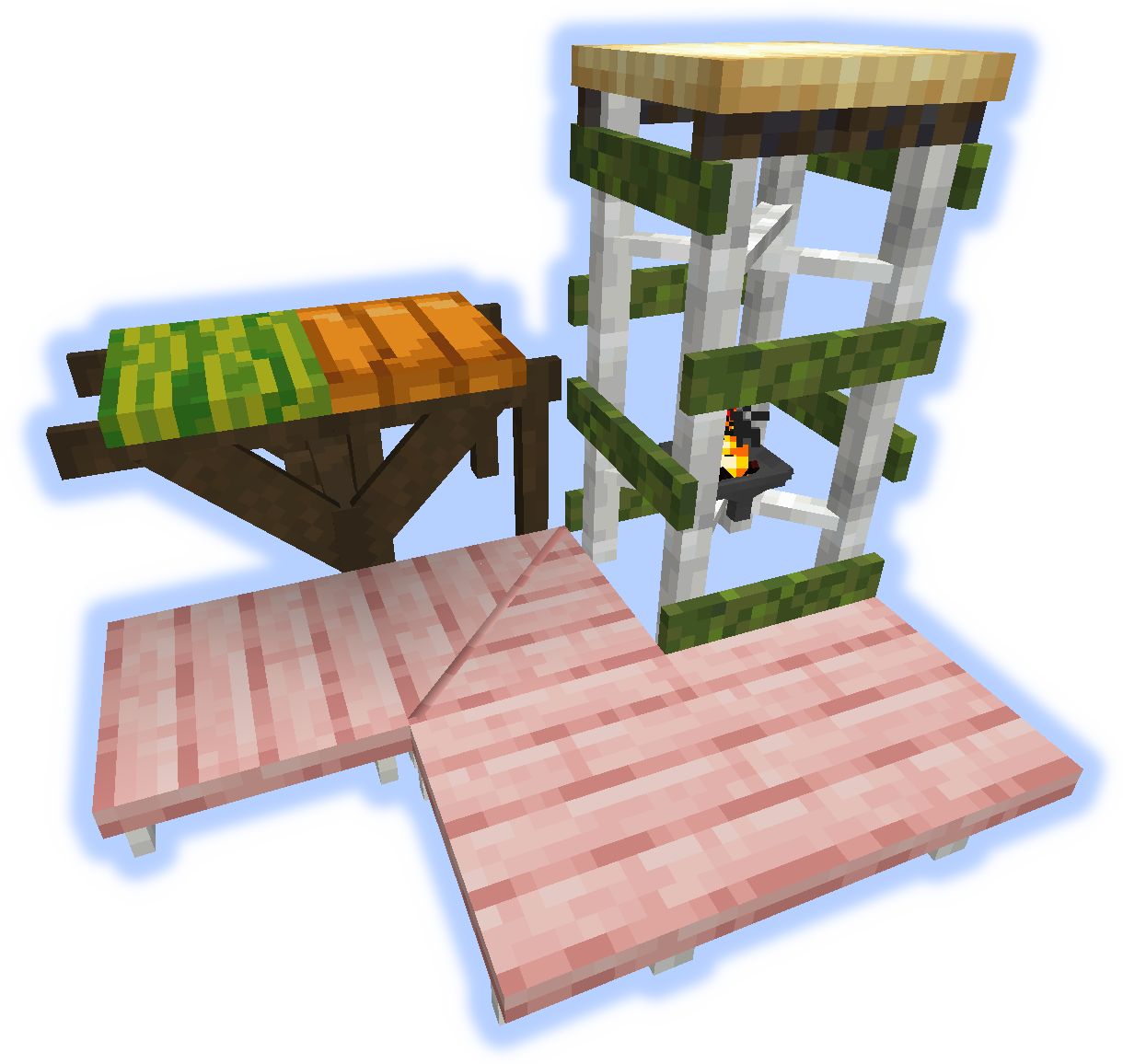
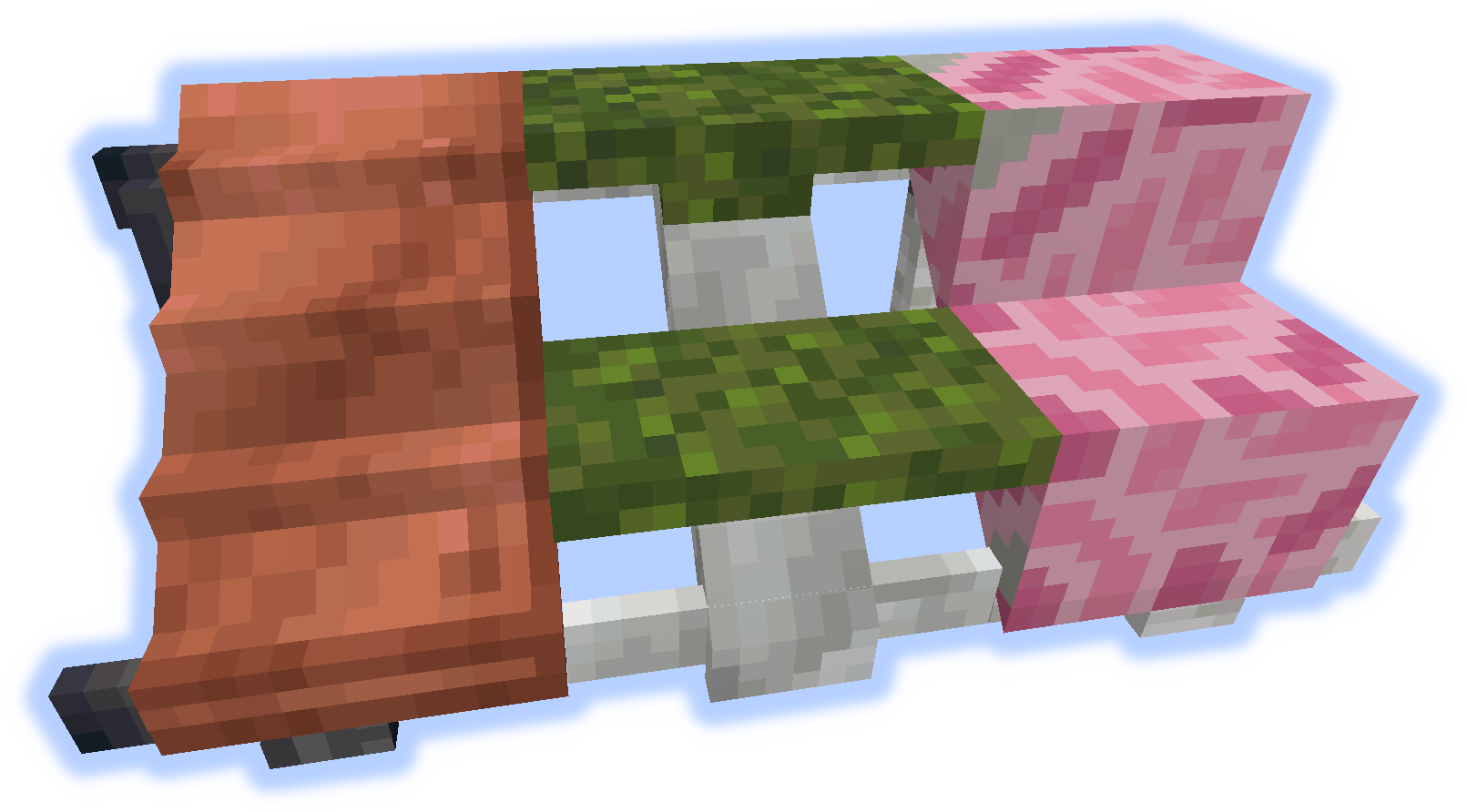
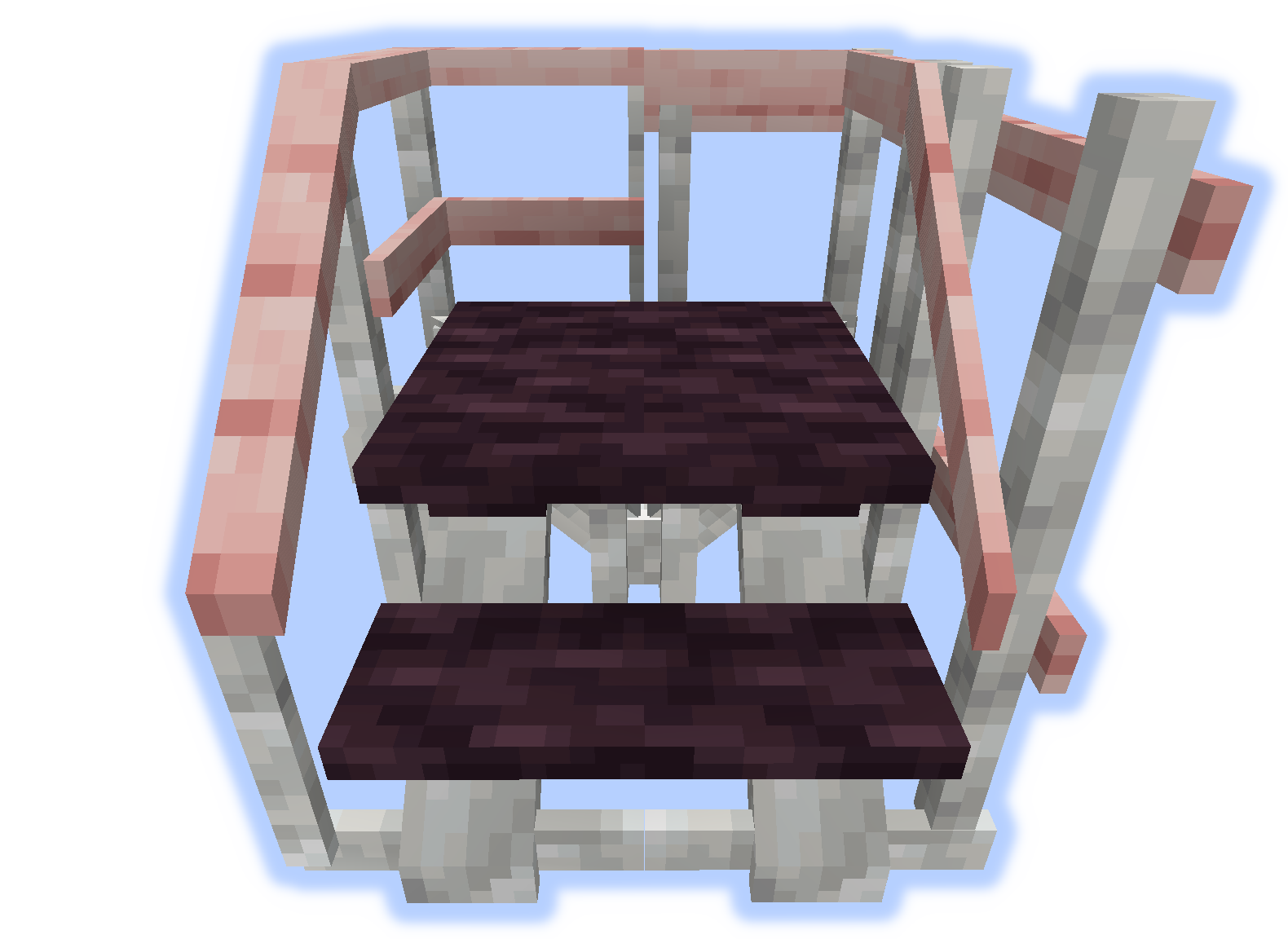
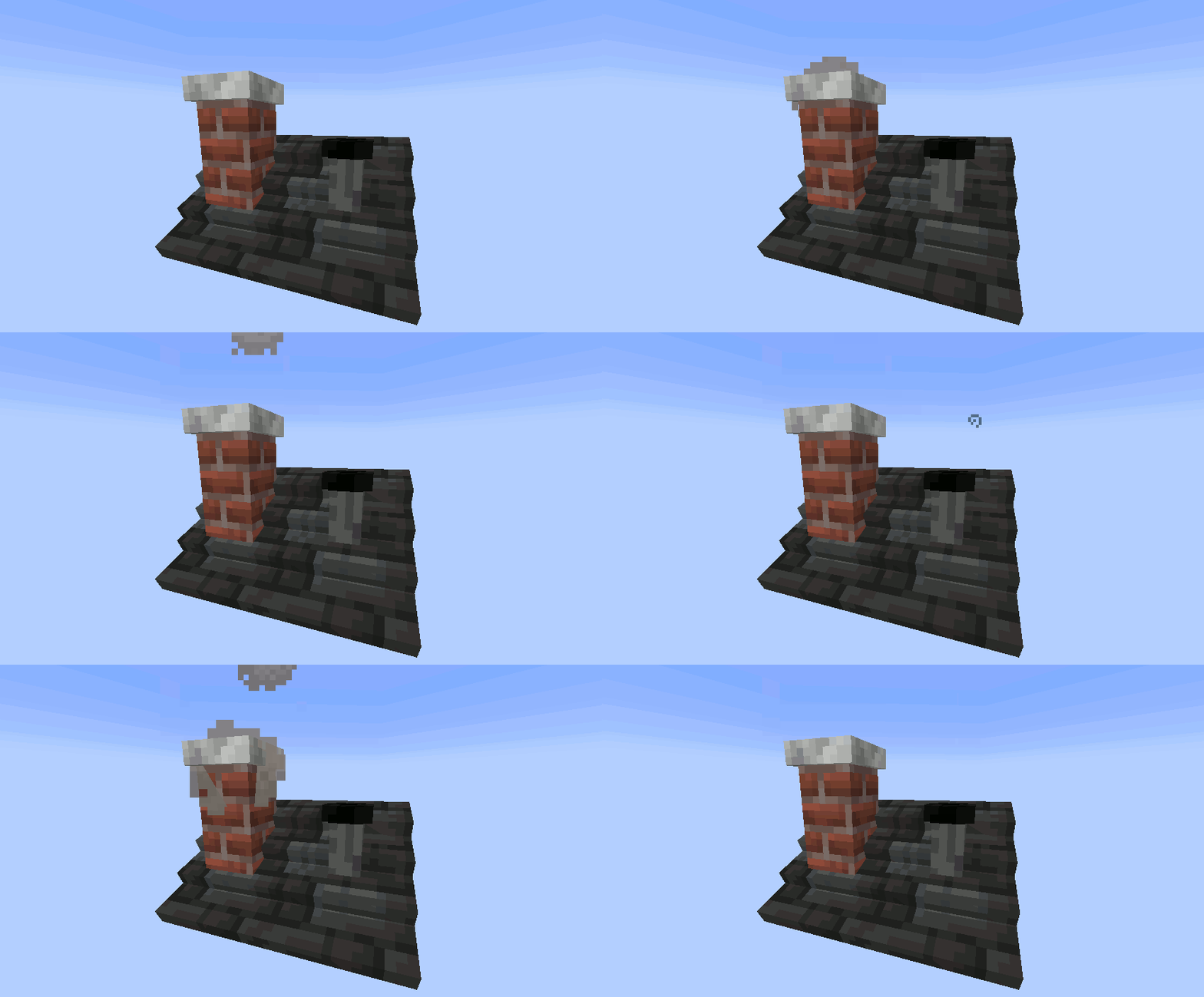
When a "rise" or "handrail" is placed on a roof they become a chimney or pipe.
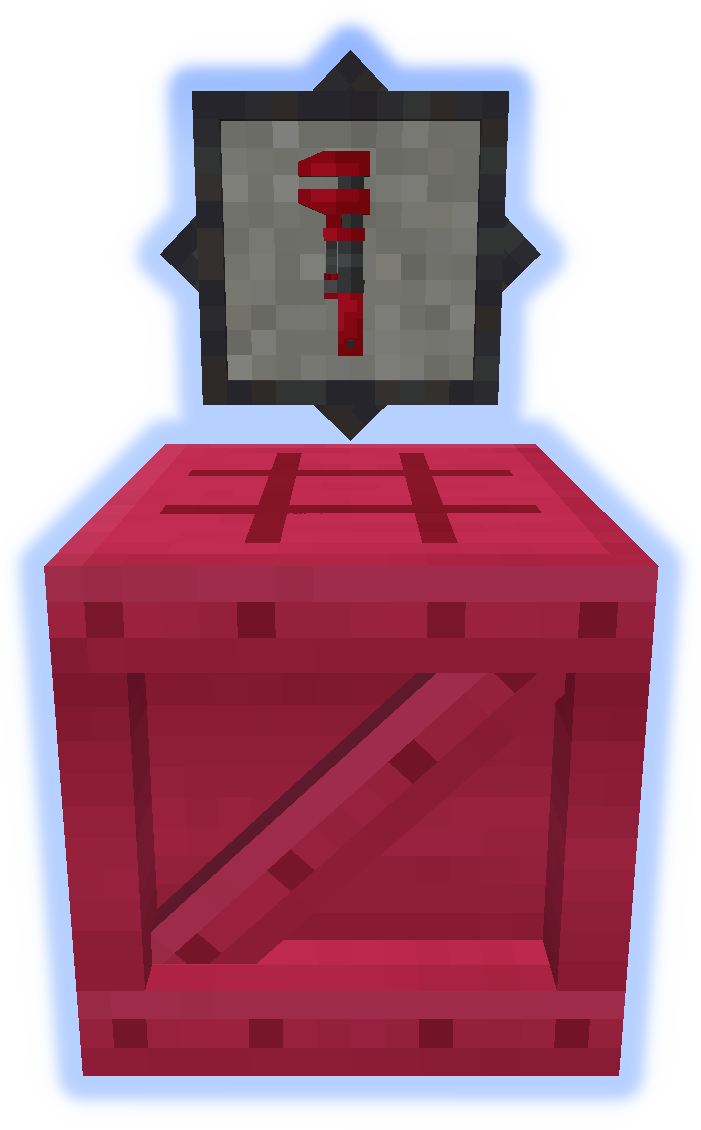
The Wrench is a very important tool. Try it in your off-hand. (More Info)
The Platformer is used to craft everything else from the mod. (More Info)
Carpet can be placed on platforms.
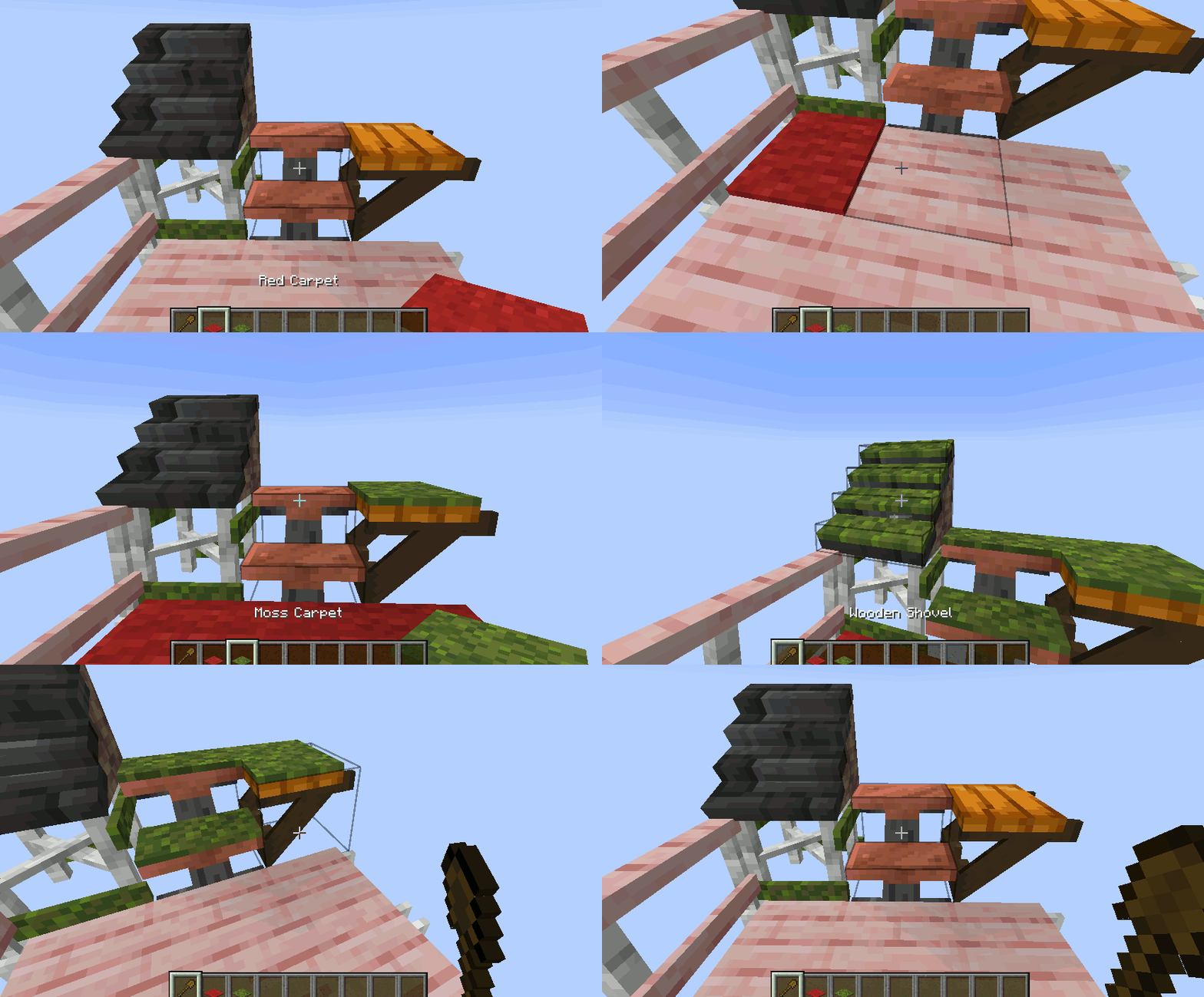
Snow or Sand will accumulate in their respective biomes.

Chimneys & Pipes emit particles (toggle-able).
Submit localization files on github.
Do not post bugs in the comments, use the Issue Tracker.
Project description from CurseForge.
Pick your setup
Choose the version and loader you play, then open the matching release.
Showing the newest 12 of 17 game versions. Older files are in the list below.
Check the dependencies, then try the file in a copied instance before changing a world you care about.
Recent files
22 Aug 2025
22 Aug 2025
21 Aug 2025
21 Aug 2025
21 Aug 2025
21 Aug 2025
21 Aug 2025
21 Aug 2025
21 Aug 2025
2 Jan 2025
2 Jan 2025
1 Jun 2024
Looking for an older file? The official CurseForge project page is in Resources.
 mod
modThis mod adds a convenient mod menu to Forge.
 mod
modWith each mob you defeat, you have a chance to receive a loot bag containing valuable rewards
 mod
modBasically it adds bells that you can hear on Polish railroad crossings, powered by redstone