ShetiPhianCore Needed by terraqueous-neoforge-1.20.4-1.6.jar
requiredMatching file found Matched file: shetiphiancore-neoforge-1.20.4-1.5.jar
CurseForge · Minecraft mod
Fruit Trees/Vines/Plants, Cloud Blocks, Flowers, Doodads, Pergola, Tools
Quick answer
terraqueous-neoforge-1.20.4-1.6.jar targets 1.20.4 with NeoForge. The project page does not say whether this file belongs on the client, dedicated server, or both. All 1 required mods have matching files.
Where it goes
The project page does not say whether this file belongs on the client, dedicated server, or both.
The source does not explicitly classify this release as client-only or server-only.
terraqueous-neoforge-1.20.4-1.6.jar. Change the file and its required mods may change too.
Install ShetiPhianCore first. We found matching files for this game-version and loader setup.
We only count dependency files that match this setup. A file for another loader does not fill the gap.
Before you install it
Built for terraqueous-neoforge-1.20.4-1.6.jar. Pick another file and the loader, install side or required mods may change.
Use terraqueous-neoforge-1.20.4-1.6.jar. It targets 1.20.4 with NeoForge; another release may have different loader, side or dependency requirements.
Install ShetiPhianCore first. We found matching files for this game-version and loader setup.
The project page does not say whether this file belongs on the client, dedicated server, or both.
Use the “Get this file” button beside terraqueous-neoforge-1.20.4-1.6.jar. It opens that exact file at the source.
About this project

*** ShetiPhianCore Required! ***
Adds Trees, Fruit, Flowers, Clouds, Pergolas, Tools, and more.
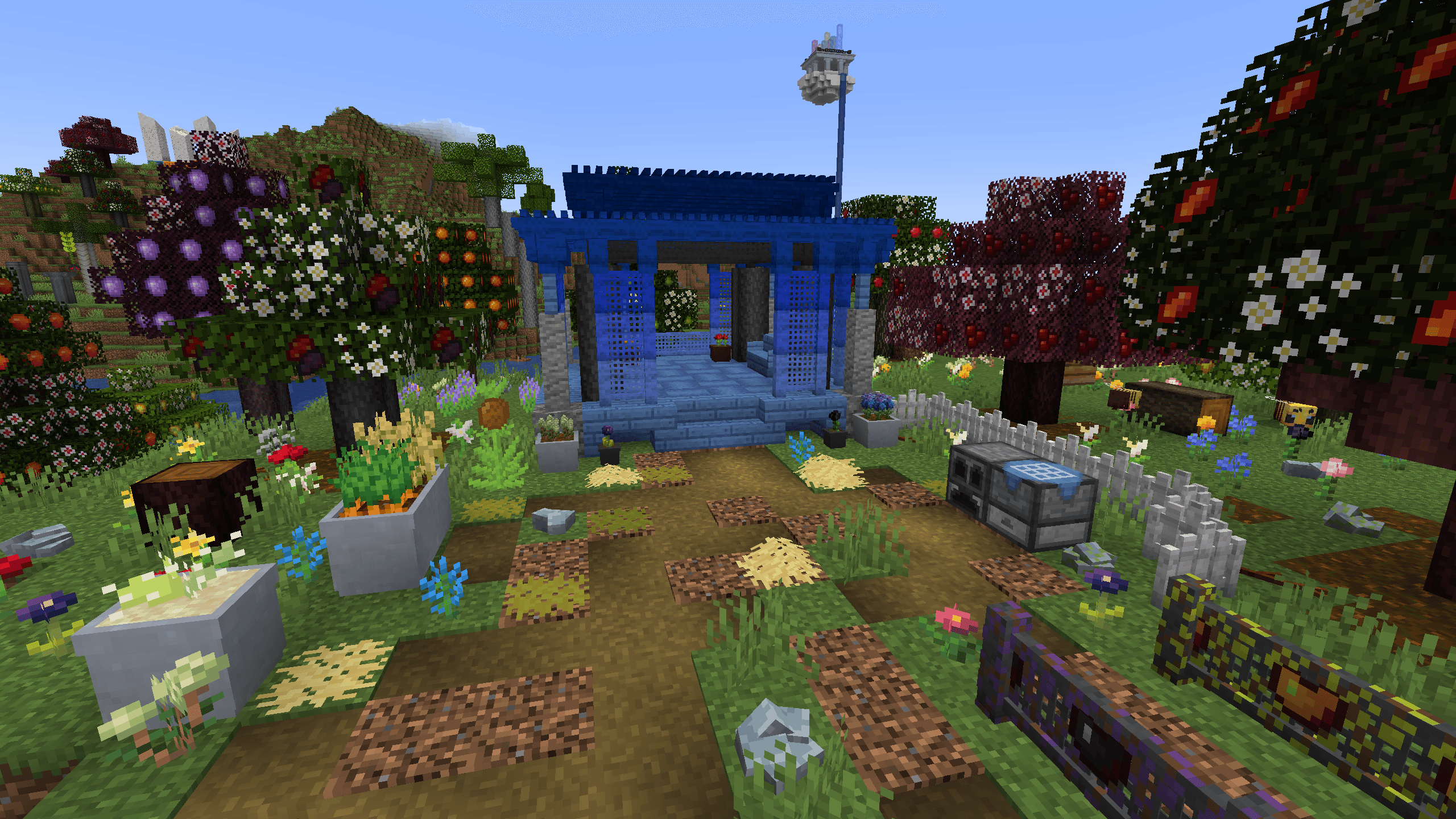

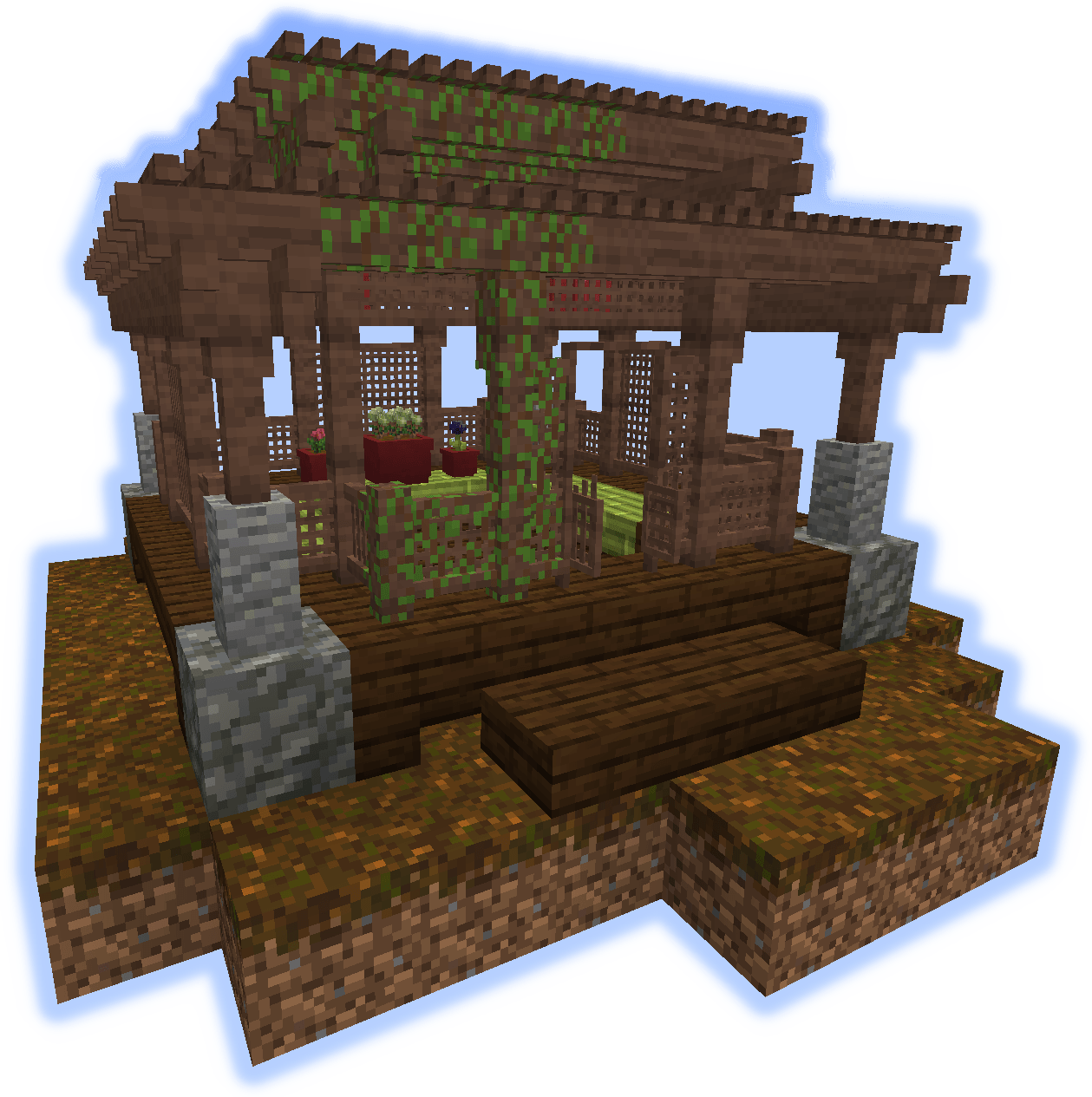
Three blocks are added for building Pergolas; The Roof, Lattice Fence, and Lattice Fence Gate.
A connected model system is used to change the look depending on the surrounding pieces.
With a wide array of colors to choose.
Fruit Vines can be grown on them.
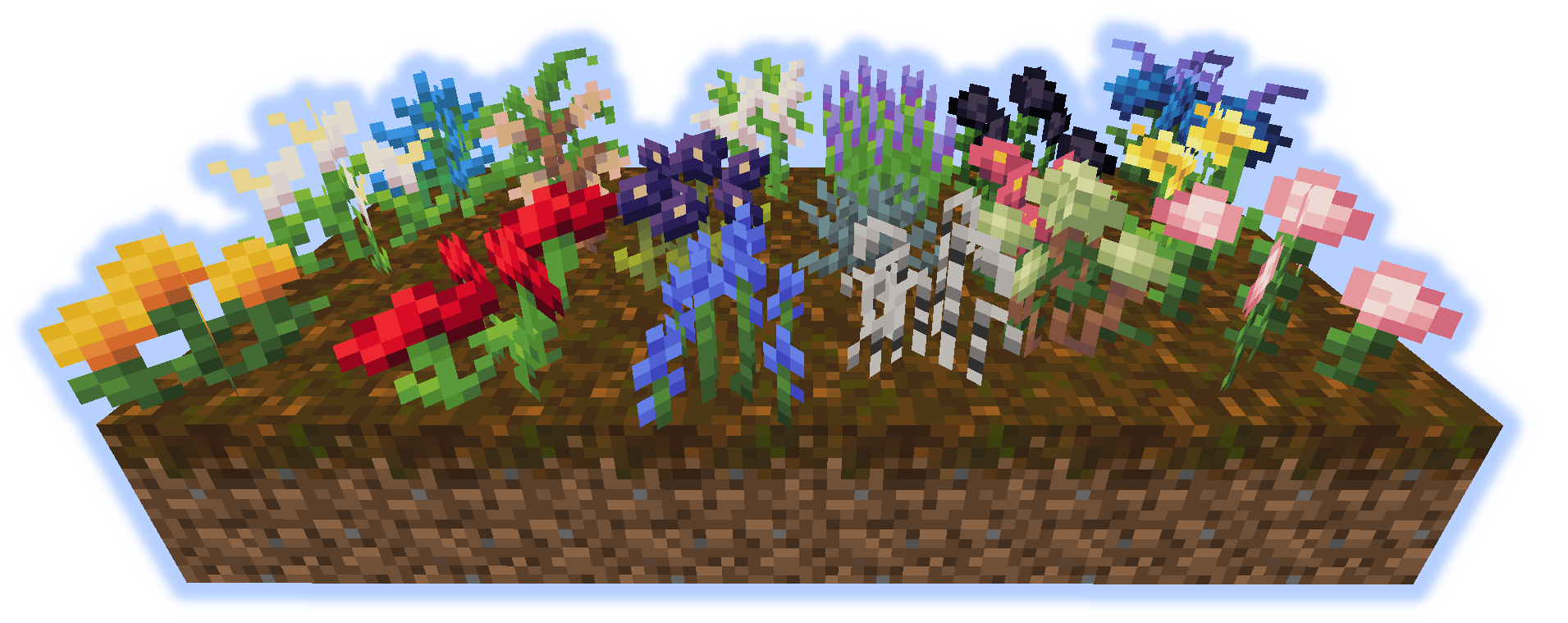
18 different flowers generate in the world.
These can be used to make dye or for decoration.
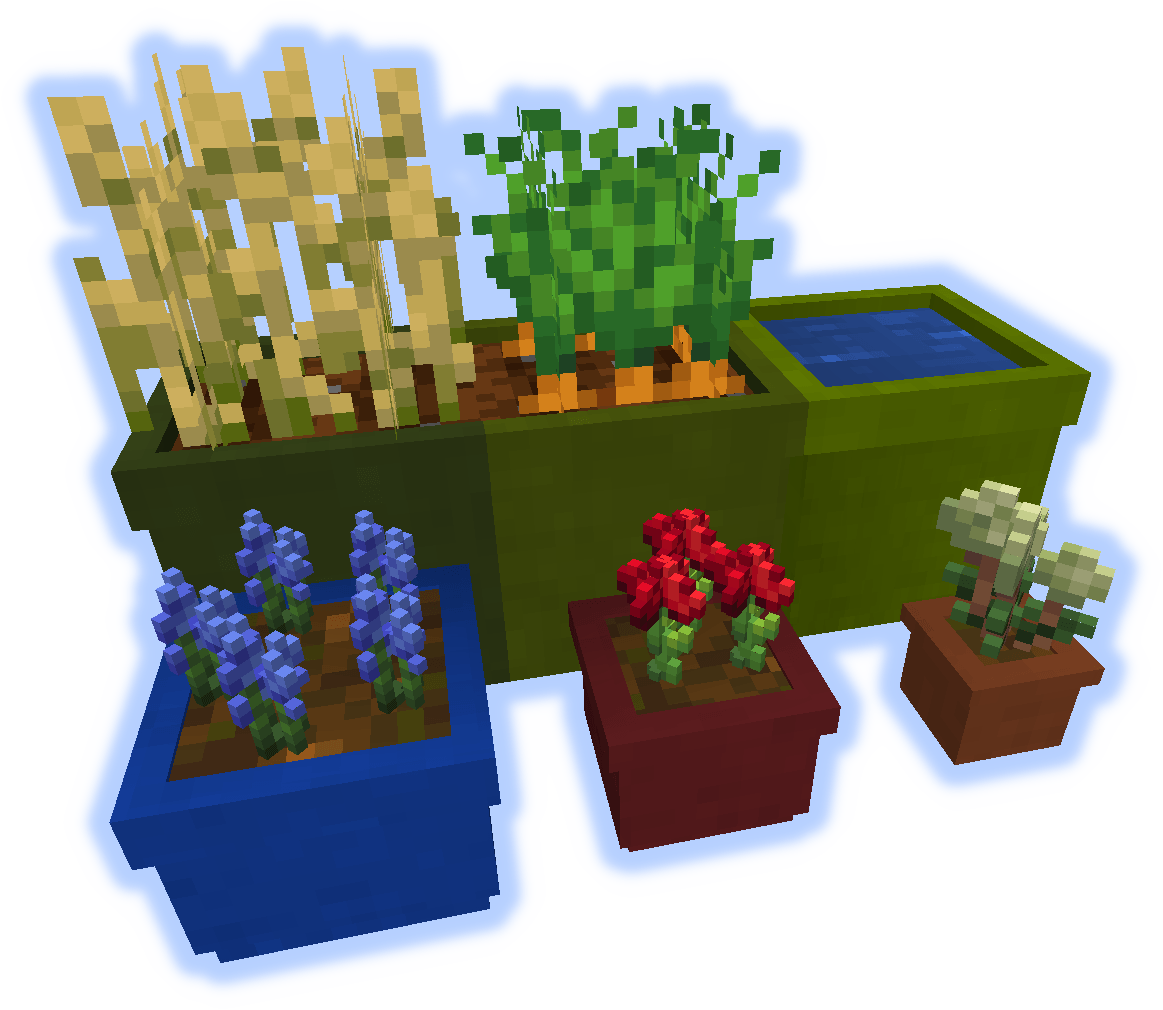
Pots come in 3 sizes.
Planters function like regular dirt and can be tilled to plant crops.
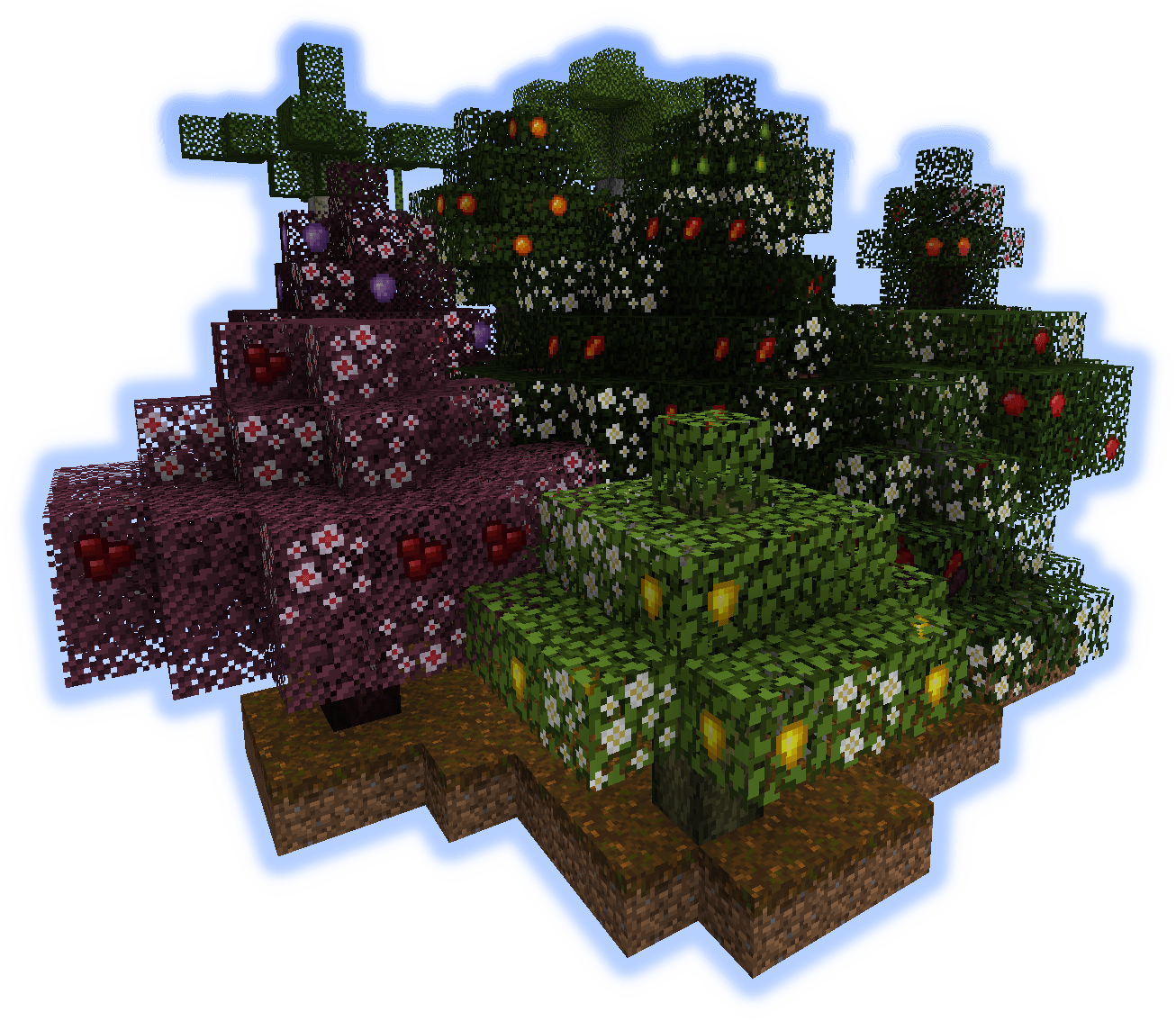
Trees will spawn in the world and produce a variety of fruit;
Apple, Pear, Peach, Mango, Orange, Lemon, Cherry, Plum, Coconut, Banana, and Mulberry.
All trees have there own unique wood, and wood objects; such as fences and doors.
Other non-tree fruit is also added.

Each of the 11 fruit trees has its own wood.

11 wood types and 8 door styles.
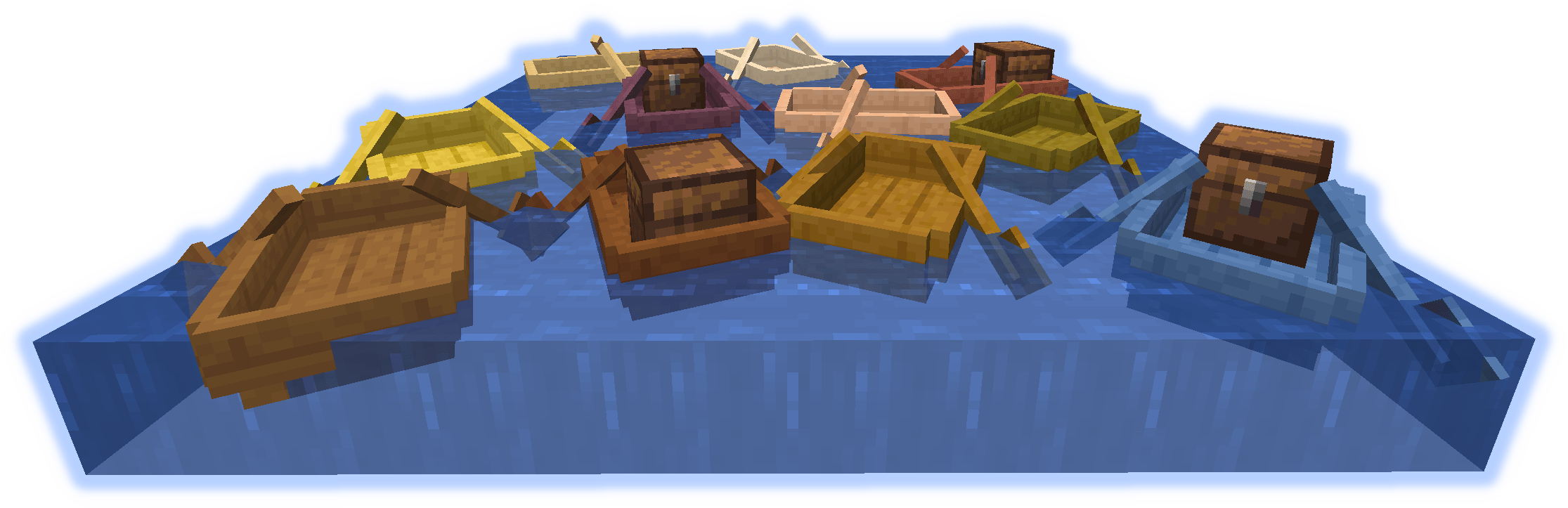
"See if you can find a boat."
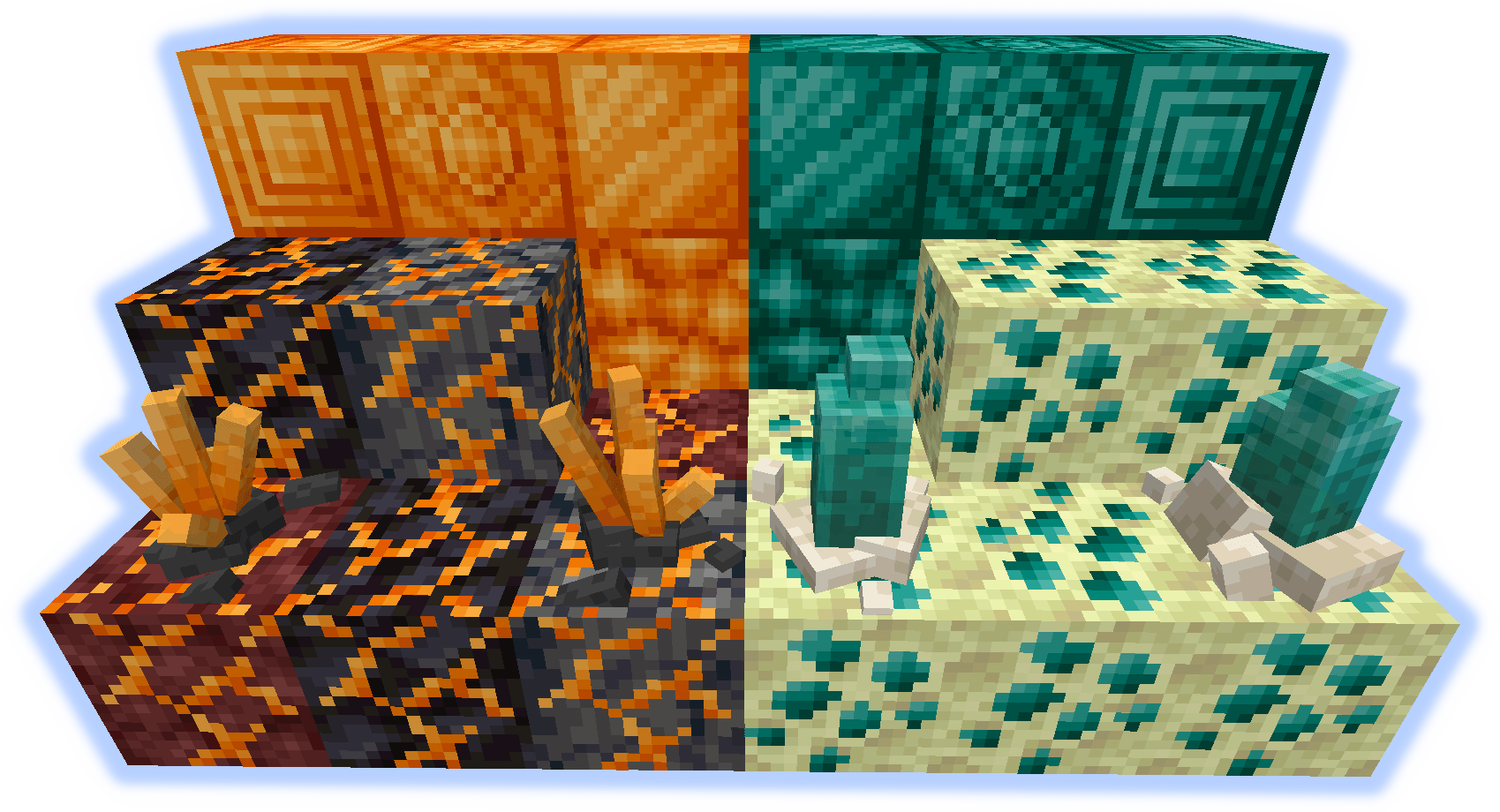
Burnium(Nether ore) & Endimium(End ore).
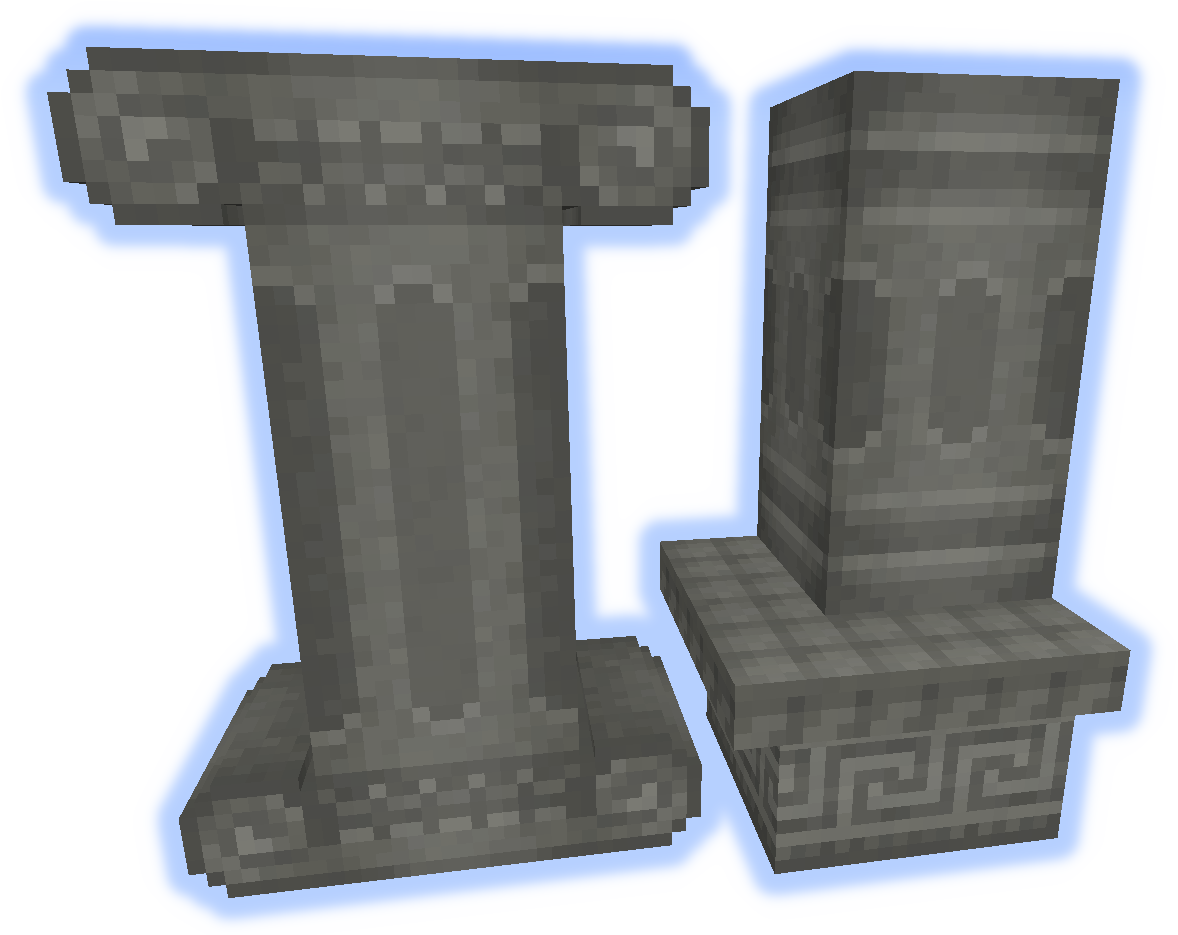
16 colors of concrete columns and decorative edges.
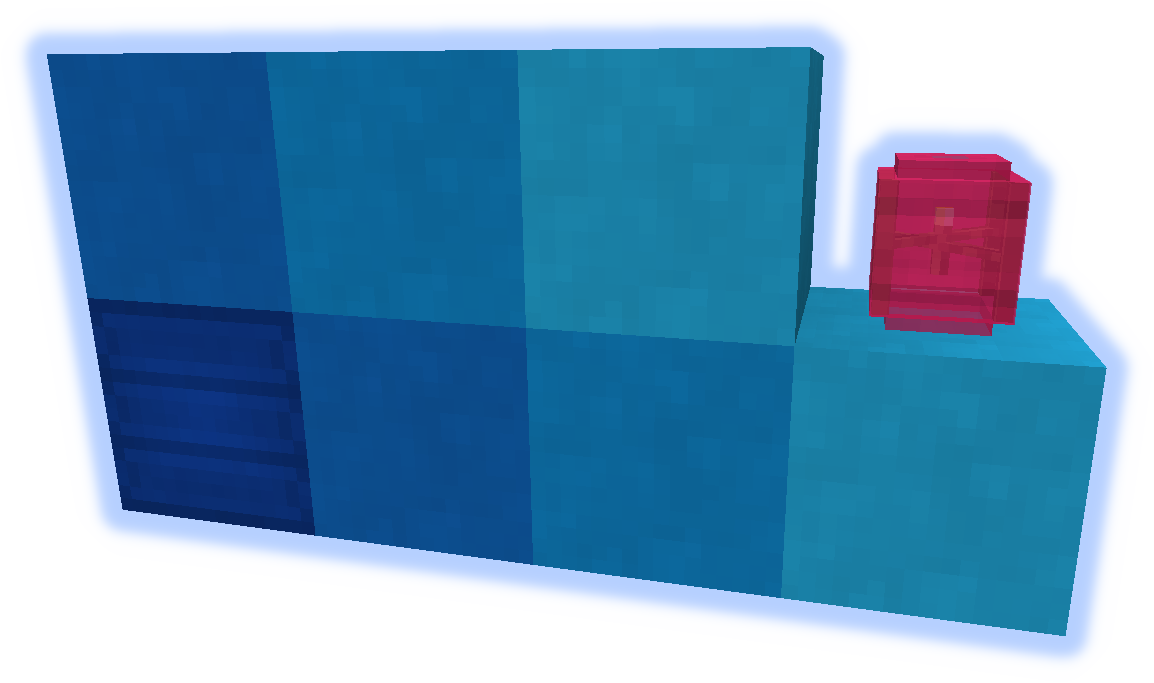
Massivly colorizable block.
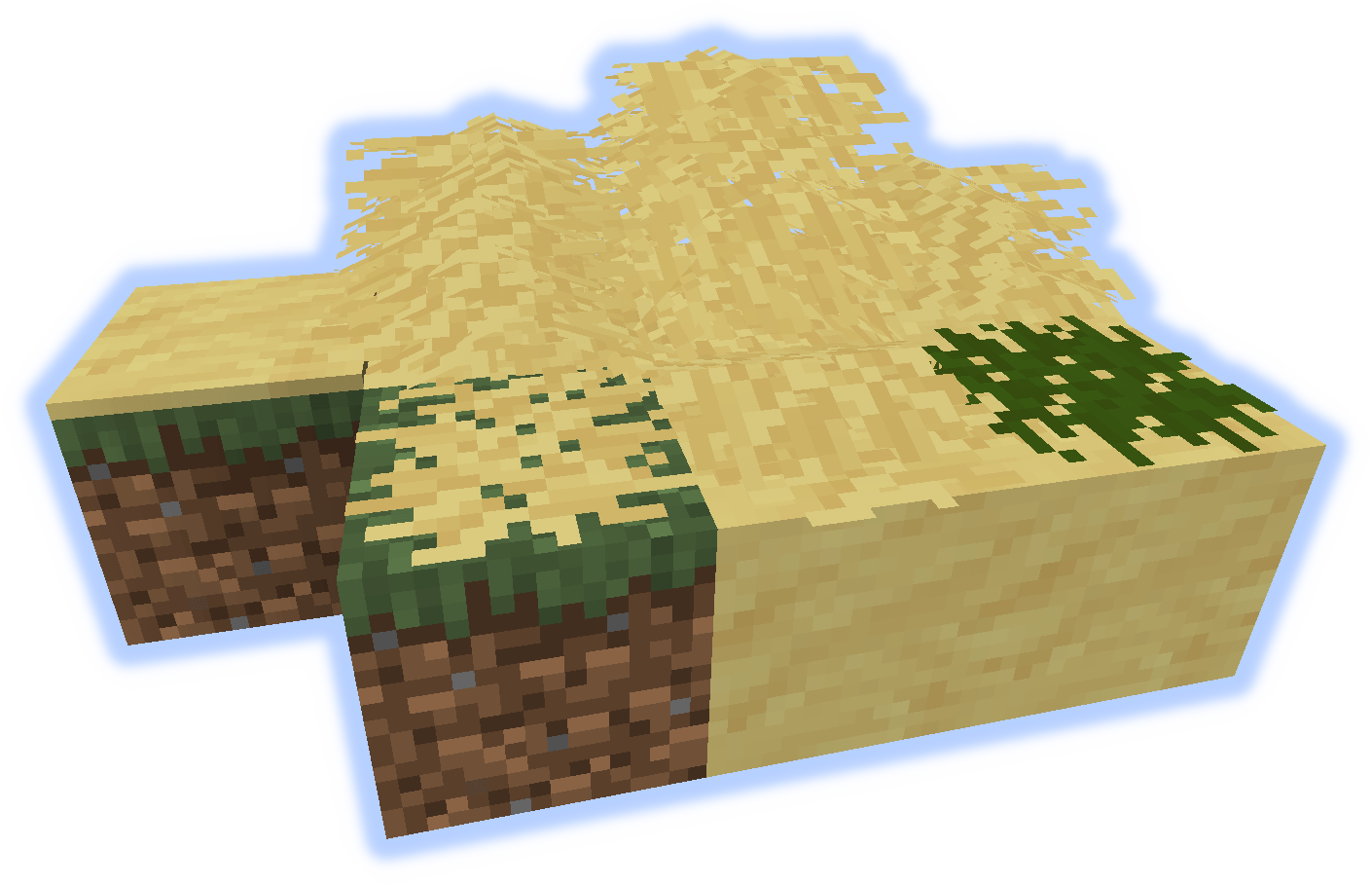
Dryed grass for decoration.
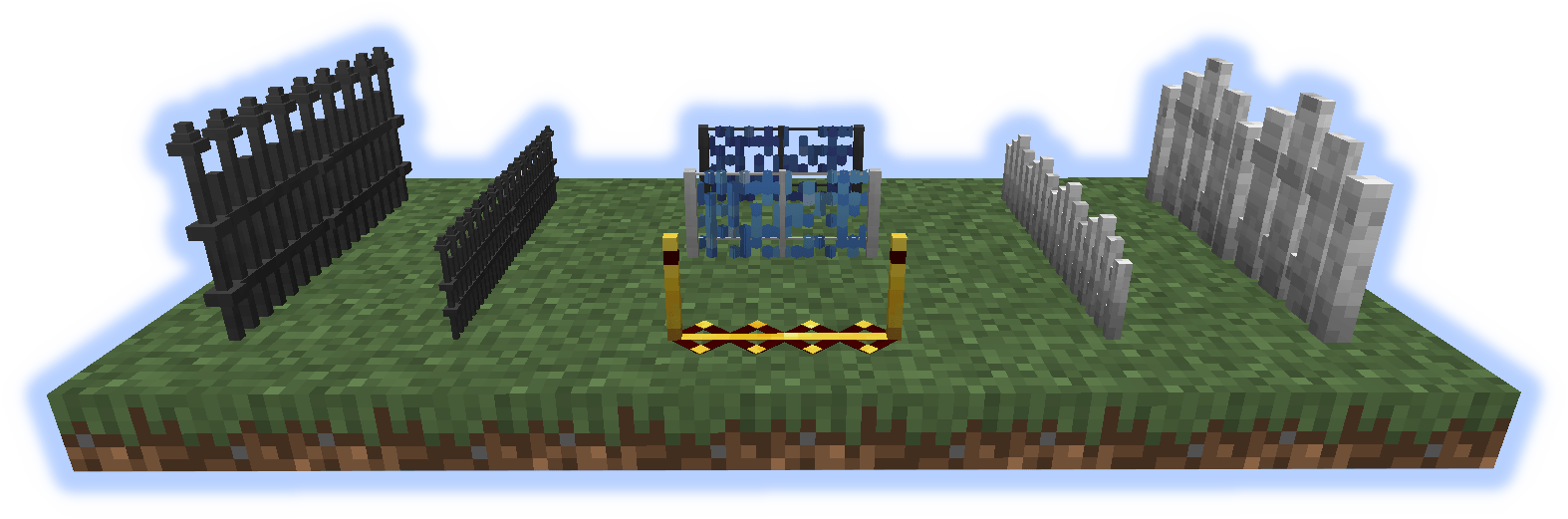
Full size and small fences for decoration and utility.
Climbing "over" the small ones slows movement.
Mobs that step on the blue ones transform.
The red/gold one applies a speed buff. Faster with a redstone signal.
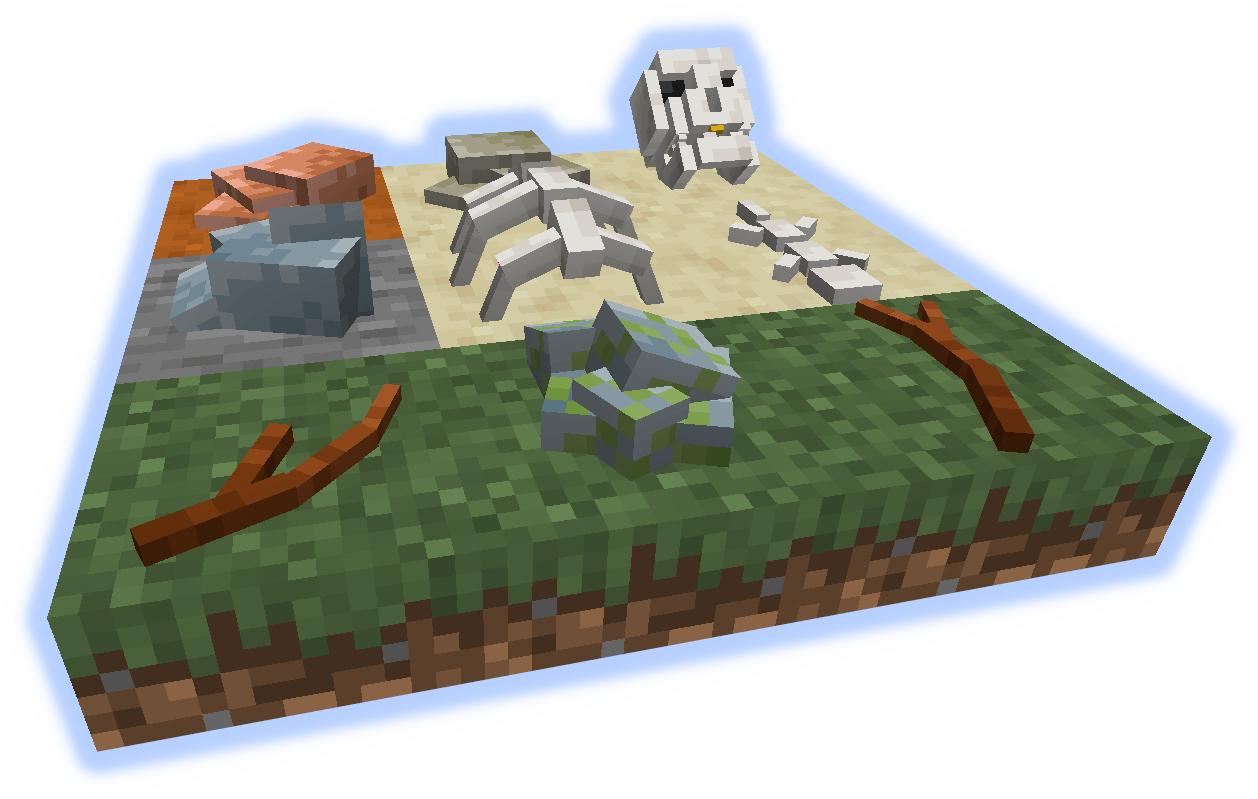
Sticks and Stones may break your bones, but breaking these give resources.
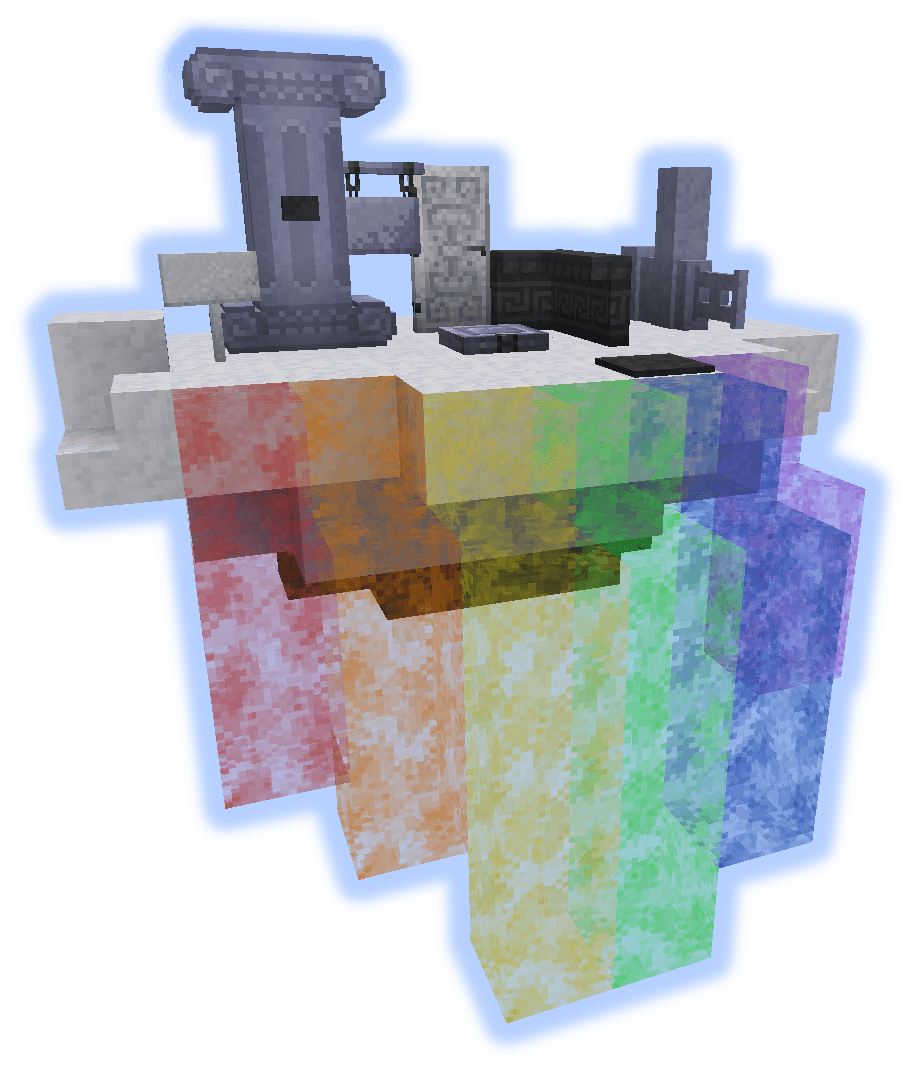
Light, Dense, and Storm clouds generate in the world.
These can be walked on with a Feather Talisman.
A variety of decorative cloud blocks can be crafted to make a house in the sky.
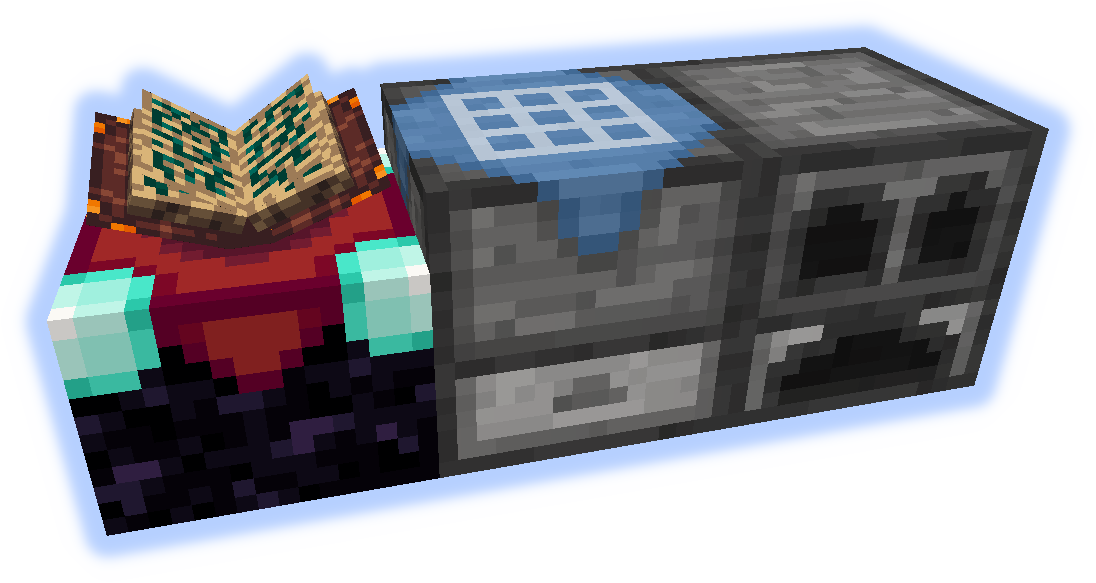
Ender Table
An enchanting table but you can see the enchants with an Ender Monocle.
Craft Bench
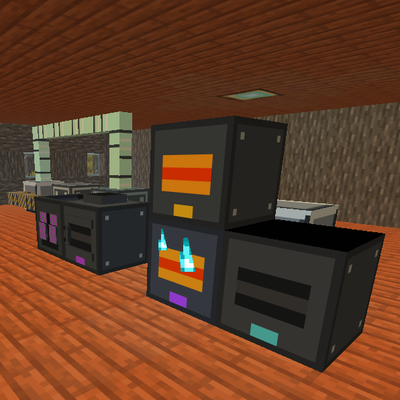
A crafting table with an inventory, a recipe can be set up for automation.
Craft Furnace
A furnace with multiple slots. It smelts 12 per coal, and 2 at a time.
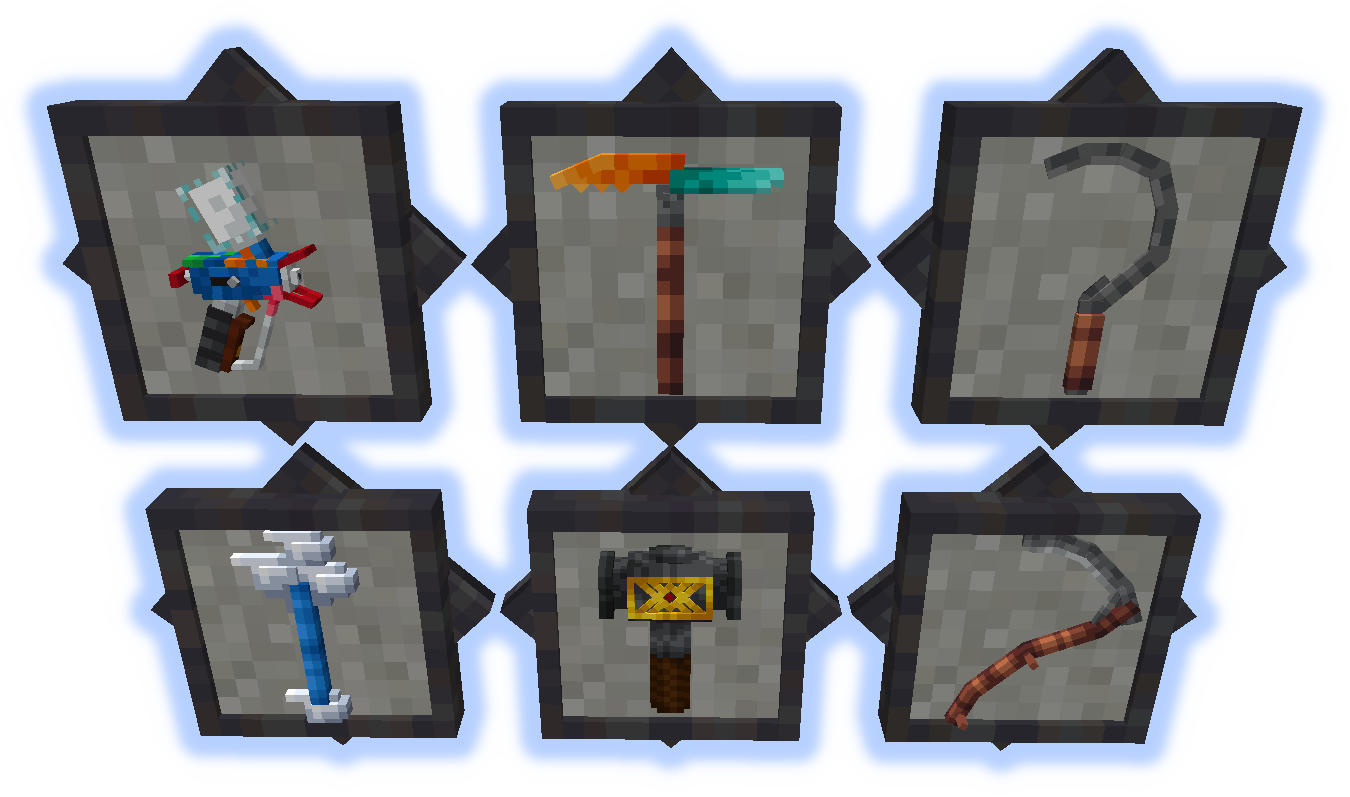
Colorizer
Used to color blocks such as wool, glass, pots, pergolas and more.
Shift-right-click air to open UI or on a block to pick color.
Multi-Tool
Usable as a pick, axe, shovel, hoe, or weapon.
Mines a 1x3x3 chunk. Items go directly into inventory and are auto smelted.
Scythe & Sickle
Useful for harvesting finished crops, or for clearing leaves and grass.
Staff of the Clouds
Can create cloud blocks mid air.
Hammer
Just a hammer that can be used like a wrench, or is it something more... probably not.
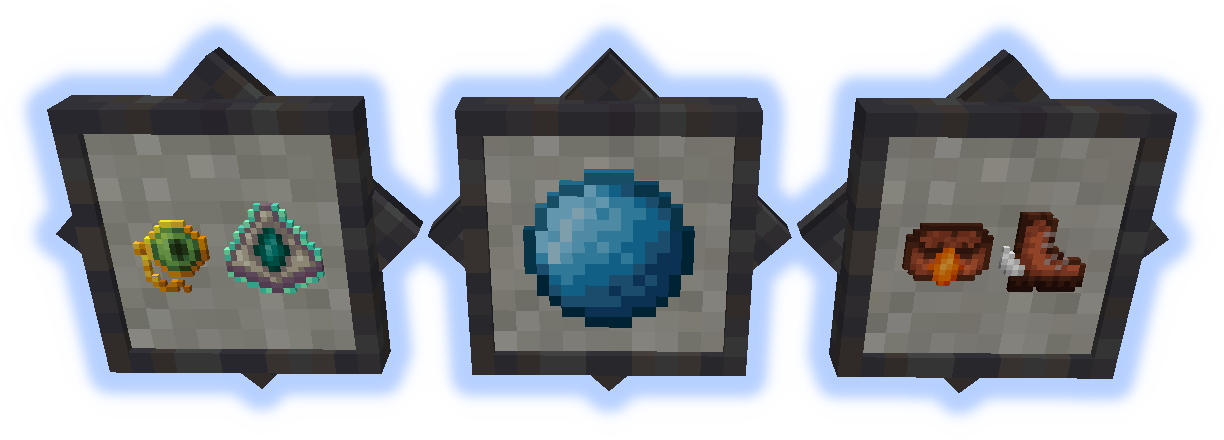
Ender Monocle
Reveals enchants in the Ender Table.
Cloud Talisman
Allows walking on clouds.
Water Pearl
Provides water breathing while in hotbar.
Burnium Belt
Temporary fire and lava protection.
Toon Trotters
Walk in the air (don't look down).
Submit localization files on github.
Do not post bugs in the comments, use the Issue Tracker.
Project description from CurseForge.
Pick your setup
Choose the version and loader you play, then open the matching release.
Showing the newest 12 of 14 game versions. Older files are in the list below.
Check the dependencies, then try the file in a copied instance before changing a world you care about.
Recent files
9 Sept 2025
9 Sept 2025
21 Aug 2025
21 Aug 2025
21 Aug 2025
21 Aug 2025
21 Aug 2025
21 Aug 2025
21 Aug 2025
22 Nov 2024
22 Nov 2024
22 Nov 2024
Looking for an older file? The official CurseForge project page is in Resources.
 mod
modA mod that adds way too many types of wheelsets to choose from within Create
 mod
modTech, magic infusion, tiered energy grids, digital crystal storage networks, and 3x3 mining hammers for Fabric.
 mod
modAn update of the original Advanced Chat Core(With fixes). The core mod for AdvancedChat modules.