Minecraft version
Back to mods 
CurseForge · Minecraft mod
Punishing Death
Delete a percent of your items on death!
Choose a version Pick your version below, then grab the matching file.
Quick answer
Which Punishing Death release should I use?
Latest stable file punishingdeath-1.12.2-1.0.0.jar
Game version 1.12.2
Loader Not required
Punishing Death punishingdeath-1.12.2-1.0.0.jar targets 1.12.2. The project page does not say whether this file belongs on the client, dedicated server, or both. No extra mods listed for this file.
Where it goes
Is Punishing Death required on the client, server, or both?
The project page does not say whether this file belongs on the client, dedicated server, or both.
Client Source doesn’t say
Dedicated server Source doesn’t say
Loader for this release No loader listed
Required install it here Optional supported, not mandatory Not supported do not install here Source doesn’t say do not assume
The source does not explicitly classify this release as client-only or server-only.
What else does Punishing Death punishingdeath-1.12.2-1.0.0.jar need?
punishingdeath-1.12.2-1.0.0.jar. Change the file and its required mods may change too.
This file does not list any required mods. Do not add a library just because a different file uses it.
This file does not list any required or optional mods.
Before you install it
Add Punishing Death without breaking your instance.
Built for Punishing Death punishingdeath-1.12.2-1.0.0.jar. Pick another file and the loader, install side or required mods may change.
- 01
Stick to this file
Use punishingdeath-1.12.2-1.0.0.jar. It targets 1.12.2; another release may have different loader, side or dependency requirements.
- 02
Bring the mods it needs
This file does not list any required mods. Do not add a library just because a different file uses it.
- 03
Put it on the correct side
The project page does not say whether this file belongs on the client, dedicated server, or both.
- 04
Pick the file you checked
Use the “Get this file” button beside punishingdeath-1.12.2-1.0.0.jar. It opens that exact file at the source.
About this project
What does Punishing Death add?
Punishing Death
Punishing death is for those who want consequences from their deaths. By default, 100% of items that are in your inventory are deleted when you die. This percentage is configurable.
Config:
The config file allows you to choose the percentage (0 - 100), of how many items are kept on death. The default is 0% so all items are lost.
Compatibility:
This mod is untested with other mods that deal with items on death (Gravestones), it is recommended to only use one mod that alters death drop mechanics.
Game Stages Support:
This mod supports Game Stages, percentage kept per stage can be configured via CraftTweaker.
To use the Game Stages support, you need a CraftTweaker script that calls:
mods.PunishingDeath.addStagePercent(String stage_name, int percent_kept);
EG:
mods.PunishingDeath.addStagePercent("death_10", 10);
mods.PunishingDeath.addStagePercent("keepAllItems", 100);
If the player does not have a stage unlocked, the value used in the config file will be used.
Game Stage percentages override the config file percentage
Discord
Donations
Project description from CurseForge.
Pick your setup
Punishing Death by Minecraft version and loader
Choose the version and loader you play, then open the matching release.
Check the dependencies, then try the file in a copied instance before changing a world you care about.
Recent files
Punishing Death versions and loaders
punishingdeath-1.12.2-1.0.0.jar
25 Feb 2018
Client Source doesn’t say Server Source doesn’t say Dependencies No extras listed Listed on Release listing
Check the 1.12.2 setup 1.12.2 release
Looking for an older file? The official CurseForge project page is in Resources.
 mod
CurseForge · Minecraft
buildertools
Client-side building toolkit: select areas, save and load .schem, .litematic and .nbt schematics, and build from ghost-block placements with a material checker.
 mod
CurseForge · Minecraft
Just Enough Everything (JEE)
One recipe viewer for everything: EMI's interface, JEI's plugins, and where every item really comes from.
 mod
CurseForge · Minecraft
Chiseleded OG - Chisel & 2000+ Decorative Blocks
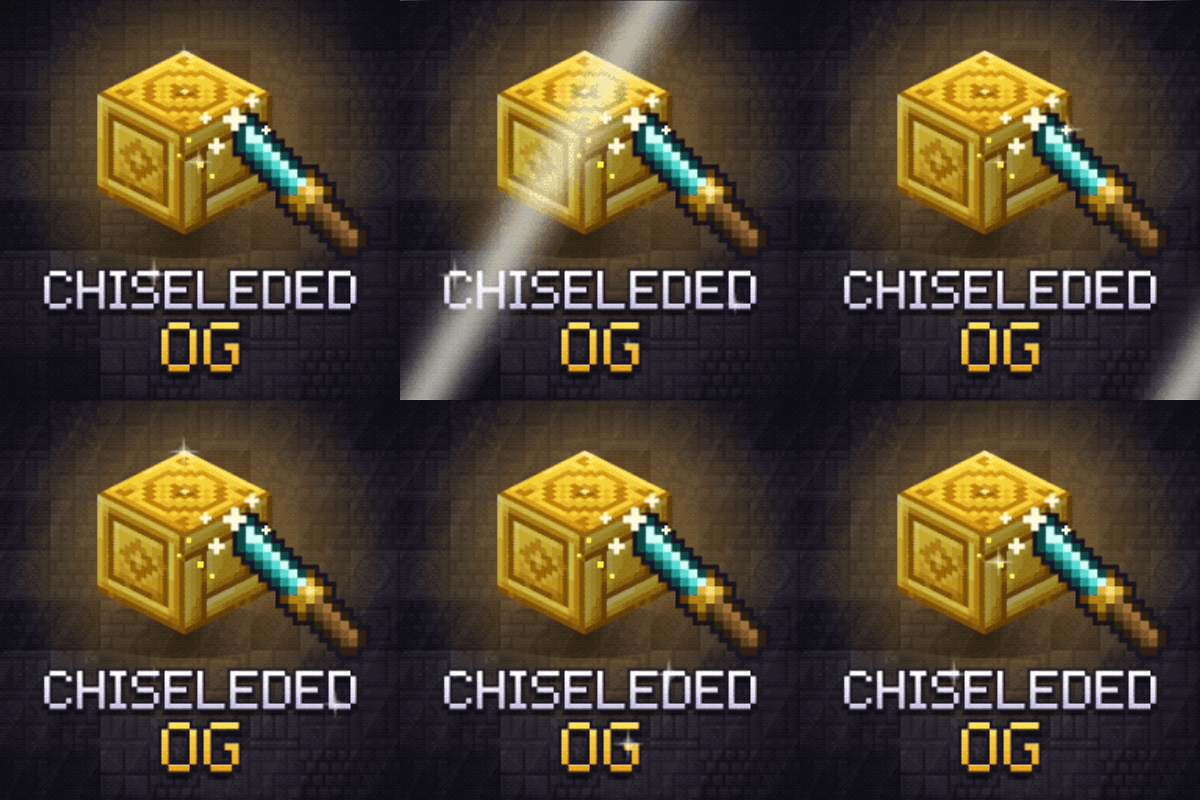
Chisel any block into new styles: 2,264 decorative building blocks from stone, concrete, wood, metal and glass, with stairs, slabs, walls and panes. Three chisels, endless builds.