Jade 🔍 Optional for Camera Mod [NEOFORGE][26.2] Camera Mod 1.1.8+26.2
optionalMatching file found Matched file: [NeoForge 26.2.X] 26.2.8
CurseForge · Minecraft mod
A working Camera in Minecraft!
Quick answer
Camera Mod [NEOFORGE][26.2] Camera Mod 1.1.8+26.2 targets 26.2 with NeoForge. The project page does not say whether this file belongs on the client, dedicated server, or both. No extra mods listed for this file.
Where it goes
The project page does not say whether this file belongs on the client, dedicated server, or both.
The source does not explicitly classify this release as client-only or server-only.
[NEOFORGE][26.2] Camera Mod 1.1.8+26.2 on 26.2 NeoForge. Every mod below is checked against that same setup.
This file does not list any required mods. Do not add a library just because a different file uses it.
We only count dependency files that match this setup. A file for another loader does not fill the gap.
Before you install it
Built for Camera Mod [NEOFORGE][26.2] Camera Mod 1.1.8+26.2 on 26.2 NeoForge. Pick another file and the loader, install side or required mods may change.
Use [NEOFORGE][26.2] Camera Mod 1.1.8+26.2. It targets 26.2 with NeoForge; another release may have different loader, side or dependency requirements.
This file does not list any required mods. Do not add a library just because a different file uses it.
The project page does not say whether this file belongs on the client, dedicated server, or both.
Use the “Get this file” button beside [NEOFORGE][26.2] Camera Mod 1.1.8+26.2. It opens that exact file at the source.
About this project
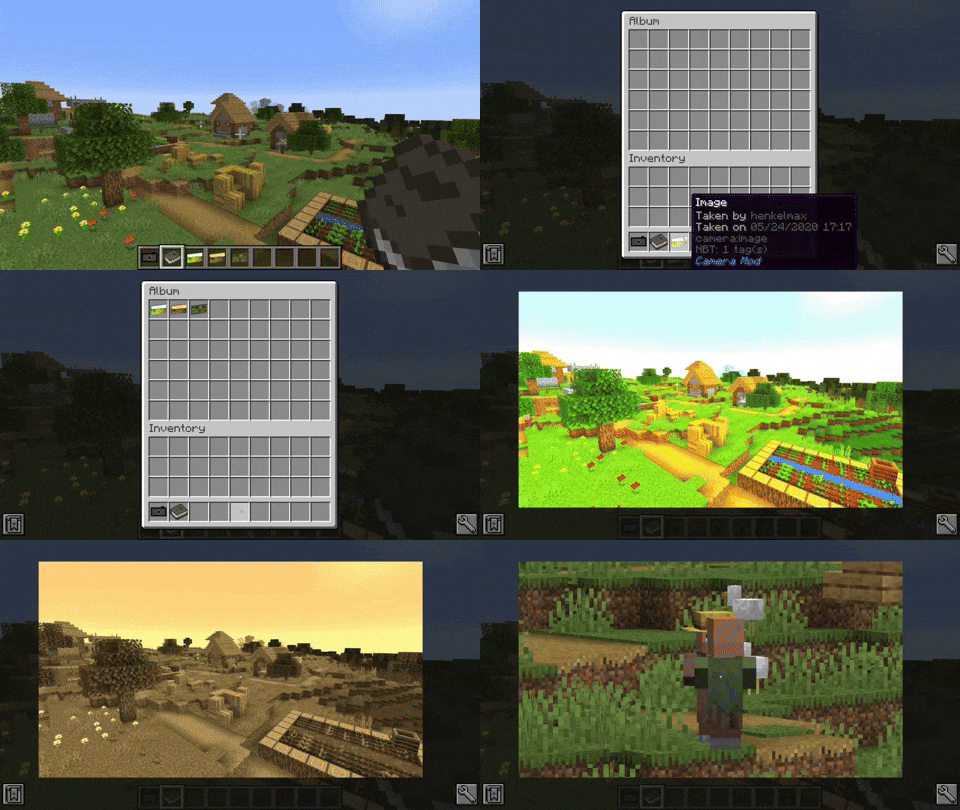
This mod adds a Camera and a frame for the images. The Camera takes real images of your game.
Images can be taken by right-clicking a camera. This brings you to the viewfinder of the camera. Right-clicking again takes an image of the perspective you are currently seeing. Images are saved with the same ratio as your Minecraft window.
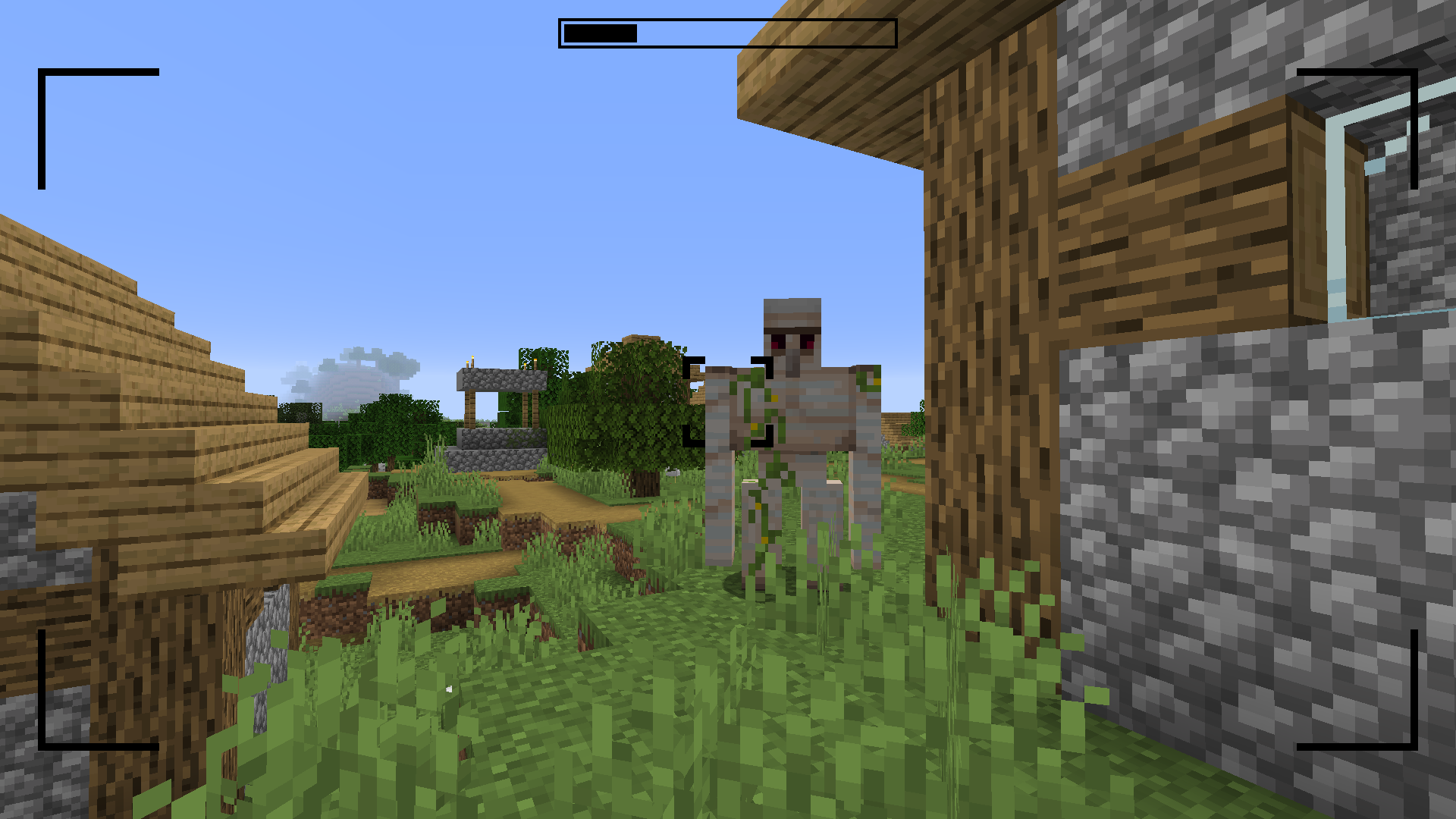
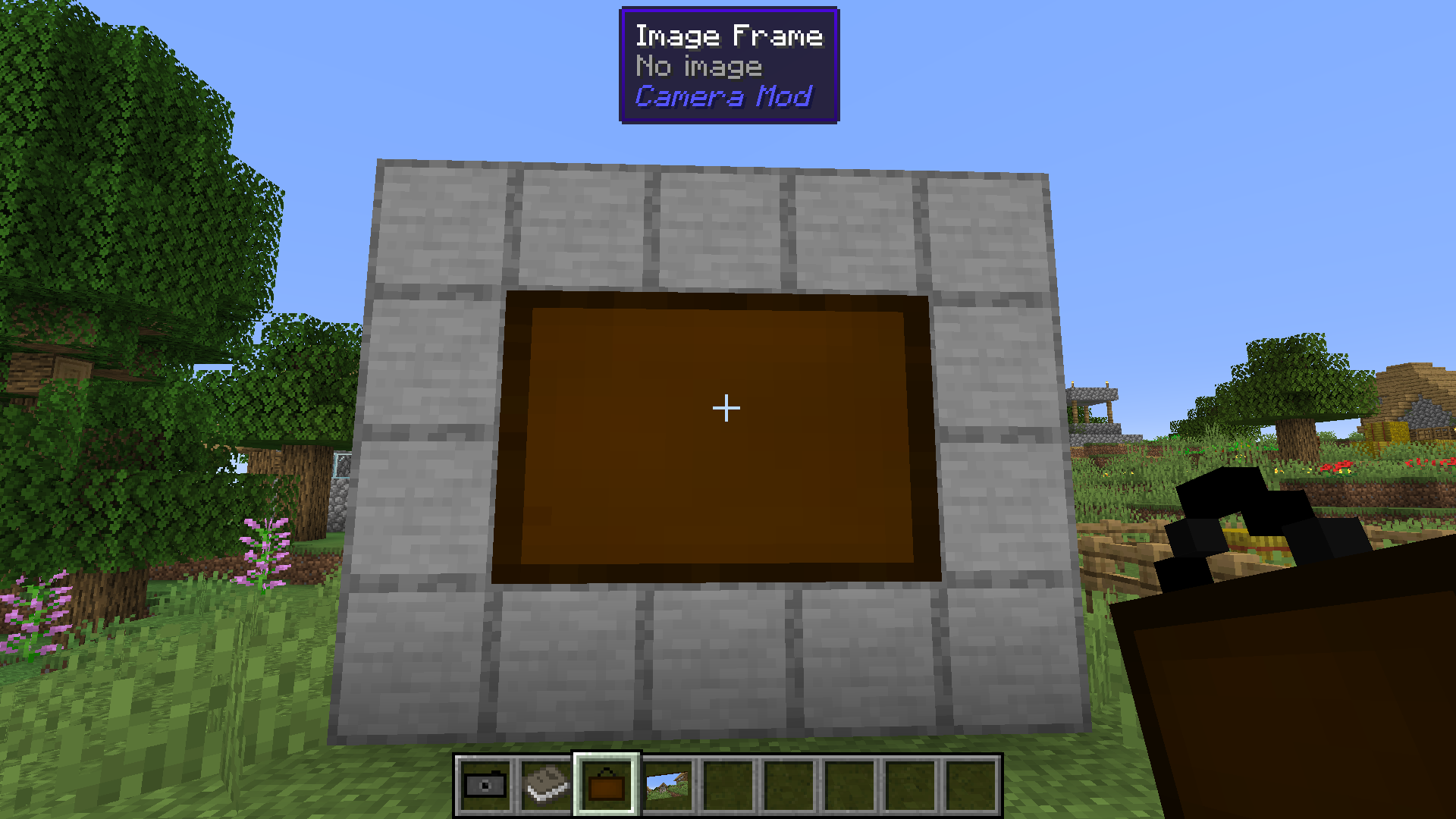
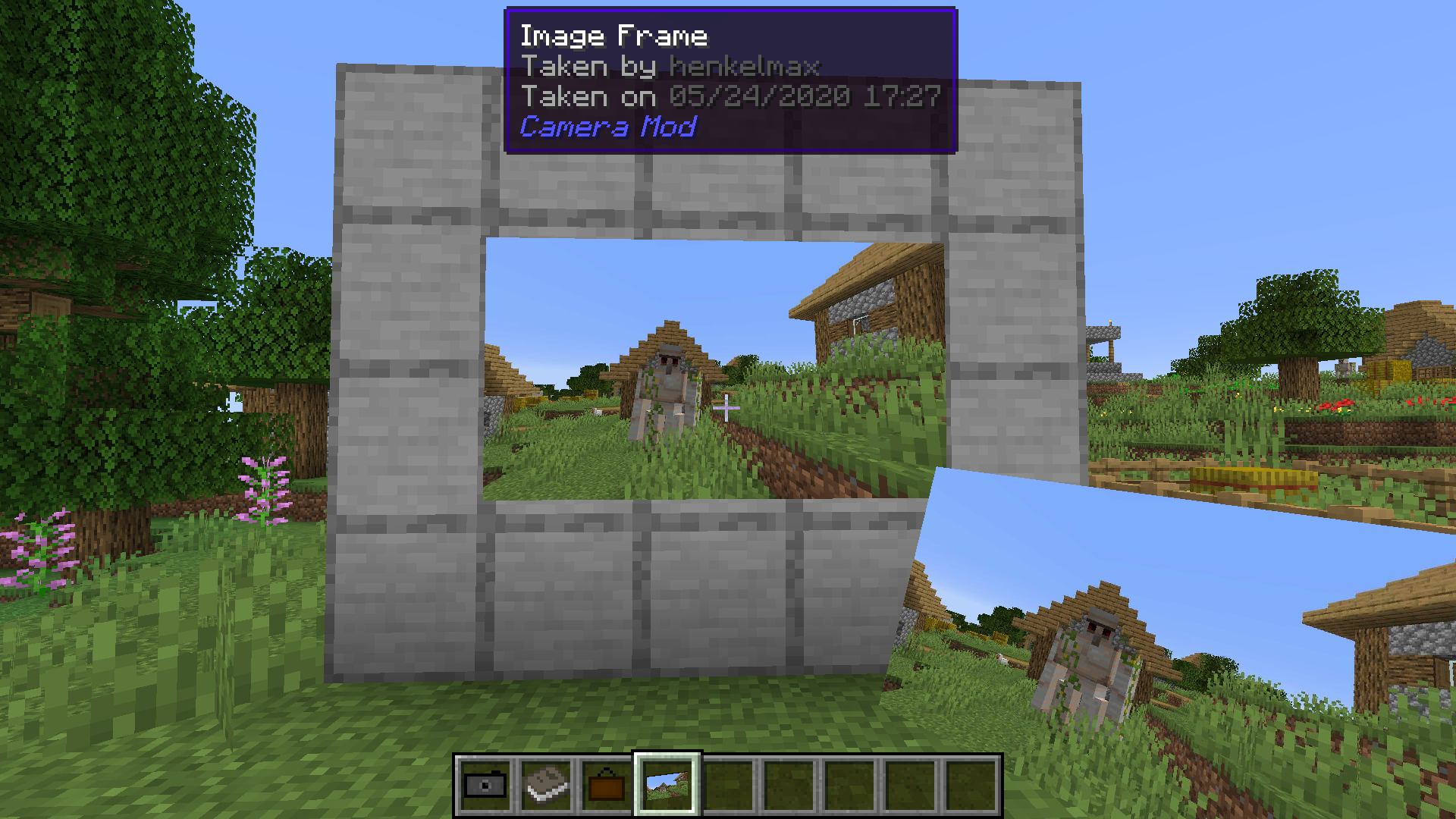
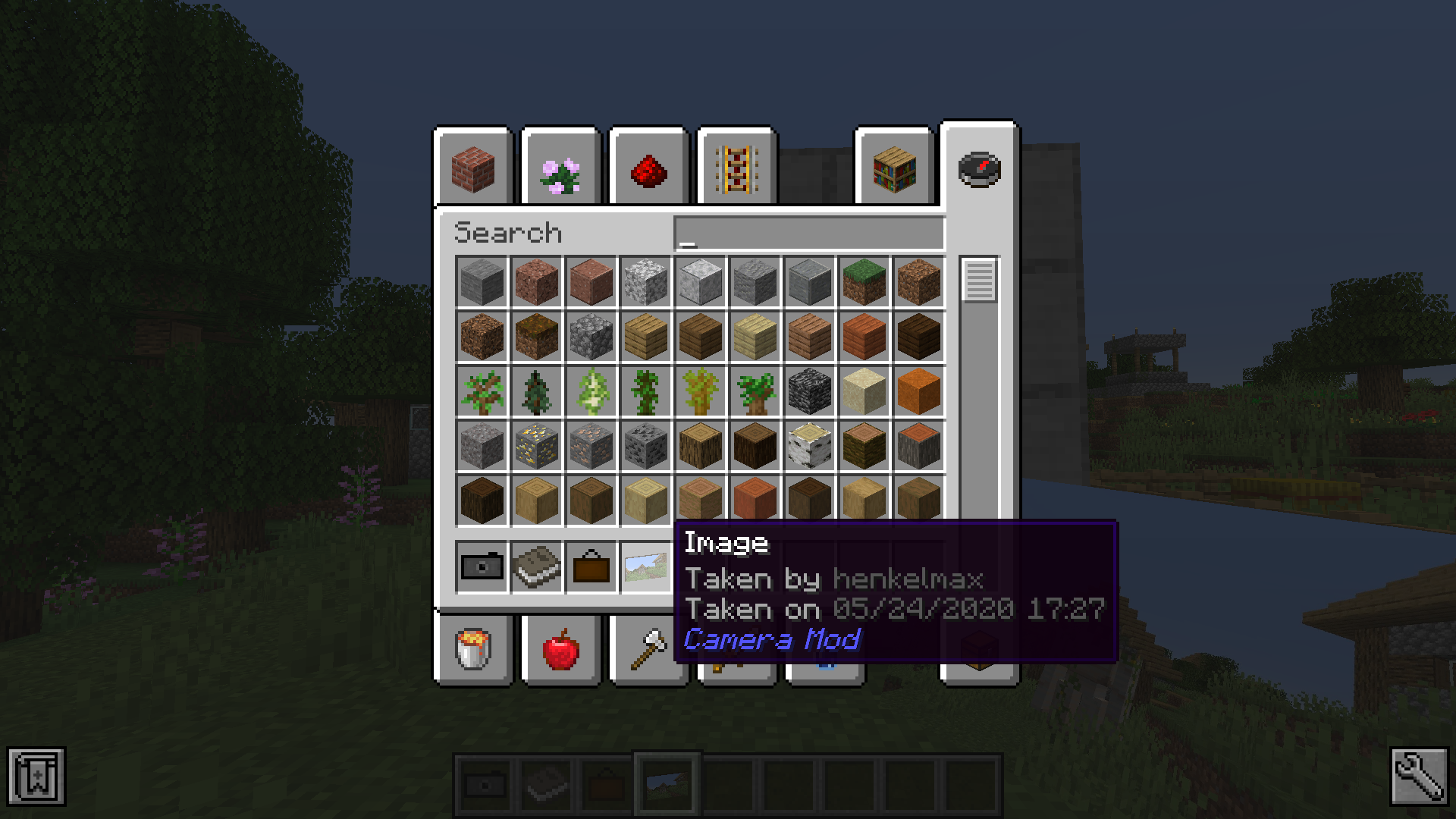
The camera is able to apply filters to the image. By sneak + right-clicking the camera a GUI opens where the filter can be chosen.
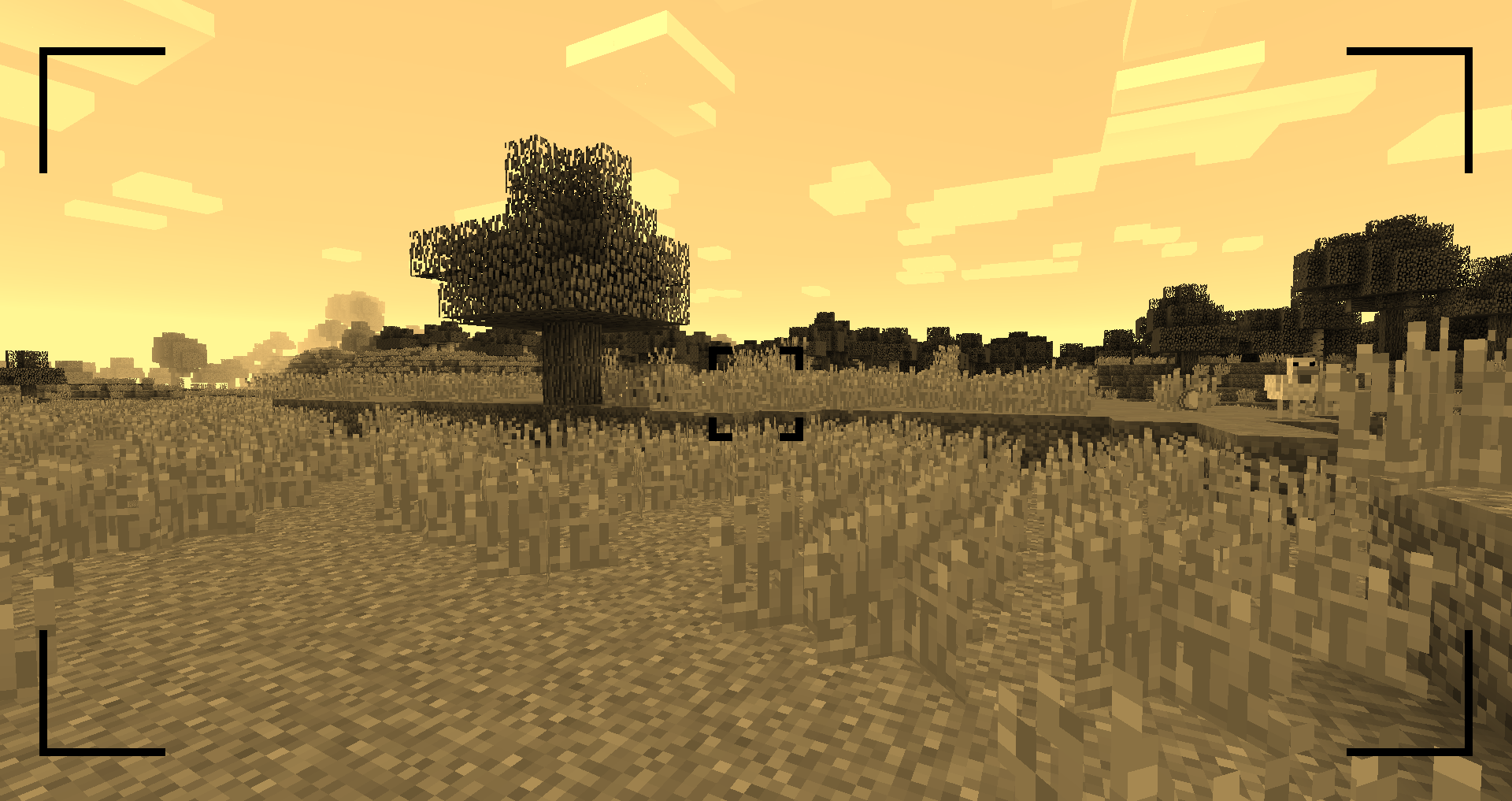
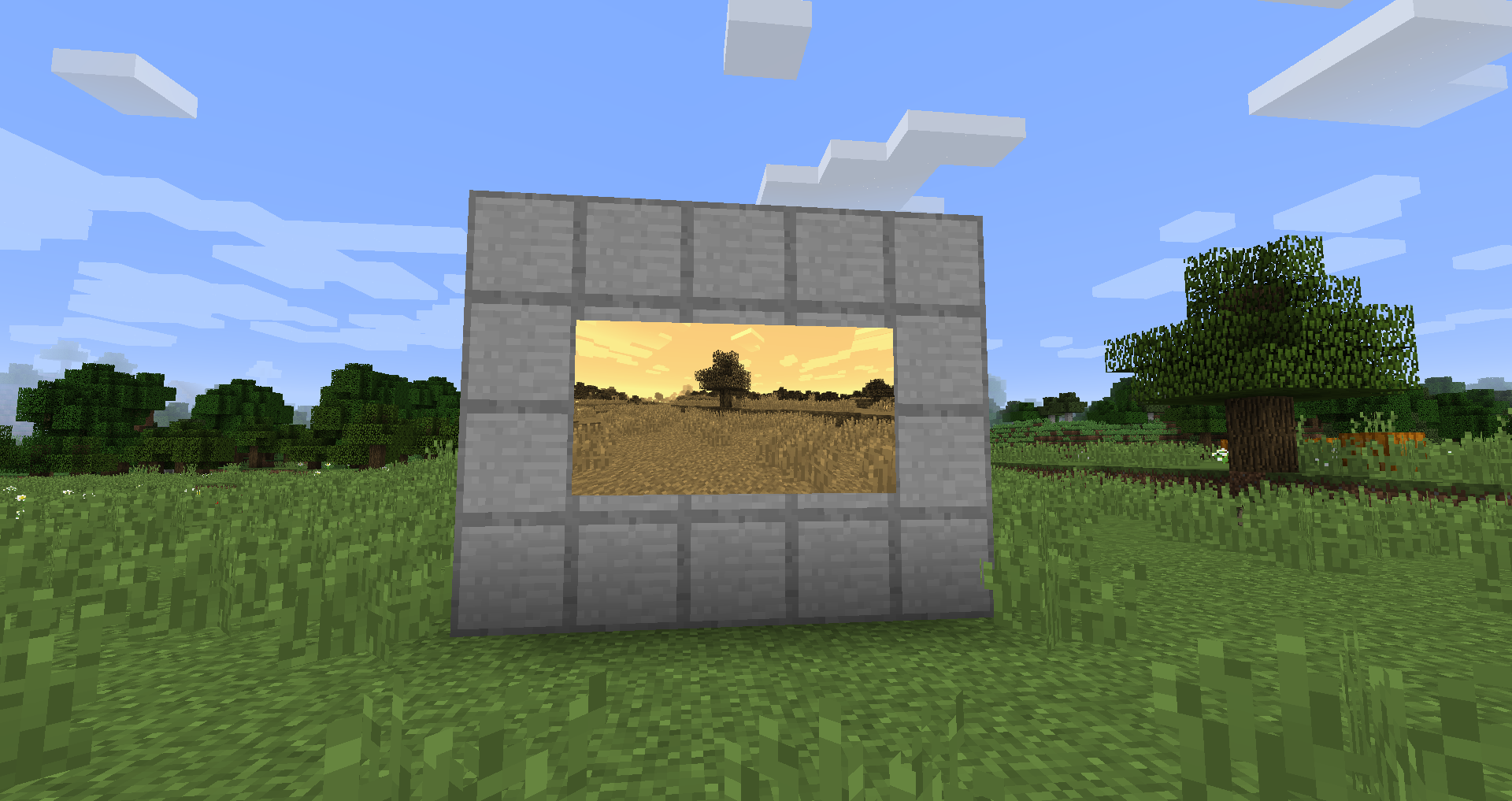
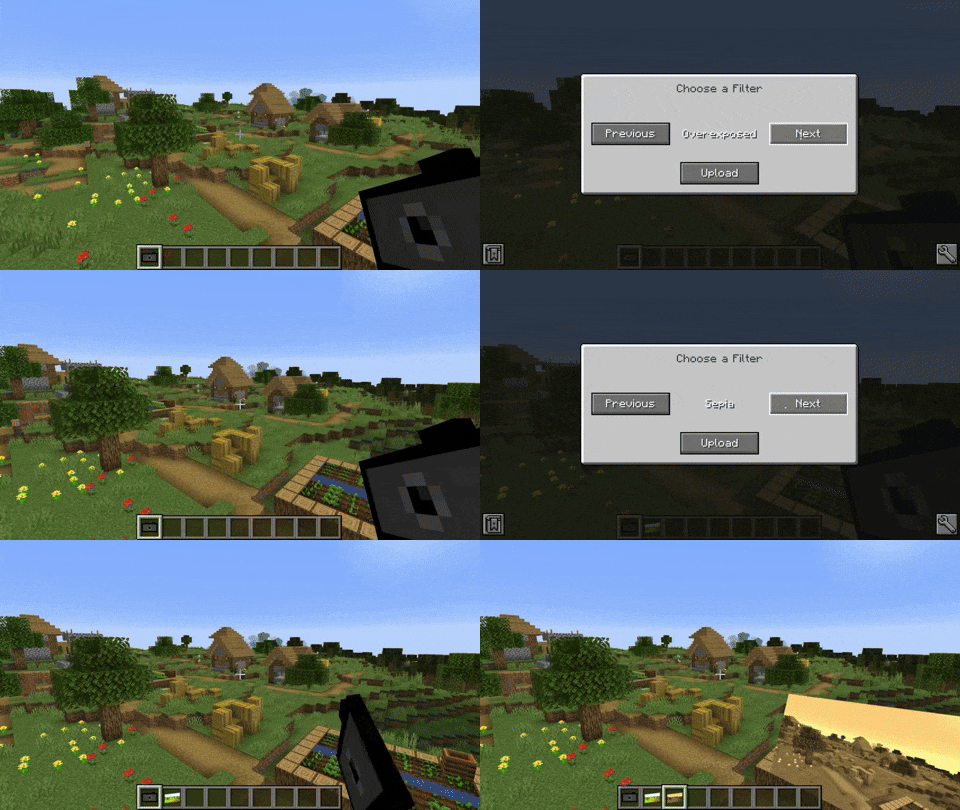
You can zoom in and out by scrolling.
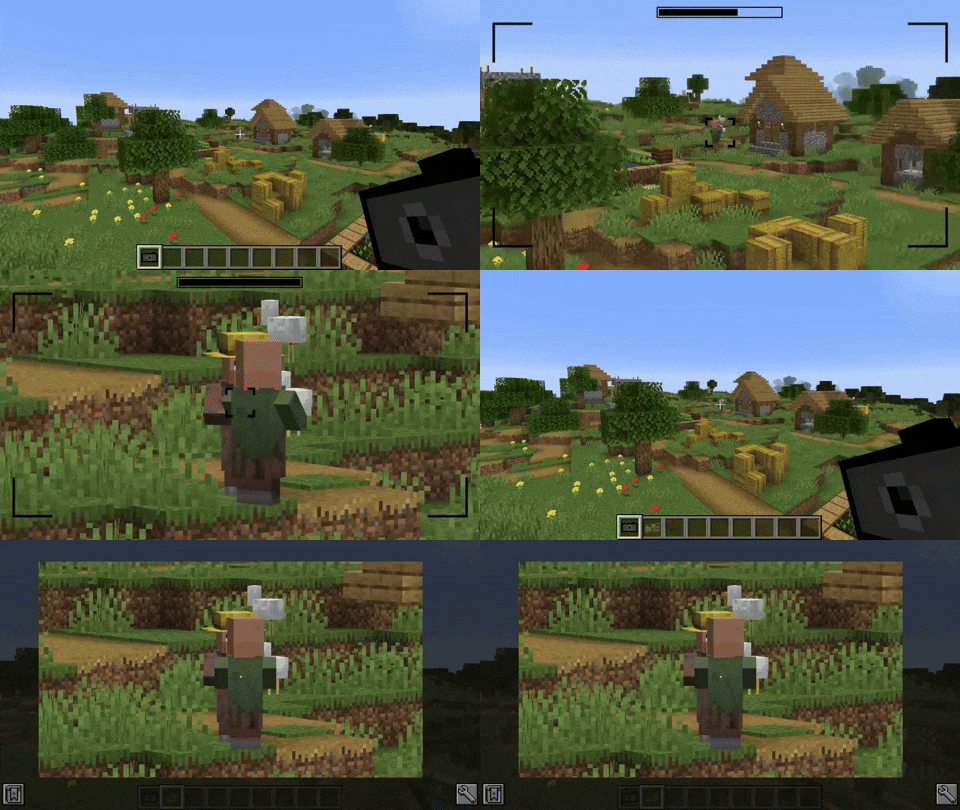
You can either look at the image by right-clicking the image item or by putting it in an image frame.
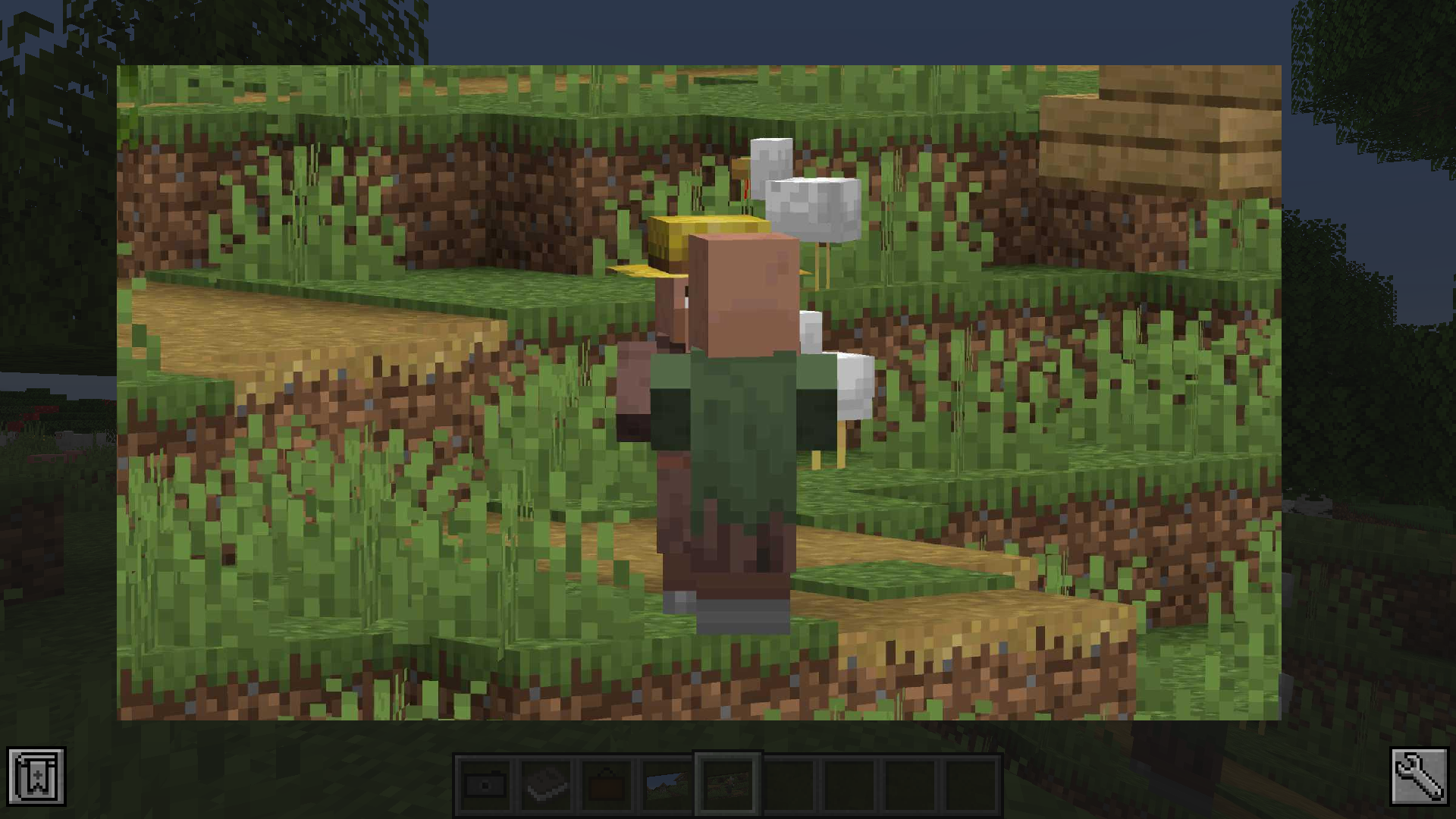
The album can hold up to 54 images. You can add images by sneak + right-clicking the album. You can view the contained images by right-clicking the album. By scrolling up and down or pressing the arrow-up/down key, you can switch the currently viewed image.
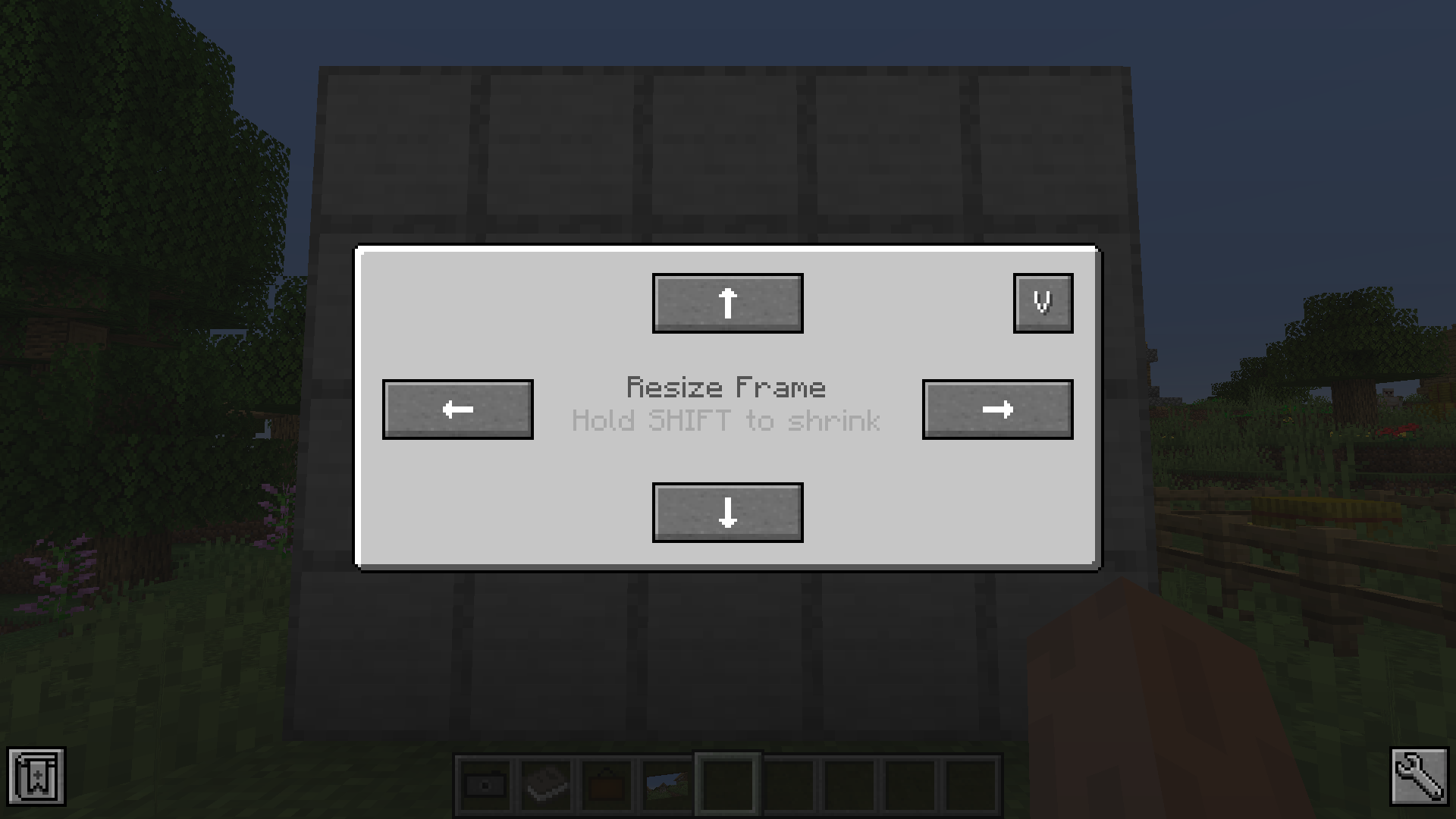
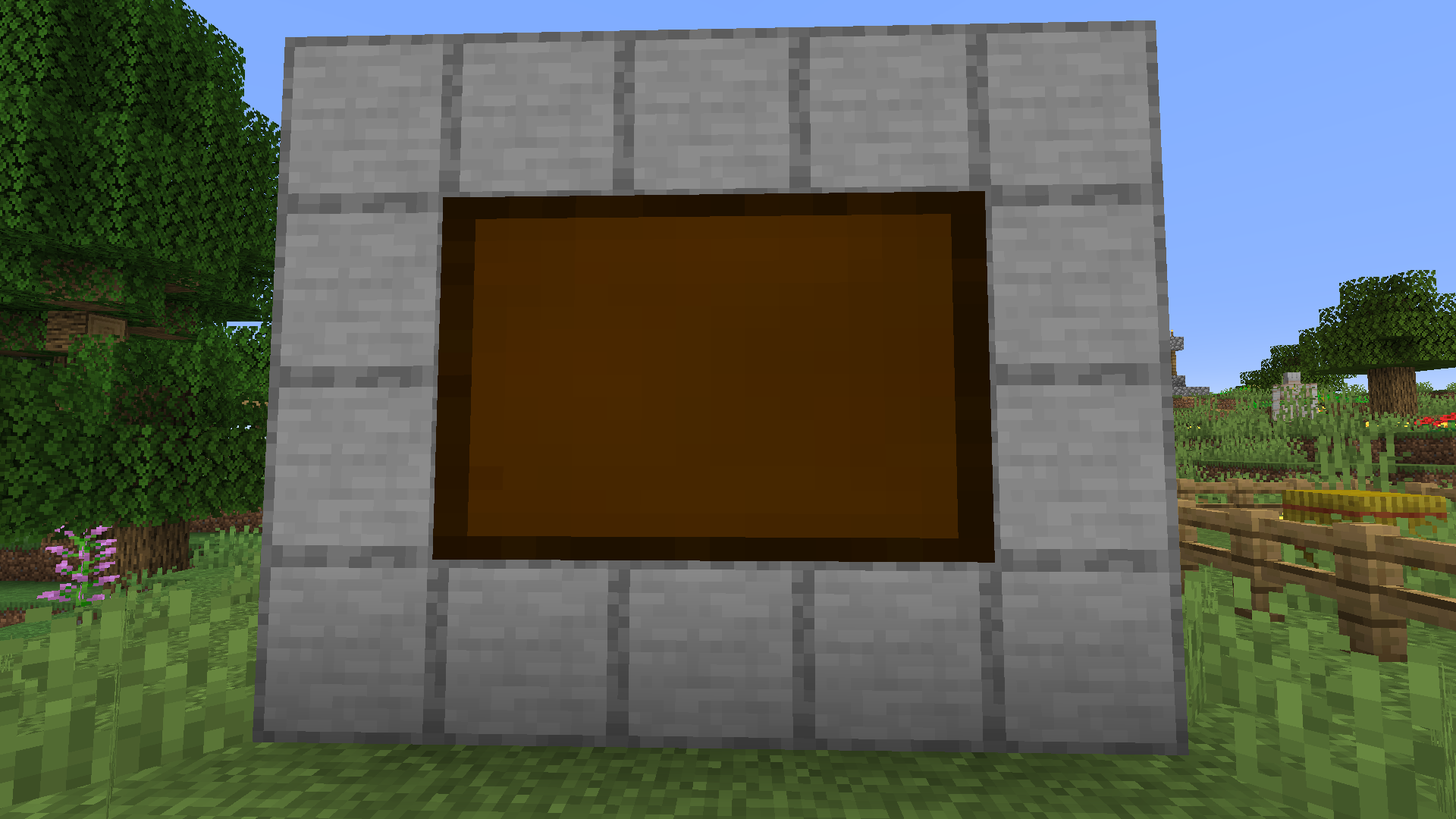
The image frame allows you to place your image in the world. Just place the image frame item on a wall. Sneak + right-clicking the image frame opens a GUI that allows you to resize the frame. Just clicking the resize buttons enlarges the frame in the given direction. If you sneak and click the button the frame will be downsize the frame in that direction. To display an image in the frame right-click it with the chosen image in hand. To remove it from the frame just right-click the frame again.
Images can be copied by combining it with a piece of paper in the crafting table.
Project description from CurseForge.
Pick your setup
Choose the version and loader you play, then open the matching release.
Showing the newest 12 of 28 game versions. Older files are in the list below.
Check the dependencies, then try the file in a copied instance before changing a world you care about.
Recent files
camera-neoforge-1.1.8+26.2.jar
16 Jun 2026
Looking for an older file? The official CurseForge project page is in Resources.