Lucraft: Core Needed by Star Tech, Man! The Legendary Mod? Star Tech V1.1.1
requiredMatching file found Matched file: LucraftCore-1.12.2-2.4.17.jar

CurseForge · Minecraft mod
Modjam 5 2008.1 submission, adds 3d printed space guns
This page is having a moment, so a few details may be a little behind.
Quick answer
Star Tech, Man! The Legendary Mod? Star Tech V1.1.1 targets 1.12.2. The project page does not say whether it belongs on the client. The project page does not say whether it belongs on the dedicated server. All 1 required mods have matching files.
Where it goes
The project page does not say whether it belongs on the client. The project page does not say whether it belongs on the dedicated server.
The source does not explicitly classify this release as client-only or server-only.
Star Tech V1.1.1. Change the file and its required mods may change too.
Install Lucraft: Core first. We found matching files for this game-version and loader setup. 9 come through another mod in the chain.
9 extra mods were pulled in by other dependencies. Indented rows show who needs each one. We only count dependency files that match this setup. A file for another loader does not fill the gap.
Before you install it
Built for Star Tech, Man! The Legendary Mod? Star Tech V1.1.1. Pick another file and the loader, install side or required mods may change.
Use Star Tech V1.1.1. It targets 1.12.2; another release may have different loader, side or dependency requirements.
Install Lucraft: Core first. We found matching files for this game-version and loader setup. 9 come through another mod in the chain.
The project page does not say whether it belongs on the client. The project page does not say whether it belongs on the dedicated server.
Use the “Get this file” button beside Star Tech V1.1.1. It opens that exact file at the source.
About this project
Notice: Make sure to design your guns with the handle on the left and the shooty end on the right (while looking at the buttons of the designer).
What? Come on man, you've never hear of Star Tech? Fine, I'll explain it to you. It's a mod that I made for Modjam, loosely based on Guardians of the Galaxy 2. It lets you design and 3d print space guns.
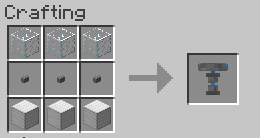
The first thing you're going to want to do in it is craft the blueprint creator
Once you've done that, go ahead and place it down. You'll see a hologram pop up above it, as well as several white buttons, arranged in a line. You can right click the hologram to place blocks, and left click to erase them.
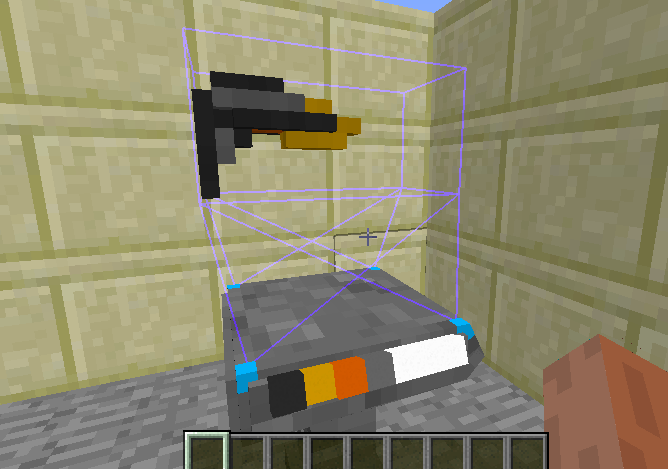
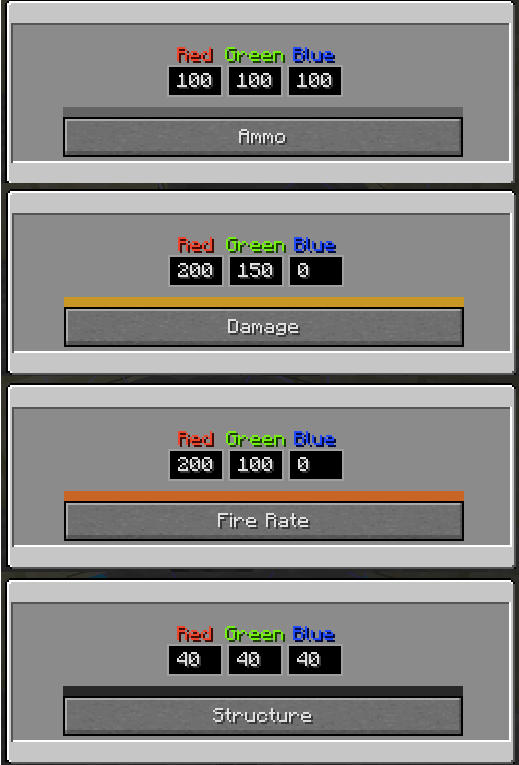
You can edit a button by right clicking it. This will allow you to change the color and functionality of the materials that you are using to create your gun. You can have a good balance of each function, or lean towards a certain element to specialize the gun. Keep in mind that at least 1/4 of the gun must be made from a structure material.
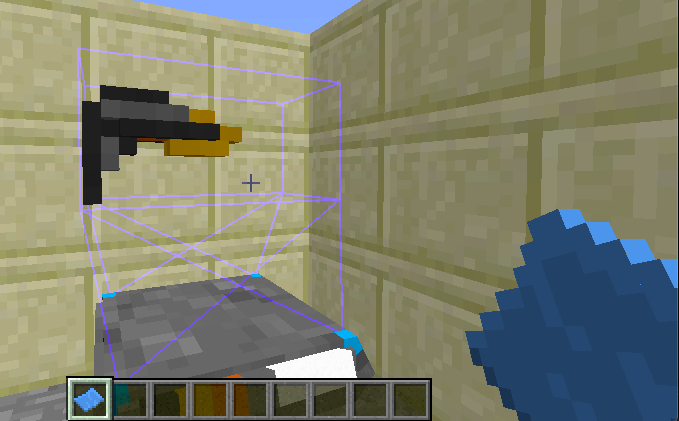
Once you've made a design that you like (Note: Your gun should always face the right, like this example. It's important), you can shift + right click the hologram to get a blueprint.
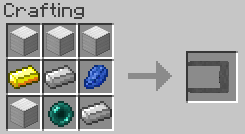
Once you have the blueprint, it's time to use the printer. This is how you craft it.
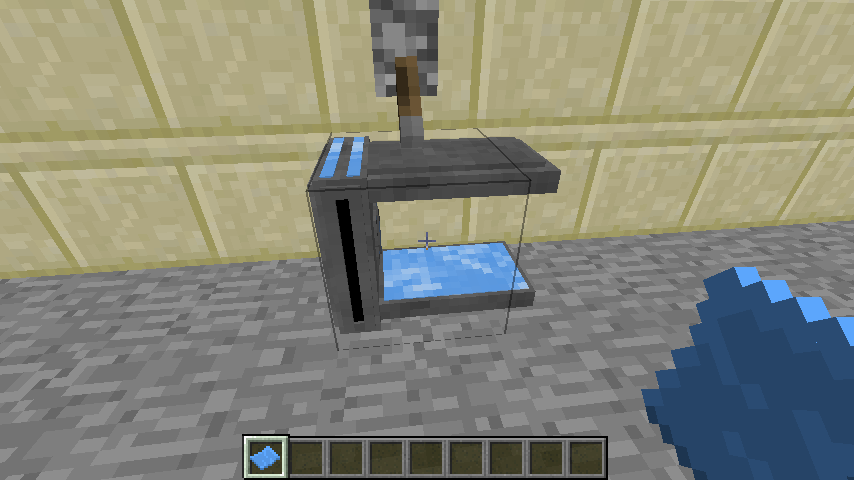
Once you've made it, place it down (preferably next to a redstone source) and right click it with the blueprint.
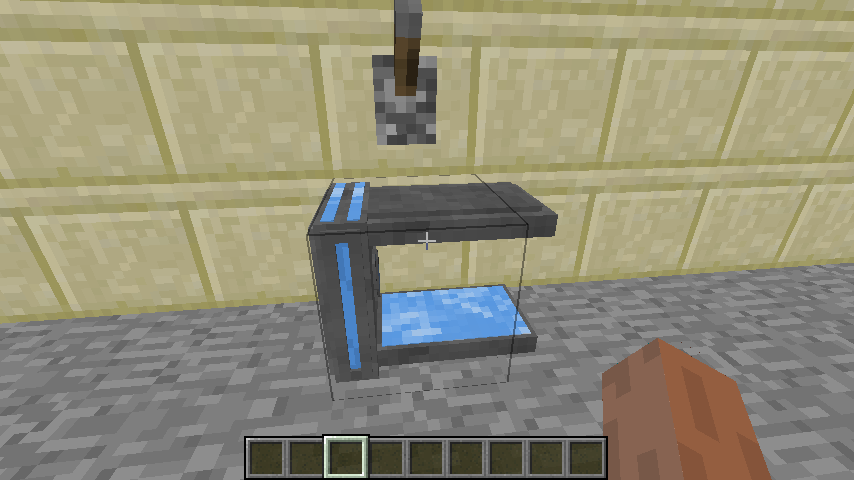
This places your blueprint in the printer. If you haven't powered the printer with redstone yet, do so now.
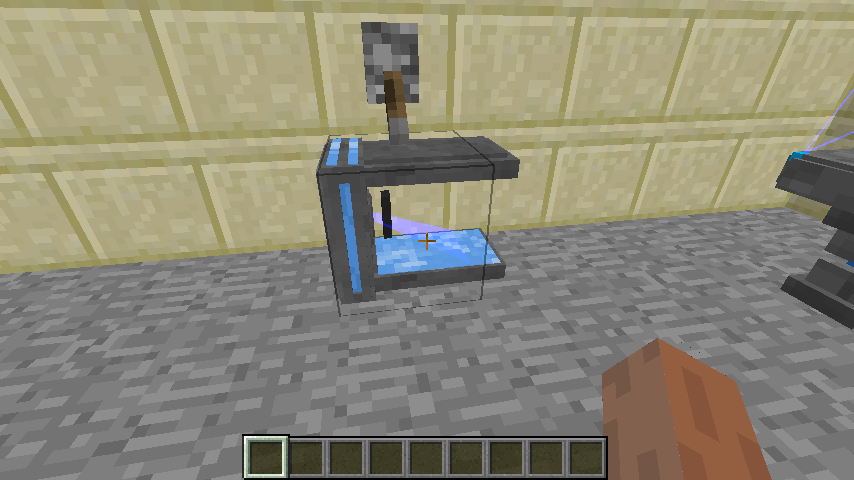
Once the blueprint is in and the printer is powered, it will start printing your gun! Depending on the size of the gun, this can be a long process, so you may want to do other things. Once your gun is complete, the printer will stop printing, and you can right click on it to retrieve your gun! (You can also shift + right click if you want your blueprint back)
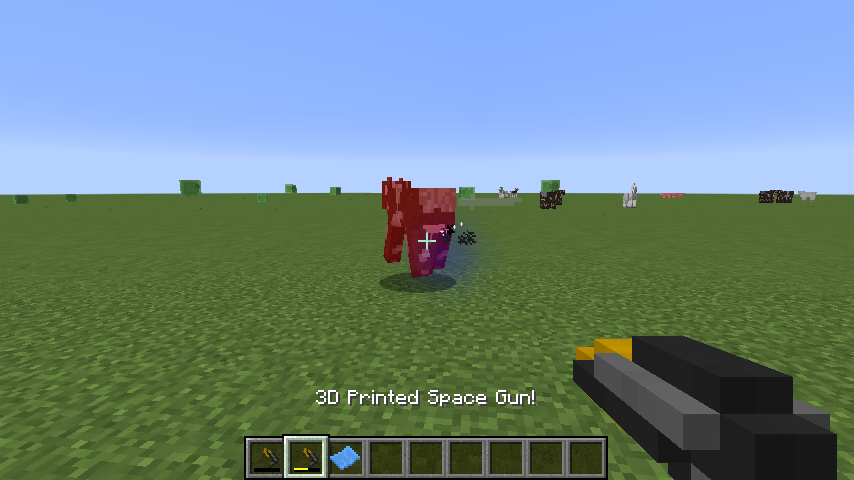
Your space gun works well for killing all sorts of things.
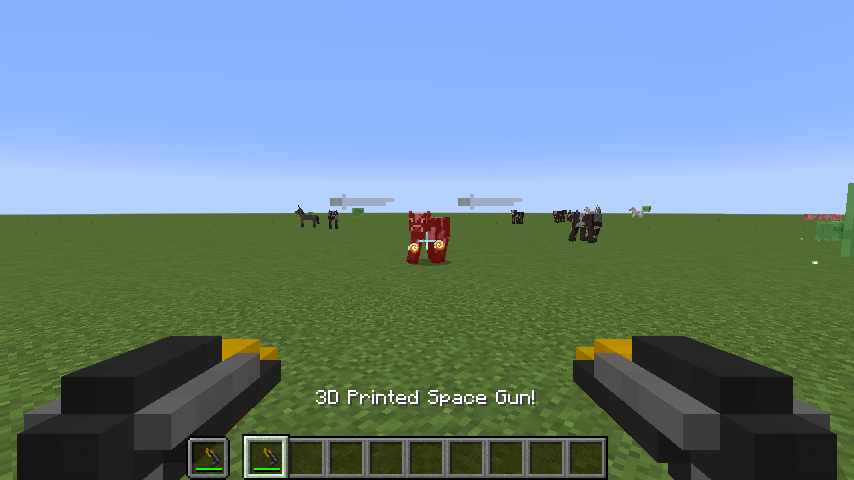
You can even dual wield them!

After a while, you may see that some of the ammo voxels on your gun aren't bright anymore. Their durability bar might also be going down. Both of these are indicators of your ammo level.
When all of your ammo voxels are dead, the gun is too, and you should make a new one! This time, try using different ratios of functions to get different effects!
Effects:
Fire Rate: Affects how quickly the gun fires.
Ammo: Affects the total amount of ammo the gun has available.
Damage: Increases the maximum damage, and the amount of ammo used per shot
Structure: Just for show, at least 1/4 of your gun needs to be made out of this.
Experiment with different combinations to make the space gun that you like best! But be careful, sometimes your printer might overheat....
Other:
You may notice some other features in the mod, namely the infinity stuff.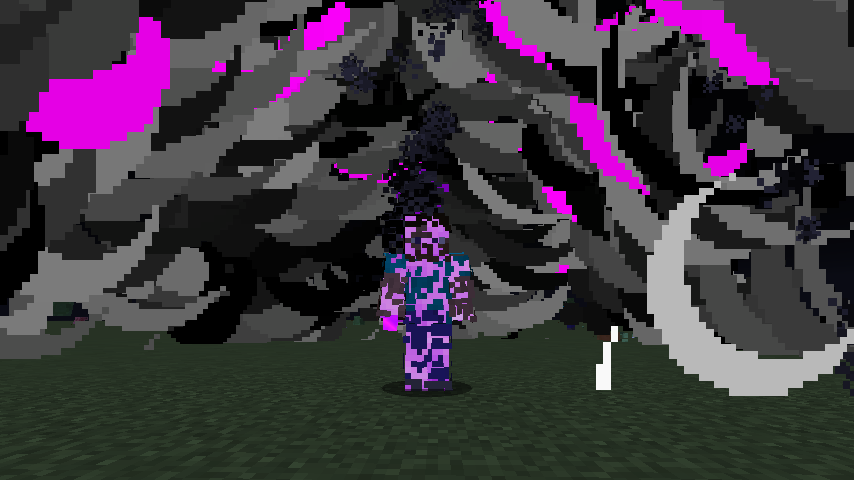
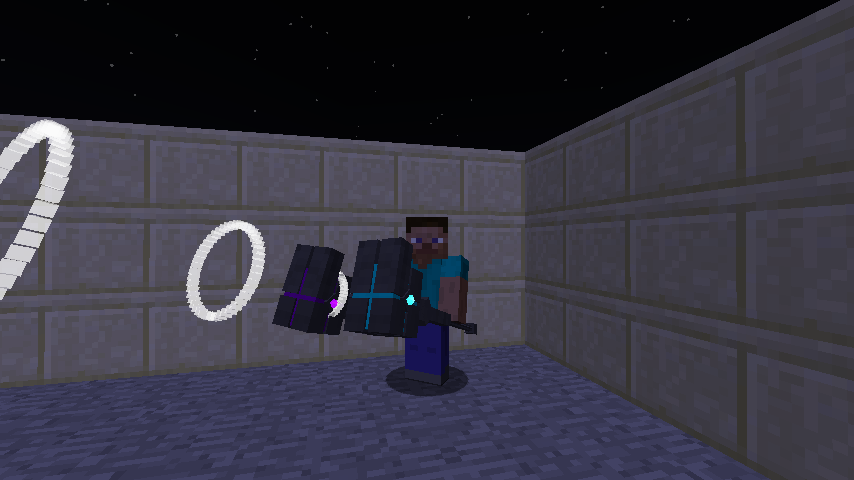
These are unfinished, but I didn't see a reason to take them out before the release. At the moment they're creative mode only.
Project description from CurseForge.
Pick your setup
Choose the version and loader you play, then open the matching release.
Check the dependencies, then try the file in a copied instance before changing a world you care about.
Recent files
star-tech-1.1.1.jar
28 May 2019
star-tech-1.1.jar
28 May 2019
star-tech-1.0.1.jar
3 Apr 2018
star-tech-1.0.jar
3 Apr 2018
Looking for an older file? The official CurseForge project page is in Resources.
 mod
modCryonUtil is a Minecraft 26.2 utility mod that adds automation, mobile mining, item transportation, lighting support, security systems, accessibility features, and special equipment for survival.
 mod
modInteract with job sites to locate or teleport villagers, or click on villagers to identify their current workplace,profession reset ,remove job,fire villager
 mod
modProvides position shields and some Construct to help you, with a variety of relevant attribute modification modules, allowing you to decide on your own powerful build.