U Team Core Needed by Music Player Music-Player-NeoForge-1.21.1-2.7.4.384
requiredMatching file found Matched file: U-Team-Core-NeoForge-1.21.1-5.6.2.384

CurseForge · Minecraft mod
Play music from many sources like youtube, soundcloud or radio livestreams
Quick answer
Music Player Music-Player-NeoForge-1.21.1-2.7.4.384 targets 1.21.1 with NeoForge. The project page does not say whether this file belongs on the client, dedicated server, or both. All 1 required mods have matching files.
Where it goes
The project page does not say whether this file belongs on the client, dedicated server, or both.
The source does not explicitly classify this release as client-only or server-only.
Music-Player-NeoForge-1.21.1-2.7.4.384. Change the file and its required mods may change too.
Install U Team Core first. We found matching files for this game-version and loader setup. 5 come through another mod in the chain.
5 extra mods were pulled in by other dependencies. Indented rows show who needs each one. We only count dependency files that match this setup. A file for another loader does not fill the gap.
Before you install it
Built for Music Player Music-Player-NeoForge-1.21.1-2.7.4.384. Pick another file and the loader, install side or required mods may change.
Use Music-Player-NeoForge-1.21.1-2.7.4.384. It targets 1.21.1 with NeoForge; another release may have different loader, side or dependency requirements.
Install U Team Core first. We found matching files for this game-version and loader setup. 5 come through another mod in the chain.
The project page does not say whether this file belongs on the client, dedicated server, or both.
Use the “Get this file” button beside Music-Player-NeoForge-1.21.1-2.7.4.384. It opens that exact file at the source.
About this project
With this mod you can listen to music and manage your playlist without using external programs.
Version 2.0.0 adds many new features! See the screenshots below.
This mod require uteamcore!
How to use this mod?
You can open the control playlist menu with F8. Also some other keybinds are there to pause and skip tracks. There you can create a playlist.
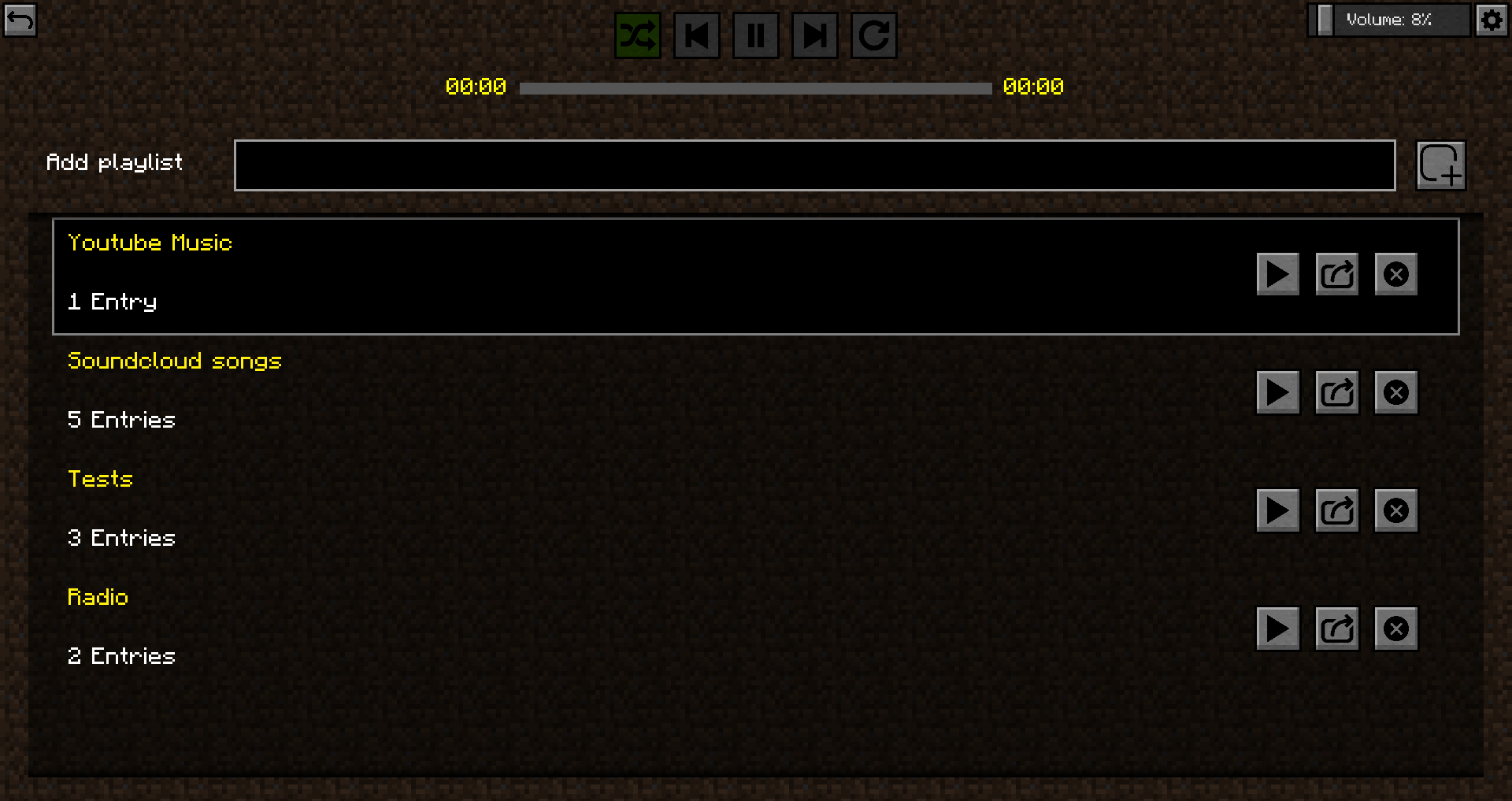
The playlist is now still empty.
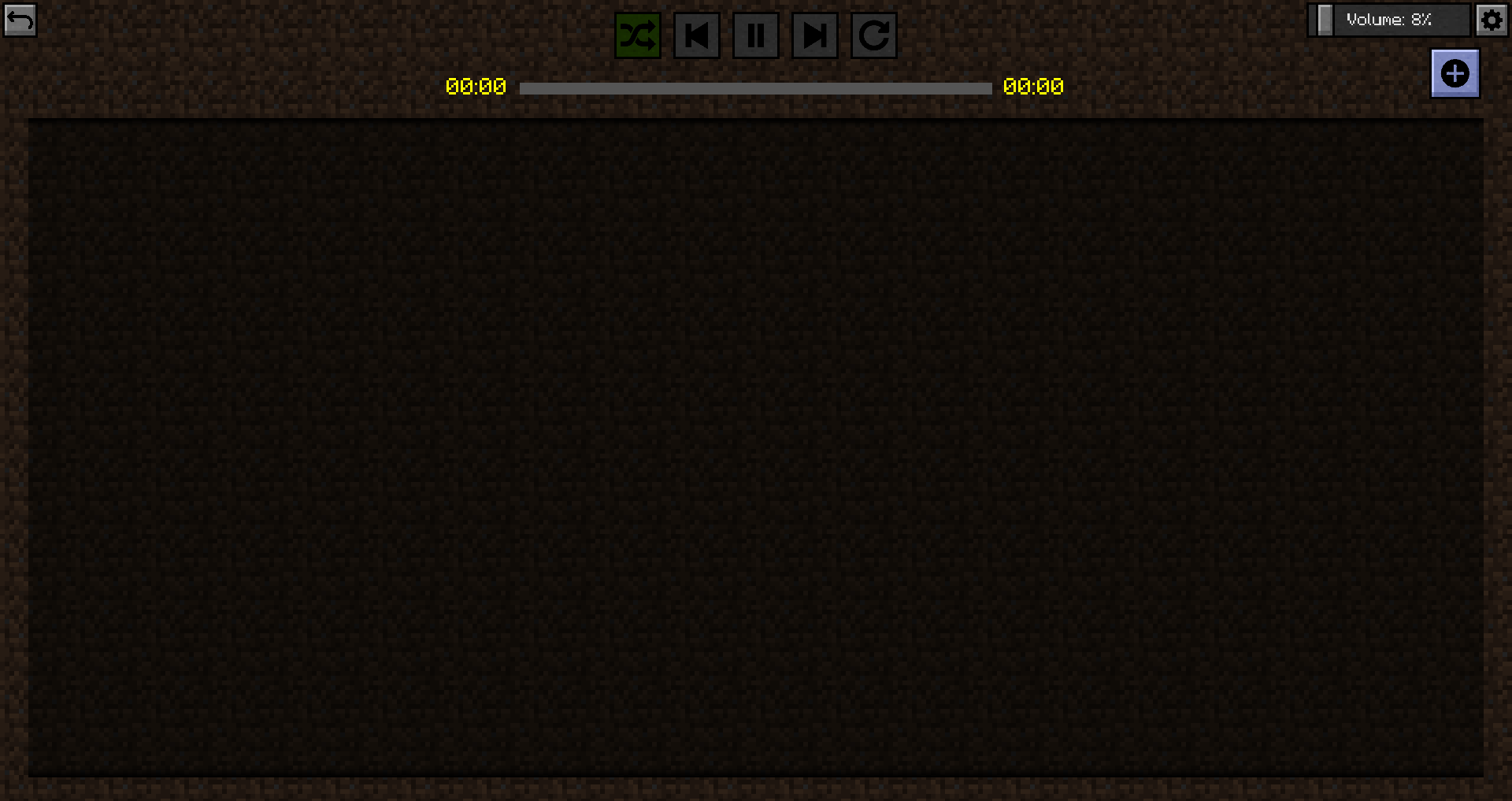
But we'll change that now!
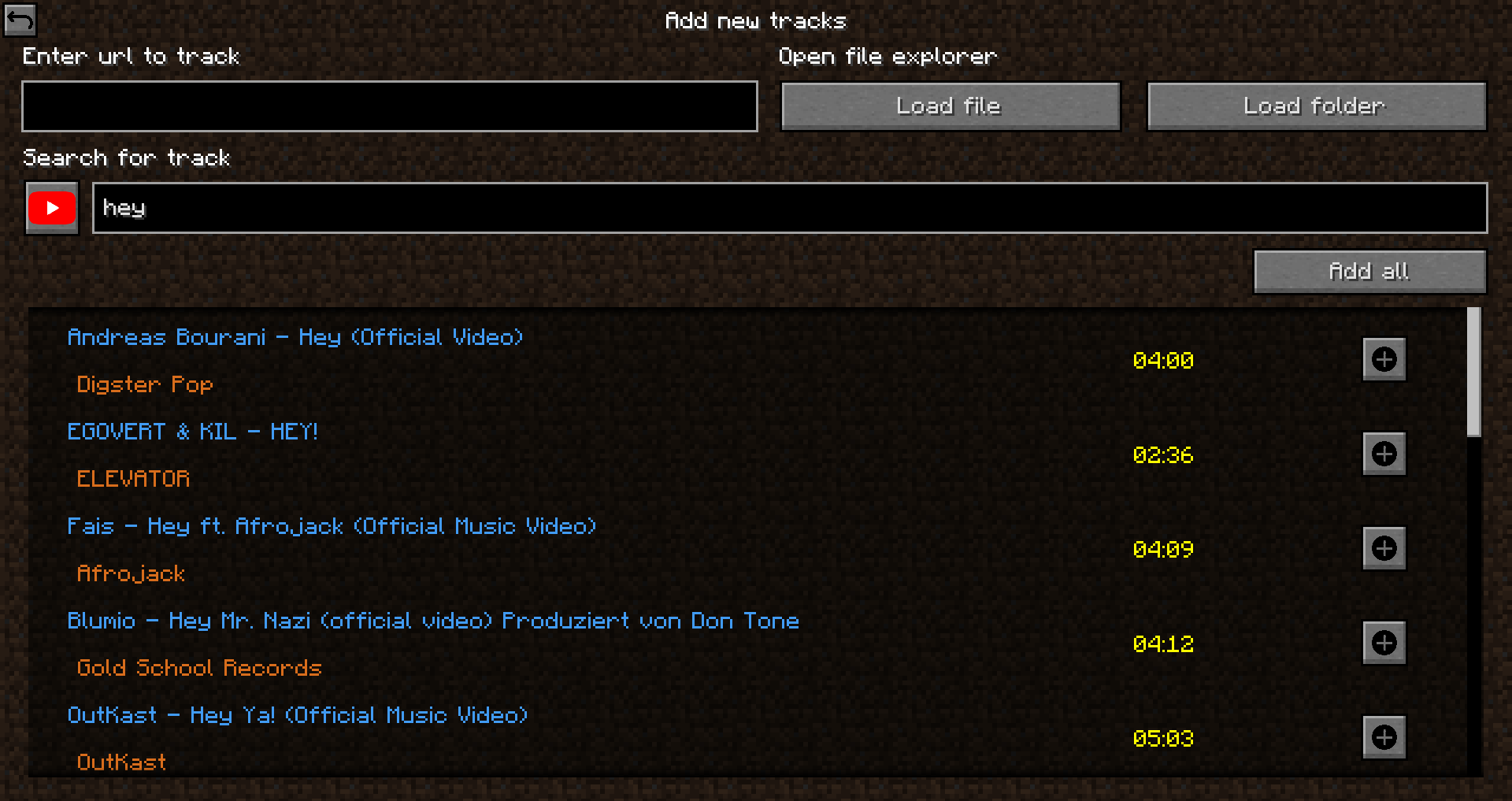
This player supports many sources (Thanks to sedmelluq for lavaplayer).
Supported sources are:
File formats:
You can either paste in the direct link or search on youtube or soundcloud for a song. Also you can load a single file or a whole folder with songs.
After they are loaded you must add them. You can choose which songs you wanna add or if you want to add all of them to the playlist.
Now you can go back and press play.
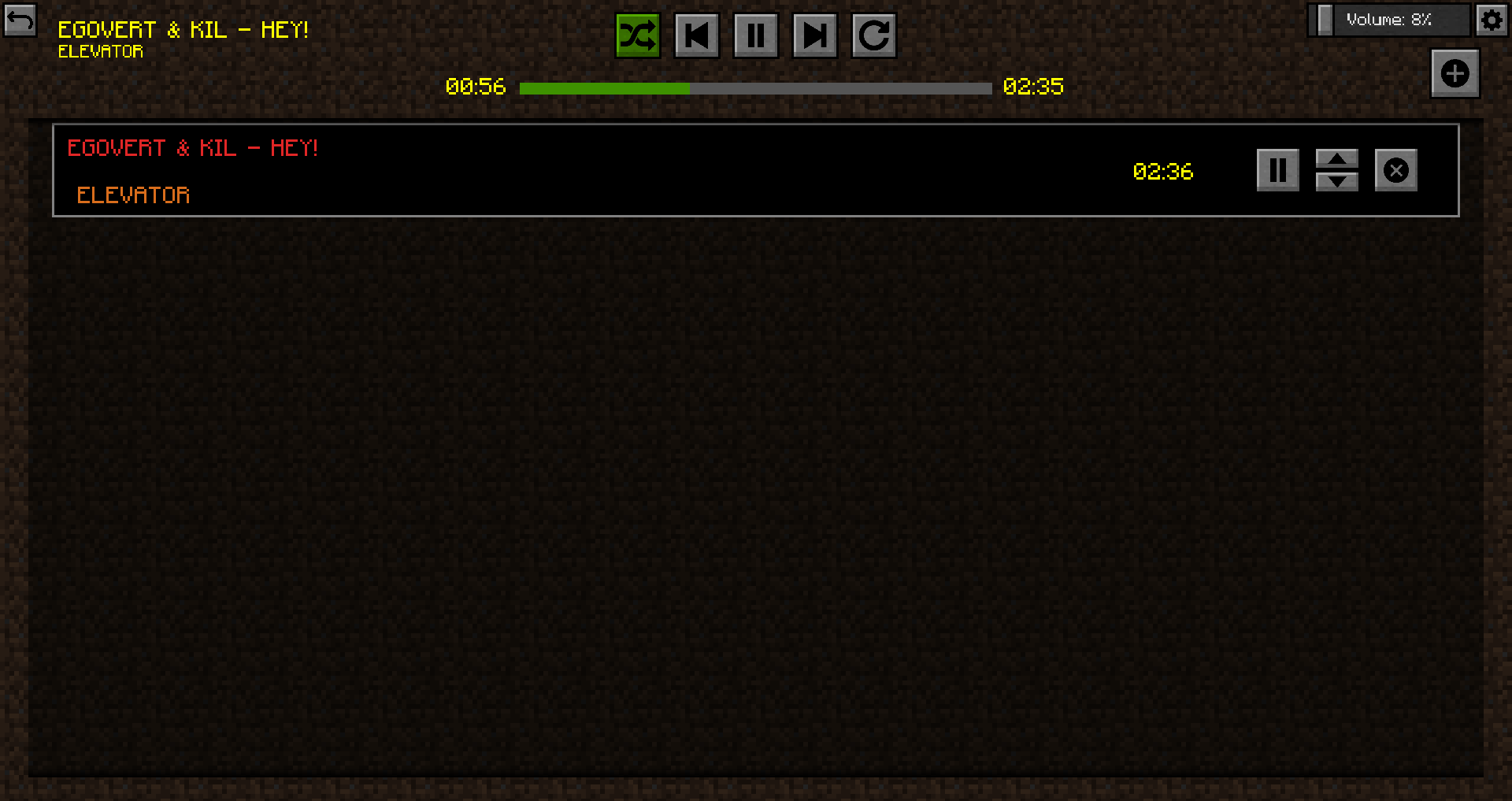
You can now set some options for the music player. The player supports shuffle mod, playlist repeat, single song repeat, skip forward and skip backward. Also you can pause the song and seek it if thats possible with clicking on the progressbar.
Ingame there is an overlay with some information.
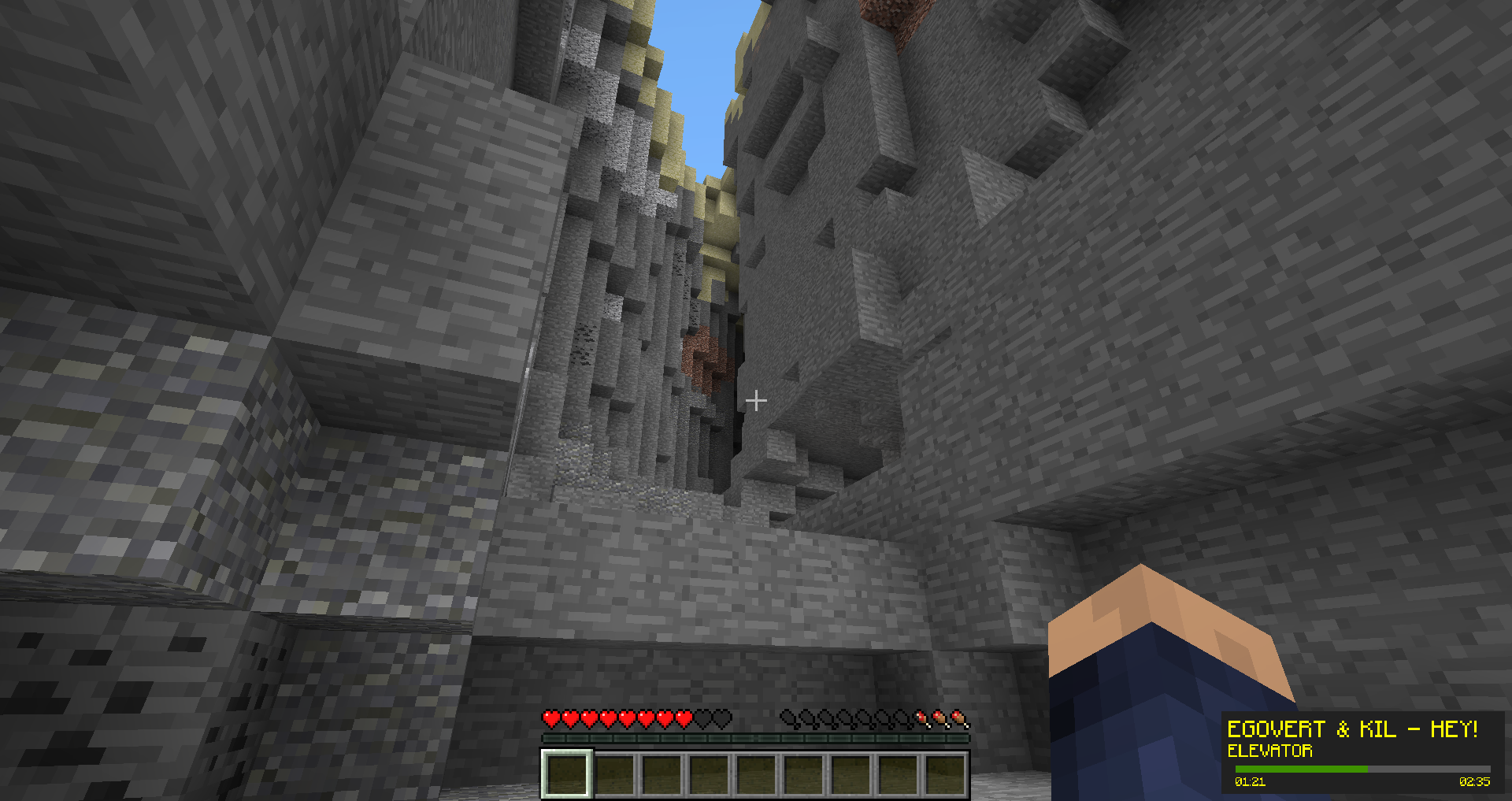
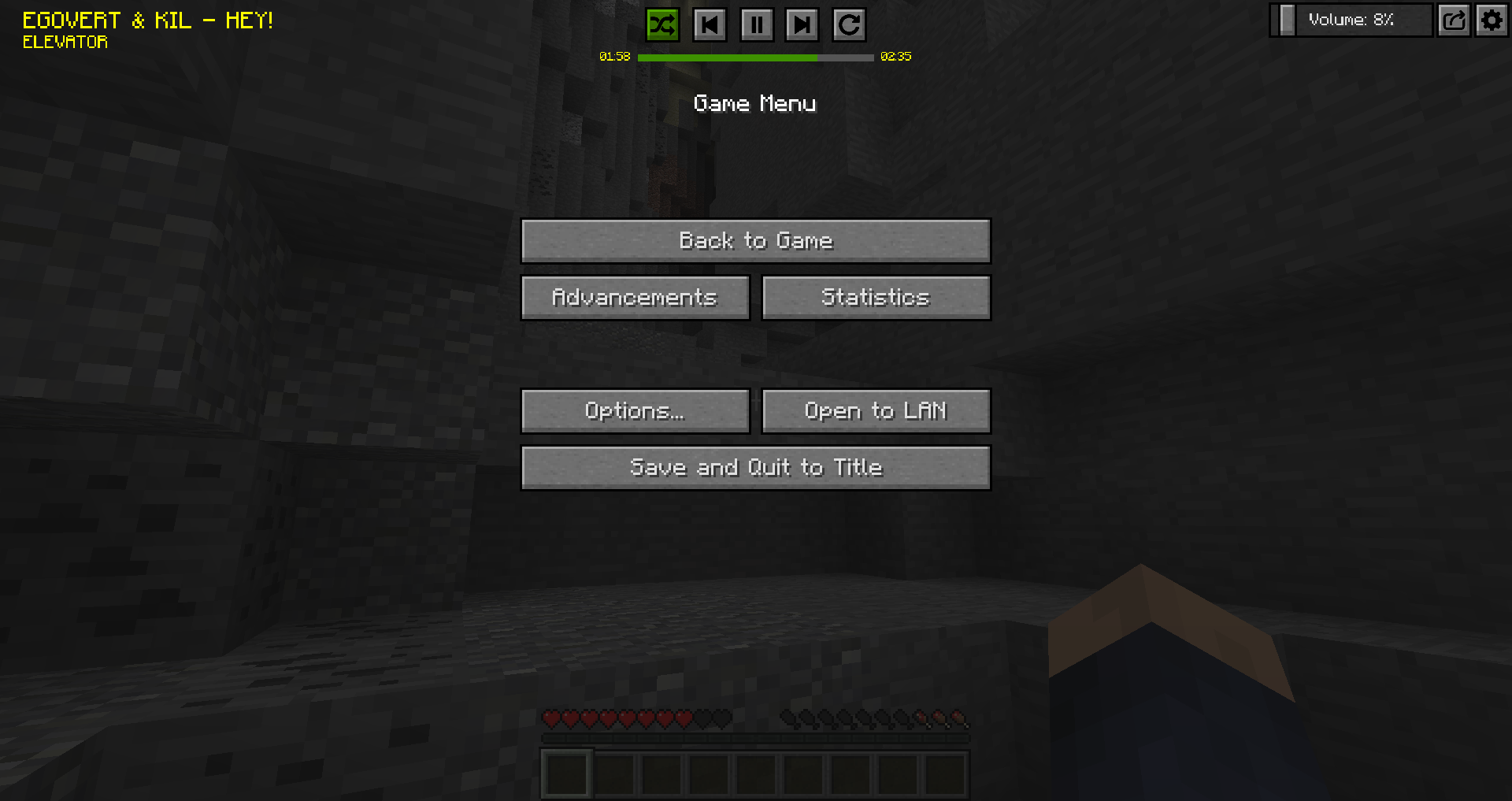
In the ingame menue you can toggle if you want the controls overlay there to quickly manage your music player.
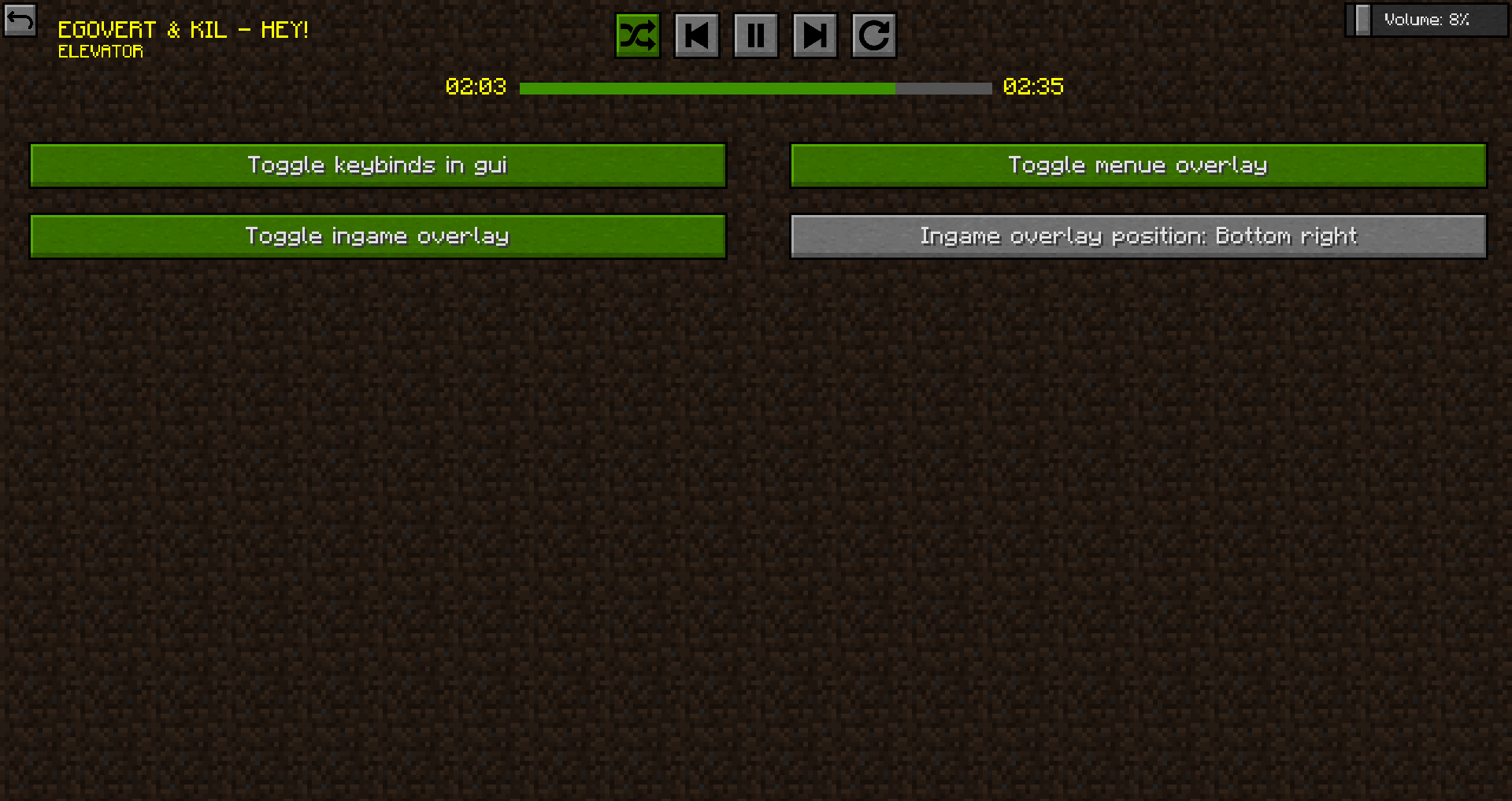
In the upper top right cornern there is a settings icon. In the settings menue you can toggle some things, e.g. keybinding in guis, menu overlay, ingame overlay and ingame overlay position.
This mod can be packed in every modpack you want :)
Sourcecode is linked above and is available under Apache License 2.0.
Report Bugs here: Issue Tracker on Github
Project description from CurseForge.
Pick your setup
Choose the version and loader you play, then open the matching release.
Check the dependencies, then try the file in a copied instance before changing a world you care about.
Recent files
music_player-neoforge-1.21.1-2.7.4.384.jar
25 Oct 2026
music_player-forge-1.21.1-2.7.4.384.jar
25 Oct 2026
music_player-fabric-1.21.1-2.7.4.384.jar
25 Oct 2026
music_player-neoforge-1.20.6-2.7.4.383.jar
25 Oct 2026
music_player-forge-1.20.6-2.7.4.383.jar
25 Oct 2026
music_player-fabric-1.20.6-2.7.4.383.jar
25 Oct 2026
music_player-forge-1.20.1-2.7.3.382.jar
25 Oct 2026
music_player-fabric-1.20.1-2.7.3.382.jar
25 Oct 2026
music_player-forge-1.19.4-2.6.3.381.jar
25 Oct 2026
music_player-fabric-1.19.4-2.6.3.381.jar
25 Oct 2026
music_player-forge-1.19.2-2.5.4.380.jar
25 Oct 2026
music_player-forge-1.18.2-2.3.7.379.jar
25 Oct 2026
Looking for an older file? The official CurseForge project page is in Resources.
 mod
modRustling Spots adds dynamic, world-driven “rustling spots” across the Overworld.
 mod
modAdds specific compatibility changes across various mods for the Desecrated modpack.
 mod
modLove Chinese mythology but all the other cultivation mods are low Minecraft versions? This Immortal Cultivation Mod (修仙) is a Minecraft mod that adds a Chinese fantasy cultivation system in Minecraft!