Just Enough Items (JEI) Optional for Little Additions LittleAdditions-1.6.jar
optionalMatching file found Matched file: 4.24.0.1042 for Forge 1.12.2
CurseForge · Minecraft mod
Improve your minecraft gaming experience
Quick answer
Little Additions LittleAdditions-1.6.jar targets 1.12.2. The project page does not say whether this file belongs on the client, dedicated server, or both. All 1 required mods have matching files.
Where it goes
The project page does not say whether this file belongs on the client, dedicated server, or both.
The source does not explicitly classify this release as client-only or server-only.
LittleAdditions-1.6.jar. Change the file and its required mods may change too.
Install Baubles first. We found matching files for this game-version and loader setup.
We only count dependency files that match this setup. A file for another loader does not fill the gap.
Before you install it
Built for Little Additions LittleAdditions-1.6.jar. Pick another file and the loader, install side or required mods may change.
Use LittleAdditions-1.6.jar. It targets 1.12.2; another release may have different loader, side or dependency requirements.
Install Baubles first. We found matching files for this game-version and loader setup.
The project page does not say whether this file belongs on the client, dedicated server, or both.
Use the “Get this file” button beside LittleAdditions-1.6.jar. It opens that exact file at the source.
About this project
Little Additions is all about adding useful things to Minecraft to make the game more fun and exciting. There are new ores and alloys for you to find and also new machines for you to play with. There is also a few Baubles which enhances your abilities.

Here are the new alloys which you can use for crafting or decoration
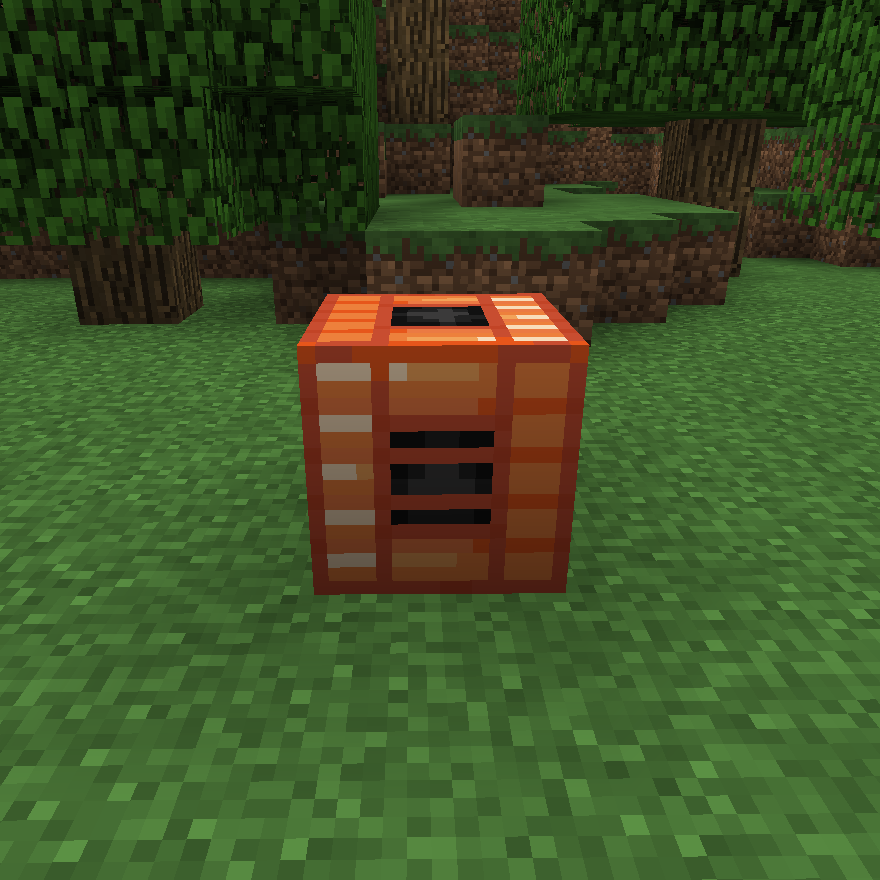
 These are the new machines. The Alloy Merger is used for making the advanced Alloys like Bronze and Electrum. The Crusher is used for crushing things like ores into dust. The Bronze Furnace is an improved normal furnace which smelts everything quicker.

The Walking Belt Bauble makes the player faster both when running and walking. The Magnet Charm Bauble makes the player able to pick up items from further away.
{width=1920 height=1017}
Tomato plants which give tomatoes used for Pizza!
Note!
It is recommended for first time users to play with JEIas it will help with all the recipes.
Installation
To install this mod you also need to install Baubles for it to work!
Feel free to use it in any of your cool modpacks!
Project description from CurseForge.
Pick your setup
Choose the version and loader you play, then open the matching release.
Check the dependencies, then try the file in a copied instance before changing a world you care about.
Recent files
13 Jun 2018
12 Jun 2018
12 Jun 2018
12 Jun 2018
12 Jun 2018
6 Jun 2018
Looking for an older file? The official CurseForge project page is in Resources.
 mod
A modern port of iChun's iconic Morph mod
 mod
A military technology mod with a Soviet aesthetic, featuring massive explosives with striking visual effects; ideal for PvP or PvE multiplayer with the “FUNGAL INFECTION: SPORE” mod—the main reason I created this mod.
 mod
Over 20 custom made superhero powers, combining multiple superhero mods into one integrated experience