Baubles Optional for Inventory Overlay InventoryOverlay-1.16.3-1.2.0-1.jar
optionalNo matching file

CurseForge · Minecraft mod
Adds in a nifty inventory overlay
Quick answer
Inventory Overlay InventoryOverlay-1.16.3-1.2.0-1.jar targets 1.16.3 with Forge. The project page does not say whether this file belongs on the client, dedicated server, or both. No extra mods listed for this file.
Where it goes
The project page does not say whether this file belongs on the client, dedicated server, or both.
The source does not explicitly classify this release as client-only or server-only.
InventoryOverlay-1.16.3-1.2.0-1.jar. Change the file and its required mods may change too.
This file does not list any required mods. Do not add a library just because a different file uses it.
We only count dependency files that match this setup. A file for another loader does not fill the gap.
Before you install it
Built for Inventory Overlay InventoryOverlay-1.16.3-1.2.0-1.jar. Pick another file and the loader, install side or required mods may change.
Use InventoryOverlay-1.16.3-1.2.0-1.jar. It targets 1.16.3 with Forge; another release may have different loader, side or dependency requirements.
This file does not list any required mods. Do not add a library just because a different file uses it.
The project page does not say whether this file belongs on the client, dedicated server, or both.
Use the “Get this file” button beside InventoryOverlay-1.16.3-1.2.0-1.jar. It opens that exact file at the source.
About this project
This extremely lightweight client-side mod adds in a super useful inventory overlay when you press the grave ( `) key (reconfigurable)!
This allows you to view your inventory contents on the fly without having to painstakingly open it up and check it!
Here's a few examples of Inventory Overlay in action:
The opacity is configurable as well!
This mod was made because I was too used to games where pressing the TAB key would give you some sort of information, and felt like Minecraft was lacking it!
If you like the mod, feel free to comment and suggest improvements!
You can put the mod in a modpack without asking!
Check out my other mods: Blood Arsenal, Virtual Machines, Sleep
I can usually be found hanging out in the Blood Magic Discord server if you ever want to contact me, or you can just do it via Twitter!
Project description from CurseForge.
Pick your setup
Choose the version and loader you play, then open the matching release.
Check the dependencies, then try the file in a copied instance before changing a world you care about.
Recent files
16 Nov 2020
22 Mar 2020
20 Jul 2018
13 Jul 2018
Looking for an older file? The official CurseForge project page is in Resources.
 mod
Just A Ore Processing Compatibility Attempt
 mod
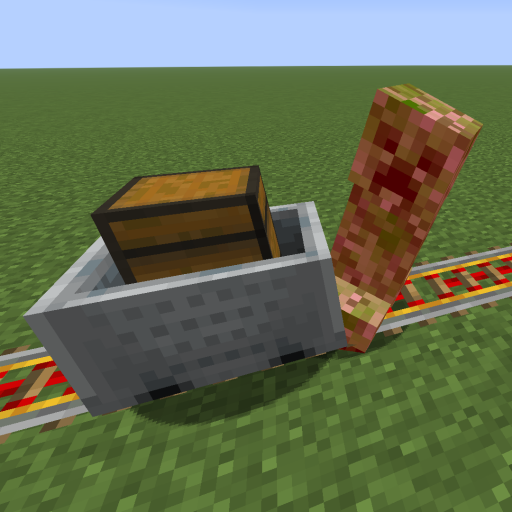
This mod increases damage to moving minecarts; the faster they move, the higher the damage, with virtually no damage limit!
 mod
A to-do list next to your inventory: notes and item goals that count up as you collect. Works in any modpack, with any mods.