Minecraft version
Back to mods 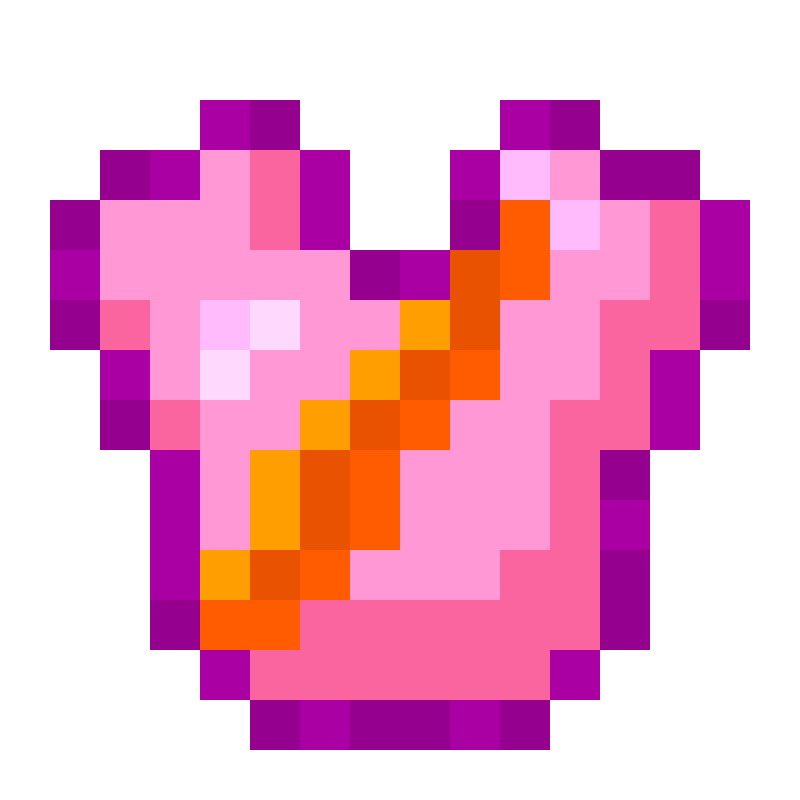
CurseForge · Minecraft mod
Jazzium
Adds an exciting new tier of items above diamond to the Minecraft world.
Choose a version Pick your version below, then grab the matching file.
Quick answer
Which Jazzium release should I use?
beta file Jazzium-1.12.2-v1.2.jar
Game version 1.12.2
Loader Not required
Jazzium-1.12.2-v1.2.jar targets 1.12.2. The project page does not say whether this file belongs on the client, dedicated server, or both. No extra mods listed for this file.
Where it goes
Is Jazzium required on the client, server, or both?
The project page does not say whether this file belongs on the client, dedicated server, or both.
Client Source doesn’t say
Dedicated server Source doesn’t say
Loader for this release No loader listed
Required install it here Optional supported, not mandatory Not supported do not install here Source doesn’t say do not assume
The source does not explicitly classify this release as client-only or server-only.
What else does Jazzium-1.12.2-v1.2.jar need?
Jazzium-1.12.2-v1.2.jar. Change the file and its required mods may change too.
This file does not list any required mods. Do not add a library just because a different file uses it.
This file does not list any required or optional mods.
Before you install it
Add Jazzium without breaking your instance.
Built for Jazzium-1.12.2-v1.2.jar. Pick another file and the loader, install side or required mods may change.
- 01
Stick to this file
Use Jazzium-1.12.2-v1.2.jar. It targets 1.12.2; another release may have different loader, side or dependency requirements.
- 02
Bring the mods it needs
This file does not list any required mods. Do not add a library just because a different file uses it.
- 03
Put it on the correct side
The project page does not say whether this file belongs on the client, dedicated server, or both.
- 04
Pick the file you checked
Use the “Get this file” button beside Jazzium-1.12.2-v1.2.jar. It opens that exact file at the source.
About this project
What does Jazzium add?
Jazzium: It's strong, fancy, and hard to obtain!
Step 1: Locate some Jazzium Ore in the Nether

Step 2: Mine it with a Diamond Pickaxe or better
Step 3: Smelt the ore into Jazzium Ingots
Step 4: Combine the ingots with Blaze Powder to create Flamed Jazzium Ingots
Step 5: Craft Tools and Armor with the Flamed Jazzium Ingots
(Note: the tools require blaze rods instead of sticks!)
Project description from CurseForge.
Pick your setup
Jazzium by Minecraft version and loader
Choose the version and loader you play, then open the matching release.
Check the dependencies, then try the file in a copied instance before changing a world you care about.
Recent files
Jazzium versions and loaders
Jazzium-1.12.2-v1.2.jar
16 Jul 2018
Client Source doesn’t say Server Source doesn’t say Dependencies No extras listed Listed on Release listing
Check the 1.12.2 setup 1.12.2 beta
Jazzium-1.12.2-v1.1.jar
14 Jul 2018
Client Source doesn’t say Server Source doesn’t say Dependencies No extras listed Listed on Release listing
Check the 1.12.2 setup 1.12.2 beta
Looking for an older file? The official CurseForge project page is in Resources.
 mod
CurseForge · Minecraft
Range's Mining and Equipment and cave generation.
Changes cave generation, removes vanilla ores and replaces with new Metal based ores that spawn in veins, adds equipment for these items Armor customization system to change how equipment looks..
 mod
CurseForge · Minecraft
Lucky block X
(?????????????????) You were searching through the mod page until you found this.. cool item
 mod
CurseForge · Minecraft
Hold Drop to Throw KKP
Hold Q to throw anything you hold. Weapons spin, stick in walls and keep their enchantments; blocks place themselves; headshots hit harder; a lead lassos and food feeds animals. Every rule is set on F6 or in a server file. Tap Q still drops.