UnionLib Needed by Controller Support Mod 1.20.1-9.0.3-Fabric
requiredNo matching file

Modrinth · Minecraft mod
Grants you the ability to play Minecraft with a controller with friends
Quick answer
Controller Support Mod 1.20.1-9.0.3-Fabric targets 1.20, 1.20.1 with Fabric. It must be installed on the client. Do not install it on the dedicated server. 1 required mod needs a matching file.
Where it goes
It must be installed on the client. Do not install it on the dedicated server.
This file is marked client-only.
1.20.1-9.0.3-Fabric on 1.20 Fabric. Every mod below is checked against that same setup.
Install UnionLib first, but 1 required mod has no matching file for this setup. Do not mix loader builds to force a match.
We only count dependency files that match this setup. A file for another loader does not fill the gap.
Before you install it
Built for Controller Support Mod 1.20.1-9.0.3-Fabric on 1.20 Fabric. Pick another file and the loader, install side or required mods may change.
Use 1.20.1-9.0.3-Fabric. It targets 1.20, 1.20.1 with Fabric; another release may have different loader, side or dependency requirements.
Install UnionLib first, but 1 required mod has no matching file for this setup. Do not mix loader builds to force a match.
It must be installed on the client. Do not install it on the dedicated server.
Use the “Get this file” button beside 1.20.1-9.0.3-Fabric. It opens that exact file at the source.
About this project
This is a mod that allows you to experience Minecraft with your favorite controller and also allows you to play Minecraft in a split-screen fashion as long as your computer can handle it. All you need to do is plug in your controller, go to either the in-game or main menu, click on the controller button and enable your controller from the GUI then setup your controller whichever way you feel like. There is no default configuration as there are millions of controllers with different settings, so you'd really have to set what button does what on your first go. It also supports modded keybinds, but when adding and removing mods, the modded binds can get a little messy, so I suggest you figure out the mods you want to add then do map to their keybinds. In order to set up split-screen, follow the steps in this link to set up Minecraft with one or Multiple accounts, remove the borders, and position the Minecraft instances in the perfect way. Any issues should be reported in the issue tracker of the mod.


Project description from Modrinth.
Pick your setup
Choose the version and loader you play, then open the matching release.
Check the dependencies, then try the file in a copied instance before changing a world you care about.
Recent files
Controller Support-1.20.1-9.0.3-Fabric.jar
1 Nov 2023
Controller Support-1.20.1-9.0.2-Fabric.jar
14 Sept 2023
Controller Support-1.20.1-9.0.1-Fabric.jar
5 Sept 2023
Looking for an older file? The official Modrinth project page is in Resources.
 mod
Don’t mess with the server Play Minecraft with your friends in 2 clicks via P2P
 mod
Highlight improves the Minecraft selection/highlight boxes visually to make them look better.
 mod
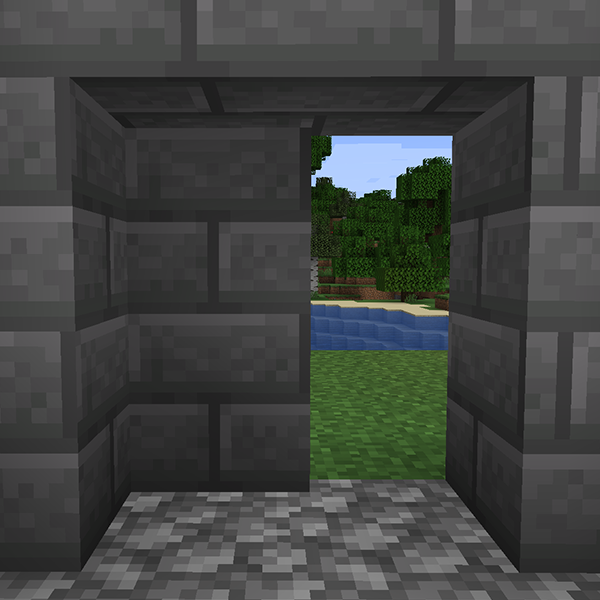
Secret Blocks adds blocks that take the look of the blocks around them. Use them to build hidden rooms, secret doors, traps and redstone that nobody can see.