Mod Menu Optional for CISTierTagger 1.2.0+26.1
optionalMatching file found Matched file: 18.0.2

Modrinth · Minecraft mod
The official tier display mod for CISTiers
Quick answer
CISTierTagger 1.2.0+26.1 targets 26.1 with Fabric, Quilt. It must be installed on the client. Do not install it on the dedicated server. All 1 required mods have matching files.
Where it goes
It must be installed on the client. Do not install it on the dedicated server.
This file is marked client-only.
1.2.0+26.1 on 26.1. Every mod below is checked against that same setup.
Install Fabric API first. We found matching files for this game-version and loader setup. 1 comes through another mod in the chain.
1 extra mod was pulled in by another dependency. Indented rows show who needs each one. We only count dependency files that match this setup. A file for another loader does not fill the gap.
Before you install it
Built for CISTierTagger 1.2.0+26.1 on 26.1. Pick another file and the loader, install side or required mods may change.
Use 1.2.0+26.1. It targets 26.1 with Fabric, Quilt; another release may have different loader, side or dependency requirements.
Install Fabric API first. We found matching files for this game-version and loader setup. 1 comes through another mod in the chain.
It must be installed on the client. Do not install it on the dedicated server.
Use the “Get this file” button beside 1.2.0+26.1. It opens that exact file at the source.
About this project
English | Русский
The official tier display mod for CISTiers
CISTierTagger is a mod designed to display a player’s tier in various game modes based on the cistiers.com ranking within the game.
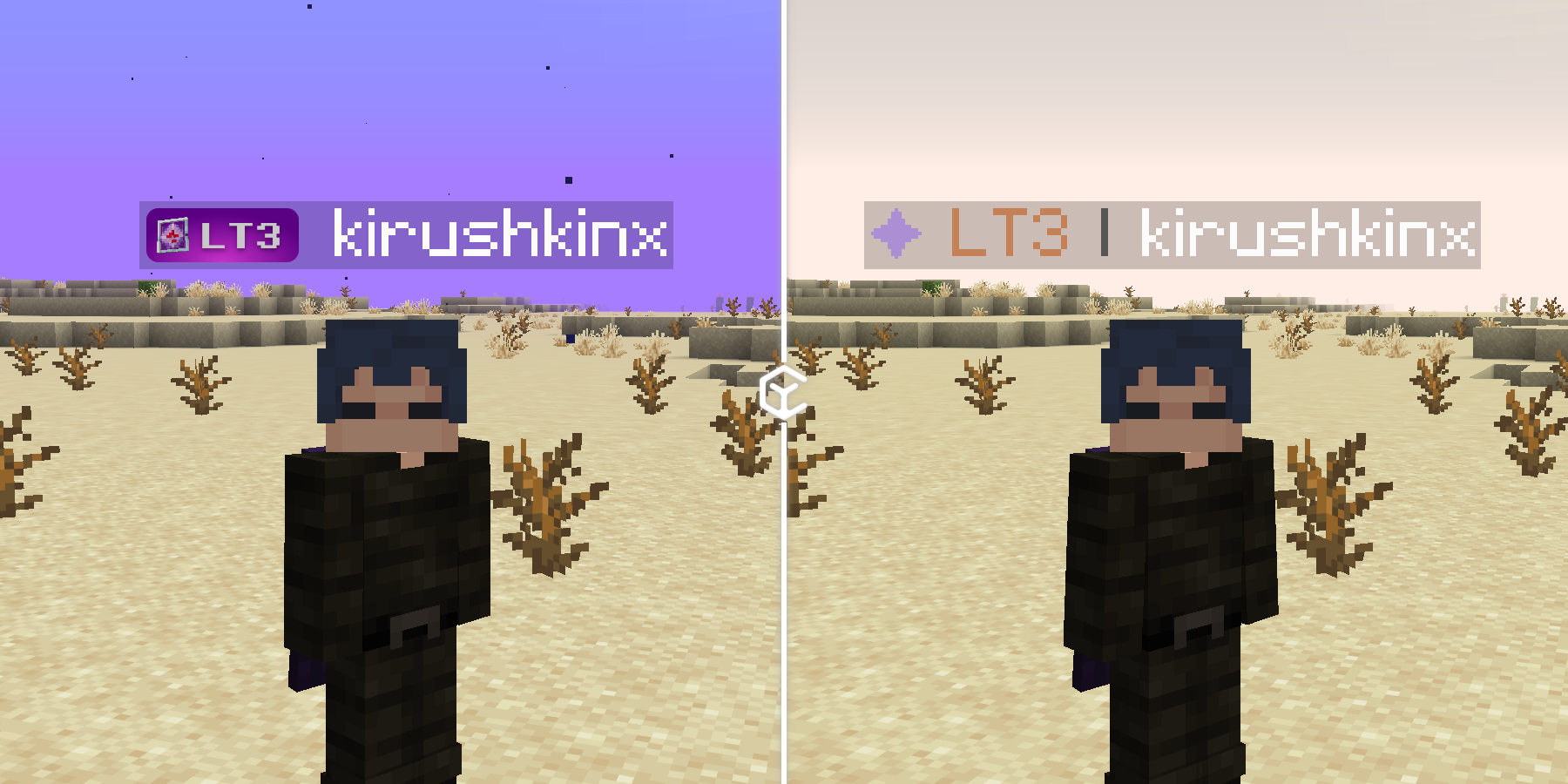
Customize the display by opening the mod’s configuration via ModMenu or by using the /cistier command.
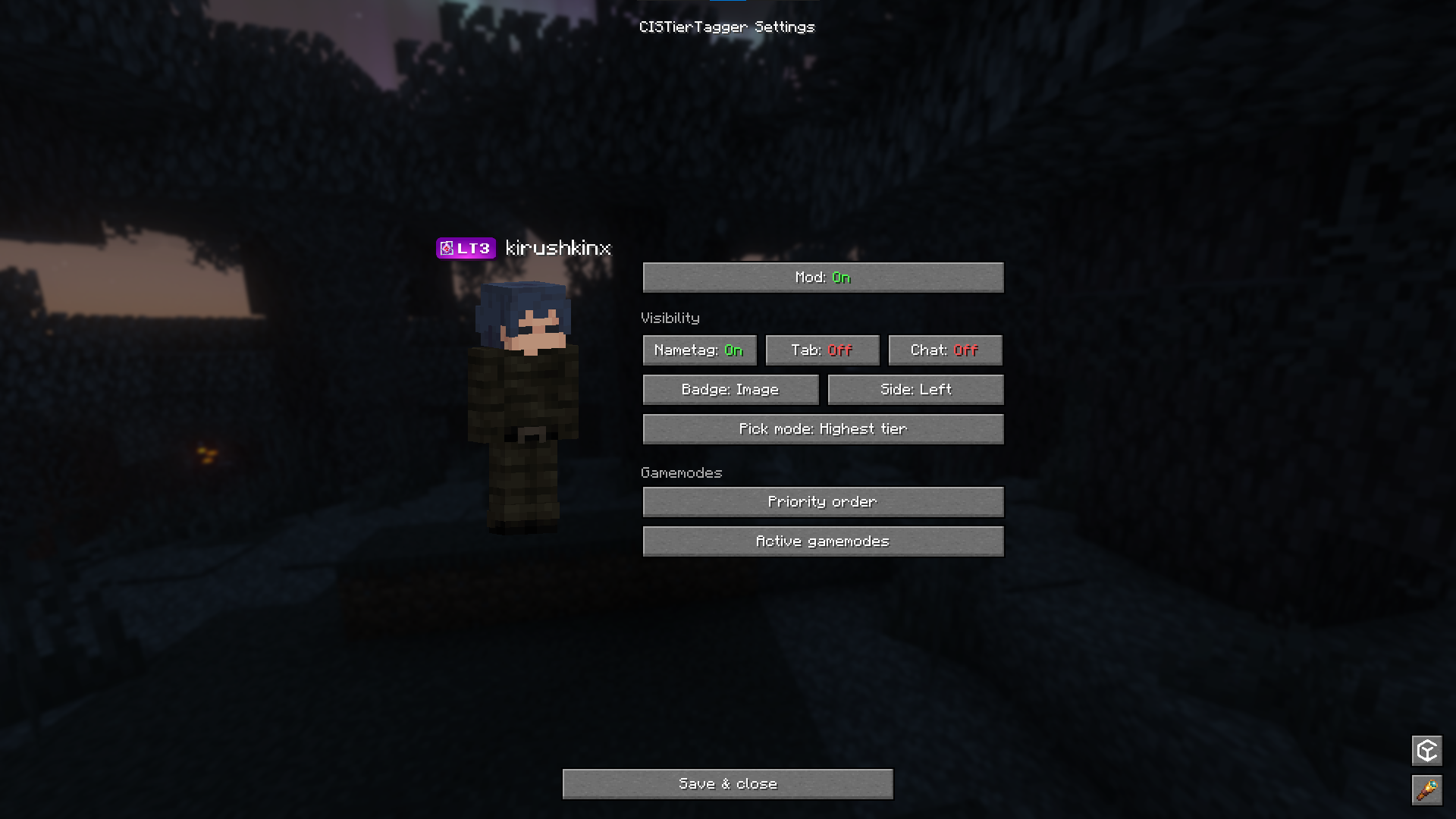
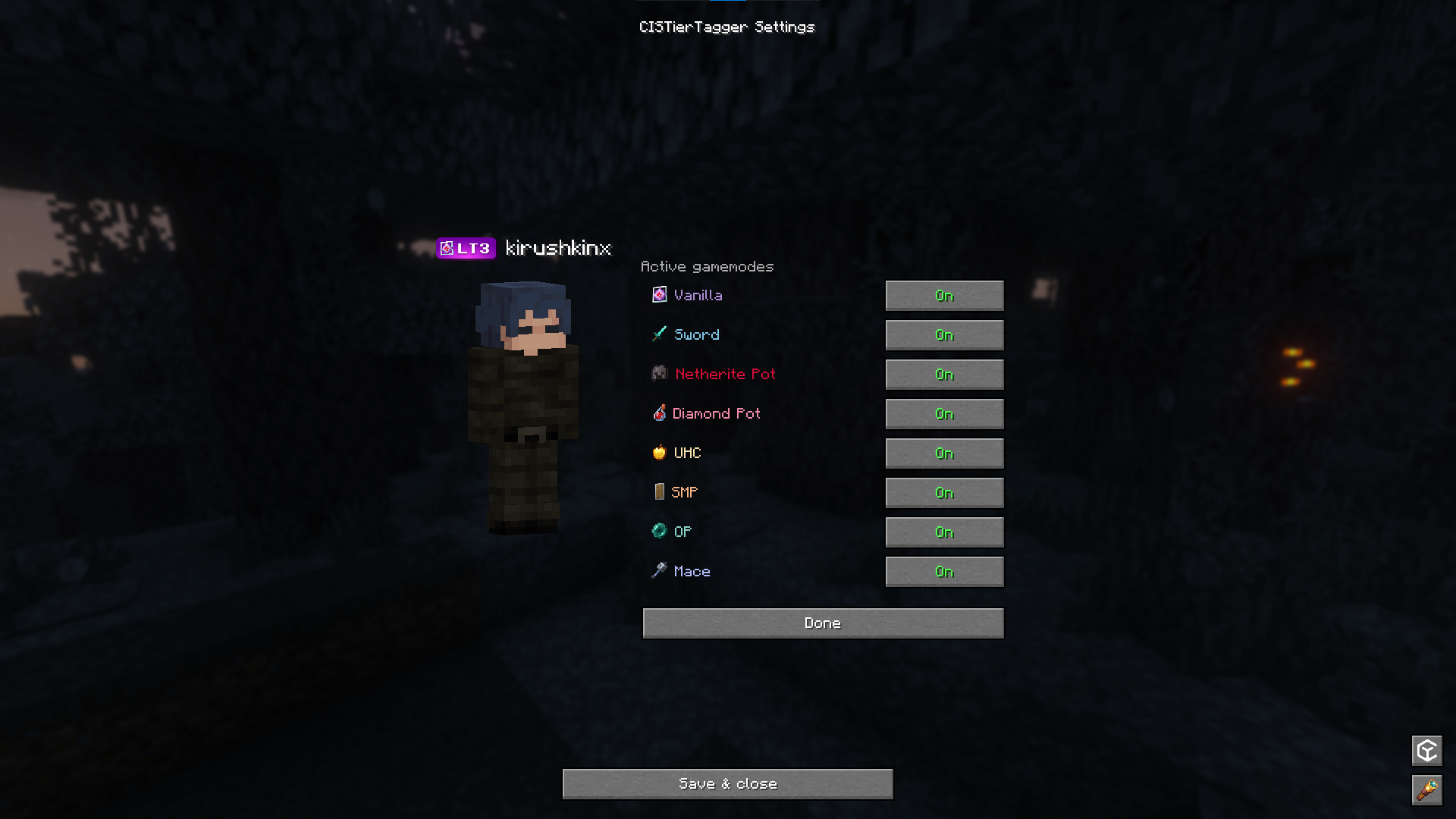
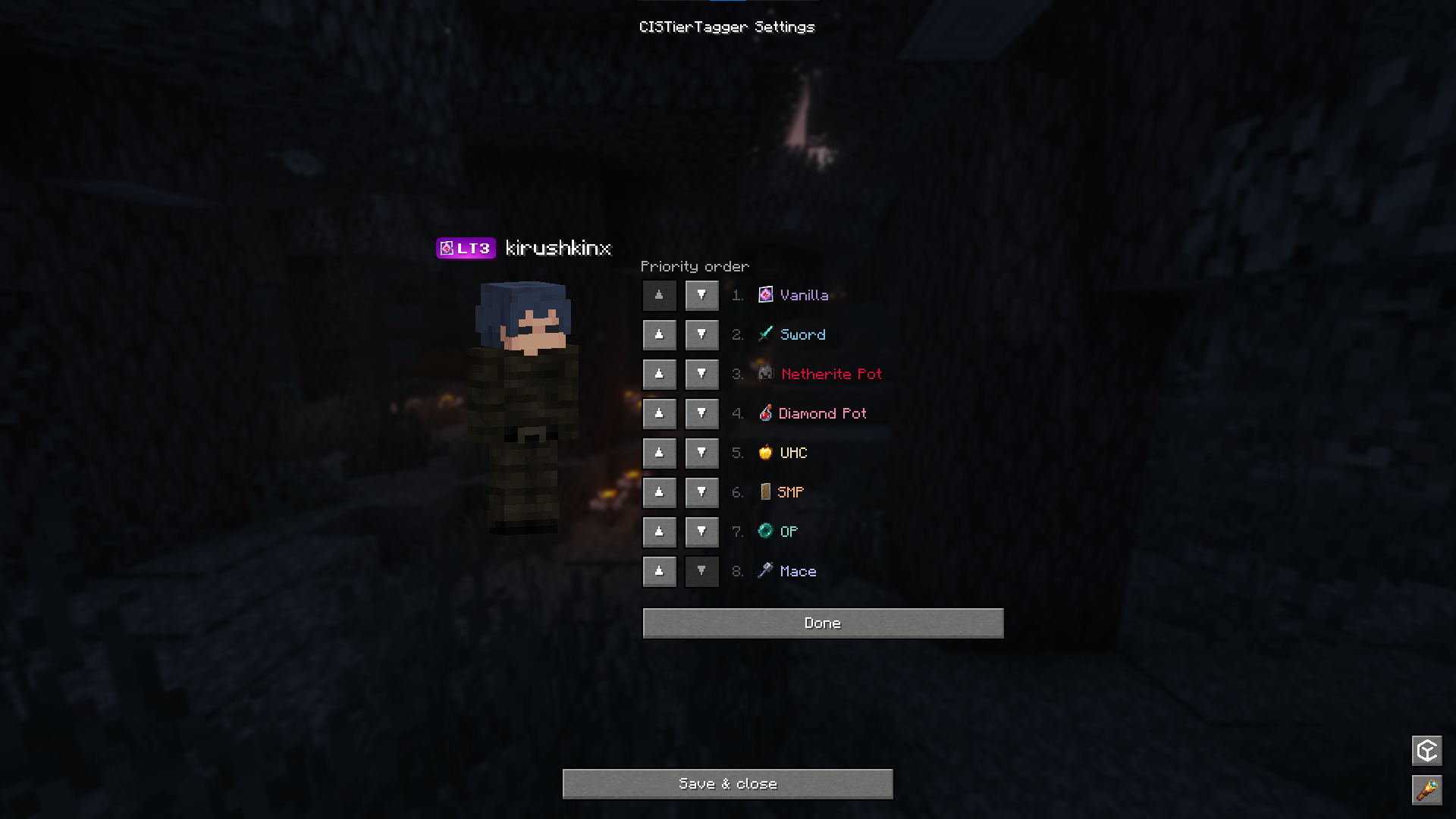
The mod also allows you to search for players on the leaderboard using the search field in the /cistier search menu or to view a specific player’s profile using the command /cistier <nickname>.
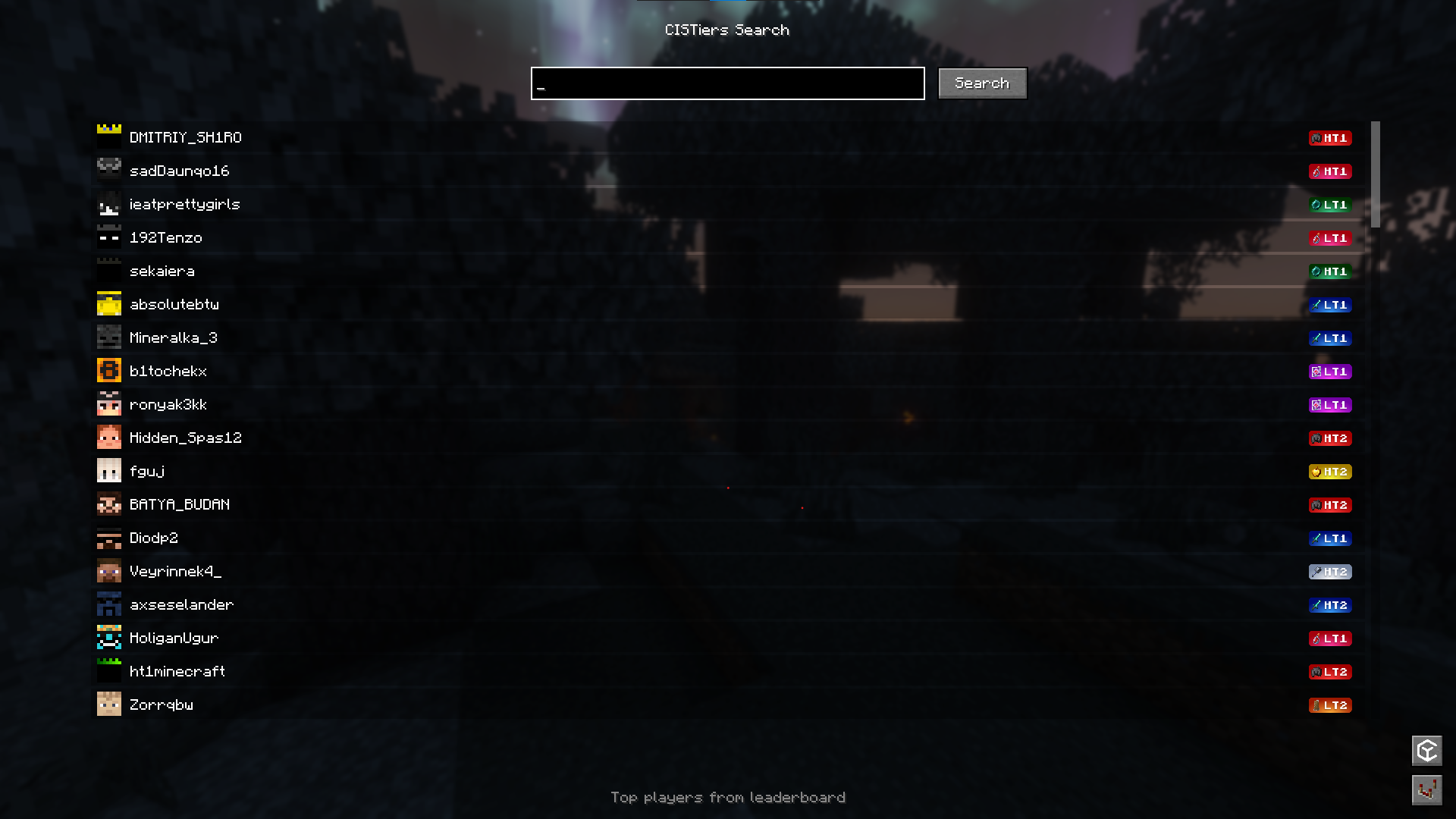
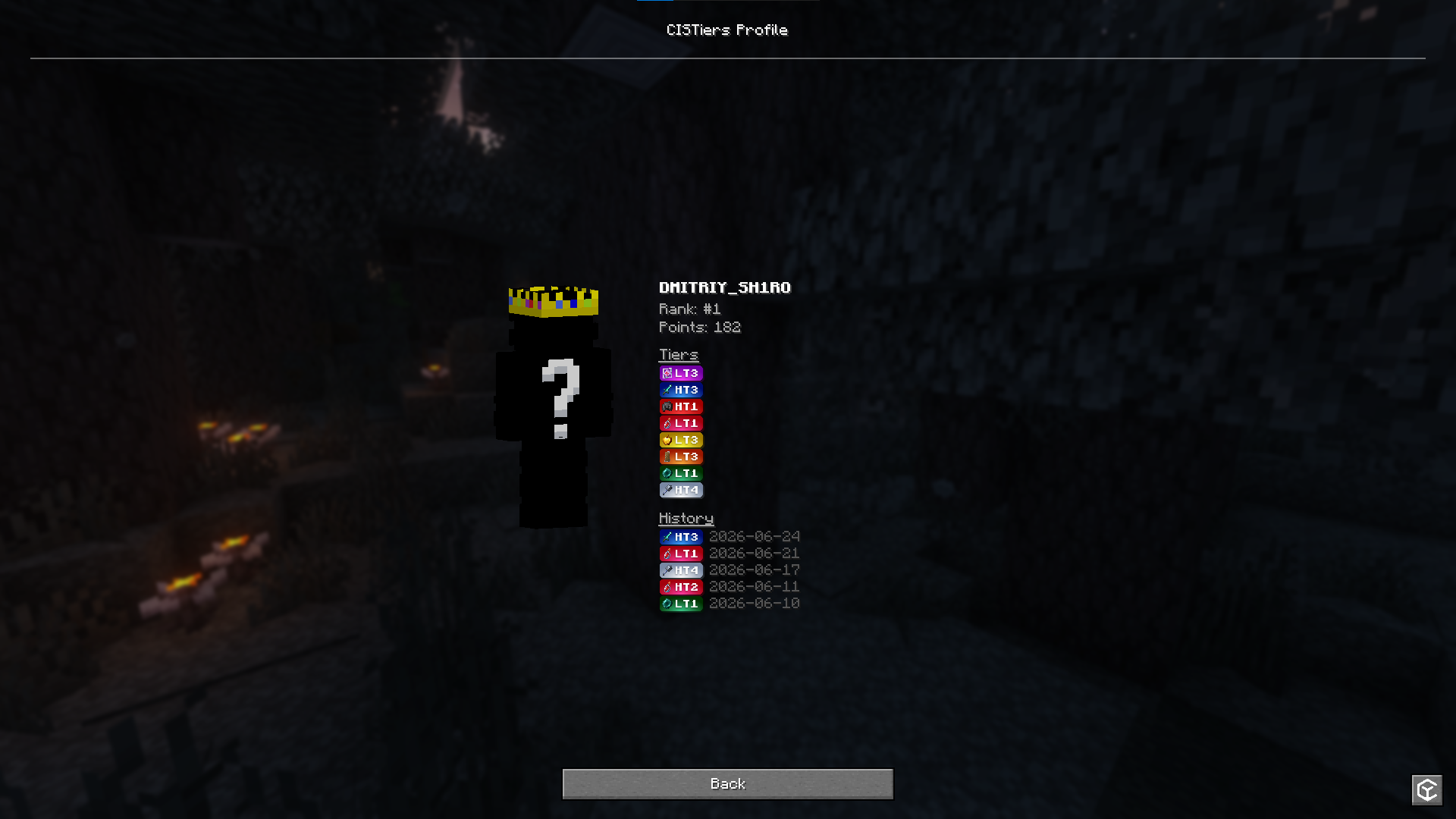
/cistier <nickname> opens the full profile (rank, points, levels, history).This project is distributed under the GPL-3.0 license.
Project description from Modrinth.
Pick your setup
Choose the version and loader you play, then open the matching release.
Showing the newest 12 of 21 game versions. Older files are in the list below.
Check the dependencies, then try the file in a copied instance before changing a world you care about.
Recent files
cistiertagger-1.2.0+26.1.jar
24 Oct 2026
cistiertagger-1.1.0+26.1.jar
9 Oct 2026
cistiertagger-1.0.0+26.1.jar
11 Aug 2026
Looking for an older file? The official Modrinth project page is in Resources.
 mod
Upgradeable Tool Belt with intuitive quick-swap, Curios API/Trinkets integration and more!
 mod
Free Fabric PvP client with 80+ modules, own capes, minimap, motion blur and a modern ClickGUI
 mod
An ultra-compatible, functional, and stable TPA mod