Fabric API Needed by linear-fabric-1.21.1-2.0.0
requiredMatching file found Matched file: [1.21.1] Fabric API 0.116.18+1.21.1
CurseForge · Minecraft mod
Linear enhances building in Minecraft
Quick answer
linear-fabric-1.21.1-2.0.0 targets 1.21.1 with Fabric. The project page does not say whether this file belongs on the client, dedicated server, or both. All 1 required mods have matching files.
Where it goes
The project page does not say whether this file belongs on the client, dedicated server, or both.
The source does not explicitly classify this release as client-only or server-only.
linear-fabric-1.21.1-2.0.0 on Fabric. Every mod below is checked against that same setup.
Install Fabric API first. We found matching files for this game-version and loader setup.
We only count dependency files that match this setup. A file for another loader does not fill the gap.
Before you install it
Built for linear-fabric-1.21.1-2.0.0 on Fabric. Pick another file and the loader, install side or required mods may change.
Use linear-fabric-1.21.1-2.0.0. It targets 1.21.1 with Fabric; another release may have different loader, side or dependency requirements.
Install Fabric API first. We found matching files for this game-version and loader setup.
The project page does not say whether this file belongs on the client, dedicated server, or both.
Use the “Get this file” button beside linear-fabric-1.21.1-2.0.0. It opens that exact file at the source.
About this project
Linear
Linear helps the player to easily build lines and walls in both survival and creative mode.
Building is really easy! To start building, sneak and hold right click.
Then, just drag your mouse to the destination position and release right click:

The action will consume as many blocks as you have placed. You can see a counter of the amount of blocks next to the cursor.
However, there are limits. When you don't have enough blocks, are too far away or are placing too many blocks at once, the blocks that will not get placed are highlighted as red. Additionally, the block counter next to the cursor also becomes red and only shows the amount of blocks, that will actually be consumed. The limits only apply to survival mode. All limits are highly configurable.

There is more than just lines! When pressing G (can be rebound), the player cycles through the build modes. The current build mode is visible in the bottom left corner (also configurable) when holding a building block that can be multi-placed.
In total, there are five different build modes:
Line (3 axes): creates a Line that can go in all three directions

Note how the line was built in the air: by default this is only enabled for creative mode.
Line (2 axes): Creates a line that can go in two of the three directions

Line (1 axis): Creates a line that only goes in one direction

Wall (3 axes): Creates a vertical or horizontal wall in all three directions

Wall (2 axes): Creates a wall that is bound to two directions

If you ever want to cancel a build, just stop sneaking.
If you don't want to multi-place when sneaking, you can toggle it by pressing V.
In the config, things like build mode indicator position, placement ranges, white- and blacklists and other options can be configured.
Additionally, building ranges and all other limits can be configured for each player using Crafttweaker.
If you encounter any issues, please report them on Github!
If you have any suggestions, feel free to leave them on Githubor in the comments!
Project description from CurseForge.
Pick your setup
Choose the version and loader you play, then open the matching release.
Check the dependencies, then try the file in a copied instance before changing a world you care about.
Recent files
linear-fabric-1.21.1-2.0.0.jar
20 Nov 2026
Looking for an older file? The official CurseForge project page is in Resources.
 mod
Breaking grass, dirt, podzol and mycelium can drop seeds, crops and mushrooms, including seeds from other mods. Configurable, datapack-friendly and server-side.
 mod
An enchantment that allows you to move very quickly through the trees
 mod
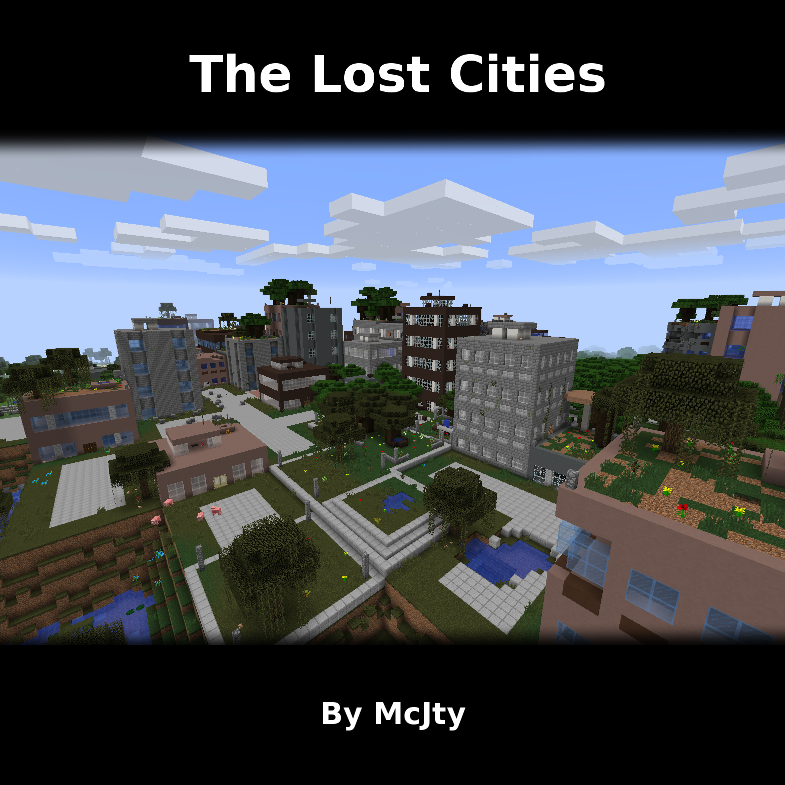
Allows the player to play in an old abandoned city instead of the normal overworld
