Minecraft version
Back to mods 
CurseForge · Minecraft mod
Global Settings
Sick of setting up every instance? Keybindings flustering you? Make it once and forget about it!
Choose a version Pick your version below, then grab the matching file.
Quick answer
Which Global Settings release matches 1.14.2 Forge?
Best match for your filters globalsettings-3.1.0.jar
Game version 1.14.2
Loader Forge
Global Settings globalsettings-3.1.0.jar targets 1.14.2 with Forge. The project page does not say whether this file belongs on the client, dedicated server, or both. No extra mods listed for this file.
Where it goes
Is Global Settings required on the client, server, or both?
The project page does not say whether this file belongs on the client, dedicated server, or both.
Client Source doesn’t say
Dedicated server Source doesn’t say
Loader for this release Forge
Required install it here Optional supported, not mandatory Not supported do not install here Source doesn’t say do not assume
The source does not explicitly classify this release as client-only or server-only.
What else does Global Settings globalsettings-3.1.0.jar need?
globalsettings-3.1.0.jar on 1.14.2 Forge. Every mod below is checked against that same setup.
This file does not list any required mods. Do not add a library just because a different file uses it.
This file does not list any required or optional mods.
Before you install it
Add Global Settings without breaking your instance.
Built for Global Settings globalsettings-3.1.0.jar on 1.14.2 Forge. Pick another file and the loader, install side or required mods may change.
- 01
Stick to this file
Use globalsettings-3.1.0.jar. It targets 1.14.2 with Forge; another release may have different loader, side or dependency requirements.
- 02
Bring the mods it needs
This file does not list any required mods. Do not add a library just because a different file uses it.
- 03
Put it on the correct side
The project page does not say whether this file belongs on the client, dedicated server, or both.
- 04
Pick the file you checked
Use the “Get this file” button beside globalsettings-3.1.0.jar. It opens that exact file at the source.
About this project
What does Global Settings add?
Global Settings V3!
Totally rewritten with these awesome features!
- Modded Support! No more losing mod keybinds or options!
- Auto-Loading toggle! Packs can now safely include the mod without issues! (Auto-loading is a global option, Not per instance)
- Java Environment Variable support for moving the location of the master file! (Use "-Dmaster.properties.location=" to change the location of the file.
- Linux will by default will point to the "XDG_CONFIG_HOME" system property by default! Take that file specifications!
- Manual Options importing! You can have all the fun of setting up an instance in one click then modify it without worrying that it will be reset! (Don't use auto-load if you want unique per instance files.)
- Options are manually updated! Got a pack set up exactly how you want? Save the options and never touch them again!
Because of the total rewrite things act a bit differently, The master file isn't populated by default anymore and auto-loading is off by default so you will need to set the mod up once beforehand to use it everywhere.
You can also find the master file location by looking at the game log as all the information as to what the mod is doing is logged.
Steps to set up:
- Find whatever instance you would like to start with, More mods = better long term options.
- Set all the options how you would like them to be.
- Click the "Update Master" button in the "Options" screen.
- Place the mod in any other instances
- Click the "Load Master" button to copy the options from the master file.
- Enjoy!
Join D3 on Discord for support, fun and inside info!
Project description from CurseForge.
Pick your setup
Global Settings by Minecraft version and loader
Choose the version and loader you play, then open the matching release.
Minecraft version
1.18.2
1 loader buildMinecraft version
1.18.1
1 loader buildMinecraft version
1.17.1
2 loader buildsMinecraft version
1.16.5
1 loader buildMinecraft version
1.16.1
1 loader buildMinecraft version
1.15.2
1 loader buildMinecraft version
1.14.4
1 loader buildMinecraft version
1.14.3
1 loader buildMinecraft version
1.14.2
1 loader buildMinecraft version
1.13.2
1 loader buildMinecraft version
1.12.2
1 loader buildCheck the dependencies, then try the file in a copied instance before changing a world you care about.
Recent files
Global Settings versions and loaders
globalsettings-3.1.0.jar
13 Jun 2019
Client Source doesn’t say Server Source doesn’t say Dependencies No extras listed Listed on Release listing
Check the 1.14.2 · Forge setup Forge1.14.2 release
Looking for an older file? The official CurseForge project page is in Resources.
 mod
CurseForge + Modrinth · Minecraft
Euphoria Patches
Euphoria Patches is an add-on for Complementary Shaders, extending it with more optional features and settings.
 mod
CurseForge · Minecraft
Music Player
Play music from many sources like youtube, soundcloud or radio livestreams
 mod
CurseForge · Minecraft
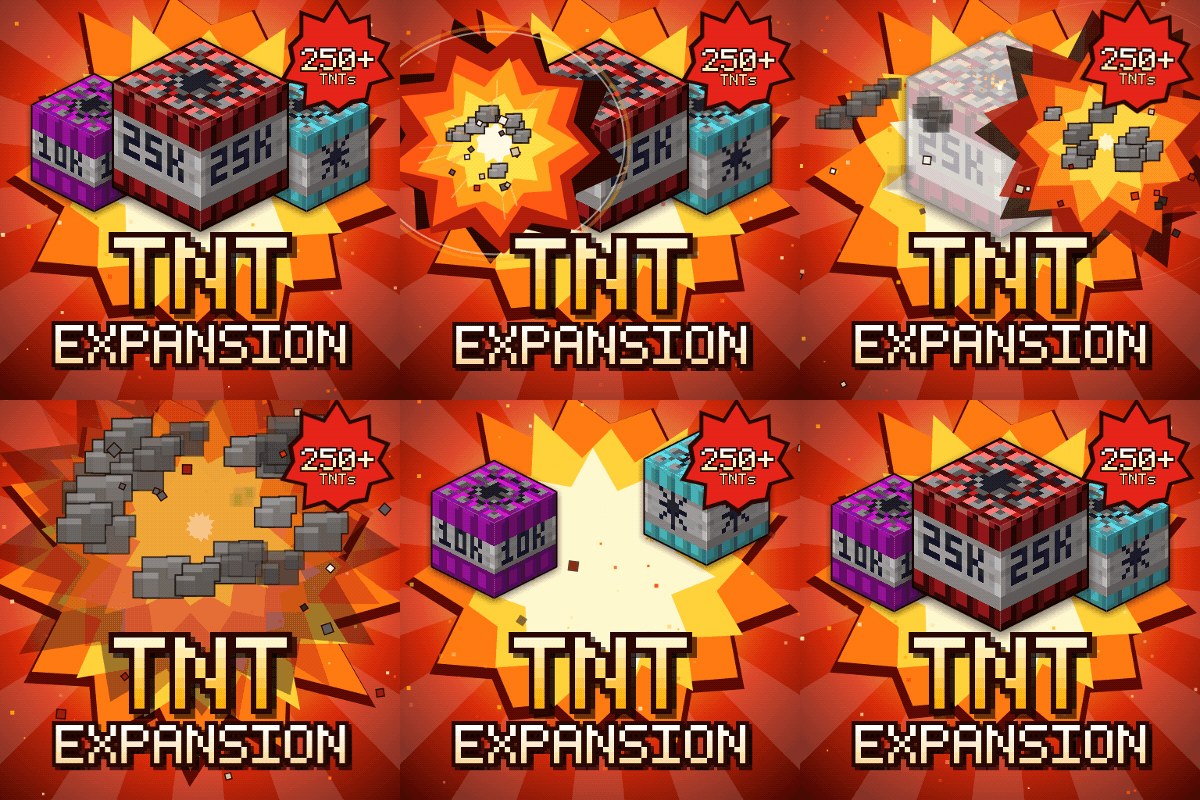
TNT Expansion (+250 new craftable TNT)
258 craftable TNTs, from harmless mini TNTs to nukes, a TNT x100,000, tornadoes and black holes. Build your own at the Workbench and see every TNT in 3D in the guide book. Or try Error 404: say goodbye to your world!