Mod Menu Optional for Player Highlighter 2.3.1
optionalMatching file found Matched file: Mod Menu v5.0.2 for 1.19.3

CurseForge · Minecraft mod
Highlights players / living entities
Quick answer
Player Highlighter 2.3.1 targets 1.19.3, 1.19.2, 1.19.1 with Fabric, Quilt. The project page does not say whether this file belongs on the client, dedicated server, or both. All 2 required mods have matching files.
Where it goes
The project page does not say whether this file belongs on the client, dedicated server, or both.
The source does not explicitly classify this release as client-only or server-only.
2.3.1. Change the file and its required mods may change too.
Install CompleteConfig, Fabric API first. We found matching files for this game-version and loader setup. 1 comes through another mod in the chain.
1 extra mod was pulled in by another dependency. Indented rows show who needs each one. We only count dependency files that match this setup. A file for another loader does not fill the gap.
Before you install it
Built for Player Highlighter 2.3.1. Pick another file and the loader, install side or required mods may change.
Use 2.3.1. It targets 1.19.3, 1.19.2, 1.19.1 with Fabric, Quilt; another release may have different loader, side or dependency requirements.
Install CompleteConfig, Fabric API first. We found matching files for this game-version and loader setup. 1 comes through another mod in the chain.
The project page does not say whether this file belongs on the client, dedicated server, or both.
Use the “Get this file” button beside 2.3.1. It opens that exact file at the source.
About this project
This Fabric only mod aims to trace players and other living entities in the game to highlight their position. It is technically an ESP (extra sensory perception) hack (aka wallhack / "x-ray for players"). This means you will be banned if you use this to get a competitive advantage! The entities are traced by drawing lines from the player/camera towards other players and living entities, highlighting direct path toward them.
I originally made this mod as a fun exercise and for use on a non-PVP server for moderation purposes. The workings were inspired by similar feature of many "hacked clients". Beware that on many servers this mod would be considered an illegal cheat/hack and using it would get you banned, as it allows you to see even invisible players, players crouching behind blocks, teams at a glance and similar.
I found out that it's actually a good addition for casual survival as well, as it helps you find your friends easily, locate runaway villagers and find that snowman someone tried to prank you with. Which is why I updated it for 1.18.
The mod is in a decent, feature-full state at the moment (May 2022), but I don't play Minecraft very regularly so you should not rely on me updating this mod.
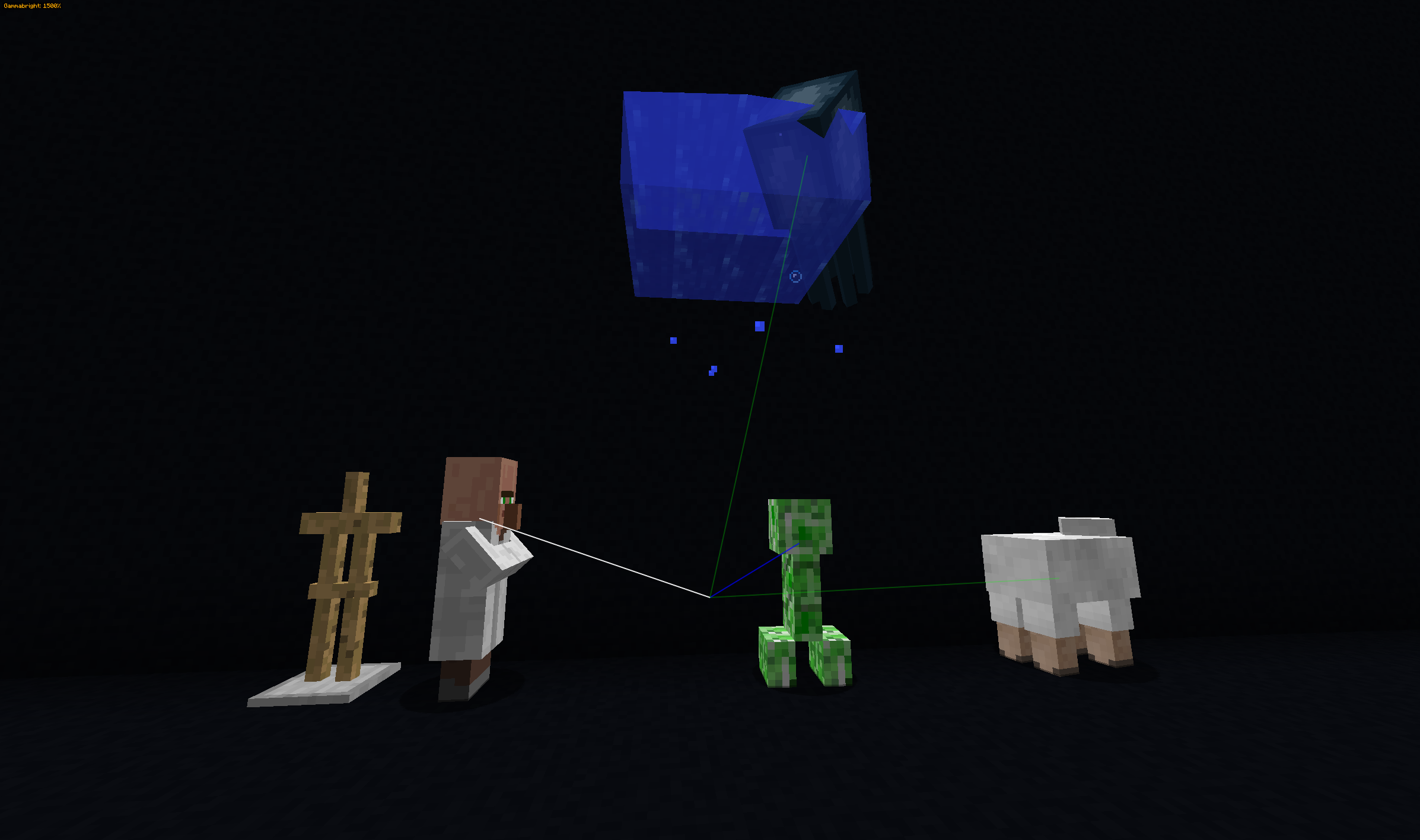
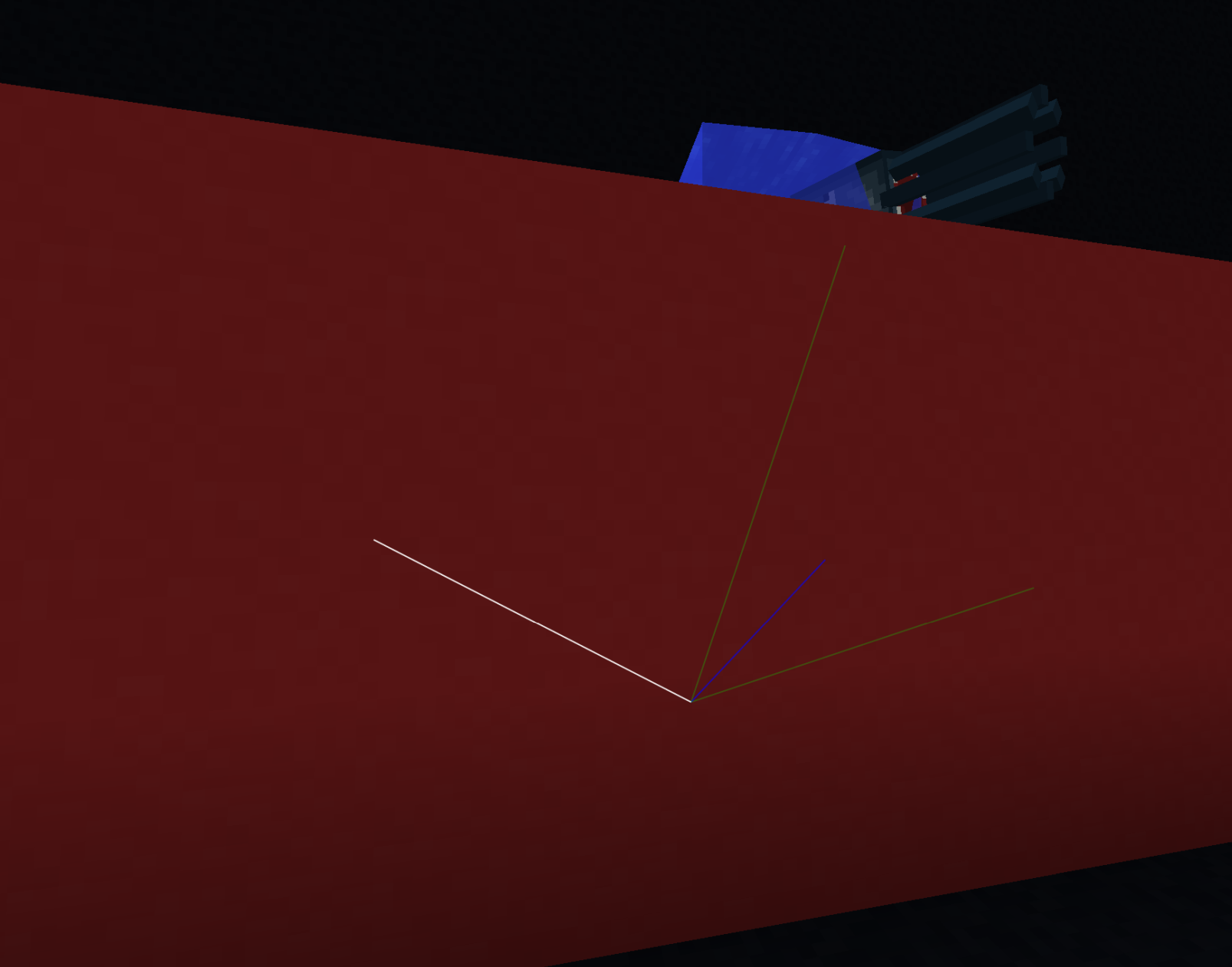
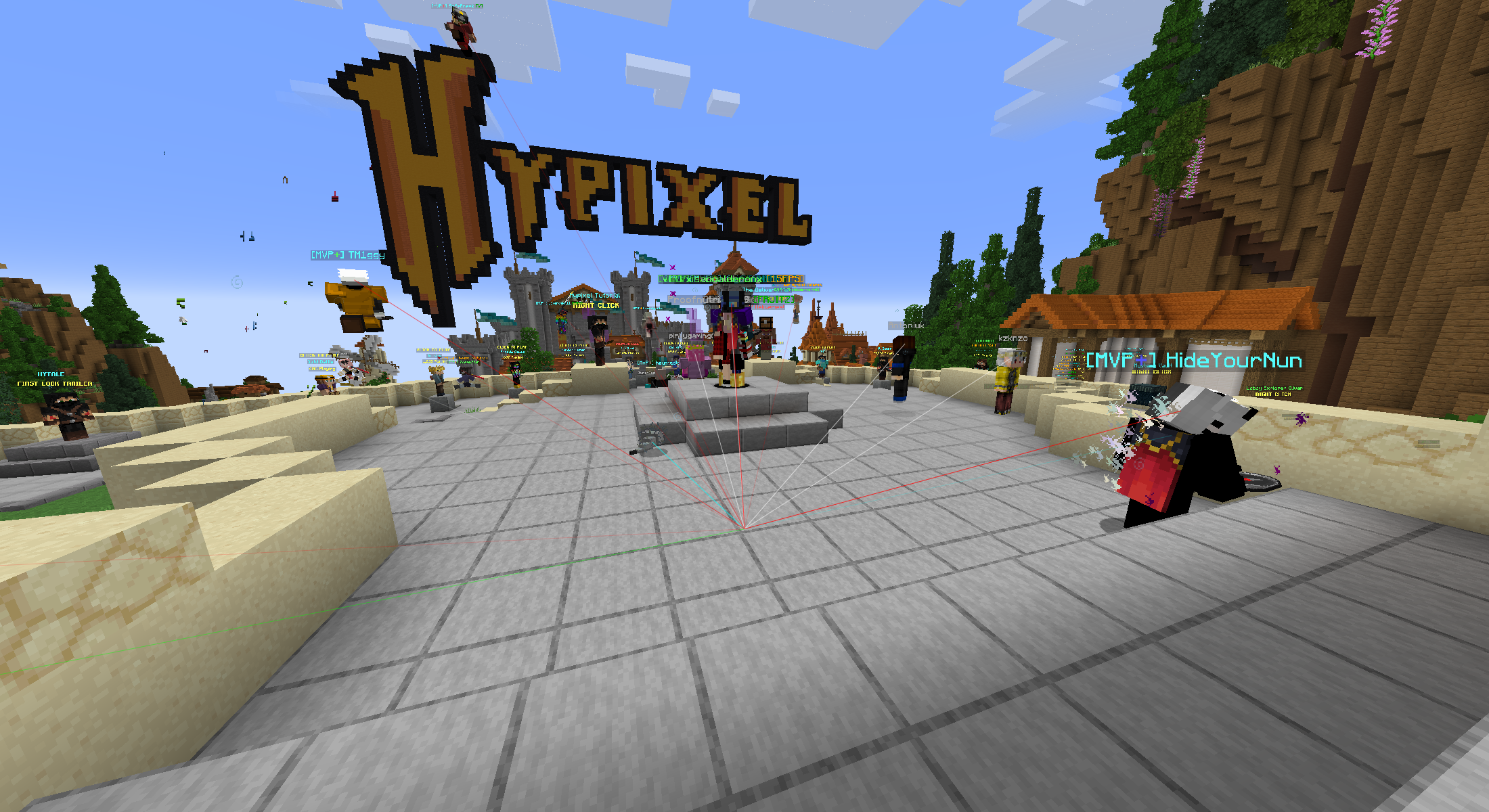
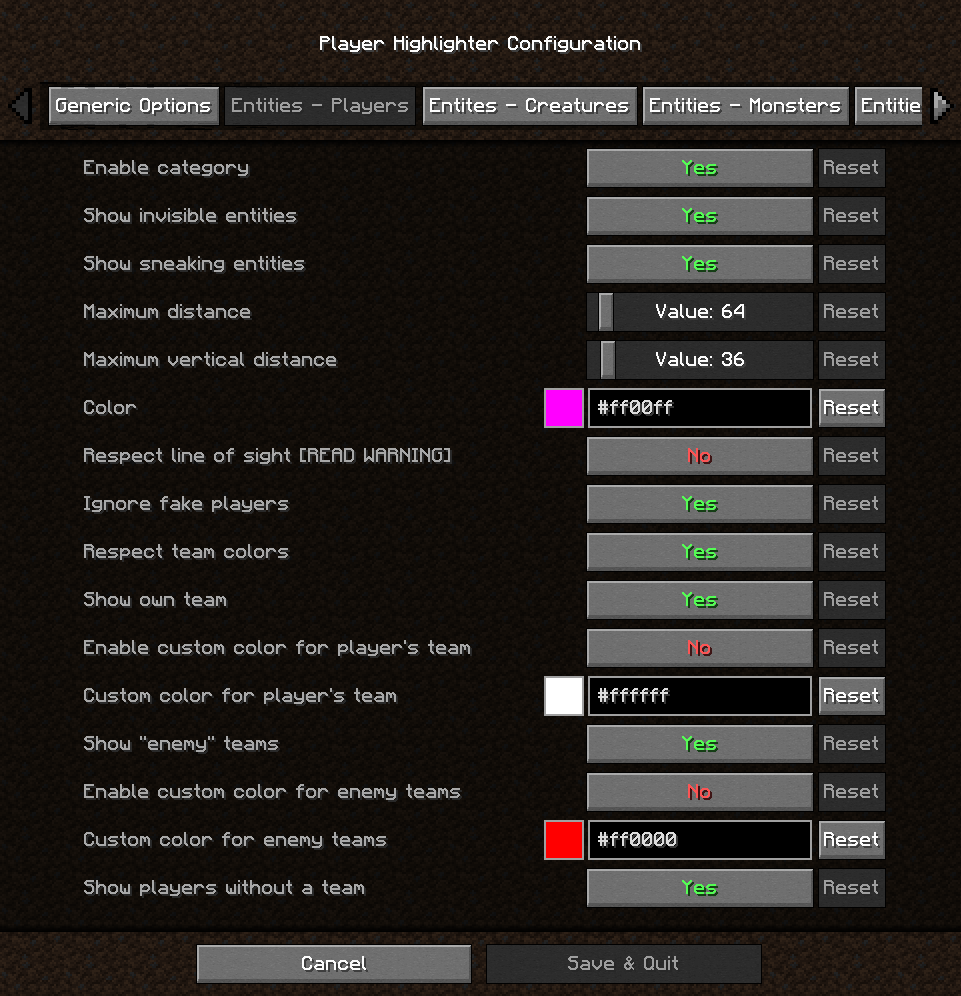
This is a Fabric mod. You need these dependencies:
To access the options menu you also need:
Put all the .jar files in your %appdata%/.minecraft/mods folder. You can configure the toggle key in Minecraft Key Bindings menu without any of the optional dependencies, but to configure anything else you either need to edit the config file manually (you probably don't want to do this, especially for changing colors) or install the optional dependencies and use Mod Menu to access the config screen.
The mod contains a few bundled dependencies:
Numpad 0.Project description from CurseForge.
Pick your setup
Choose the version and loader you play, then open the matching release.
Check the dependencies, then try the file in a copied instance before changing a world you care about.
Recent files
playerhighlighter-2.3.1.jar
10 Jan 2023
playerhighlighter-2.3.0.jar
10 Jan 2023
playerhighlighter-2.2.1.jar
2 Aug 2022
playerhighlighter-2.2.0.jar
15 Jun 2022
playerhighlighter-2.1.0.jar
18 May 2022
playerhighlighter-2.0.1.jar
16 May 2022
playerhighlighter-2.0.0.jar
16 May 2022
6 Oct 2018
5 Oct 2018
3 Oct 2018
3 Oct 2018
1 Oct 2018
Looking for an older file? The official CurseForge project page is in Resources.
 mod
A sleek social chat mod for Minecraft that replaces vanilla chat with channels, private messaging, and a modern GUI.
 mod
Mo' Zombies (1.7.10) by coocoo617 on 1.12.2 Cleanroom: 13 new zombies, a Zombie Creeper and the Survivor. Textures load from your copy of the original.